Contents
- Quick‑Look Comparison
- Dialer Types Explained
- 2025 Must‑Have Features
- How This Guide Was Put Together
- Deep‑Dive Reviews
- Lead Dialer FAQ
- 5‑Step Checklist
- Ready to Test‑Drive?
Quick‑Look Comparison (Bookmark This)
Bookmark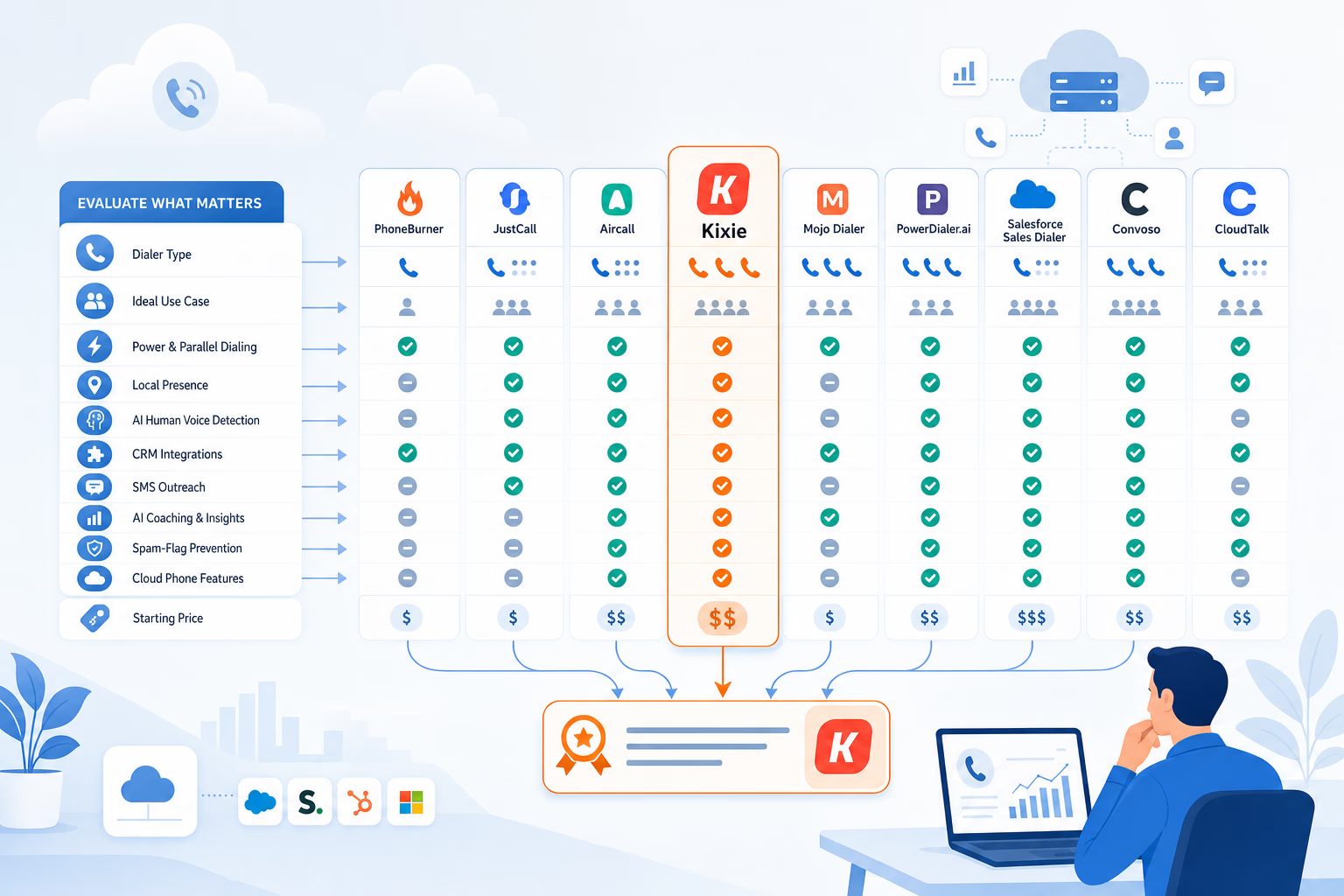
| Tool | Dialer Type(s) | Ideal For | Stand‑Out Edge | Starting Price* |
|---|---|---|---|---|
| Kixie | Power (+4‑line parallel) | Growth‑minded B2B sales teams | AI Human Voice Detection, 50k‑number local presence pool | Contact Sales / 7‑day free trial |
| PhoneBurner | Power | Remote reps who need unlimited minutes | Delay‑free connect, built‑in spam‑flag fixer | $140 user/mo |
| JustCall | Power, Auto, Predictive | Voice + SMS outreach | Multichannel flows, AI coaching | $29 user/mo |
| Aircall | Power add‑on | Teams wanting full cloud phone system | 100+ native integrations | ~ $30 user/mo |
| Mojo Dialer | Single & Triple Power | Real‑estate & prospect‑heavy teams | Advertises up to 300 calls/hr | $99 license/mo |
| PowerDialer.ai | Parallel (+ AI) | Data‑rich SDR orgs | AI voicemail cloning, live transcription | $99 user/mo |
| Salesforce Sales Dialer | Preview / Power | Salesforce‑first orgs | Native Lightning UI | Minute blocks |
| Convoso | Predictive | Enterprise call centers | AI pacing, litigator scrub | Custom quote |
| CloudTalk | Power & Smart | SMB–mid‑market | AI sentiment, agent assist | ~ $25 user/mo |
*Prices are approximate starting points, typically with annual billing, and change often. Confirm current rates on each vendor’s pricing page during evaluation.
Dialer Types Explained (Power, Predictive, Preview, Progressive)

| Dialer Mode | How It Works | Best When … |
|---|---|---|
| Power / Parallel | System dials one number per rep (single‑line) or several at once (multi‑line/parallel). Connects an agent only when a live person answers. | You need more dialing speed while keeping an agent on every connected call. A common fit for SDR sprints. |
| Predictive | AI forecasts when a rep will finish, then dials many numbers in advance so a call is waiting. | Large B2C teams that care more about volume than personalization. |
| Preview | Agent sees CRM details, decides to call or skip. | High‑value, research‑heavy outreach where context matters. |
| Progressive | Auto‑dials the next number only after the agent clicks “Ready.” | Teams wanting steady pacing and zero abandoned calls (e.g., compliance‑sensitive campaigns). |
2025 Must‑Have Features (Beyond Simple Dialing)
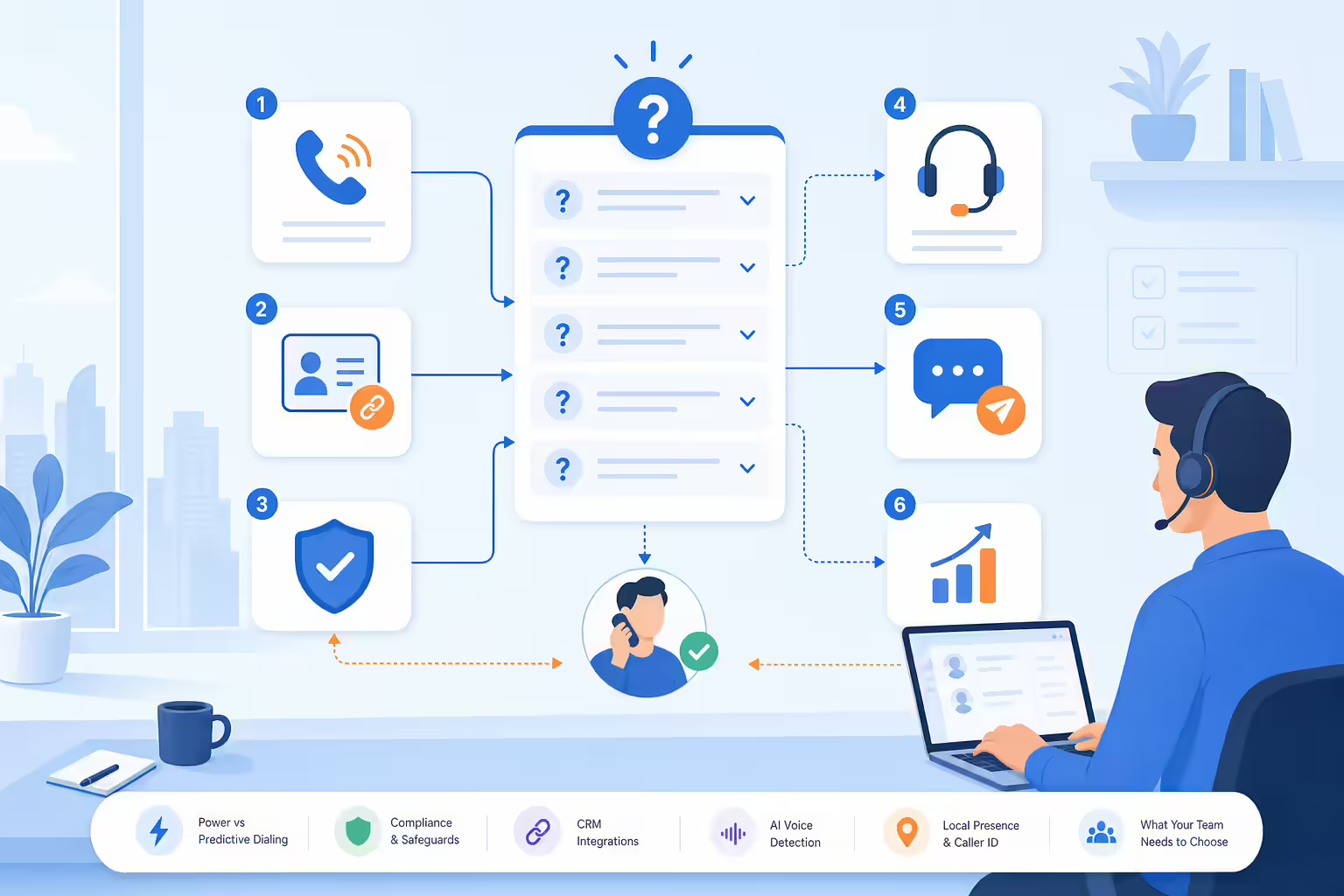
1. Deep CRM Integration
Click‑to‑call, auto‑logging, and bi‑directional field updates with platforms like HubSpot, Salesforce, and Zoho are non‑negotiable.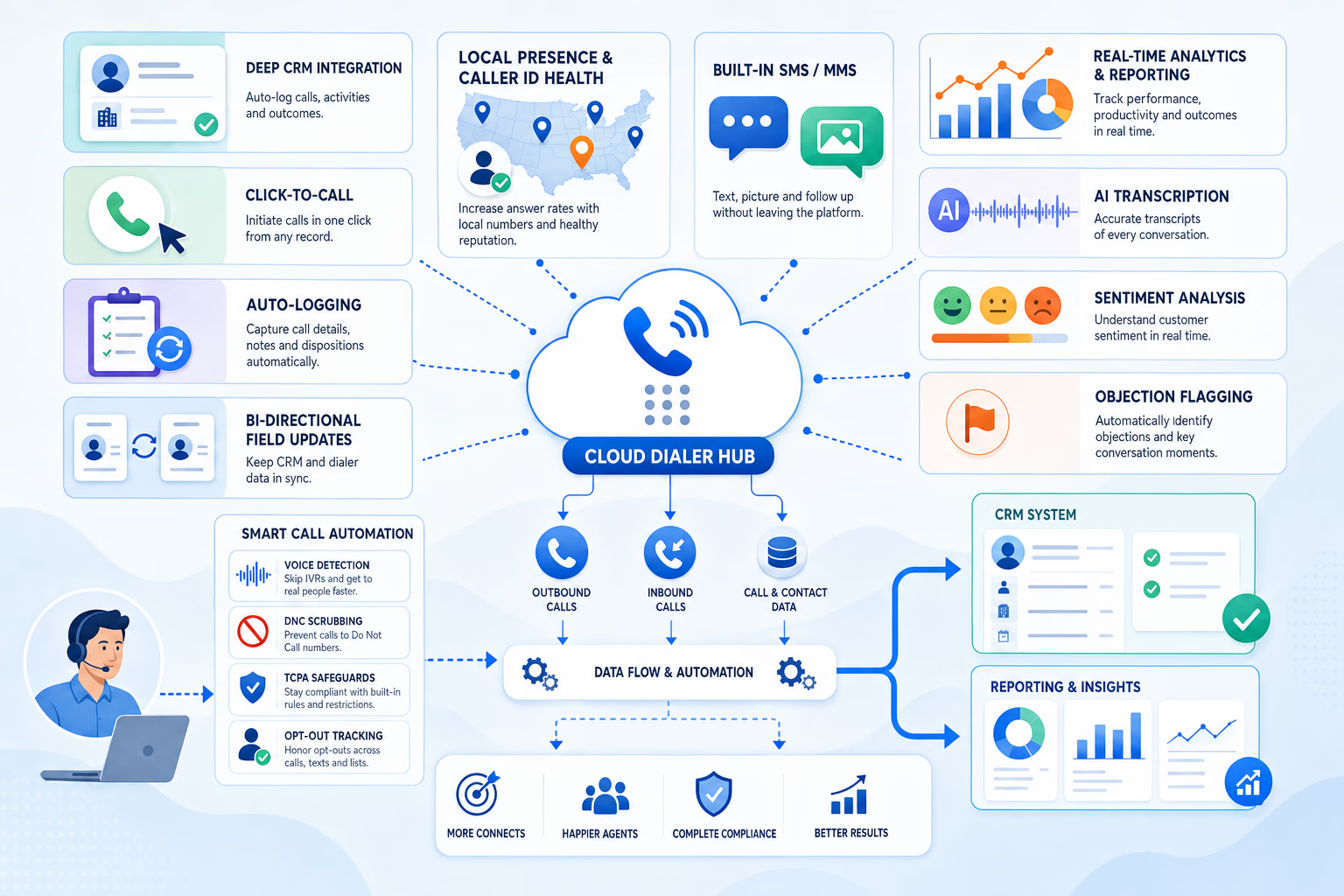
2. Local Presence + Caller‑ID Health
Rotating local numbers and spam-risk monitoring can help teams manage how outbound numbers appear to recipients.3. Built‑In SMS/MMS
One‑to‑one texts, triggered follow‑ups, and 10DLC compliance keep multichannel flows under one roof.4. Analytics & Reporting
Real‑time dashboards, custom reports, and agent leaderboards turn raw calls into coaching gold.5. AI Enhancements
Think call transcription, sentiment analysis, objection flagging, and voice detection that skips IVRs.6. Compliance Toolkit
DNC scrubbing, TCPA safeguards, and easy opt‑out tracking help protect your brand and support your compliance program.How This Guide Was Put Together

This guide is an editorial comparison written and published by Kixie. It is not a formal hands-on benchmark of every product listed, and we do not assign numeric scores. So you can weigh each recommendation appropriately, here is what the guide is based on:
- Editorial assessment. The category explanations, “ideal for” fits, and stand-out edges reflect our perspective as a company that builds and sells outbound calling software. Treat them as informed opinion, not measured test results.
- Public product information. Third-party capabilities and starting prices are based on publicly available vendor information, which changes often. Confirm current details directly with each vendor before you decide.
- Kixie’s commercial interest. Kixie sells the Kixie PowerDialer, and we benefit when you choose it. That is why Kixie appears as the featured pick in this guide. The fairest way to use any vendor-published comparison, including this one, is to shortlist two or three tools and run the same trial with each.
The comparison focuses on the factors the rest of this guide covers: CRM integration depth, dialing speed and modes, AI capabilities, compliance tooling, ease of onboarding and user experience, publicly available user reviews, and cost efficiency per connected call.
Deep‑Dive Reviews
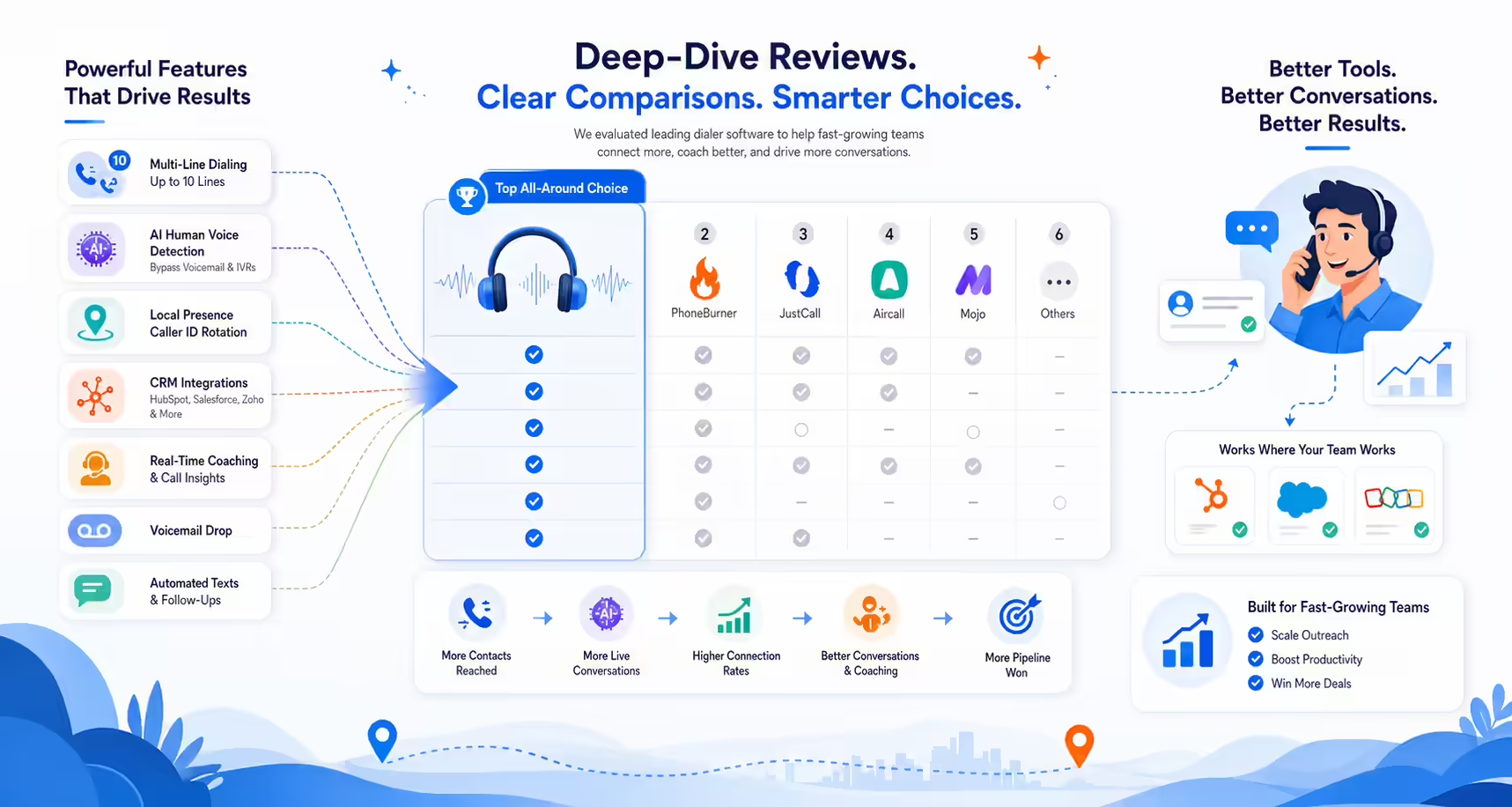
Kixie PowerDialer for Fast-Growing Teams
Kixie’s multi‑line PowerCall dials up to 4 lines simultaneously and uses AI Human Voice Detection to bypass voicemails and IVRs. Its ConnectionBoost™ pool of 50,000 numbers automatically picks a local caller ID and rotates out any that start to flag as spam. Add one‑click HubSpot, Salesforce, or Zoho installs, real‑time call coaching, and optional unlimited US/CA minutes. Why reps love it: Five‑minute setup, voicemail drop, and texts triggered by call outcome. 7‑day free trial—no card neededPhoneBurner — Unlimited Calls for Remote Reps
Browser‑based power dialer with delay‑free connects and a spam‑flag fixer. Unlimited minutes eliminate overage anxiety for high‑volume reps.JustCall — Voice + SMS in One Window
Switch between power, auto, and predictive modes while AI scores calls and coaches reps. Texts, WhatsApp, and fax live under one tab—ideal for multichannel sequences.Aircall — Cloud Phone System Plus Dialer
Add power dialing on top of IVR, call routing, and 100+ integrations. Great if you need a full business phone replacement, not just a dialer.Mojo Dialer — Triple‑Line Beast for Real Estate
Single‑ and triple‑line options are advertised at up to 300 calls/hour. Aimed at listing agents who need raw volume.PowerDialer.ai — Parallel Dialing with AI Flair
Dials multiple leads at once, serves the first live prospect, then drops an AI‑cloned voicemail to the rest—speed without predictive‑dialer risk.Salesforce Sales Dialer — Native & No‑Frills
If Salesforce is your universe, this add‑on keeps reps in Lightning while logging every activity automatically. Pay for minute blocks instead of seats.Convoso — Predictive Power for Call Centers
AI pacing can help teams manage abandoned-call rates, while litigator scrub and TCPA tools can support compliance workflows at large B2C operations.CloudTalk — Smart Dialer for SMB Budgets
AI sentiment, automatic call summaries, and a clean UI at ~$25 user/mo make CloudTalk a strong starter pick.Lead Dialer FAQ (Short & Sweet)
Is a power dialer legal?
Power dialing is a standard, widely used outbound calling practice, but calling programs are regulated. Consent, calling-time, and abandoned-call rules under the TCPA and FTC telemarketing regulations can apply depending on how you dial. Choose a platform with built‑in compliance safeguards and review your specific program with qualified counsel. This FAQ is general information, not legal advice.Power vs. Predictive—what’s faster?
Predictive dialers are typically built for maximum raw call volume, but they carry a higher risk of abandoned calls. Multi‑line power dialing (like Kixie’s 4‑line mode) raises attempts per hour while keeping a rep on every connected call. Actual throughput depends on your list quality, connect rates, and pacing settings.Will I need new hardware?
No. A stable internet connection (3 Mbps+ per agent) and a USB headset do the trick.5‑Step Checklist to Pick Your Perfect Dialer
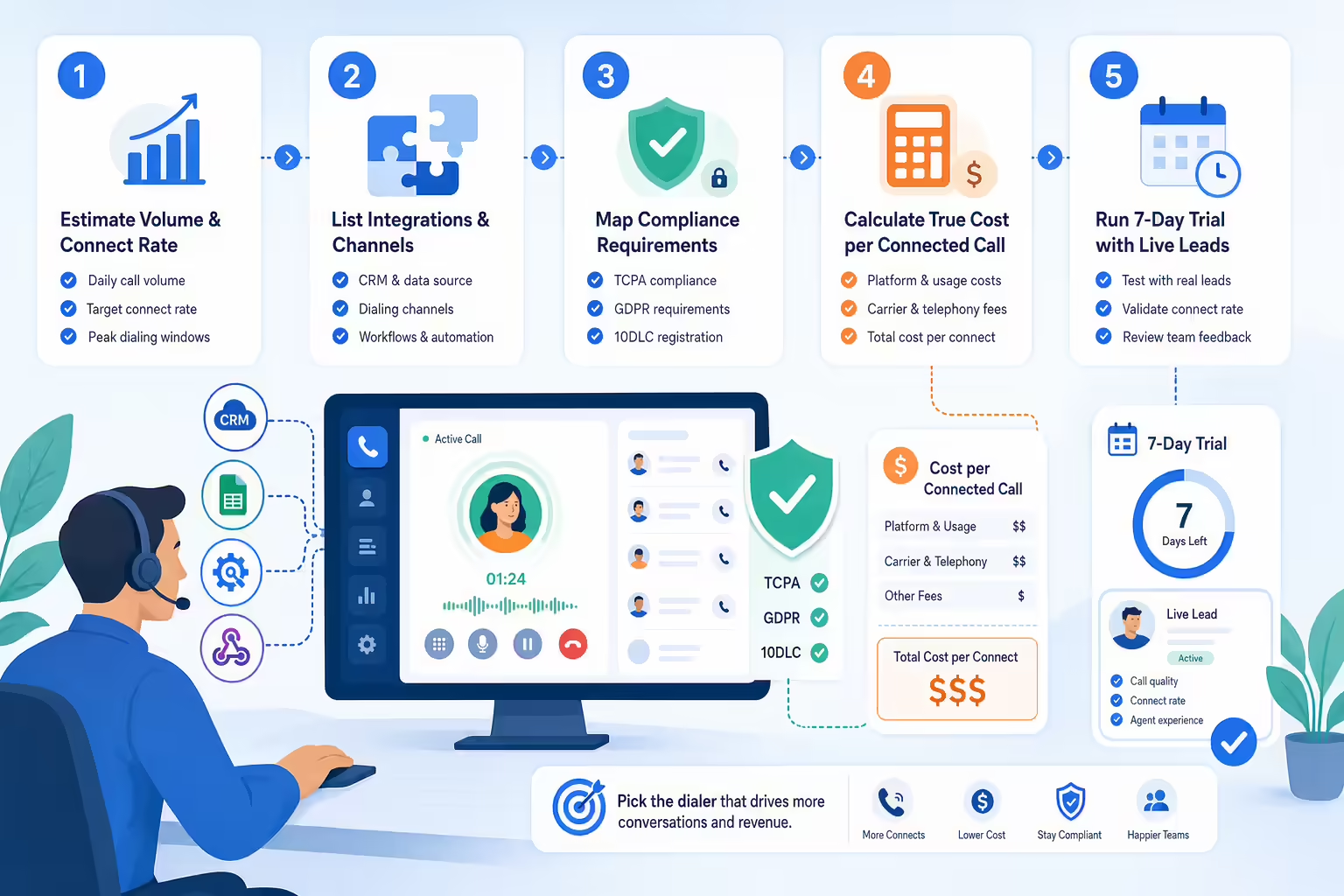
- Estimate Daily Call Volume & Connect Rate
- List Must-Have Integrations & Channels
- Map Compliance Requirements (TCPA, GDPR, 10DLC)
- Calculate True Cost per Connected Call
- Run a 7‑Day Trial With Live Leads
Ready to Test‑Drive?
Nothing beats hands‑on proof. Load a live lead list into your top two choices and measure connect rate, rep feedback, and CRM data accuracy.
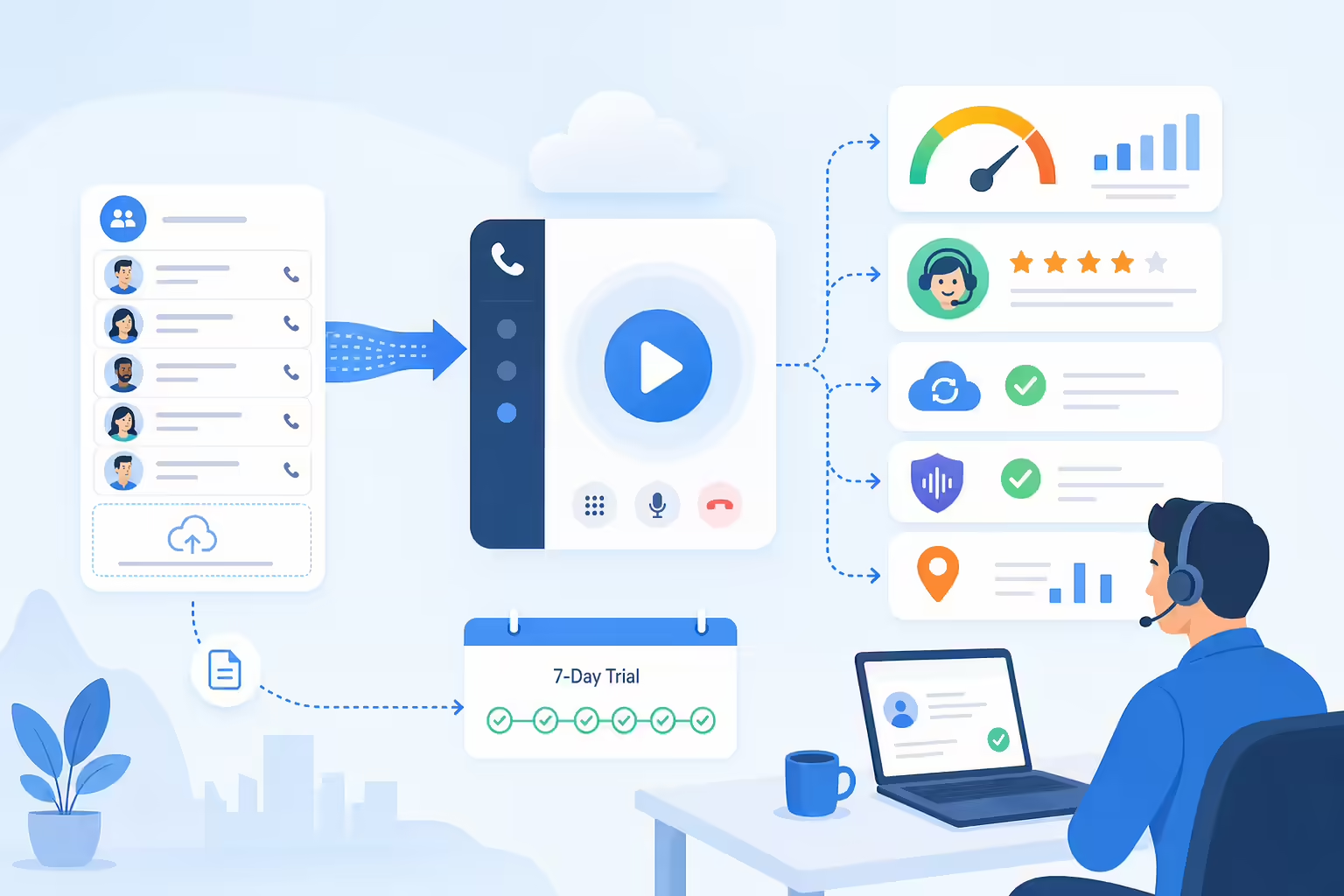
During a trial, evaluate how AI Human Voice Detection and ConnectionBoost™ perform against your own lead list.
Still have questions about dialer modes, TCPA 2025, or CRM setup?About This Guide
This comparison guide was written and published by Kixie, which sells the Kixie PowerDialer. The “How This Guide Was Put Together” section above explains what our assessments are based on and how to weigh them. Vendor features and pricing change frequently, so treat every third-party detail here as a starting point and confirm it with the vendor before you buy. Nothing in this guide is legal advice; review calling and texting compliance requirements for your programs with qualified counsel. If you spot an outdated or inaccurate product detail, contact Kixie so we can review and correct it.
Ready to close more deals with Kixie?
See how Kixie's AI-powered tools can transform your sales and support operations.
Start Free Trial