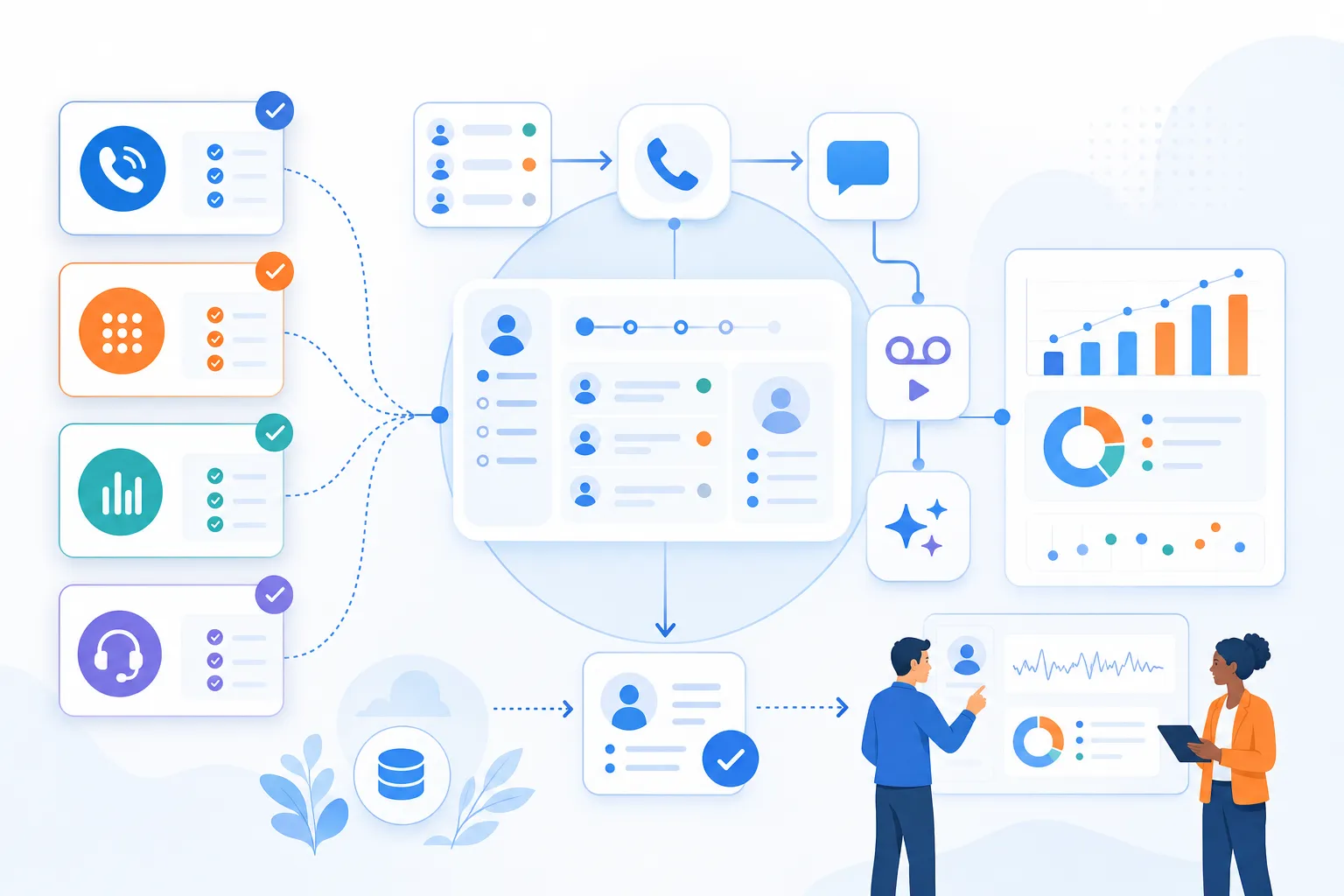
TL;DR: HubSpot dialers help sales teams call from HubSpot, log CRM activity, and add workflows such as click-to-call, power dialing, parallel dialing, predictive or auto dialing, SMS, voicemail drop, recordings, dispositions, notes, AI summaries, transcription, call scoring, and coaching, but the article gives no pricing, ratings, install counts, or plan tiers and repeatedly says to verify current HubSpot integration details, feature availability, and plan requirements with each vendor. HubSpot native calling can be enough for low daily call volume, individual-record click-to-call, simple reporting, and fewer tools, while third-party dialers fit structured outbound lists, faster list-based calling, cleaner outcomes and notes in HubSpot, SMS, voicemail drop, routing, workflow support, and manager visibility. Buyer criteria are HubSpot integration depth, whether reps can stay inside HubSpot, dialer mode matched to volume, automatic logging of calls, outcomes, recordings, notes, tasks, and custom fields, SMS and voicemail behavior, editable AI summaries and transcript storage, caller ID and deliverability topics such as local presence, branded calling, spam labeling, and reputation, plus total cost by seats, usage, regions, add-ons, and contract terms. Commonly compared HubSpot dialer vendors are Kixie for HubSpot-connected sales dialing, Aircall for cloud phone and CRM calling, RingCentral for broader business communications, JustCall for calling and texting, CloudTalk for sales and support calling, Dialpad for communications plus AI, Orum for high-volume advanced outbound, PhoneBurner for power dialing, and Aloware for calling and contact-center-style workflows. Small teams should start with native calling or simple click-to-call unless reps make daily list-based outbound calls, SDR and BDR teams should prioritize speed, CRM logging, dispositions, voicemail drop, and list workflows, RevOps should focus on HubSpot data structure and workflow-ready fields, company-wide phone needs may favor unified communications, and high-volume teams should involve legal, compliance, and operations before using parallel, predictive, or auto dialing.
If your sales team runs on HubSpot, the right dialer can make a big difference in how quickly reps move through call lists, how cleanly activity is logged, and how much context managers have after each conversation. But the “best HubSpot dialer” depends on what your team actually needs: simple click-to-call, a power dialer, SMS, voicemail drop, AI call summaries, or a phone system that works across the whole business.
This guide breaks down how to evaluate HubSpot dialers, when HubSpot’s native calling tools may be enough, and which types of calling apps are worth comparing before you buy.
HubSpot dialer comparison by sales use case
Instead of treating one provider as the universal best fit, start by matching the dialer category to your sales motion.

- Best for simple outbound calling: A click-to-call HubSpot phone integration that logs activity and keeps reps inside the CRM.
- Best for SDR and BDR teams: A power dialer that helps reps work through call queues faster while preserving CRM context.
- Best for high-volume outbound teams: A parallel, predictive, or advanced sales dialer may be worth evaluating, depending on your workflow and compliance requirements.
- Best for teams that also need a business phone system: A unified communications platform with a HubSpot integration may be the better fit.
- Best for RevOps visibility: A dialer with reliable call logging, dispositions, recordings, notes, and workflow-friendly data is usually more important than raw dialing speed.
- Best for managers coaching reps: Look for conversation intelligence features such as call recordings, summaries, transcription, or coaching workflows, then verify what is included in the current plan.
Kixie is one option HubSpot-using sales teams commonly evaluate when they want a sales dialer connected to their CRM workflow. As with any provider, confirm the current HubSpot integration details, plan requirements, and feature availability before making a decision.
What is a HubSpot dialer
A HubSpot dialer is a calling tool that works with HubSpot so reps can place calls, manage call activity, and keep CRM records updated. Depending on the provider, a HubSpot dialer may support click-to-call, automated call queues, voicemail drop, SMS, call recording, call dispositions, and reporting data that can be used by sales managers or RevOps teams.

The key difference between a basic phone connection and a sales dialer is workflow. A basic calling setup lets a rep make a call. A sales dialer helps reps move through the next best calls, capture outcomes, and reduce manual CRM updates.
HubSpot calling vs third-party dialers
HubSpot includes native calling capabilities, and for some teams, that may be enough. If you only need occasional calls, basic CRM activity tracking, and a simple way to contact prospects from contact records, start by reviewing what is already included in your HubSpot plan.

A third-party HubSpot dialer is usually worth evaluating when your team needs more outbound volume, more automation, or more sales-specific calling workflows.
When HubSpot calling is enough
- Your team makes a relatively low number of calls each day.
- Reps mostly need click-to-call from individual records.
- You do not need advanced dialing modes such as power or parallel dialing.
- Your reporting requirements are simple.
- You want to minimize additional software tools.
When a third-party HubSpot dialer fits better
- Your reps work through structured outbound call lists.
- You want faster list-based calling with fewer manual steps.
- You need more detailed dispositions, notes, recordings, or call outcomes in HubSpot.
- You want SMS, voicemail drop, call routing, or other sales engagement features.
- Your managers need better visibility into rep activity and call quality.
- You want calling activity to trigger or support HubSpot workflows.
HubSpot dialer types to compare
Before comparing vendors, make sure you are comparing the same type of tool. “HubSpot dialer” can mean several different things.

Click-to-call HubSpot dialers
A click-to-call dialer lets reps click a phone number in HubSpot and place a call. This is the simplest category and may be enough for teams that prioritize CRM convenience over high-volume outreach.
Power dialers for HubSpot
A power dialer helps reps move through a call list one contact at a time. After a call ends, the rep can log the outcome and move to the next prospect. This is often a strong fit for SDR, BDR, and inside sales teams that want speed without giving up control.
Parallel dialers for HubSpot
A parallel dialer can place multiple calls at once and connect the rep when someone answers. This can increase outbound volume, but it also requires careful review of call quality, prospect experience, and legal or compliance considerations.
Predictive and auto dialers for HubSpot
Predictive and auto dialers are built for very high-volume calling environments. These tools may be useful for certain teams, but they also require additional scrutiny around workflows, consent, abandonment rules, and applicable regulations.
AI-assisted HubSpot dialers
Some dialers include AI-assisted features such as summaries, transcription, call scoring, or coaching insights. These features can be useful for managers, but availability and accuracy vary by provider and plan.
How to choose a HubSpot dialer
The best HubSpot dialer is the one that fits your team’s workflow, not simply the one with the longest feature list. Use the criteria below to build your shortlist.

HubSpot integration depth
For HubSpot users, integration depth is often the most important factor. Ask whether reps can work from HubSpot records, whether calls are logged automatically, which fields are updated, and whether call outcomes can be used in lists, reports, or workflows.
If your team specifically wants a dialer that “lives inside HubSpot,” test how many daily steps can be completed without switching tabs. A tool may technically integrate with HubSpot but still require reps to spend most of their day in a separate workspace.
Dialer mode and outbound sales volume
Match the dialer type to your call volume. A small team may be well served by click-to-call or a simple power dialer. A larger outbound team may need more advanced queue management, parallel dialing, or manager controls.
HubSpot call logging and notes
Clean CRM data is a major reason to buy a HubSpot dialer. Verify whether calls, outcomes, notes, recordings, and follow-up tasks sync the way your RevOps team needs them to.
Dialer SMS and voicemail drop
Many sales teams want calling, texting, and voicemail workflows in the same system. If SMS or voicemail drop matters to your team, confirm whether those features are available, how they work with HubSpot, and whether they require specific plans or setup steps.
AI call summaries and sales coaching
AI call features can save managers time and help reps improve, but they should be tested in your actual sales setting. Ask whether AI-generated summaries are editable, where they appear in HubSpot, and how recordings or transcripts are stored.
Dialer caller ID and deliverability
Outbound teams often ask about local presence, branded calling, spam labeling, and caller ID reputation. Treat these as important evaluation areas, but avoid relying on broad performance claims without reviewing the provider’s documentation and your legal or compliance requirements.
Dialer pricing and contract fit
Dialer pricing can vary by seat count, usage, calling region, add-ons, and plan tier. Before you compare tools, ask each vendor for the current total cost based on your team size, expected usage, required features, and contract preferences.
HubSpot dialer tools buyers compare
The HubSpot Marketplace includes a large number of calling apps, and vendor pages change frequently. The list below is not a verified ranking. It is a practical shortlist of providers buyers commonly research when looking for HubSpot calling tools. Always verify current feature availability, pricing, HubSpot Marketplace details, and plan requirements directly with each vendor.

Kixie HubSpot dialer
Kixie is commonly evaluated by sales teams looking for a HubSpot-connected sales dialer. It may be a fit to review if your team wants outbound calling workflows tied to HubSpot activity. Before publishing or buying, verify current HubSpot compatibility, calling features, SMS availability, voicemail drop, AI features, pricing, and plan requirements with Kixie’s official materials.
Aircall HubSpot dialer
Aircall is often considered by teams that want a cloud phone and calling solution with CRM integrations. Review its current HubSpot integration details, supported calling workflows, SMS availability, analytics, and pricing before comparing it to sales-specific dialers.
RingCentral HubSpot dialer
RingCentral is commonly evaluated by teams that want broader business communications alongside HubSpot calling. It may be worth reviewing if your team needs phone, messaging, and collaboration capabilities in addition to CRM-connected calling.
JustCall HubSpot dialer
JustCall is often included in HubSpot dialer comparisons for teams evaluating calling and texting workflows. Confirm current HubSpot sync behavior, automation options, and plan-level feature availability.
CloudTalk HubSpot dialer
CloudTalk is another calling platform buyers may compare for sales and support use cases. Review its current HubSpot integration, call routing, reporting, and outbound dialing capabilities.
Dialpad HubSpot dialer
Dialpad is commonly associated with business communications and AI-assisted calling workflows. If your team wants voice, meetings, messaging, and AI capabilities in one platform, it may be worth including in your evaluation.
Orum HubSpot dialer
Orum is often discussed in the context of high-volume outbound sales dialing. Teams considering parallel or advanced dialing workflows should review fit carefully, including prospect experience, compliance requirements, and current HubSpot integration details.
PhoneBurner HubSpot dialer
PhoneBurner is frequently mentioned in power dialer comparisons. It may be relevant for teams that want list-based outbound calling workflows and sales productivity features.
Aloware HubSpot dialer
Aloware appears in HubSpot sales dialer comparisons and may be evaluated by teams looking for calling and contact center-style workflows. Verify current HubSpot integration and pricing details directly.
Best HubSpot dialer by sales team need
HubSpot dialers for small sales teams
Start with your actual call volume. If reps only make occasional calls, HubSpot’s native calling tools or a simple click-to-call integration may be enough. If reps are expected to make daily outbound calls from lists, evaluate a power dialer.
HubSpot dialers for SDR and BDR teams
Prioritize speed, CRM logging, call dispositions, voicemail drop, and list-based workflows. The best tool should help reps call efficiently without creating messy HubSpot data.
HubSpot dialers for RevOps teams
Focus on data structure. Confirm how call outcomes map into HubSpot, which properties are updated, and whether reports and workflows can use the information consistently.
HubSpot dialers for company-wide phone systems
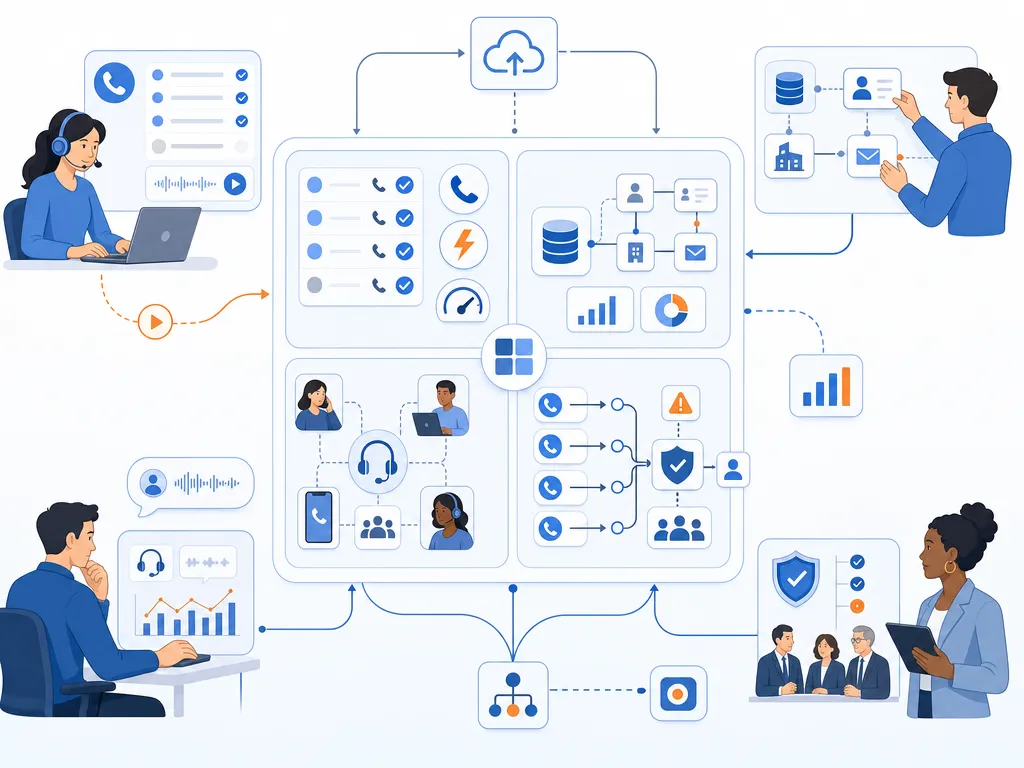
If the same platform needs to support sales, support, internal calling, and business communications, evaluate unified communications providers alongside sales dialers.
HubSpot dialers for high-volume sales teams
Review advanced dialer options carefully. Parallel, predictive, or auto dialing can change both productivity and risk. Include legal, compliance, and operations stakeholders before choosing a high-volume dialing workflow.
How we evaluated HubSpot dialers
This draft is based on a review of the current search results for “best HubSpot dialers,” including HubSpot Marketplace category pages, vendor landing pages, comparison posts, and buyer discussions. The goal is to reflect how buyers evaluate the category rather than make unsupported claims about any one provider.

Because dialer features, pricing, HubSpot Marketplace listings, and plan details change frequently, vendor-specific claims should be verified before publication. This guide intentionally avoids unverified pricing, marketplace ratings, install counts, compliance claims, and aggressive “best” rankings.
HubSpot dialer FAQs
Does HubSpot have a built-in power dialer
HubSpot includes native calling capabilities, but buyers should verify the current dialing features available in their specific HubSpot plan. If your team needs list-based power dialing, parallel dialing, or advanced sales calling workflows, evaluate third-party HubSpot dialers.

Can you make calls directly from HubSpot
Yes, HubSpot supports calling workflows, and many third-party calling apps also integrate with HubSpot. The exact experience depends on your HubSpot plan and the provider you choose.
How do power and parallel dialers differ
A power dialer typically moves through a list one call at a time, helping the rep work faster while staying in control. A parallel dialer can place multiple calls at once and connect the rep when someone answers. Parallel dialing can increase volume, but it should be reviewed carefully for fit, prospect experience, and compliance requirements.
Can a HubSpot dialer log calls automatically
Many HubSpot dialers are designed to log call activity in the CRM, but the details vary. Confirm whether the tool logs calls, notes, recordings, outcomes, tasks, and custom fields in the way your team needs.
Can HubSpot workflows trigger calls or texts
Some calling and SMS tools support workflow-related automation with HubSpot, but capabilities vary by provider and plan. Verify current workflow triggers, actions, and limitations before buying.
What should small sales teams look for in a dialer
Small teams should prioritize ease of use, clean HubSpot logging, transparent pricing, flexible contracts, and the specific features reps will use every day. Avoid paying for advanced dialing modes if your team does not have the volume or process to use them.
Final HubSpot dialer takeaway
The best HubSpot dialer is not just the fastest dialer. It is the tool that fits your sales process, keeps reps productive, and maintains clean CRM data. Start by deciding whether HubSpot native calling is enough, then compare third-party dialers by integration depth, dialing mode, call logging, SMS, voicemail drop, AI features, and total cost.

If Kixie is on your shortlist, review the latest Kixie product information and test the HubSpot workflow your reps will actually use before making a final decision.
Sources
How this comparison was built: the tools listed are calling and dialer products commonly evaluated by teams working inside HubSpot, grouped by the workflow they fit rather than ranked. Capability descriptions come from each vendor’s own official product documentation and from the HubSpot app marketplace listing category, cited below. No product was purchased, benchmarked, or timed for this article, and no pricing was verified, so confirm current plan terms and integration depth with each vendor before buying. Kixie publishes this article and sells a HubSpot-integrated dialer.
- HubSpot App Marketplace: Sales calling apps (ecosystem.hubspot.com). Primary listing source for calling products that integrate with HubSpot, accessed August 16, 2026.
- Aircall (aircall.io). Vendor documentation for cloud calling and CRM integration, accessed August 16, 2026.
- CloudTalk (cloudtalk.io). Vendor documentation for call centre and CRM calling workflows, accessed August 16, 2026.
- Dialpad (dialpad.com). Vendor documentation for business calling and call intelligence, accessed August 16, 2026.
- JustCall (justcall.io). Vendor documentation for CRM-integrated calling and messaging, accessed August 16, 2026.
- Orum (orum.com). Vendor documentation for parallel dialing workflows, accessed August 16, 2026.
- RingCentral (ringcentral.com). Vendor documentation for business communications and calling, accessed August 16, 2026.
Sources verified by the Kixie Research Team on August 16, 2026. All sources checked on August 16, 2026.
Ready to close more deals with Kixie?
See how Kixie's AI-powered tools can transform your sales and support operations.
Start Free Trial