
TL;DR: Lead dialer software helps sales teams call the right leads faster, reduce manual dialing, log CRM activity, manage follow-ups, coach reps, and support responsible outbound compliance, but the article says buyers should choose by sales motion rather than dialing speed alone. Main dialer types are power dialers for one lead at a time list progression, preview dialers for seeing lead context before calling, progressive dialers for automatically placing the next call when an agent is available, predictive dialers for high-volume outbound using answer-rate and agent-availability algorithms, and parallel dialers for calling multiple numbers at once and connecting reps when someone answers. SMB teams should prioritize easy implementation, CRM logging, and follow-up workflows, high-volume outbound teams should evaluate power, predictive, or parallel dialing plus answer quality, caller ID strategy, list quality, and compliance, CRM-heavy teams should prioritize click-to-call, automatic logging, statuses, notes, and tasks, call centers should compare routing, queues, monitoring, analytics, workforce needs, scale, and supervision, and local-market teams should review local presence, caller ID management, number reputation, and regional outreach controls. Named vendors to verify directly include CloudTalk, Five9, Nextiva, RingCentral, Genesys, NICE CXone, Aircall, JustCall, Nooks, Orum, PhoneBurner, BatchDialer, Readymode, Convoso, and Talkdesk. Must-have feature checks include click-to-call, power dialing, voicemail drop, SMS follow-up, call recording, live coaching such as monitoring, whisper, barge, scorecards, CRM logging, local presence, analytics, dispositions, conversion reporting, talk time, connection rates, and rep-level trends. Demo and buying questions should cover CRM integration, automatic call notes and recordings, campaign and rep reporting, caller ID and number health, DNC lists, consent tracking, opt-outs, time-zone controls, call recording notices, administrator permissions, onboarding, support, and pricing variables such as user seats, usage, phone numbers, feature packages, integrations, implementation, support level, and contract term.
Best lead dialer software at a glance
The best lead dialer software is the one that helps your sales team call the right leads faster, keep CRM records accurate, follow up consistently, and manage outbound calling risk responsibly. For some teams, that means a simple power dialer. For others, it may mean a predictive dialer, preview dialer, parallel dialer, or a full call center platform.
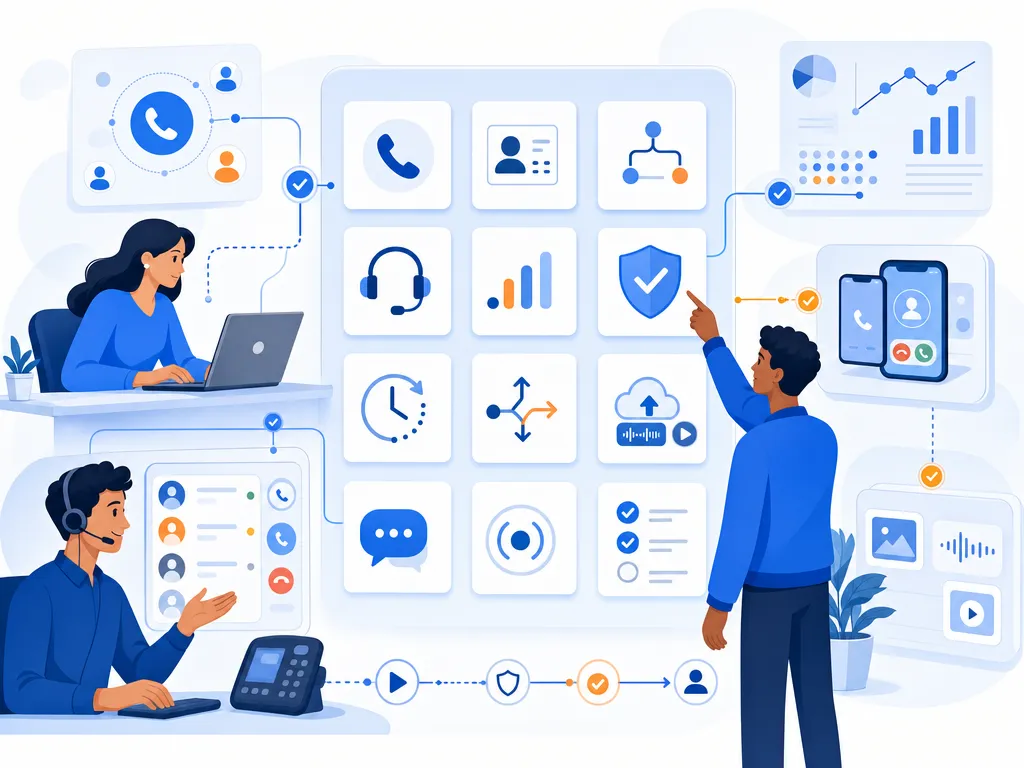
If you are comparing options, do not choose based on dialing speed alone. The right lead dialer should fit your sales motion, CRM workflow, coaching process, reporting needs, and compliance requirements.
Bottom line: the best lead dialer for an inbound-heavy sales team may be very different from the best dialer for cold outbound, appointment setting, real estate prospecting, or a large call center.
Lead dialer software comparison by use case
Most search results for “best lead dialer software” group tools under adjacent categories such as auto dialer software, predictive dialers, cold calling dialers, sales dialers, and call center dialers. Instead of treating all of these as the same, use the following buying lens.

- Best for SMB sales teams: look for a sales-focused dialer that is easy to implement, supports everyday calling workflows, logs activity to your CRM, and helps reps follow up without extra admin work.
- Best for high-volume outbound prospecting: evaluate power, predictive, or parallel dialing options, but pay close attention to answer quality, caller ID strategy, list quality, and compliance workflows.
- Best for CRM-heavy teams: prioritize CRM integration, click-to-call, automatic call logging, lead status updates, and the ability to keep call notes and follow-up tasks in one workflow.
- Best for call centers: compare queue management, agent monitoring, call routing, analytics, workforce needs, and whether the platform supports the scale and supervision model you require.
- Best for local-market calling: review caller ID management, local presence options, number reputation practices, and how the dialer supports responsible outreach in specific regions.
Popular tools that appear across dialer comparisons, review marketplaces, and sales discussions include CloudTalk, Five9, Nextiva, RingCentral, Genesys, NICE CXone, Aircall, JustCall, Nooks, Orum, PhoneBurner, BatchDialer, Readymode, Convoso, Talkdesk, and others. Feature availability, pricing, packaging, ratings, and support quality change frequently, so verify each vendor directly before making a decision.
What is lead dialer software?
Lead dialer software helps sales teams call, track, and follow up with leads more efficiently. A lead dialer typically reduces manual dialing, organizes outreach activity, and gives managers visibility into calling performance.

Unlike a basic business phone system, lead dialer software is usually built around sales workflows. That may include calling from lead lists, logging call outcomes, recording dispositions, creating follow-up tasks, dropping voicemails, sending SMS follow-ups, or syncing activity with a CRM. The exact capabilities vary by vendor and plan.
In practice, the phrase “lead dialer” often overlaps with several related categories:
- Sales dialer software for reps calling prospects, leads, and customers.
- Auto dialer software that automates part of the dialing process.
- Cold calling dialers designed for outbound prospecting workflows.
- Predictive dialer software used by higher-volume teams to reduce idle time.
- Call center dialers used in larger inbound, outbound, or blended contact center environments.
Lead dialer types explained
The biggest mistake buyers make is asking for “the best dialer” before deciding what type of dialing experience they actually need. Here are the major categories to understand.

Power lead dialers
A power dialer automatically moves through a list one lead at a time. When a call ends, the system can help the rep move to the next contact without manually entering each number. This is often a good fit for sales teams that want more efficiency while still giving reps control over each conversation.
Preview lead dialers
A preview dialer shows the rep information about the lead before the call is placed. This can be useful for consultative sales, account-based selling, or follow-up calls where context matters more than raw call volume.
Progressive lead dialers
A progressive dialer automatically places the next call when an agent is available, but generally gives the system more control than a preview workflow. This can work well when teams want a balance between efficiency and agent readiness.
Predictive lead dialers
A predictive dialer uses algorithms to place calls based on expected answer rates and agent availability. Predictive dialing can be useful for high-volume outbound environments, but it also requires careful management to avoid poor customer experiences, abandoned calls, or compliance issues.
Parallel lead dialers
A parallel dialer may call multiple numbers at once and connect the rep when someone answers. This can increase dialing volume, but teams should evaluate lead quality, conversation quality, caller ID reputation, and applicable rules before using aggressive dialing strategies.
How sales teams should choose a lead dialer
Use this checklist to compare lead dialer software options based on your actual workflow, not just feature lists.
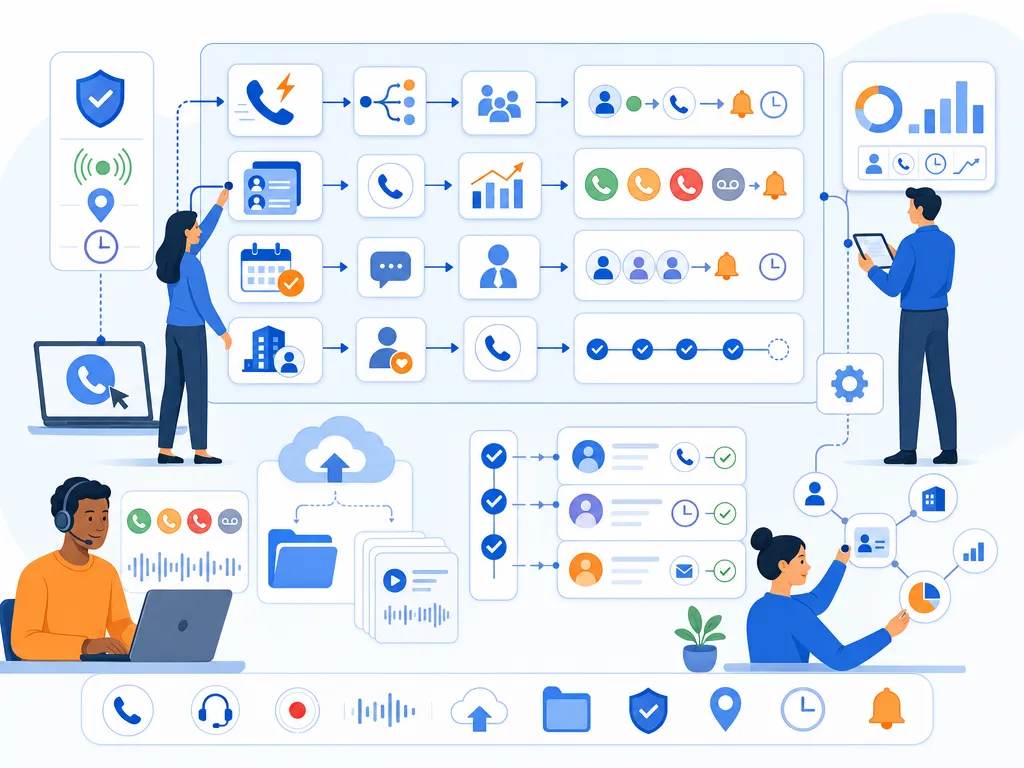
Match lead dialer mode to your sales workflow
If your reps handle high-intent inbound leads, a preview or power dialing workflow may be better than a high-volume predictive dialer. If your team works large outbound lists, you may need more automation, stronger reporting, and careful list management. If reps handle complex accounts, do not sacrifice context for speed.
- Inbound lead response: prioritize speed-to-lead, routing, CRM context, and follow-up reminders.
- Outbound prospecting: prioritize list workflows, calling efficiency, dispositions, coaching, and analytics.
- Appointment setting: prioritize repeatable call outcomes, calendar handoffs, notes, and SMS or email follow-up workflows.
- Customer expansion: prioritize account context, call history, and relationship continuity.
Check lead dialer CRM integrations
A dialer that does not fit your CRM process can create more work than it saves. Look for the ability to launch calls from the systems your reps already use, log activity automatically, capture call outcomes, and keep lead records updated.
Common CRM workflow questions include:
- Can reps use click-to-call from the CRM or sales workspace?
- Are calls, notes, outcomes, and recordings logged automatically?
- Can managers report on calls by rep, campaign, list, or outcome?
- Does the dialer support the lead statuses and follow-up steps your team already uses?
- How difficult is implementation for your sales operations team?
Review lead dialer caller ID tools
Answer rates depend on many factors: lead source, brand recognition, timing, message quality, list hygiene, and caller ID reputation. Some dialer platforms offer local presence or number management features, but buyers should verify exactly how each vendor handles caller ID strategy and number health.
Ask vendors how they help teams monitor spam flags, manage outbound numbers, and avoid practices that may damage answer rates or brand trust. Avoid any provider that frames caller ID strategy as a shortcut around responsible outreach.
Compare lead dialer coaching and call analytics
The best lead dialer software should help managers understand what is happening in conversations, not just how many calls reps make. Depending on your team, useful capabilities may include call recording, live monitoring, call notes, dispositions, conversion reporting, talk time, connection rates, and rep-level performance trends.
Before buying, define which metrics actually matter. A team focused on qualified meetings may not need the same reporting as a support-oriented call center or a revenue team focused on pipeline creation.
Confirm lead dialer consent and recording workflows
Outbound calling is subject to legal and regulatory requirements that vary by location, audience, consent status, call type, and communication channel. Dialer software can support your workflows, but it does not replace legal review.
Ask how each vendor supports internal do-not-call lists, consent tracking, call recording notices, time-zone controls, opt-out handling, and administrator permissions. Then confirm with your legal or compliance team that your policies, scripts, lists, and dialing practices are appropriate.
Compare lead dialer pricing and support
Dialer pricing may vary by user, usage, phone number, feature package, integration, implementation, support level, or contract term. Because pricing and packaging change often, verify costs directly with each vendor.
Also consider onboarding effort. A dialer that looks inexpensive on paper may become costly if it requires heavy sales operations work, poor CRM hygiene, or a long rollout. Ask about setup, training, migration, number provisioning, support availability, and how quickly your team can start calling productively.
Lead dialer software features to prioritize
Not every team needs every feature. Use this list to separate must-haves from nice-to-haves.

- Click-to-call: lets reps start calls without manually dialing numbers.
- Power dialing: helps reps move through lead lists more efficiently.
- Voicemail drop: may help reps leave consistent voicemail messages faster, depending on vendor capabilities and applicable rules.
- SMS follow-up: can support post-call follow-up when used with appropriate consent and opt-out processes.
- Call recording: supports coaching, quality review, and documentation when used in accordance with call recording laws.
- Call coaching: may include live monitoring, whisper, barge, scorecards, or manager review workflows depending on the platform.
- CRM logging: keeps call activity tied to lead, contact, account, or opportunity records.
- Local presence: may display numbers that are more relevant to the lead’s geography, subject to vendor implementation and responsible use.
- Analytics and reporting: helps managers review activity, outcomes, list performance, and rep effectiveness.
Best lead dialer software for each sales scenario
Lead dialers for fast inbound follow-up
Choose a dialer that helps reps respond quickly, see lead context, and log outcomes without delay. Speed matters, but so does routing the right lead to the right rep and preserving the full history of the interaction.
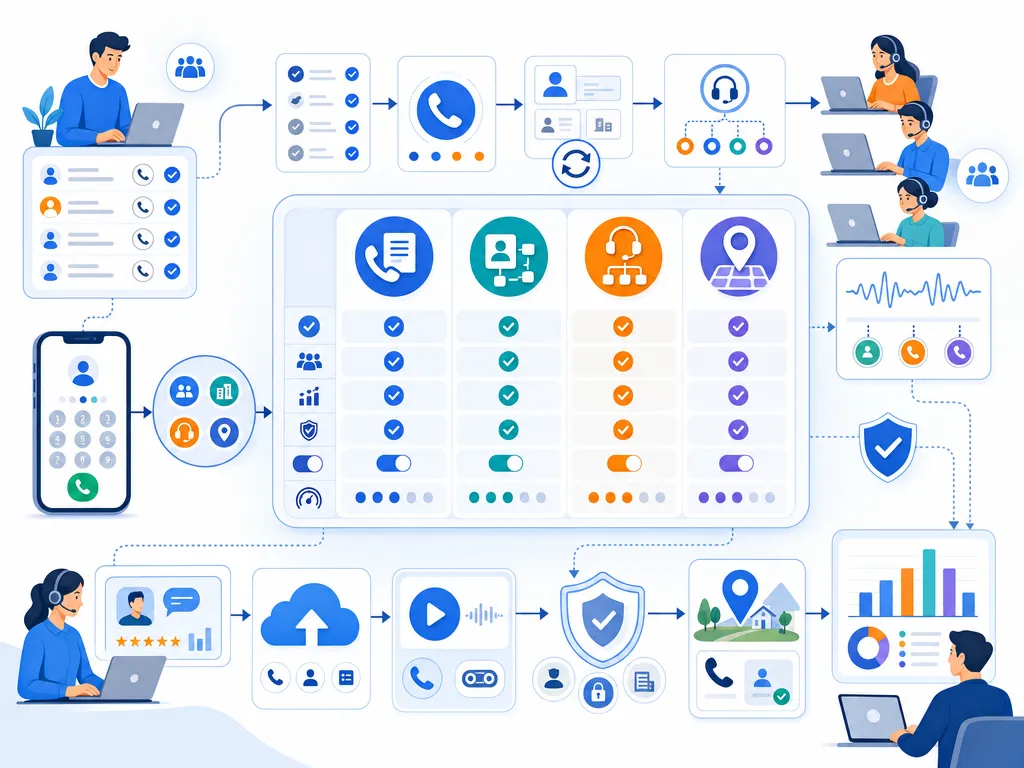
Lead dialers for cold outbound sales
Look for a dialer that supports list-based calling, repeatable dispositions, call coaching, and reporting by campaign or rep. Be cautious about optimizing only for call volume; better conversations and better targeting often matter more than raw dials.
Lead dialers for CRM-driven sales teams
Choose software that fits your existing CRM process. If reps have to copy notes manually, update records in multiple places, or switch tabs constantly, adoption may suffer. Strong CRM workflow alignment is often one of the most important buying criteria.
Lead dialers for call centers
Call center teams may need more advanced routing, monitoring, queueing, workforce visibility, and analytics than a typical sales team. Review whether each platform is built for your agent count, supervision model, and inbound, outbound, or blended calling requirements.
Lead dialers for real estate and local sales
Teams calling local markets should evaluate caller ID practices, number management, list source quality, and follow-up workflows. If local presence matters to your strategy, verify how each vendor implements it and how your team will monitor number reputation over time.
Lead dialer compliance basics
This section is for general information only and is not legal advice. Sales teams should work with legal counsel or compliance professionals before launching outbound calling, texting, recording, or automated dialing programs.
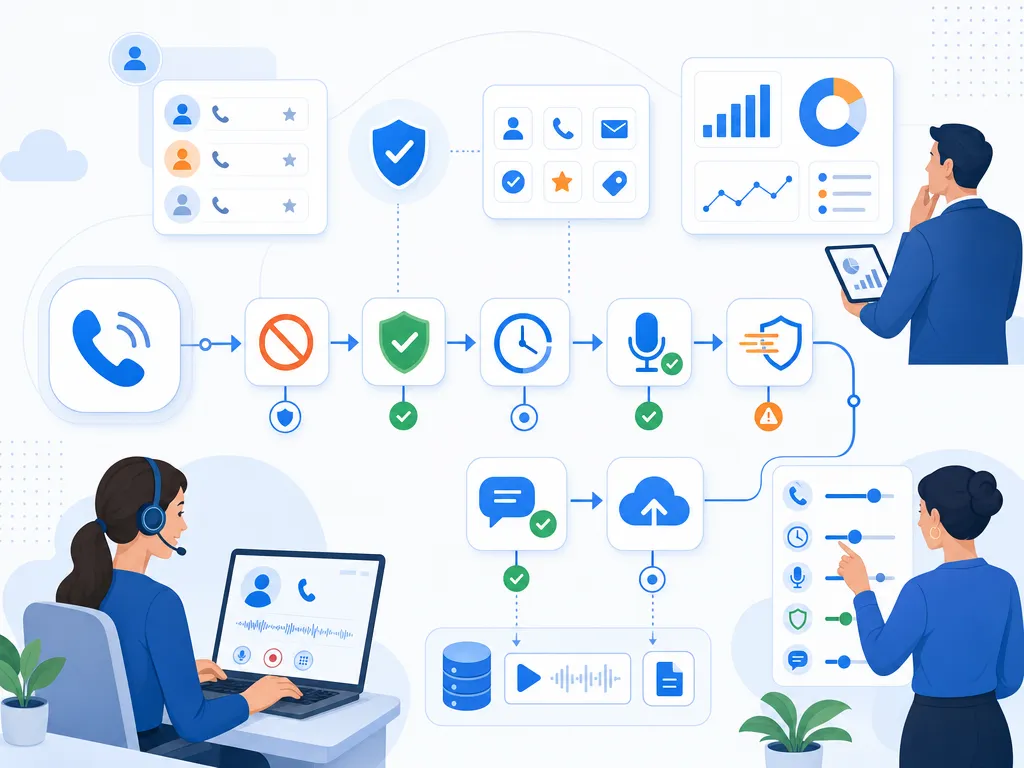
Important areas to review include:
- Do-not-call rules: confirm how your team handles internal suppression lists, national or regional DNC lists, and opt-out requests.
- Consent requirements: determine what consent is needed for the type of call, text, or automated technology you plan to use.
- Call recording laws: understand whether one-party or all-party consent rules apply in the locations involved.
- Time-zone restrictions: ensure reps are not calling outside permitted hours.
- Abandoned calls and dialing automation: review rules that may apply to predictive or high-volume dialing workflows.
- SMS follow-up: confirm consent, opt-out language, and recordkeeping requirements before texting leads.
The right software can help enforce parts of your process, but your organization remains responsible for how it sources leads, configures campaigns, trains reps, and communicates with prospects.
Questions to ask in a lead dialer demo

- Which dialing modes are available, and which one is best for our use case?
- How does the platform integrate with our CRM?
- What information is logged automatically after each call?
- Can managers review recordings, call outcomes, and rep performance?
- How are voicemail, SMS, and follow-up tasks handled?
- What caller ID and number management options are available?
- How does the platform support DNC, opt-outs, time zones, and call recording workflows?
- What is included in the quoted price, and what costs extra?
- How long does onboarding usually take for a team like ours?
- What support is available during implementation and after launch?
Lead dialer software FAQs
What is the best lead dialer software?
The best lead dialer software depends on your team size, sales motion, CRM, call volume, compliance requirements, and coaching process. A small sales team may prefer a simple power dialer, while a large outbound operation may evaluate predictive or call center dialers.
How is a lead dialer different from an auto dialer?
A lead dialer is a sales-focused tool for calling and following up with leads. An auto dialer is a broader category of software that automates dialing. Many lead dialers include auto dialing features, but not every auto dialer is designed around sales lead management.
Is a power or predictive lead dialer better?
A power dialer is often better when reps need control and context for each call. A predictive dialer may fit higher-volume environments where reducing agent idle time is a priority. Teams should also evaluate customer experience, list quality, and legal requirements before choosing a dialing mode.
Can lead dialers integrate with CRMs?
Many lead dialers offer CRM integrations, but supported systems and capabilities vary. Confirm whether the dialer can launch calls, log activity, update lead records, sync notes, and support your exact sales workflow.
Are lead dialers legal for sales outreach?
Auto dialer legality depends on where you call, who you call, the technology used, consent status, call purpose, and other factors. Do not rely on software alone for compliance. Get legal guidance before launching automated or high-volume outreach.
Which lead dialer features matter for cold calling?
For cold calling, prioritize dialing efficiency, CRM logging, list management, call recording, coaching, analytics, caller ID strategy, and responsible compliance workflows. The best tool should help reps have better conversations, not just make more calls.
Lead dialer software takeaway
The best lead dialer software is not simply the fastest dialer. It is the platform that fits your lead sources, sales process, CRM, coaching model, and compliance requirements. Before choosing a vendor, define your outreach motion, decide which dialing mode you need, verify integrations and pricing, and involve legal or compliance stakeholders early.
If you are evaluating sales dialer options, use the checklist above to compare platforms consistently and choose the one that best supports your team’s day-to-day selling workflow.
Ready to close more deals with Kixie?
See how Kixie's AI-powered tools can transform your sales and support operations.
Start Free Trial