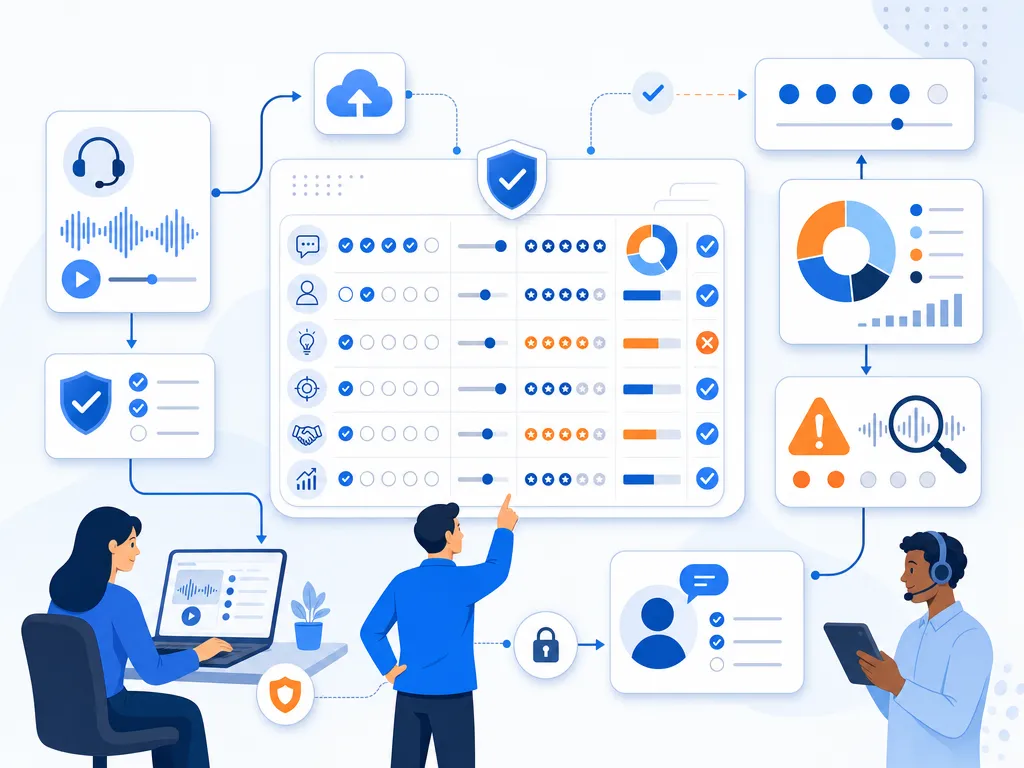
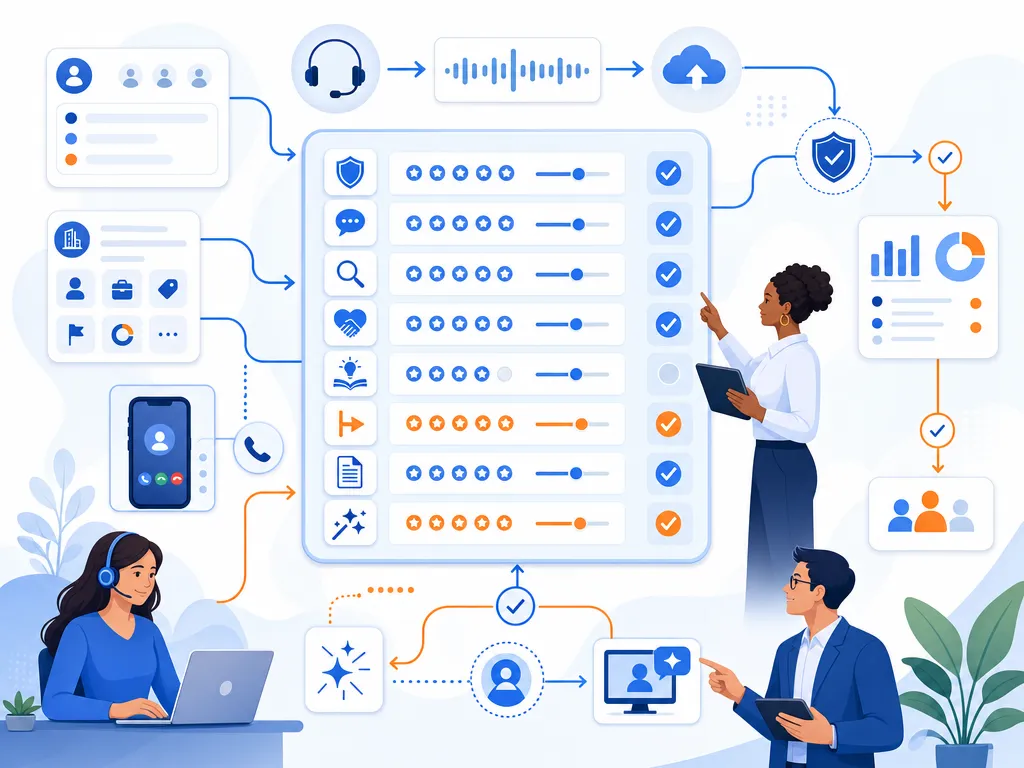
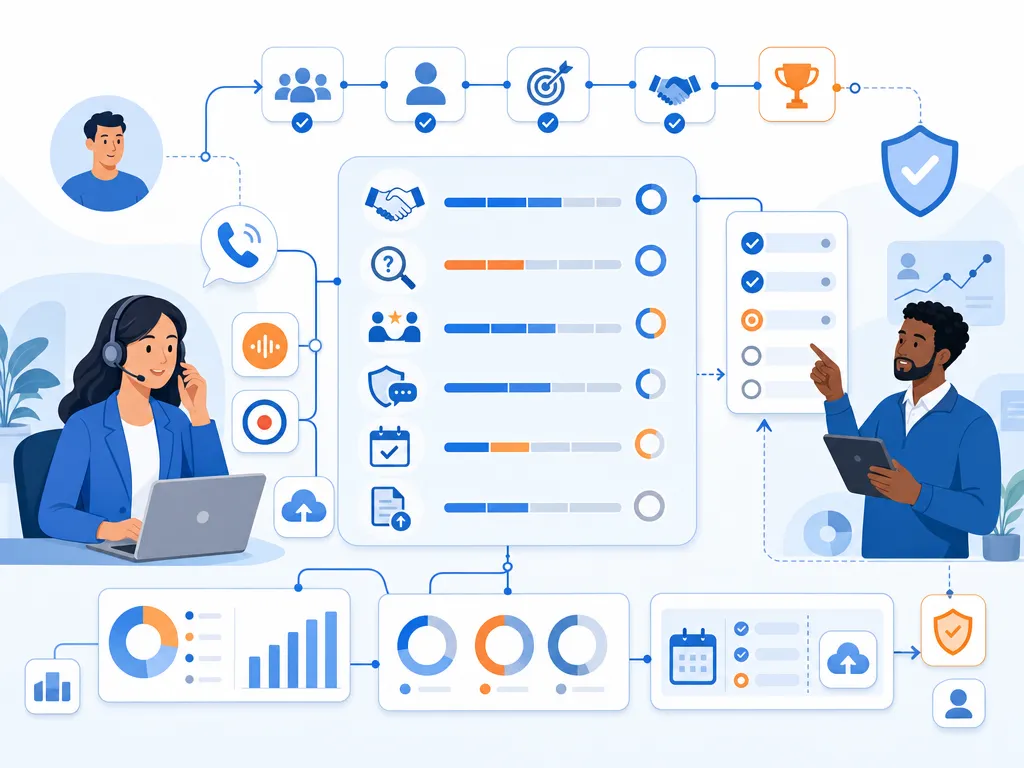
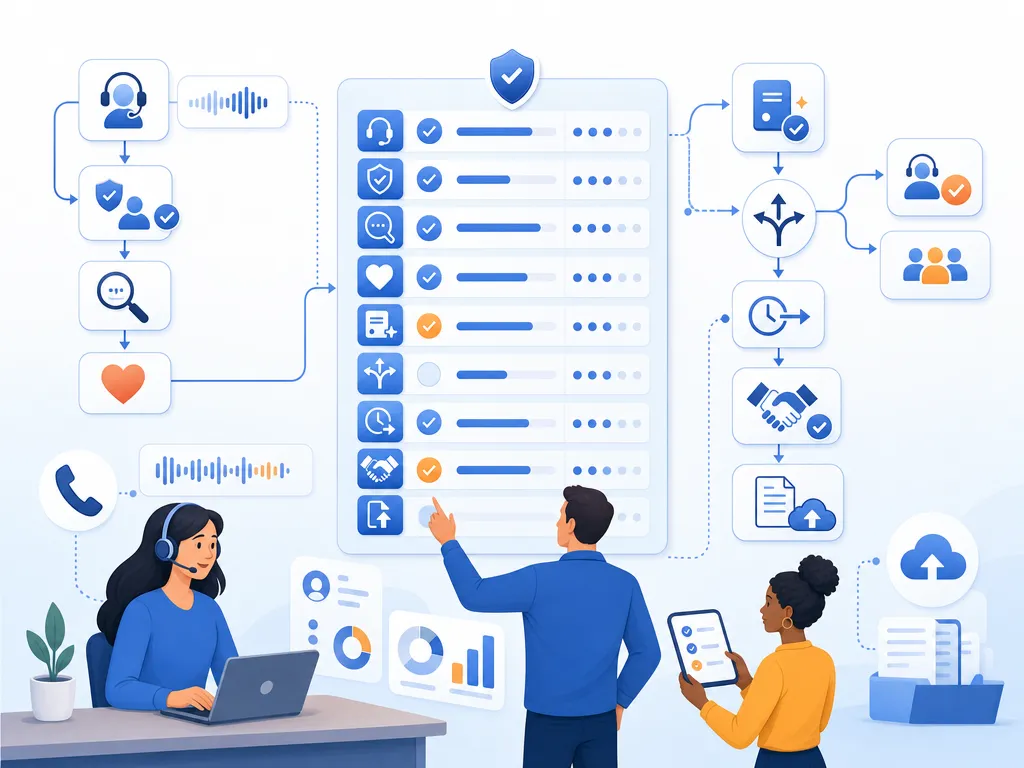
Claude Dialer Integration With Kixie for AI-Powered Outreach

TL;DR: A “Claude dialer” isn’t a standalone product. It’s what you build when you connect Anthropic’s Claude AI to Kixie PowerCall (kixie.com) through Programmatic Tool Calling (Python sandbox) or the Model Context Protocol (MCP, JSON-RPC 2.0). Kixie provides the telephony infrastructure: multi-line power dialing (up to 10 simultaneous calls), AI Human Voice Detection, ConnectionBoost local presence with progressive number rotation (up to 500% higher connection rates), AES-256 encryption, HIPAA-ready BAA signing, and CRM sync to Salesforce, monday.com, and HubSpot. Claude provides the AI brain: adaptive conversation, transcript analysis, and workflow orchestration. Key Kixie API endpoints include Make A Call, Send SMS, Send to Queue, and Business/Team SMS. Anthropic’s own Interviewer tool conducted 80,000+ participant interviews in late 2025 using a similar three-phase workflow (planning, interviewing, analysis). Clinical trial benchmarks for AI voice agents show 3x faster enrollment, 60% cost reduction, 50+ language support, and 24/7 availability. No-code integration is available through Zapier and Make.com, while custom builds use Kixie’s REST API with Claude’s strict tool definitions. Kixie requires Professional Billing Tier or higher for API access.

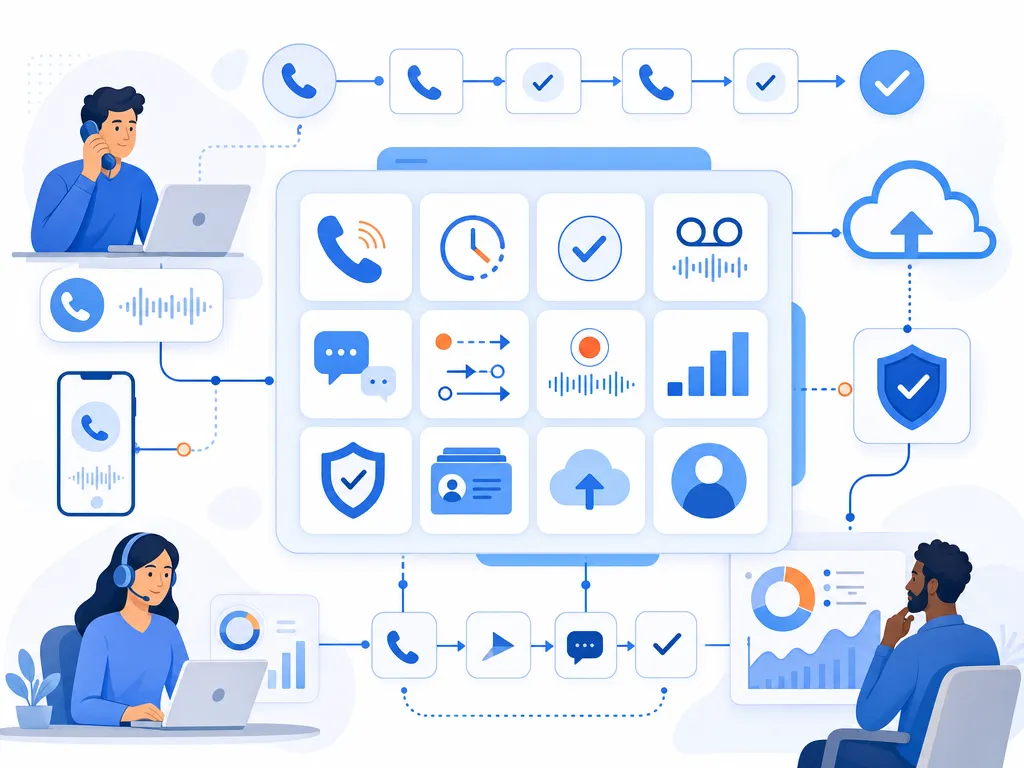
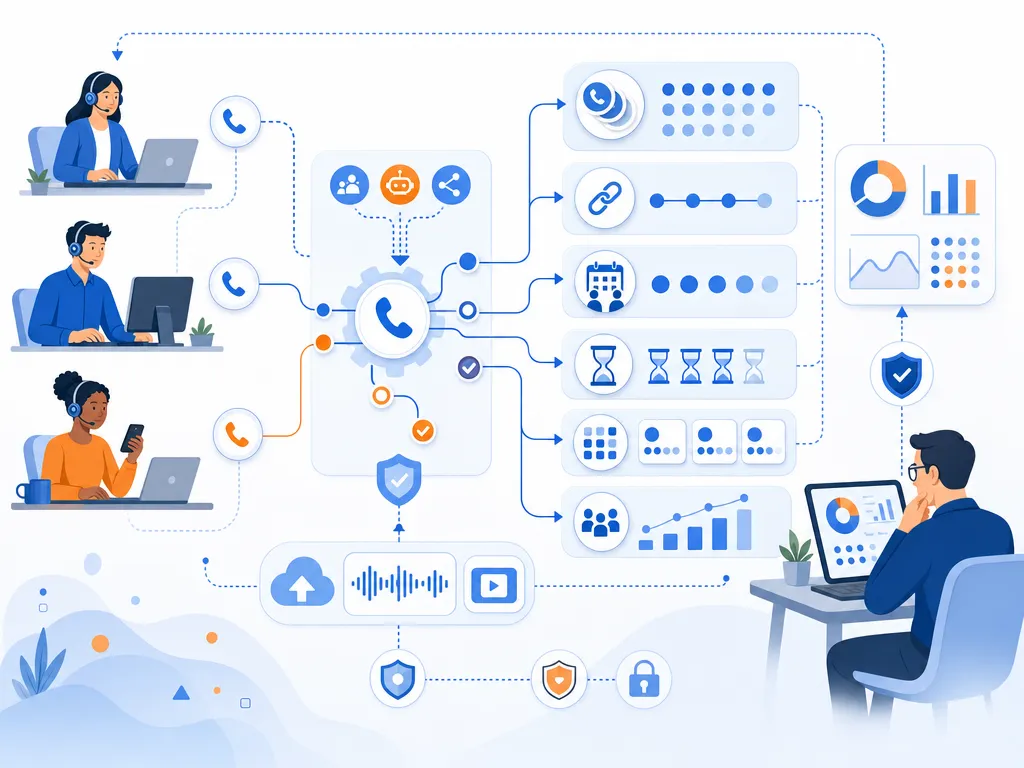
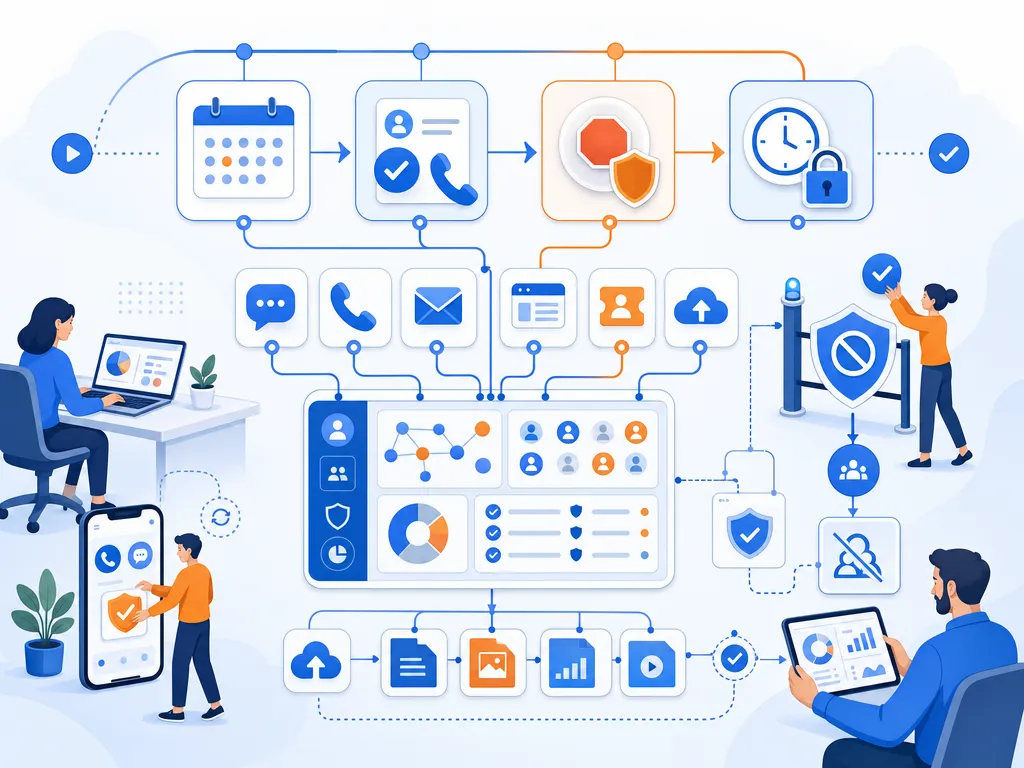
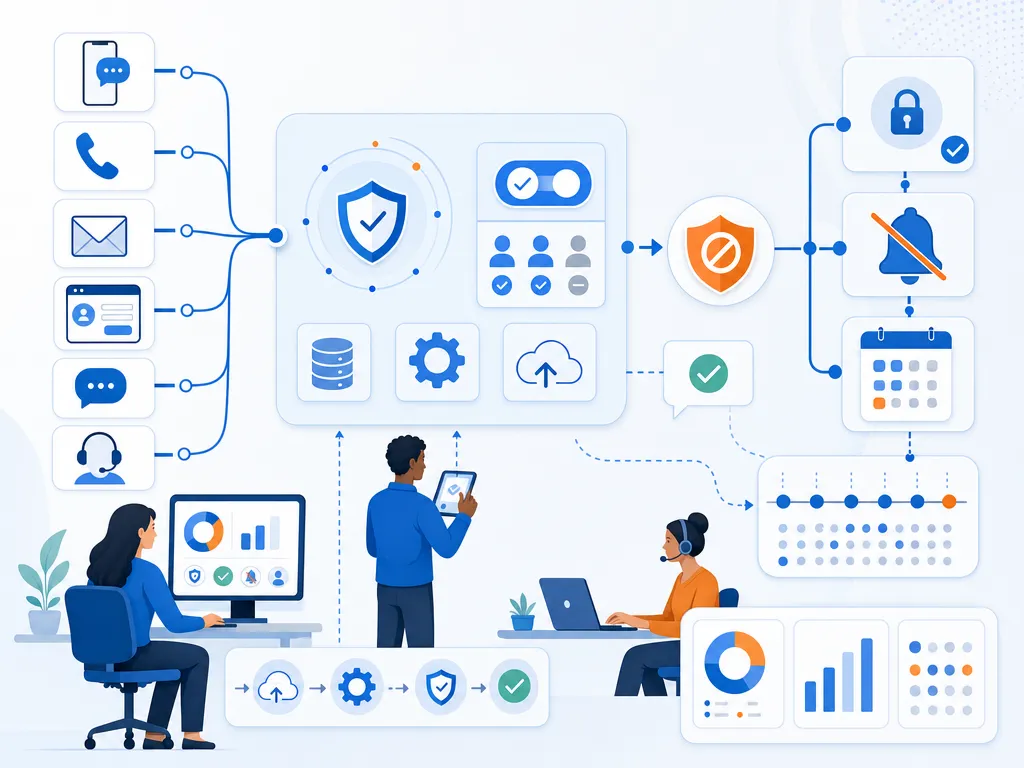
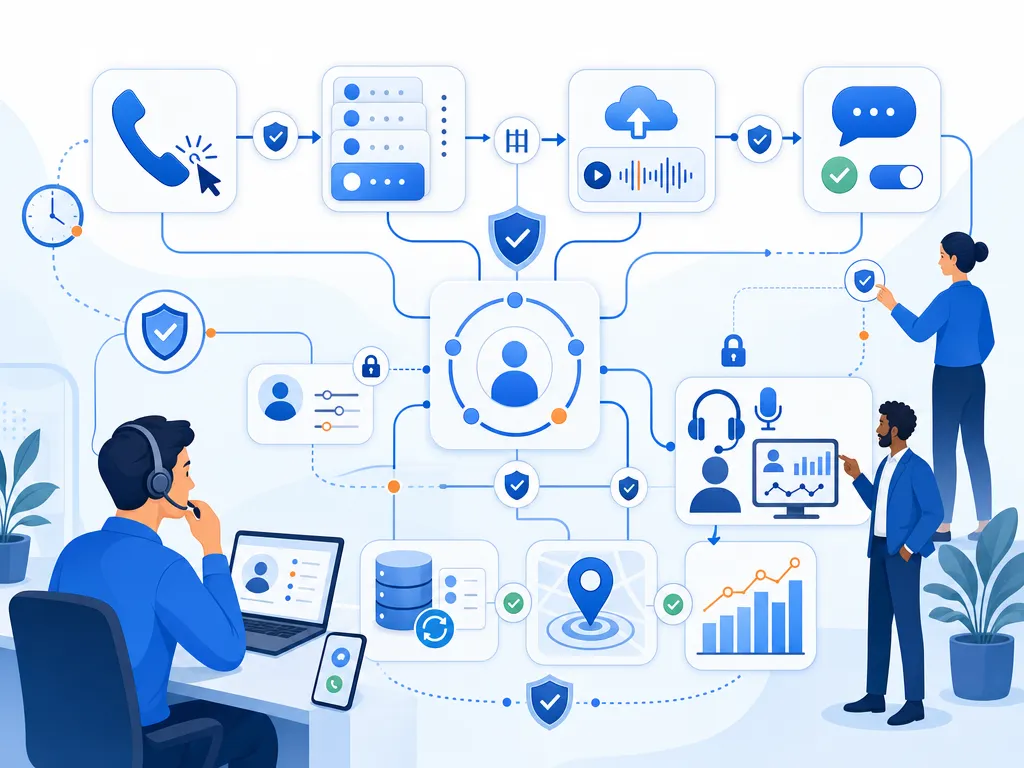
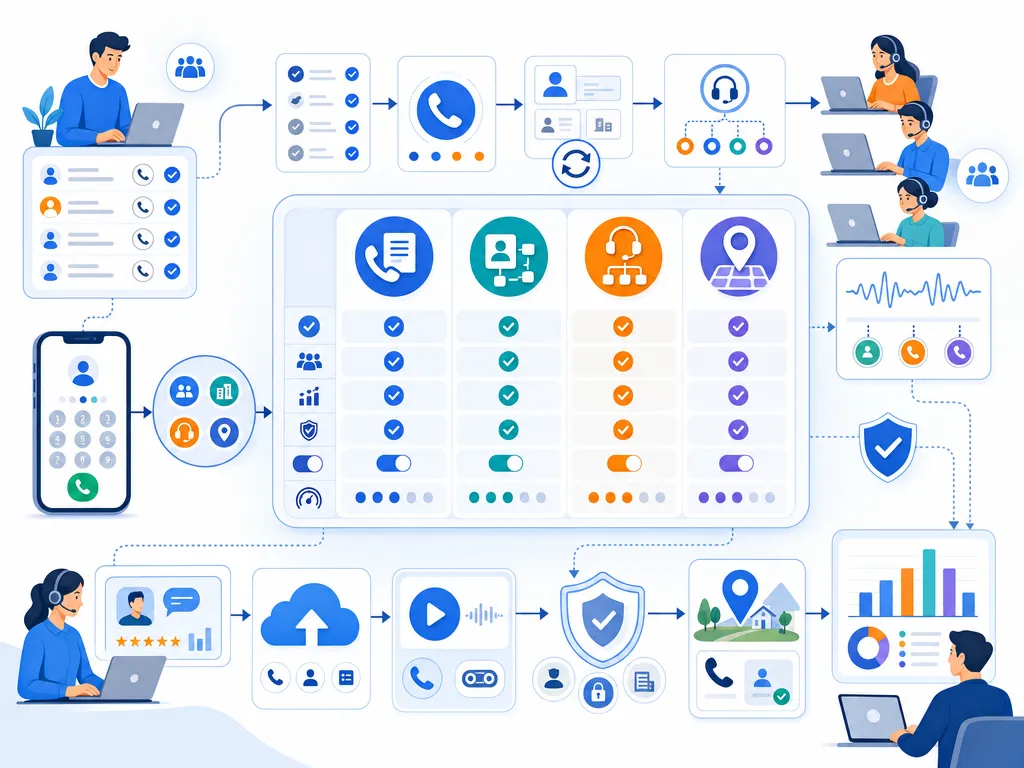
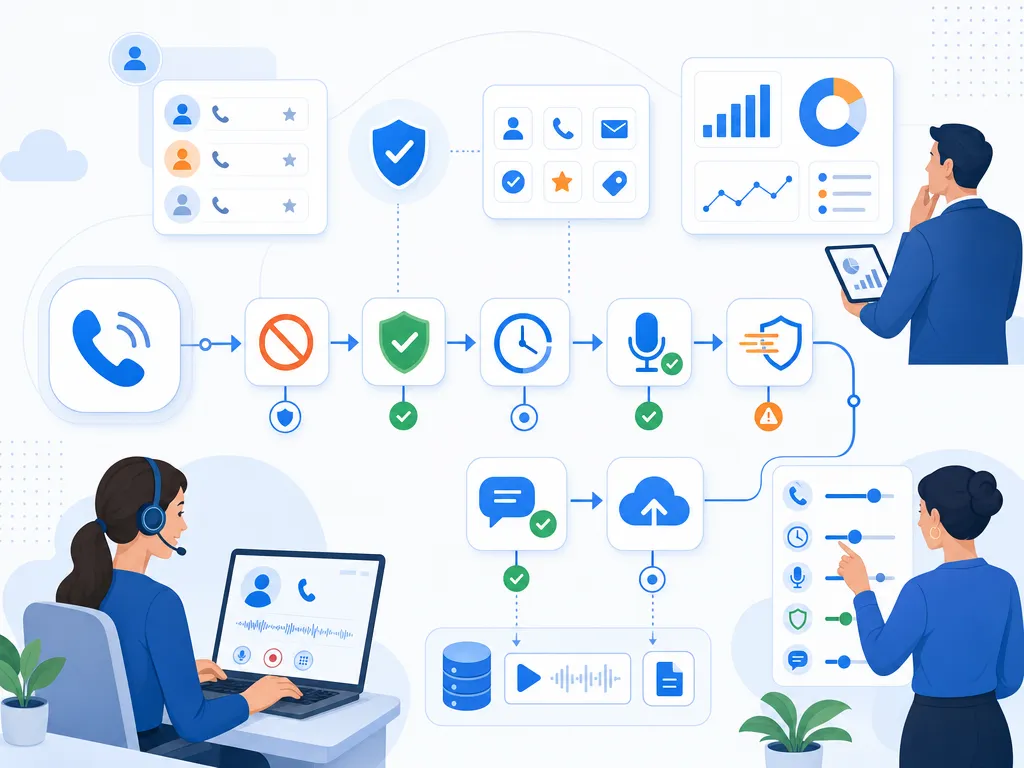
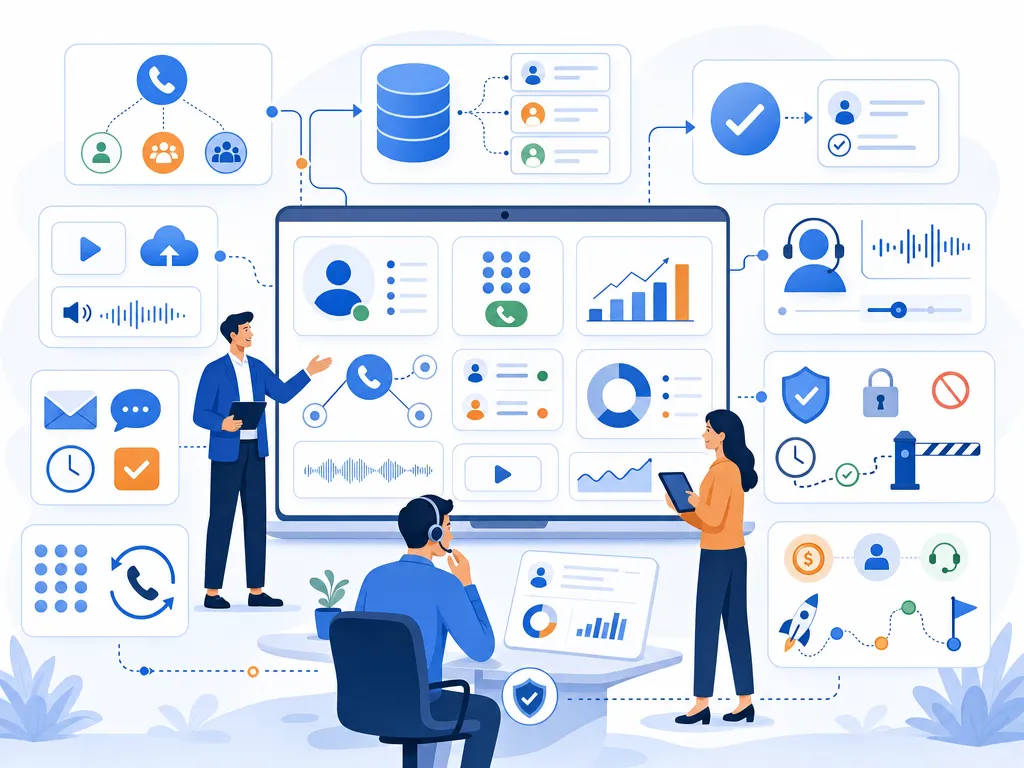
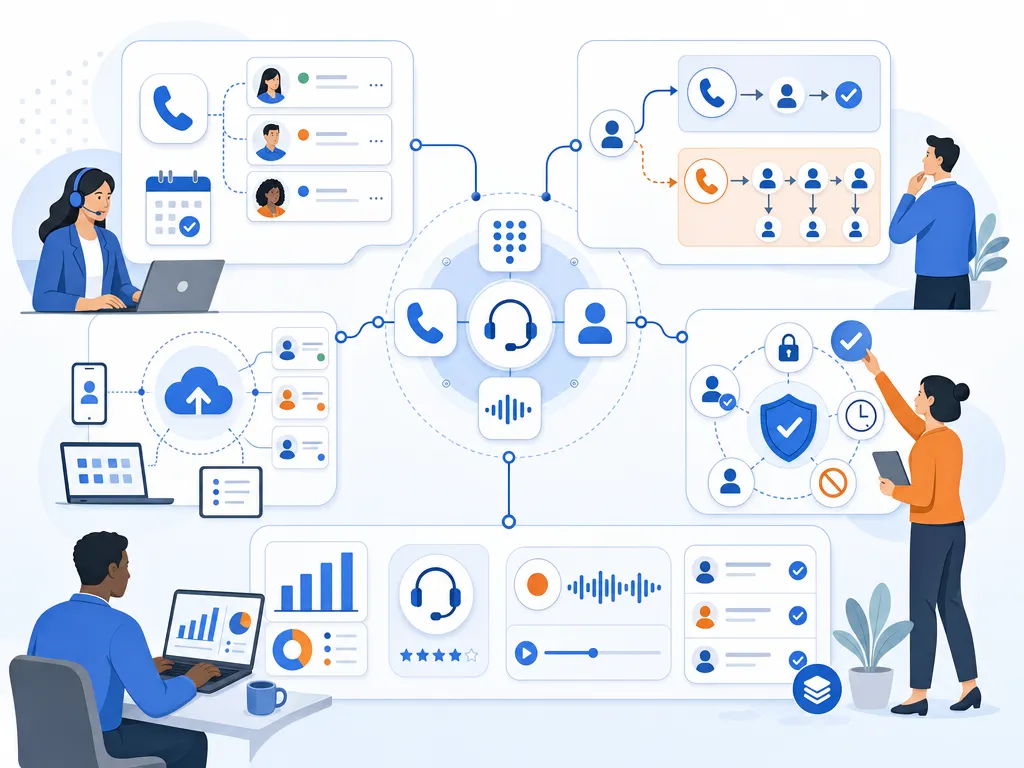
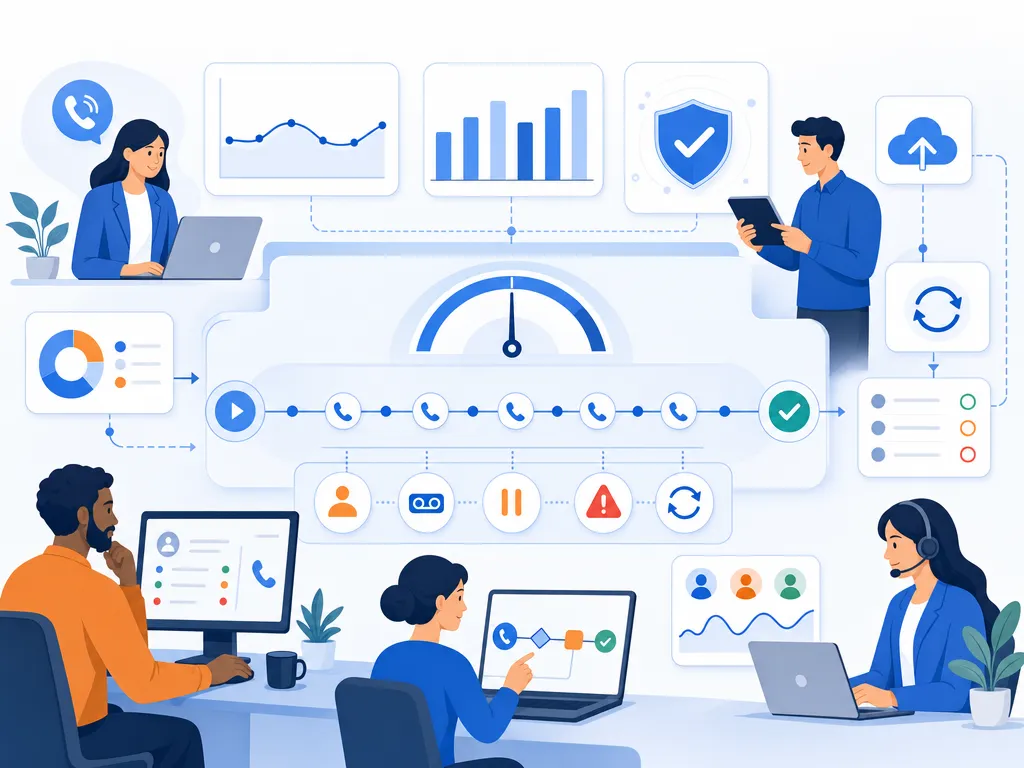
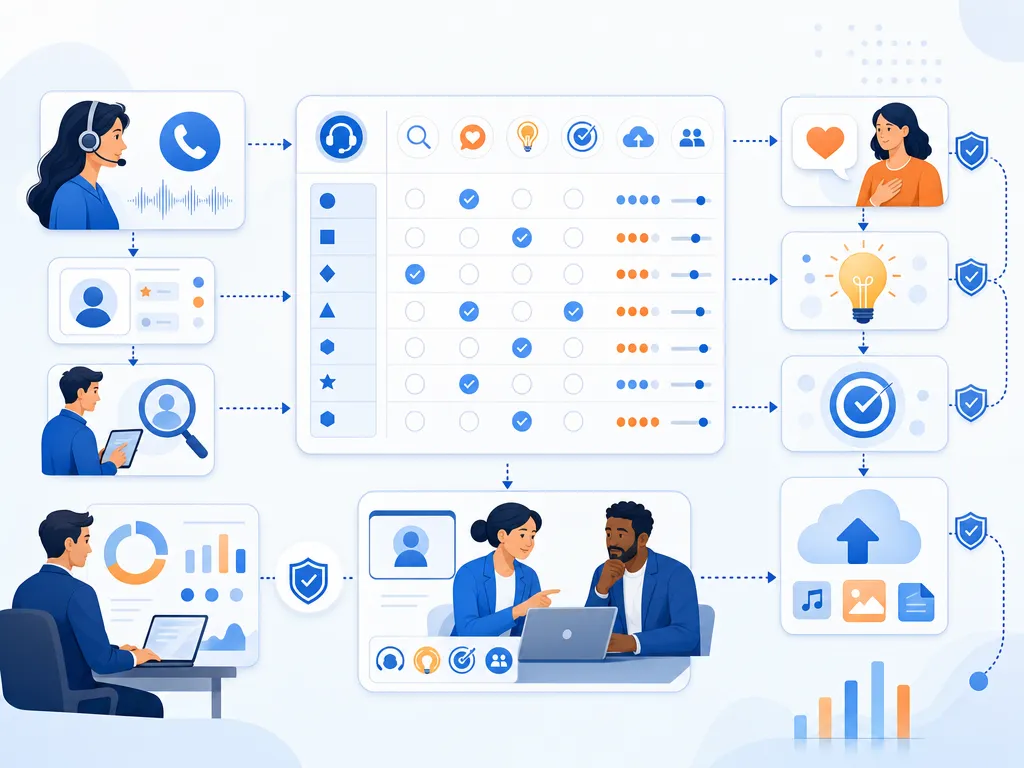
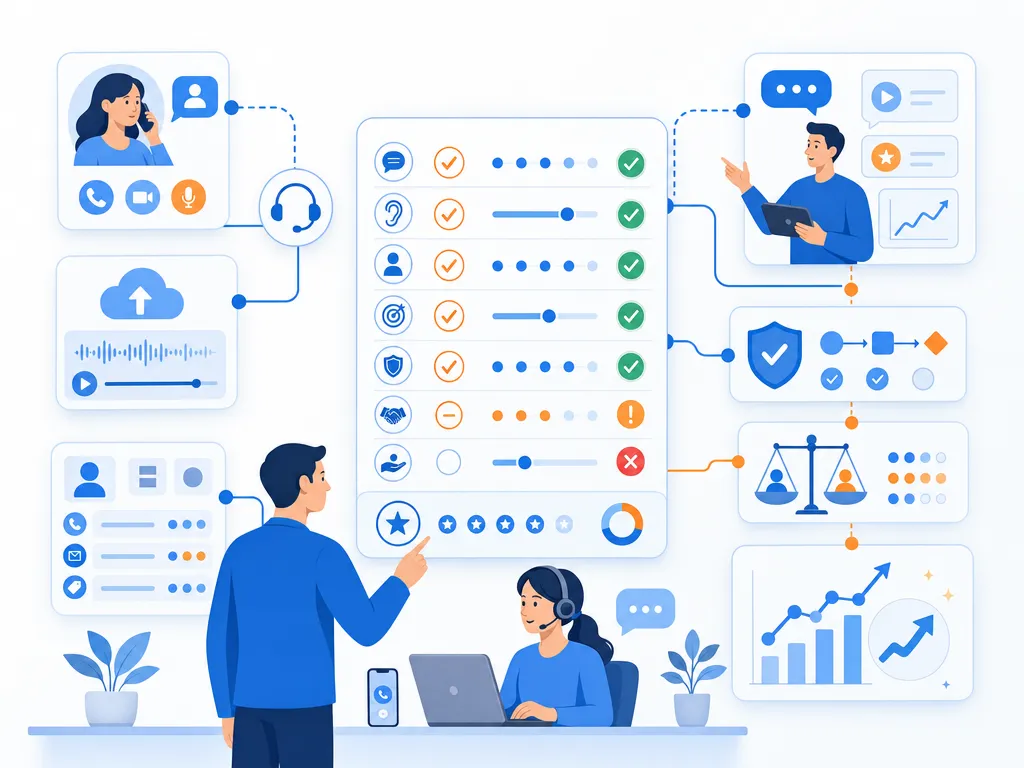
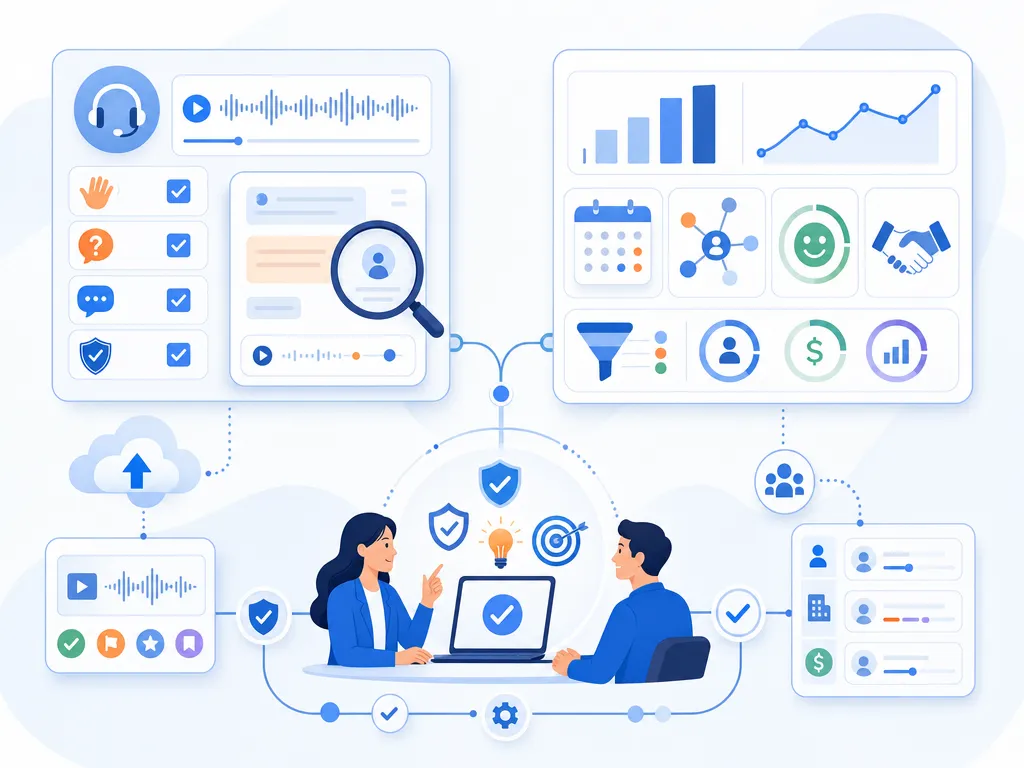
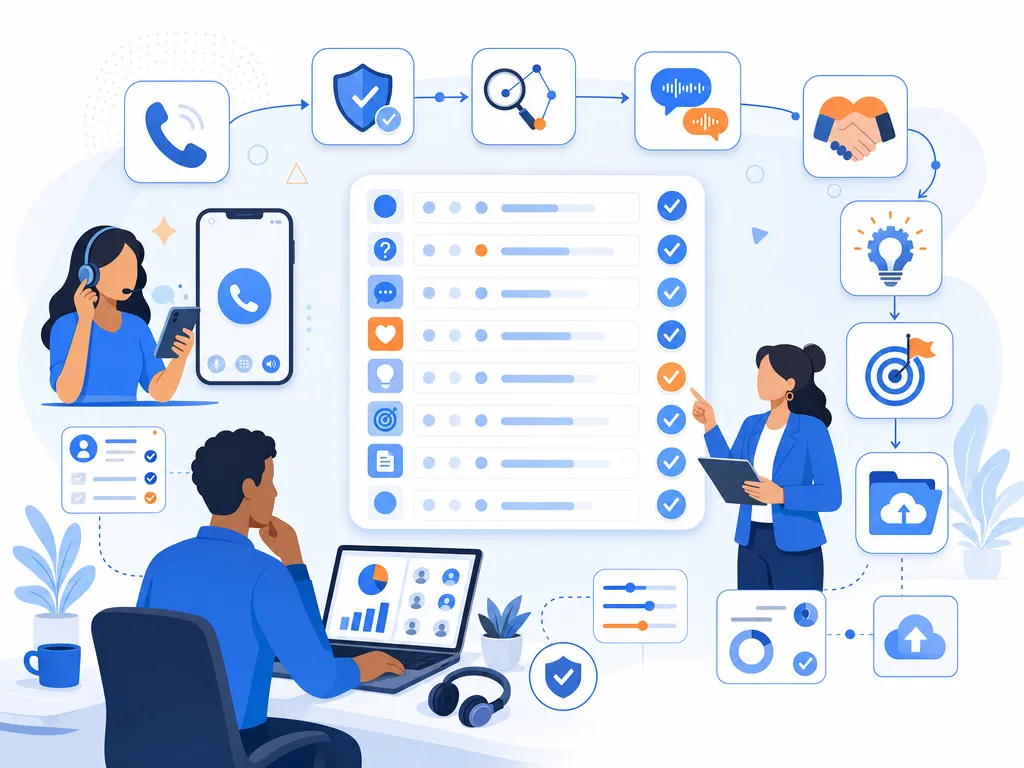
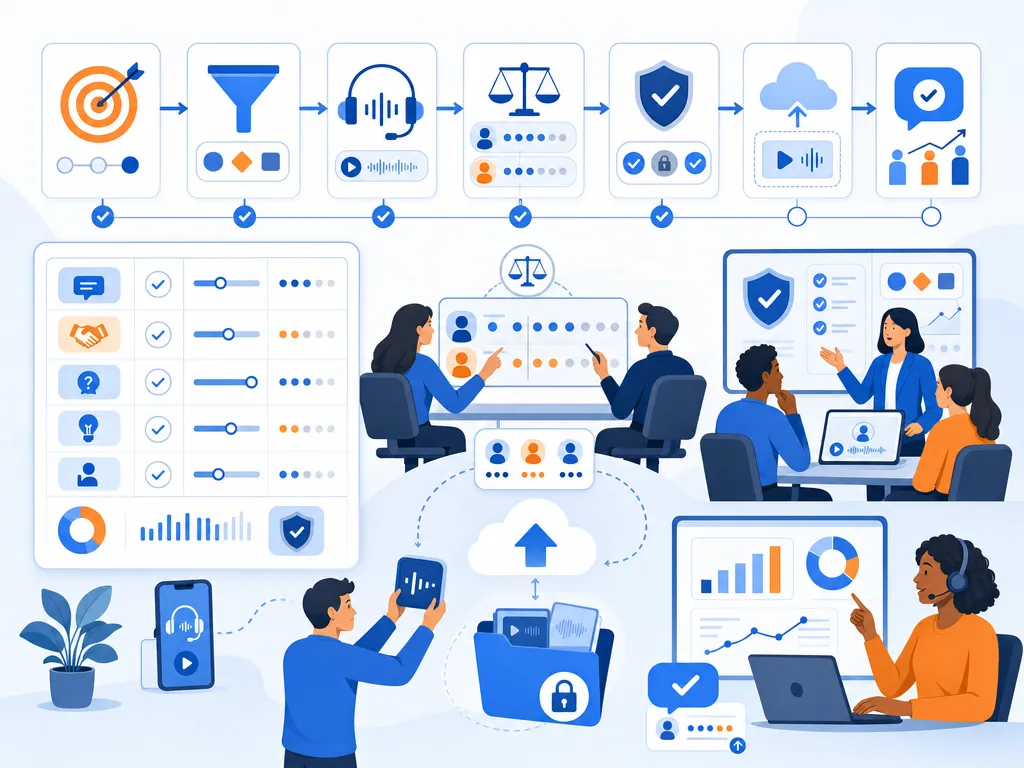
The convergence of large language models (LLMs) and high-velocity telephony is changing how organizations run qualitative research and outbound engagement. At the center of this shift is what we’ll call a “Claude dialer,” which is not a product you can download or subscribe to. It’s a setup you build by connecting Anthropic’s Claude AI to Kixie PowerCall’s telephony infrastructure through API or MCP integration. Claude handles the conversation intelligence (adaptive questions, transcript analysis, workflow logic), and Kixie handles the phone system (multi-line dialing, human voice detection, local presence, CRM sync). Together, they let you move from rigid, scripted interactions to adaptive, context-aware conversations at massive scale. Organizations using this kind of setup can deploy Claude as an AI agent capable of conducting thousands of hours of nuanced interviews or follow-ups in a fraction of the time required by human teams.

How the Claude Dialer Connects to Kixie

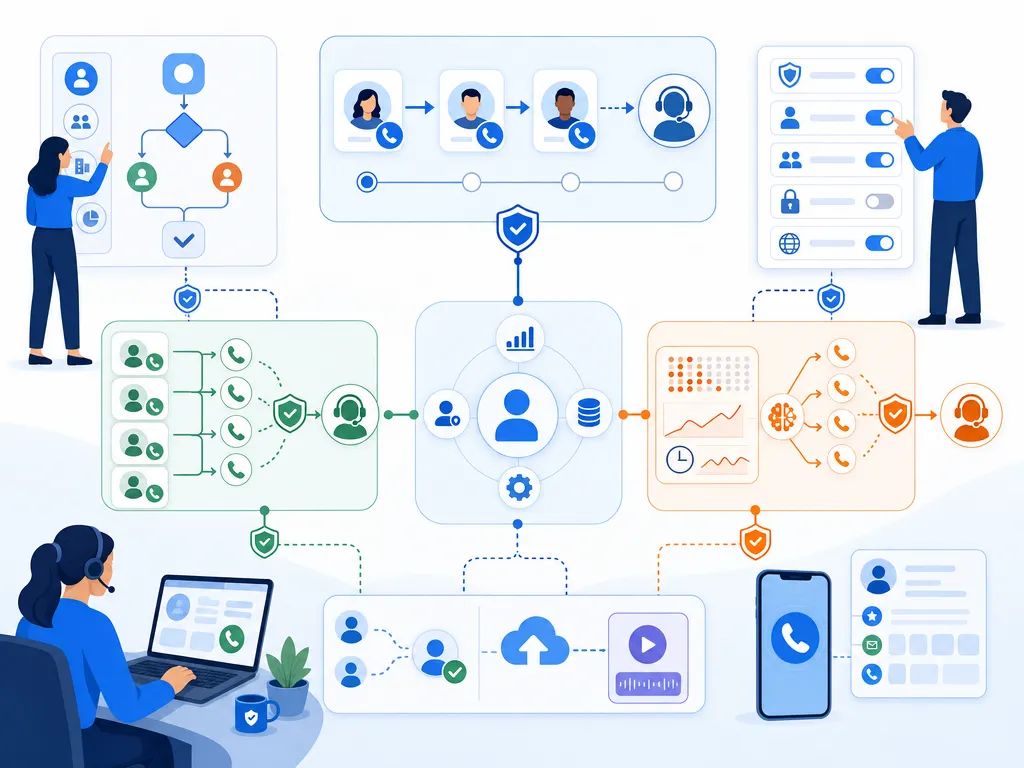
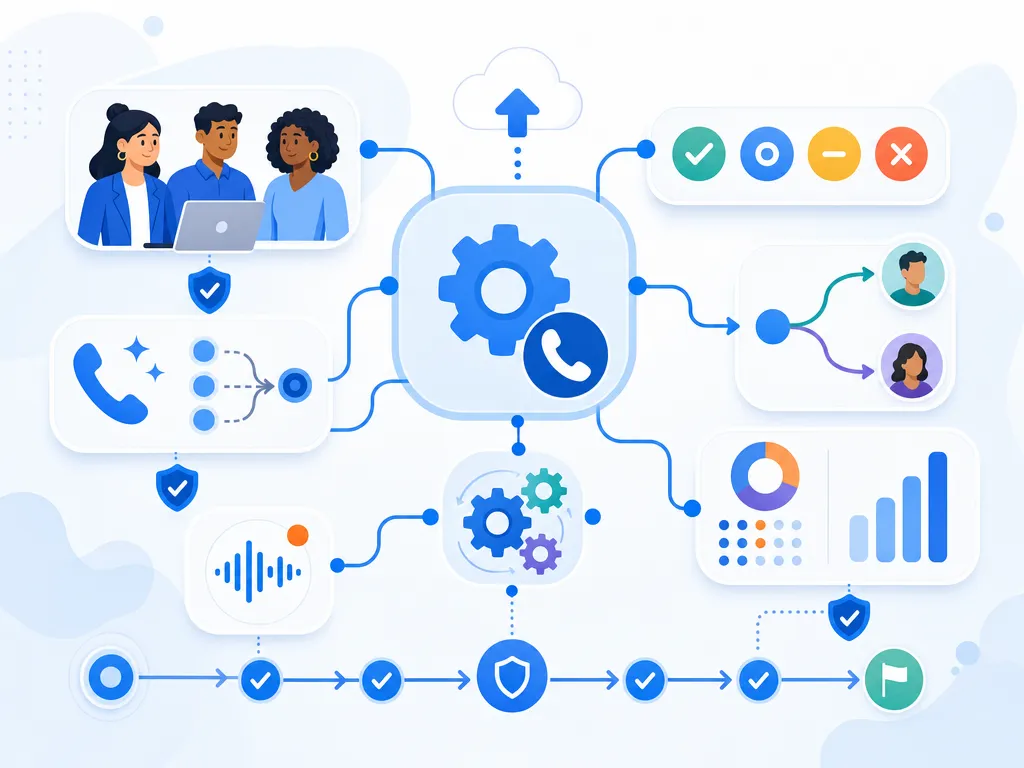
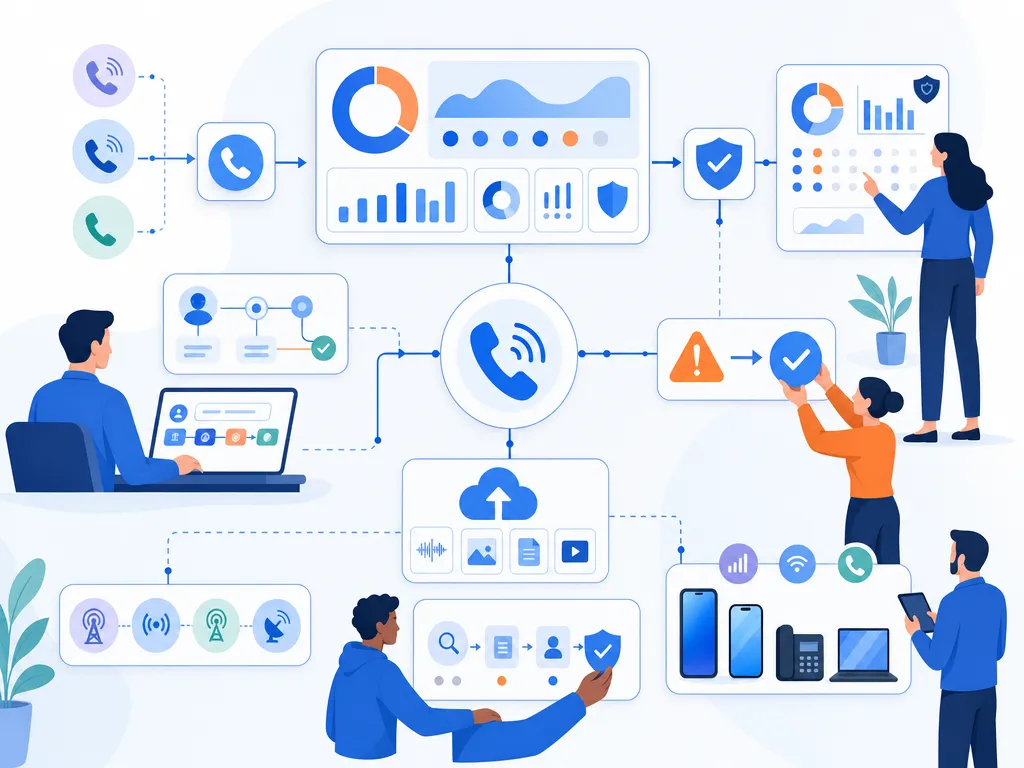
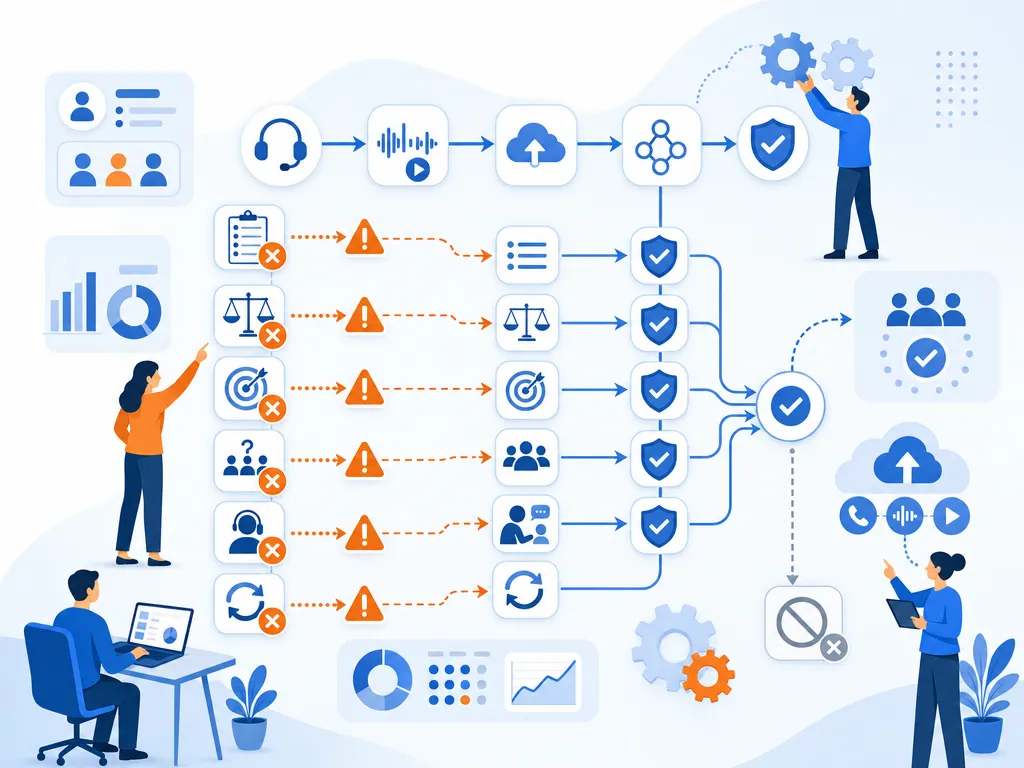
Building a Claude-powered dialer on top of Kixie requires connecting two systems: Programmatic Tool Calling and the Model Context Protocol (MCP). These are the technical bridges between Claude’s reasoning and Kixie’s execution environment.

Programmatic Tool Calling in the Claude Dialer

Claude’s ability to orchestrate complex communication workflows is significantly enhanced by programmatic tool calling. Unlike traditional tool use, where the model performs an individual API round-trip for every action, programmatic calling allows Claude to write and execute Python code within a sandboxed container. This environment is critical for high-velocity dialing because it allows the model to process large volumes of data (such as CRM contact lists or call logs) without exhausting its context window.

When a researcher instructs Claude to initiate a series of participant interviews, the model generates orchestration logic that handles the sequence of events. The system marks specific Kixie tools, such as make_call or send_sms, as callable from within this code environment. As the Python script runs, it may pause when a tool invocation is required, send the request to Kixie’s API, and then process the returned data (e.g., call outcome or transcription) before continuing execution. This enables parallel execution and sophisticated error handling, where the model can autonomously decide to retry a call or pivot to an SMS follow-up based on real-time feedback from the Kixie platform.

Model Context Protocol for Kixie Integration

The Model Context Protocol (MCP) acts as the “USB-C port” for AI systems, providing a standardized, two-way connection between LLMs and external tools like Kixie. This protocol is designed to solve the “N×M integration problem,” where every AI application would otherwise need a custom adapter for every tool it uses. By implementing MCP, Kixie functions as a server that advertises its capabilities (such as automated dialing, SMS templating, and CRM synchronization) to the Claude client.

MCP Component Functional Role in a Claude Dialer Setup Technical Mechanism
MCP Host The interaction point for the researcher. Typically an AI-powered IDE or a custom research dashboard.
MCP Client The translator between the LLM and the server. Facilitates the discovery of Kixie’s available dialing tools.
MCP Server The service providing Kixie’s telephony features. Exposes resources like contact lists and tools like start_call.
Transport Layer The communication channel for the system. Uses JSON-RPC 2.0 via standard input/output or Server-Sent Events.
Resources Passive data providers for context. Includes database schemas, previous call recordings, and CRM fields.

The importance of MCP lies in its ability to provide persistent context. Instead of re-explaining the parameters of a research study in every session, the researcher can teach Claude the workflow once. The protocol allows Claude to remember its connection to Kixie, its specific dialing sequences, and its participant histories across multiple interactions.

Kixie PowerCall as the Claude Dialer Engine

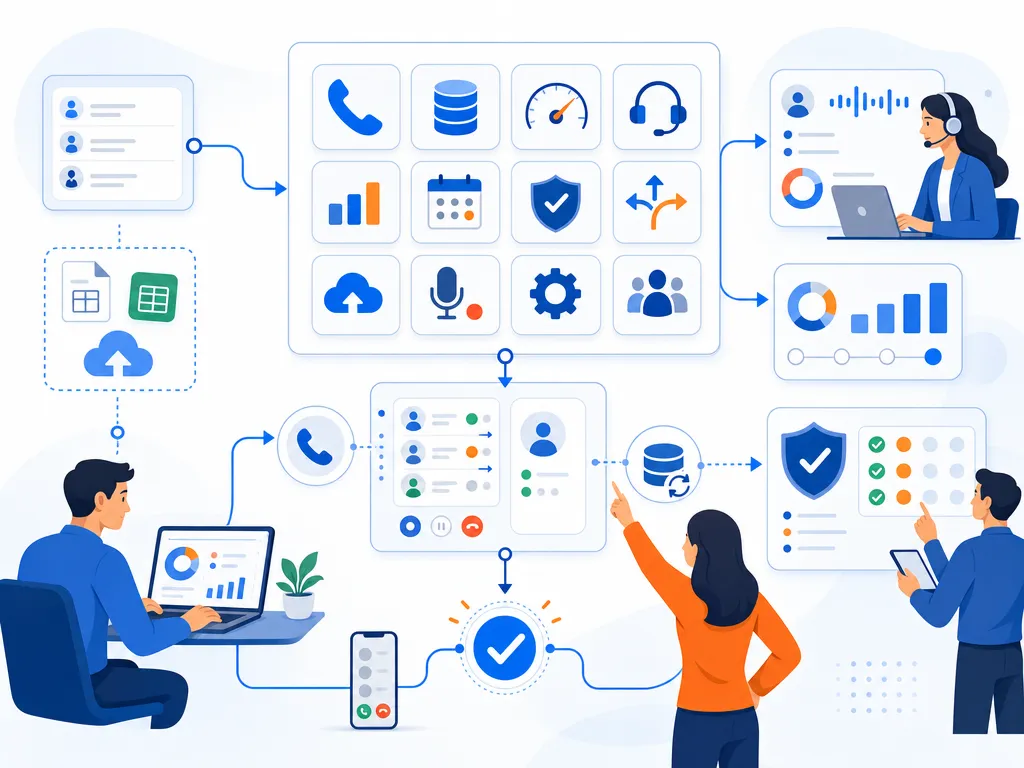
For a Claude + Kixie dialer setup to be effective in a research or sales context, you need a telephony engine that can handle high-volume outreach while maintaining professional standards and high connection rates. Kixie PowerCall provides this infrastructure through a suite of AI-driven features designed to maximize efficiency and response quality.

Multi-Line Dialing and Voice Detection in Kixie

The core efficiency of this setup comes from Kixie’s multi-line power dialer, which can dial up to 10 numbers simultaneously. For large-scale qualitative research, this is a transformative capability. Reaching a sufficient sample size for in-depth interviews often requires thousands of dial attempts. Kixie’s system automates this process, ensuring that Claude is only connected when a live human picks up the phone.

This is made possible by Kixie’s AI Human Voice Detection, a premium add-on available on the Multi-Line PowerDialer plan (+$30/month). Advanced algorithms analyze the audio patterns of a call to distinguish between a live person’s greeting and an answering machine or IVR. When a recording is detected, the dialer can automatically leave a pre-recorded voicemail (or a personalized message generated by Claude) and move to the next number in the queue. This ensures that the researcher or the AI agent spends 100% of their time engaged in meaningful conversation rather than listening to ringtones or voicemail prompts.

Kixie ConnectionBoost and Caller ID Integrity

One of the most significant barriers to successful outreach is the prevalence of “Spam Risk” or “Scam Likely” labels on caller IDs. Kixie addresses this through its ConnectionBoost feature, which provides real, legally compliant local phone numbers for every area code in the US, with progressive number rotation. By displaying a local area code to the recipient, Kixie has been shown to increase connection rates by as much as 500%.

Furthermore, Kixie’s reputation management tools actively monitor the health of these numbers. If a number is flagged by a carrier, it is rotated out of the pool to prevent it from negatively impacting the campaign. This is critical for academic and clinical research, where the legitimacy of the caller is paramount to securing participant trust and compliance with institutional review board (IRB) standards.

Claude Dialer Integration Workflows for Researchers

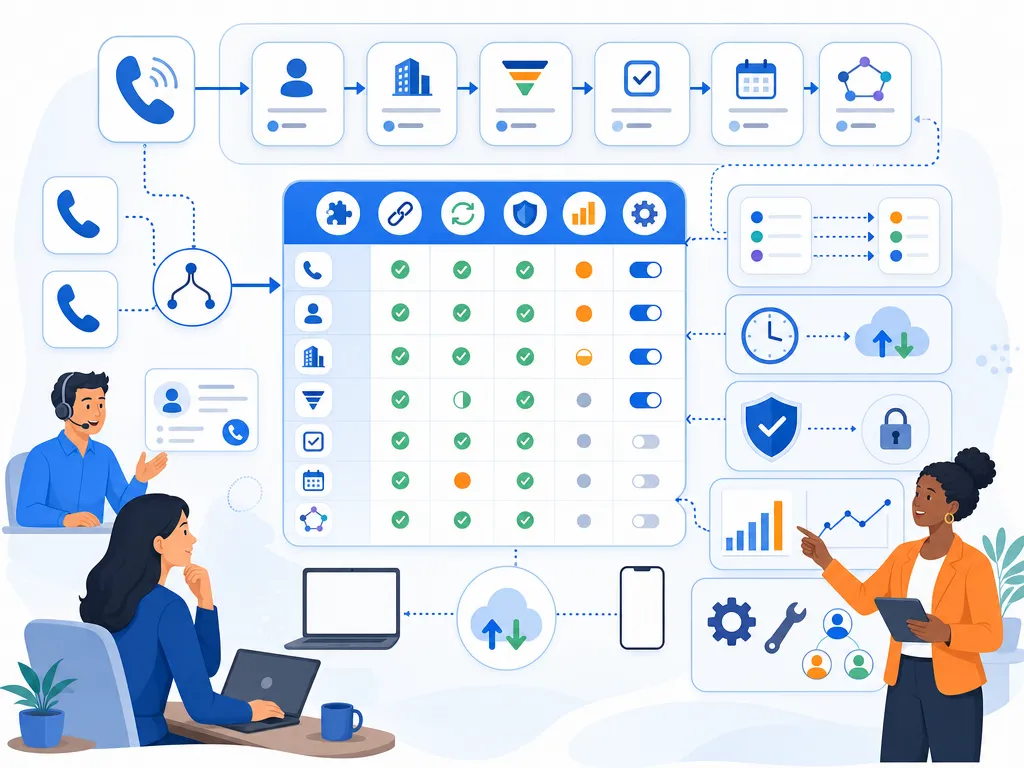
You can connect Claude to Kixie through several pathways, ranging from no-code automation to custom API development. Each pathway offers different levels of control and complexity, allowing organizations to configure the solution for their specific technical capabilities and research needs.

No-Code Claude Dialer Setup via Zapier and Make.com

For many researchers, no-code platforms like Zapier and Make.com are the easiest way to connect Claude and Kixie into a working dialer. These platforms let you create “Zaps” or “Scenarios” that trigger Kixie actions based on events in other applications.

Common automated workflows include:

  • Participant Onboarding: When a new participant completes a web form, Zapier can trigger a Kixie call and send a personalized SMS with a link to schedule an interview.
  • Post-Call Documentation: After a Claude-led interview ends, Make.com can automatically push the transcription, call duration, and disposition back into a CRM like monday.com or Salesforce.
  • Follow-Up Cadences: If a call results in a “No Answer” disposition, the system can automatically add the contact to a re-engagement cadence, sending a text 24 hours later to reschedule.

Custom Claude Dialer Agents via the Kixie API

Researchers requiring deeper control can utilize Kixie’s public API endpoints to build a custom dialer interface for Claude. This allows the model to interact directly with the telephony system through programmatic tool use.

Kixie API Endpoint Research Application Critical Data Payload
Make A Call Initiates the bridge between Claude and the participant. businessid, email, target, displayname, eventname (“call”), apikey
Send SMS Automates text follow-ups and appointment reminders. businessid, email, target, message, eventname (“sms”), apikey
Send to Queue Organizes complex recruitment workflows into prioritized lists. businessid, email, target, displayname, eventname (“queue”), id (Queue ID), apikey
Business/Team SMS Facilitates multi-agent communication for research teams. businessid, target, id (Team SMS ID), fromNumber, message, eventname (“bizsms”), apikey

By using Claude’s allowed_callers field in its tool definition, developers can ensure that the model correctly formats the JSON requests required by Kixie’s endpoints. This “strict” tool use guarantees that the API calls are valid, reducing errors in the communication flow and ensuring that the research data is captured accurately.

Qualitative Research at Scale With the Claude Dialer

The most compelling reason to build a Claude + Kixie dialer is “Qualitative Research at Scale” (Qual at Scale). This methodology allows researchers to conduct in-depth, adaptive interviews with hundreds or thousands of participants, something that was previously cost-prohibitive and time-consuming.

How Claude Conducts Qualitative Interviews at Scale

Anthropic pioneered this approach with the launch of the “Anthropic Interviewer” in late 2025. This tool used a version of Claude to conduct conversational interviews with over 80,000 participants to understand their perspectives on AI. Unlike traditional surveys that rely on rigid, closed-ended questions, a Claude-led interview is dynamic. The AI can probe for deeper meaning, ask follow-up questions based on specific responses, and explore emerging themes in real-time.

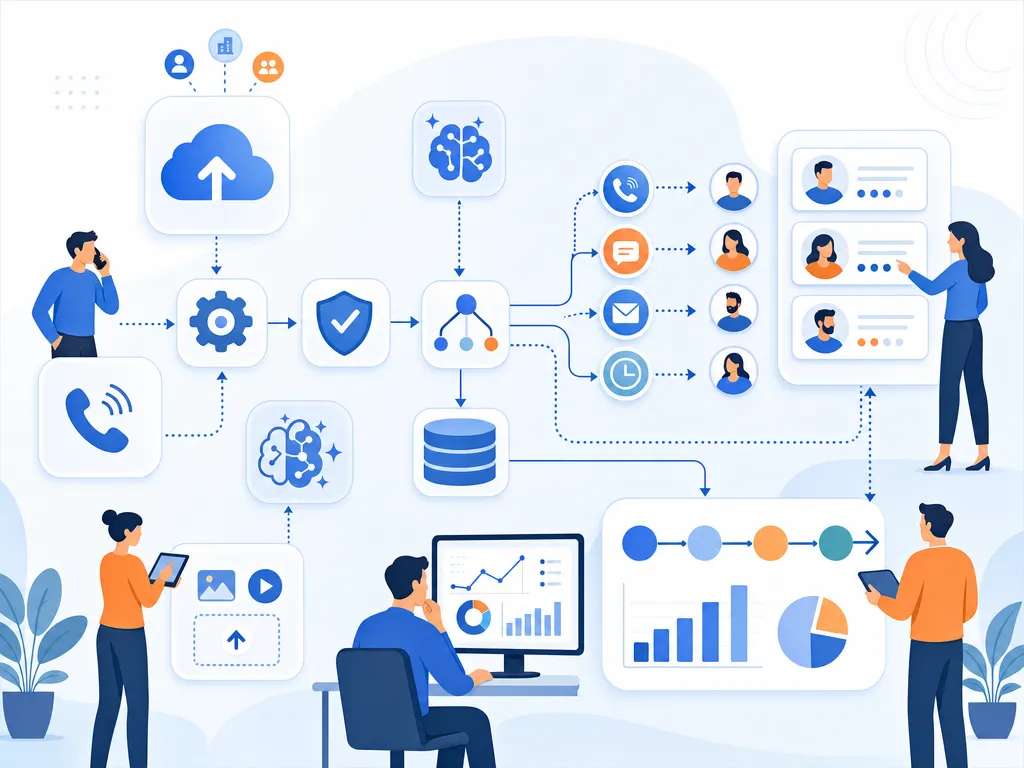
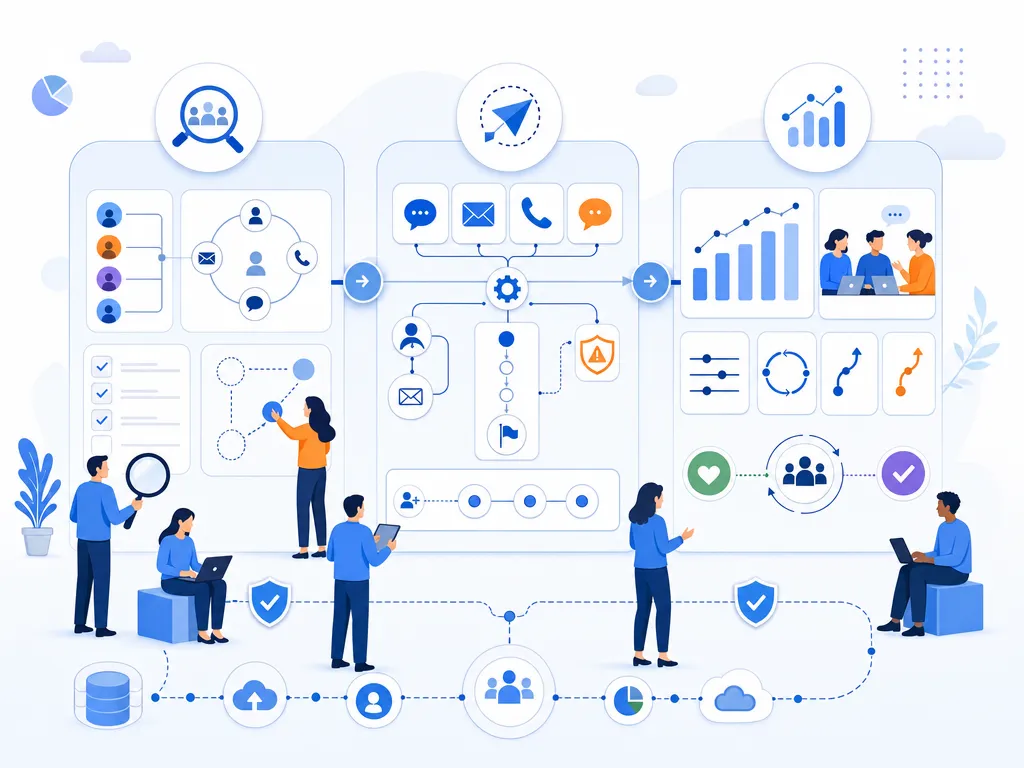
The workflow for Qual at Scale typically follows three distinct phases:

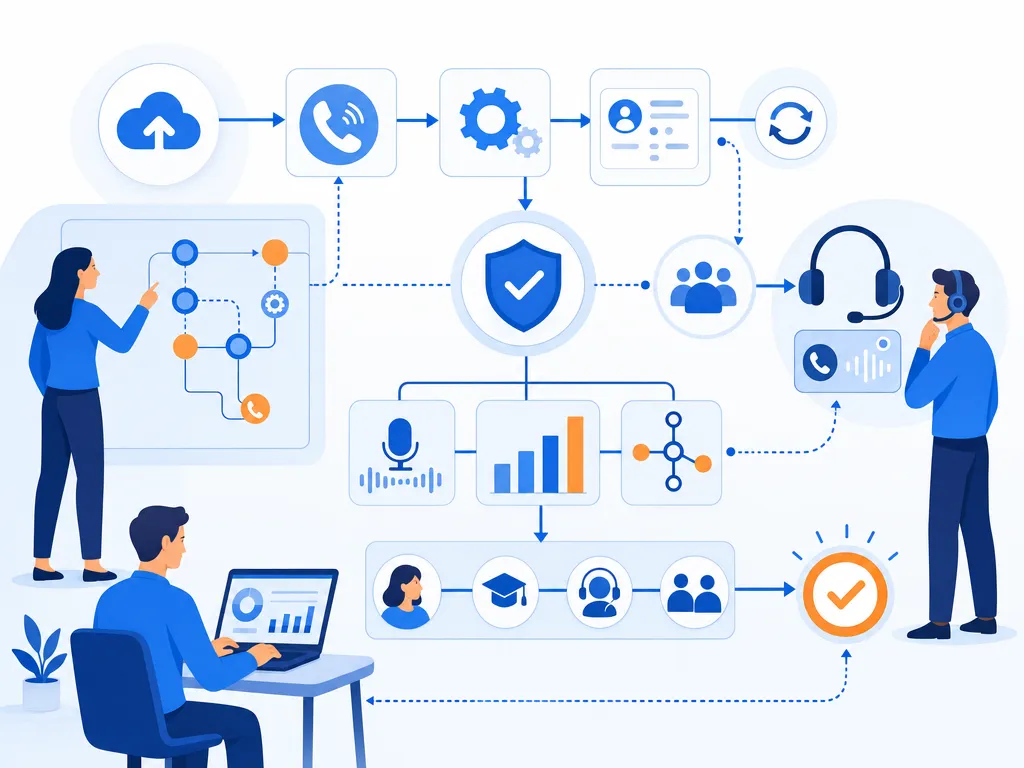
  1. Planning: Researchers define their goals and work with Claude to develop an interview rubric. Claude generates questions that are then refined by human experts to ensure they are clear, unbiased, and comprehensive.
  2. Interviewing: Claude initiates calls through Kixie. The AI conducts the interview in a natural, conversational format, adapting its tone and direction based on the participant’s input.
  3. Analysis: After the interviews are completed, Claude assists in processing the transcripts. It clusters related themes, identifies sentiment patterns, and provides quantitative summaries of qualitative data.

Claude Dialer for Clinical Trial Recruitment

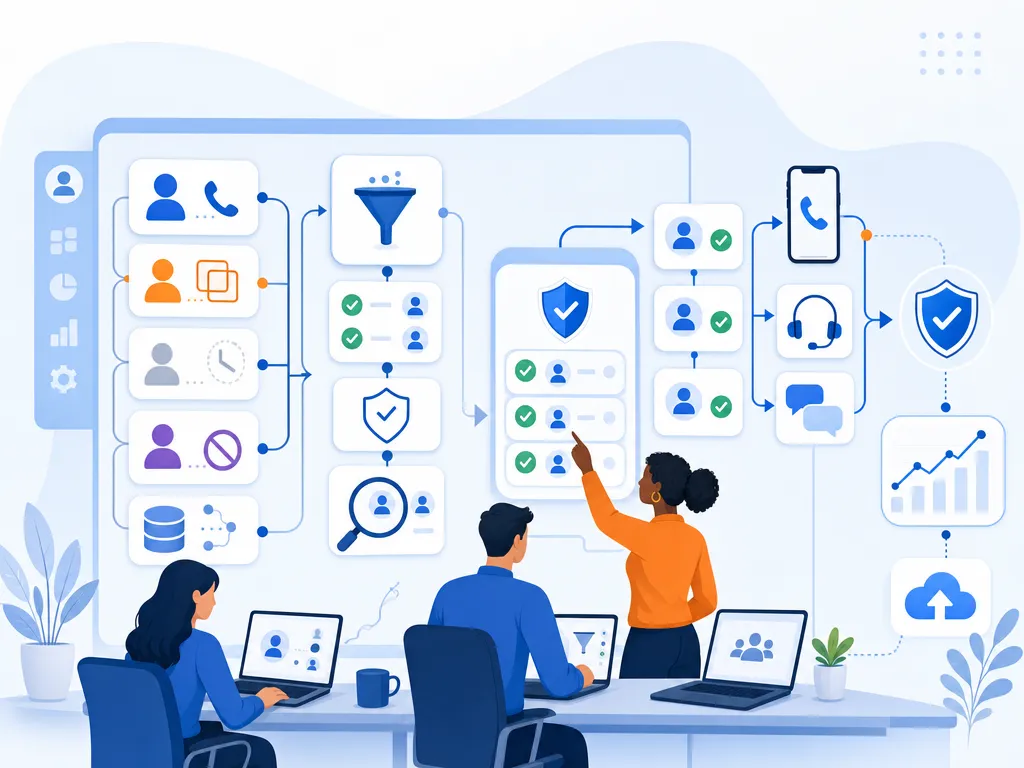
In clinical research, a Claude + Kixie dialer setup is particularly effective for patient recruitment and screening. Clinical trials often suffer from enrollment delays, with significant labor spent on manual record review and phone screening. AI phone agents can automate these processes, responding instantly to inbound inquiries and following up with leads the second they appear.

Clinical Trial Metric Traditional Human Method AI Voice Agent (Claude + Kixie)
Enrollment Speed 1x Baseline 3x Faster
Recruitment Cost 100% 40% (60% Savings)
Connection Rate Industry standard Up to 5x higher with Local Presence
Language Support Limited by staff 50+ Languages supported
Availability Business hours only 24/7 Inbound and outbound

Voice AI agents like “Anna” have demonstrated that they can match or even exceed human recruiters in conducting initial screenings. In job recruitment studies, AI agents led to 12% more job offers and 16% higher retention rates after 30 days. This success is attributed to the AI’s ability to remain consistent, non-judgmental, and available to the candidate at their convenience.

Compliance and Security for the Claude Dialer

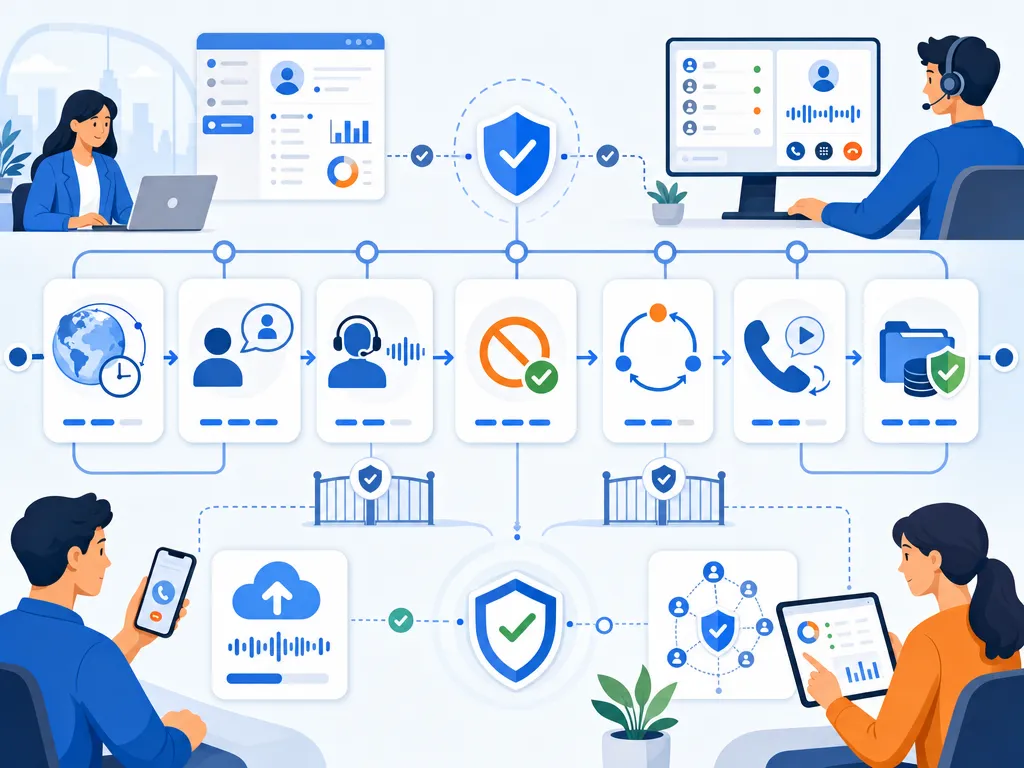
When deploying a Claude + Kixie dialer for clinical or academic research, organizations must work through a complex set of regulatory requirements. Both Kixie and Anthropic provide tools and safeguards to ensure that these communications remain secure and compliant with major privacy laws.

HIPAA Compliance for Kixie Dialer Deployments

For organizations subject to the Health Insurance Portability and Accountability Act (HIPAA), Kixie is an industry leader in providing compliant communication solutions. Kixie is willing to sign a Business Associate Agreement (BAA) with covered entities, which is a mandatory requirement for any third-party service handling Protected Health Information (PHI).

Key security features include:

  • Encryption: All voice calls and SMS data are encrypted in transit and at rest using AES-256 protocols.
  • Access Controls: Administrators can restrict access to call recordings and transcripts to authorized personnel only.
  • Audit Logs: Detailed logs are maintained for all user activity, facilitating security audits and monitoring.
  • Call Recording Management: Kixie allows organizations to disable recordings for calls to “two-party consent” states or to pause recordings when sensitive information is being shared.

Ethical Transparency in Claude Dialer Research

A critical aspect of using AI for research is the maintenance of participant trust. Best practices dictate that the AI agent must disclose its identity at the beginning of the call. Research indicates that while some participants may initially experience “AI aversion,” a staggering 78% of applicants in certain studies opted to interview with an AI agent over a human recruiter when given the choice.

Transparency also extends to data handling. Researchers must ensure that participants provide informed consent for their data to be processed by AI. This includes clearly explaining the purpose of the research, the duration of data storage, and the specific ways the AI will interact with their information. Organizations should also be aware of the risk of de-anonymization. A study by Northeastern University demonstrated that “anonymized” AI interview transcripts could be re-associated with specific individuals with a 25% success rate using other LLMs. This underscores the importance of rigorous de-identification protocols that go beyond simple redacting of names and addresses.

Strategic Optimization for the “Claude Dialer” Search Space

For organizations looking to establish authority in the emerging “Claude dialer” space, it is necessary to align content with the specific intent of researchers and developers. Modern keyword research for 2026 shows a move toward long-tail, intent-driven queries that reflect the complexity of AI integration.

Claude Dialer Keywords and User Intent

Research suggests that when users search for AI telephony solutions, they are looking for specific functional outcomes rather than just broad tool categories.

Intent Category Target Search Term (2026 Trends) Strategic Application
Informational “Qualitative research at scale using AI” Content focusing on the methodology shift from surveys to interviews.
Commercial “Best HIPAA compliant AI dialer for research” Comparisons of security features and BAA availability.
Technical “Connecting Claude to Kixie via MCP” Step-by-step guides for developers using the Model Context Protocol.
Transactional “AI phone agents for clinical trial recruitment” Case studies and ROI data for healthcare providers.
Navigational “Kixie PowerCall API documentation” Direct links to integration resources and webhook setups.

By using Claude to analyze these search patterns, marketers can identify content gaps (such as a lack of detailed FAQ sections for “People Also Ask” (PAA) boxes) and create highly optimized content that addresses the specific questions of their target audience.

Claude Dialer ROI and the Future of AI Communication

Building a Claude + Kixie dialer is not just a technical exercise. It is a fundamental shift in organizational efficiency. The “Speed to Lead” and “Speed to Insight” this integration provides offer measurable returns on investment that impact both the top and bottom lines.

Efficiency Gains From the Claude Dialer Integration

The primary driver of ROI in the Claude-Kixie integration is the dramatic reduction in manual research and outreach time. AI-powered platforms can reduce research time from 20 hours a week to just 2 hours, allowing staff to focus on high-value tasks like strategy and deep analysis.

In the context of outbound sales and participant recruitment, the combination of 10-line dialing and AI-led conversation creates a massive multiplier effect. If a traditional recruiter can make 50 dials a day with a 10% connection rate, they may speak to 5 people. A Claude + Kixie setup, operating 24/7 on PowerCall’s infrastructure, could theoretically make thousands of dials, connecting with hundreds of live participants every day, all while maintaining the same level of conversational depth and data accuracy as a human agent.

What’s Next for the Claude Dialer

As we look toward 2026 and beyond, Claude + Kixie dialer setups will move toward even greater autonomy. We are already seeing the emergence of “Agentic” workflows where the AI doesn’t just follow a script but manages the entire lifecycle of a participant or lead. This includes autonomous decision-making regarding when to call, what follow-up assets to send, and when to escalate a conversation to a human specialist.

The integration of sentiment analysis and real-time coaching will also continue to mature. Kixie’s Conversation Intelligence already tracks keywords and sentiment, providing AI-generated summaries that are synced directly to the CRM. In the future, this data will be used to dynamically adjust the AI’s persona and interviewing style mid-call, ensuring that every participant receives an experience that feels personalized, empathetic, and professional.

Getting Started With the Claude Dialer and Kixie

For organizations ready to build a Claude + Kixie dialer, the first step is to activate the necessary Kixie infrastructure. This requires Kixie’s Professional plan or higher to access the API and automation features. Once the infrastructure is in place, researchers should focus on developing a robust set of Claude prompts and tool definitions that reflect their specific domain expertise.

By using the Model Context Protocol, organizations can ensure that their Claude + Kixie dialer setup remains a scalable and persistent asset. The ability to bridge the gap between an LLM and a telephone line is a real opportunity to understand human perspectives at industrial scale. Whether used for academic research, clinical trial enrollment, or high-velocity sales, connecting Claude to Kixie gives you the speed, intelligence, and reliability to compete at the highest level of modern digital communication.

What Is Speed to Conversation? (And Why It Matters More Than Speed to Lead)

TL;DR: Speed to conversation measures the time between a prospect’s intent signal and a live, two-way dialogue, replacing the outdated speed to lead metric that only tracks first contact attempts. Data shows responding in under 1 minute yields a 391% conversion lift, under 5 minutes makes qualification 21x more likely, and 78% of buyers choose the first vendor that actually talks to them. The average B2B response time is 42-47 hours, meaning most companies lose deals before a rep ever picks up the phone. Kixie’s Automated LeadCaller uses a push-based “hunt-and-bridge” system that calls available reps the instant a lead submits a form, connecting prospects to a human in under 60 seconds. Supporting tools include multi-line power dialing (up to 10 parallel calls), AI voice detection, ConnectionBoost (50,000+ local presence numbers for higher pickup rates), automated SMS follow-up, and conversation intelligence with real-time coaching. Case study results include Kennected doubling call volume, GoSite increasing answer rates by 12%, Fischer Homes tripling outbound calls, and Solar Power Pros cutting no-shows by 50%. Kixie integrates with HubSpot, Salesforce, Zoho, and monday.com via webhooks and REST APIs for fully automated lead-to-conversation workflows.

The architecture of modern B2B sales is undergoing a paradigmatic shift, moving away from a volume-centric outreach model toward one defined by the immediacy and depth of human engagement. For decades, the primary metric of success for sales development teams was “speed to lead,” a measurement of the temporal gap between a prospect’s initial inquiry and the first attempted touchpoint by a sales representative. While speed to lead remains a valuable operational benchmark, the advent of high-velocity digital commerce has exposed its fundamental limitations. In a marketplace where consumer patience is at an all-time low and competitive alternatives are a single click away, the mere attempt of contact is no longer sufficient to secure a competitive advantage. The critical variable has shifted toward “speed to conversation,” which quantifies the interval between a prospect’s intent signal and the establishment of a live, bidirectional dialogue. This distinction is profound: speed to lead tracks activity, while speed to conversation tracks outcomes.

The necessity of this evolution is driven by the stark reality of lead decay. Research consistently demonstrates that a prospect’s intent and interest are at their absolute zenith the moment they reach out, and every subsequent minute of delay results in an exponential erosion of conversion probability. Organizations that prioritize speed to conversation over mere speed to lead recognize that 78% of buyers ultimately choose the first company that responds to their inquiry, often regardless of brand reputation, price, or specific product features. Consequently, the ability to bridge the gap between a digital signal and a human relationship in under sixty seconds (the “Platinum Minute”) has become the primary driver of revenue performance in high-growth organizations.

How Speed to Conversation Differs from Speed to Lead

To understand why speed to conversation is superior to speed to lead, one must first examine the inherent flaws in traditional lead management metrics. Speed to lead is an internal-facing metric, typically used to measure the efficiency of Sales Development Representatives (SDRs) and their compliance with service-level agreements (SLAs). It counts an automated email or a manual “touch” as a success, regardless of whether that touch resulted in a meaningful interaction. In contrast, speed to conversation is a buyer-centric metric. it measures the time it takes to deliver exactly what the prospect wants at the moment of peak intent: an answer to their question from a knowledgeable human being.

The operational disconnect between these two metrics is often the source of “pipeline leakage.” A sales organization may boast a sub-five-minute speed to lead due to automated email responders, yet their lead-to-opportunity conversion rates may remain stagnant because those automated touches fail to address the core human need for rapport and real-time objection handling. Speed to conversation addresses this gap by using technology to force an instant interaction, moving beyond “pull-based” workflows (where reps must notice an alert and decide to act) to “push-based” frameworks where the technology initiates the connection automatically.

MetricFocusMeasurement StartMeasurement EndSuccess Definition
Speed to LeadInternal ActivityForm SubmissionFirst Outreach AttemptActivity Logged in CRM
Speed to ConversationBuyer ExperienceIntent SignalLive DialogueSynchronous Human Exchange

The implications of this shift extend to the very psychology of the buyer. Research indicates that 82% of consumers rate an “immediate” response as important or very important when they have a sales-related inquiry. When a prospect receives a call or a real-time text within seconds of submitting a demo request, the brand is literally still on their screen. This captures their peak attention and prevents the “doubts” or “competitor research” that typically occur during longer wait times.

How Fast Lead Interest Decays Without a Conversation

Lead interest follows a steep decay curve. The moment a prospect submits a form, their intent is at its peak, and every minute of delay sharply reduces the probability of conversion. Research published in the Harvard Business Review found that reaching out within the first minute can result in a 391% boost in conversion probability compared to delays of thirty minutes or more.

The following table illustrates the dramatic drop-off points associated with response windows, highlighting why the “Golden Window” of five minutes is often too slow for modern high-velocity markets.

Response WindowImpact on Qualification/ConnectionConversion LiftStrategic Outcome
< 1 Minute391% Higher Conversions+391%Instant Intent Capture
< 5 Minutes21x More Likely to Qualify+100%Optimal Speed-to-Conversation
< 30 Minutes100x Less Effective than < 5 minMinimalCritical Drop-off Point
< 1 Hour7x More Likely to Qualify than > 1 hrNegligibleStandard Aspirational Goal
24+ Hours60x Lower Qualification Odds-95%Pipeline Leakage

Organizations that fail to reach prospects within the first sixty minutes are essentially chasing “ghost leads.” After one hour, the likelihood of making successful contact with a lead drops by 10x. Despite this, the average lead response time across industries remains a staggering 42 to 47 hours, leaving a vast majority of potential revenue on the table for competitors who are equipped with automated speed to conversation tools.

Why Buyers Expect an Instant Conversation

The requirement for instant human interaction is driven by a profound shift in consumer psychology. In the digital age, a company’s website functions as its storefront. Just as a customer in a physical retail location would find it unacceptable to wait 42 hours for a salesperson to acknowledge their presence, digital consumers have developed high expectations for immediate service. This “Storefront Effect” means that slow response times are not just a missed opportunity; they are a negative brand impression that destroys the credibility built by marketing efforts.

Several key psychological factors underpin the need for speed to conversation: The speed of a response is often interpreted as a direct indicator of a company’s overall operational maturity. A fast response signals that the organization is organized, attentive, and respects the customer’s time. A slow response, conversely, suggests that the company will be slow in its support, delivery, and implementation. At the moment of inquiry, the prospect is in the “consideration stage” and is actively seeking a solution to a pain point. Establishing a conversation instantly allows the sales representative to capitalize on this high-interest state before the prospect begins to feel “undervalued” or starts “researching competition”. Human connection is the primary driver of trust in high-stakes B2B transactions. While AI can facilitate the speed of the connection, the conversation itself provides the nuance, tone, and empathy that no automated sequence can replicate. Real-time objection handling during a live call or text exchange allows the rep to make the “abstract tangible” for the buyer, providing the momentum needed to move through complex decision cycles.

Furthermore, 53% of consumers cite waiting too long for a reply as the most frustrating part of interacting with a business, and 66% state that speed is just as important as price in their purchasing decisions. This suggests that for many buyers, the vendor that provides the fastest path to a human conversation wins the deal by default, effectively bypassing deeper evaluations of product features or costs.

Why Traditional CRM Workflows Kill Speed to Conversation

If the benefits of rapid conversation are so clear, why do most organizations take nearly two days to respond to leads? The answer lies in the technical and structural friction inherent in traditional CRM and lead management workflows. The “manual chain” from lead submission to human outreach is fraught with latency at every link.

CRM Sync Lag Slows Down Conversations

The path of a lead often involves moving through multiple disjointed systems (web forms, marketing automation platforms, lead scoring engines, and finally the CRM). This “sync lag” can cause leads to sit in intermediate queues for minutes or even hours before a salesperson is ever notified. When data quality is poor (containing duplicates or missing fields), reps are forced to spend additional time vetting the record before they feel comfortable making a call, further eroding the Platinum Minute.

Pull-Based Workflows Add Delays Before Every Conversation

Most CRM-native tools use a “pull-based” engagement model. A lead enters the system, an alert fires (via email or a notification bell), and the rep must notice the alert, open the record, and manually initiate the outreach. This model assumes the rep is constantly monitoring their inbox and is ready to act immediately. In reality, reps are often distracted, on other calls, or manually “cherry-picking” leads they think look promising, which introduces catastrophic delays.

Rigid Lead Routing Rules Waste the Conversation Window

Standard CRM assignment rules are often too rigid to account for real-time rep capacity or skill sets. Leads may be routed to an agent who is away from their desk, causing the lead to grow cold in an unattended queue. Without intelligent, real-time lead distribution that prioritizes available agents over a simple round-robin, the “first responder advantage” is lost to internal scheduling conflicts.

How Kixie Automates Speed to Conversation

Kixie addresses these technical barriers by providing a “push-based” infrastructure specifically designed to automate the transition from a digital intent signal to a live dialogue. Rather than requiring reps to monitor their systems, Kixie’s framework initiates the connection on behalf of the team, removing human hesitation from the process.

LeadCaller Starts the Conversation in Seconds

The core of Kixie’s speed to conversation solution is the Automated LeadCaller. When a new lead is detected (via a web form, a paid ad, or a CRM trigger), the system instantly initiates a call to a group of available representatives. The system “hunts” for an available agent; as soon as a rep answers their phone, Kixie “bridges” the call to the prospect. This ensures that the outreach happens in seconds, often while the prospect is still on the company’s website.

FeatureLegacy CRM Dialers (Pull-Based)Kixie LeadCaller (Push-Based)
NotificationPassive alert (email/bell)Active call to rep phone
Response InitiationDependent on rep noticing alertInitiated automatically by system
Latency RiskHigh: Rep distraction/monitoringLow: Eliminated via system-initiation
Follow-upManual CRM flow configurationBuilt-in Auto-SMS and triggers
OutcomeAverage 42-hour delaySub-60-second connection

Multi-Line Power Dialing for More Conversations Per Hour

To maximize the efficiency of every representative, Kixie utilizes a Multi-Line Power Dialer that can call up to ten numbers in parallel. This is coupled with AI Human Voice Detection, which uses advanced algorithms to distinguish between a live person and an answering machine or IVR system. This ensures that reps are only connected when a live prospect answers, effectively multiplying their talk time by up to 5x and reducing the “idle time” between conversations to almost zero.

ConnectionBoost Gets More Leads to Pick Up

Speed to conversation is impossible if the prospect does not pick up the phone. In an era where 51% of leads are never contacted at all, connection rates are a critical bottleneck. Kixie’s ConnectionBoost suite addresses this by utilizing a pool of over 50,000 local presence numbers to match the caller ID to the prospect’s area code. This significantly increases pickup rates, as prospects are much more likely to answer a call from a local number than from an unknown or toll-free ID. Furthermore, Kixie manages “caller ID health” to prevent numbers from being flagged as “Spam Risk,” ensuring that legitimate business calls reach their destination.

Automated SMS Keeps the Conversation Going

While voice calls are the gold standard for rapport building, a holistic speed to conversation strategy must incorporate other channels. Kixie integrates automated SMS directly into its lead response framework, allowing for seamless continuity even when a voice connection is not established on the first attempt.

Prospects respond to SMS at a much higher rate than other forms of digital communication. Kixie can be configured to trigger an “Auto-SMS” based on specific call dispositions. For example, if a rep leaves a voicemail, the system can instantly send a text message: “Hi [Name], just tried calling you regarding your request for a demo. Looking forward to connecting!” This ensures the brand stays top-of-mind and provides a low-friction channel for the prospect to reply when they are ready. This multi-channel approach is vital for maintaining a consistent presence throughout the buyer’s decision process, which 88% of leads expect to happen within the first hour of their inquiry.

Webhooks, APIs, and CRM Integration for Faster Conversations

For high-performing organizations, speed to conversation must be a systemic process rather than a series of manual tasks. Kixie’s architecture is designed for deep, bi-directional integration with major CRM platforms such as HubSpot, Salesforce, Zoho, and monday.com. This integration ensures that lead data is synchronized in real-time and that all communication activity is logged automatically without rep intervention.

Webhooks That Trigger Conversations in Real Time

Kixie uses a robust webhook and REST API framework to facilitate instant automation. Webhooks allow Kixie to send event data (such as “Call Started,” “Call Ended,” or “SMS Sent”) to other applications in the sales stack instantly. This real-time data flow is essential for “triggering different automation workflows” based on call outcomes.

For example, a team using Kixie with HubSpot might set up the following automated sequence:

  1. Lead Capture: A prospect submits a form on the website.
  2. Instant Call Trigger: The form submission sends a signal to Kixie, which immediately initiates an Automated LeadCaller “hunt” for the next available rep.
  3. Real-Time Data Update: As soon as the call ends, Kixie sends a webhook back to HubSpot with the call disposition, duration, and a link to the recording.
  4. Conditional Follow-Up: If the call disposition was “No Answer,” the system triggers a “Call Counter” field update in HubSpot. If the count reaches three attempts without a conversation, HubSpot can automatically enroll the lead into a different email nurture track or send a specific SMS template.

This level of automation ensures that no lead “slips through the cracks” and that the sales team is always working the highest-potential prospects first.

Conversation Intelligence and Real-Time Sales Coaching

The goal of speed to conversation is not just to talk fast, but to talk effectively. Kixie’s Conversation Intelligence (CI) tools provide AI-powered insights that allow managers to monitor and improve the quality of interactions at scale. CI features include automatic call transcription, sentiment analysis, and keyword spotting.
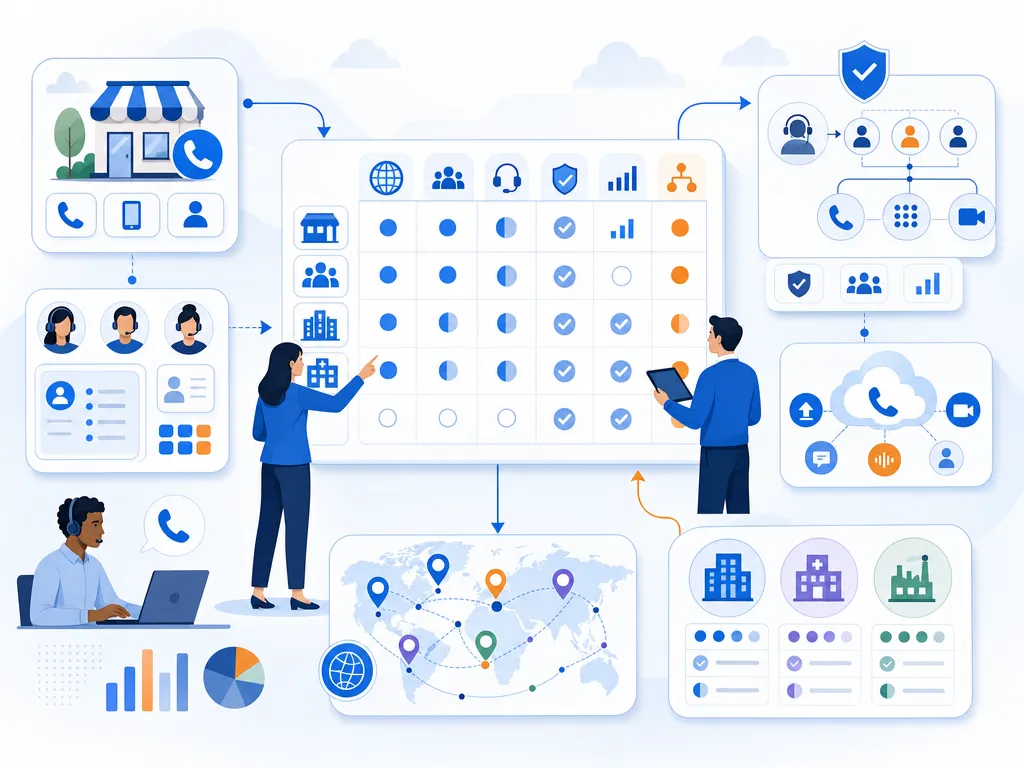
By using CI, managers can: Instead of reviewing calls hours after they happen, managers can use “Whisper” and “Barge” features to provide guidance to reps during live conversations without the prospect hearing. AI can identify which messaging or objection-handling techniques are resulting in the highest conversion rates, allowing the team to refine their scripts and strategy in real-time. CI automates the creation of post-call summaries and notes, pushing them directly into the CRM and saving reps from tedious administrative work.
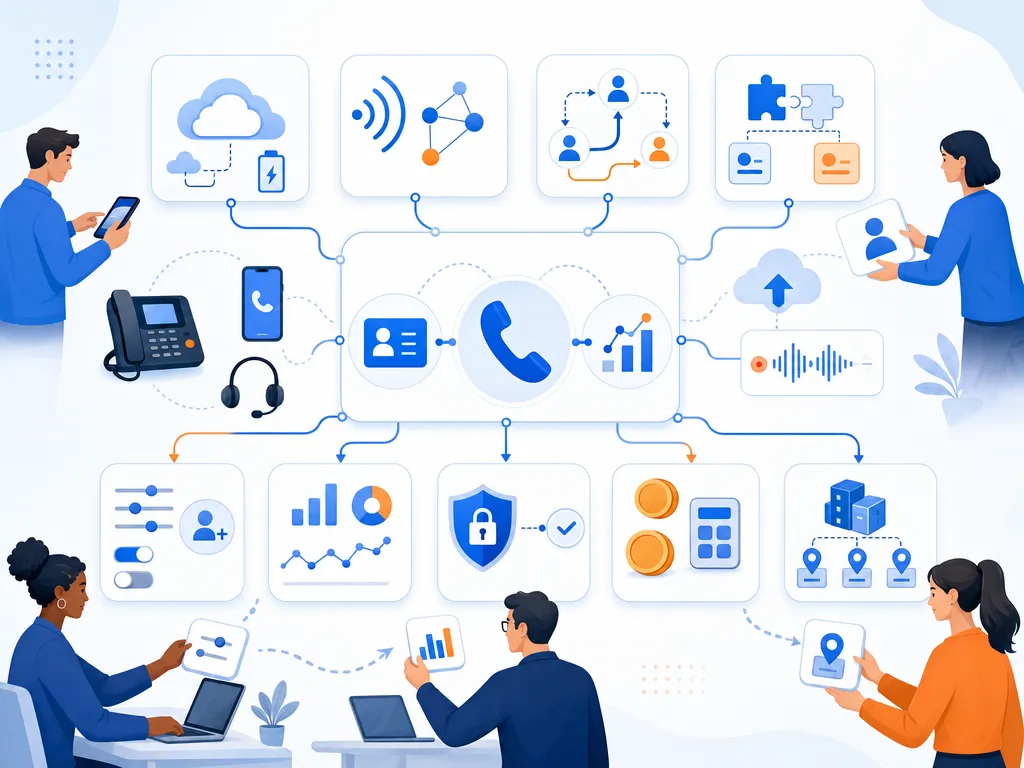
This focus on the quality of the conversation ensures that the speed of the connection is translated into meaningful business value.

Speed to Conversation ROI Compared

The fiscal impact of transitioning from a manual speed to lead model to an automated speed to conversation model is quantifiable and significant. By analyzing the “Lead-to-Qualification Rate,” organizations can model the revenue gains associated with sub-minute response times.

Performance TierResponse TimeLead-to-Qual RateRevenue per 1,000 Leads ($5K ACV)
Industry Average42 Hours0.15%$7,500
Optimized Manual1 Hour0.75%$37,500
Automated Speed5 Minutes2.10%$105,000
Kixie LeadCaller< 1 Minute3.00%$150,000

The delta between the industry average and a Kixie-optimized response is a 2,000% increase in revenue from the same marketing spend. This ROI is driven by the “First Responder Advantage,” the fact that 78% of buyers work with the first vendor to respond. By capturing leads while the brand is literally still on their screen, Kixie allows organizations to capitalize on the highest state of intent, effectively reducing the cost per acquisition (CPA) and maximizing the value of every marketing dollar.

Speed to Conversation in Action

The success of these strategies is reflected in the outcomes achieved by diverse organizations utilizing Kixie’s technology.

Kennected Doubled Call Volume and Conversations

Kennected, a lead generation and marketing firm, initially struggled with a lack of a central phone system, with reps making calls from personal cell phones. This manual process made follow-up cumbersome and difficult to track. After adopting Kixie’s PowerDialer and HubSpot integration, Kennected saw their outbound call volume double. By utilizing “voicemail drop,” agents saved approximately one hour per day, which was redirected toward more live conversations. The integration also allowed for automated SMS reminders for meetings, which significantly reduced their no-show rate and improved the overall customer experience.

GoSite Boosted Answer Rates by 12%

GoSite, a SaaS provider for home service businesses, needed a solution to scale their high-volume outbound outreach while maintaining high connection rates. By switching to Kixie and utilizing the ConnectionBoost suite, GoSite increased their answer rates by 12%. The ability to use local presence dialing proved to be a “game changer” for their revenue operations, allowing them to manage over 150,000 calls per month with a high degree of personalization and trust.

Fischer Homes and Solar Power Pros Scaled Conversations with Kixie

Other organizations have seen similar transformative results. Fischer Homes tripled their outbound call volume by using Kixie’s automated dialing features, while Solar Power Pros reduced their no-show rate by 50% through automated SMS and follow-up sequences. These results demonstrate that speed to conversation is a universal driver of sales success, regardless of industry or deal size.

How to Operationalize Speed to Conversation

In the contemporary B2B sales environment, the concept of speed to lead is being subsumed by the more rigorous and effective standard of speed to conversation. For researchers and sales leaders, the data is unequivocal: the “Platinum Minute” following a lead inquiry is the most valuable period in the entire sales cycle. Organizations that rely on manual workflows, email-first follow-ups, and pull-based engagement are suffering from massive pipeline leakage and wasting billions in marketing spend.

Speed to conversation matters more than speed to lead because it addresses the buyer’s fundamental expectation for immediate, human-driven assistance. It captures intent before it decays, builds trust through reliability, and secures the “first responder advantage” that is the single most decisive factor in winning modern deals.

Kixie provides the necessary technological infrastructure to bridge the gap between digital signals and human relationships. By automating the connection process through the LeadCaller mechanism, ensuring high pickup rates with ConnectionBoost, and maintaining multi-channel continuity via automated SMS, Kixie allows sales teams to shift their focus from dialing numbers to closing deals. For organizations looking to maximize their lead conversion and revenue growth, the solution lies in operationalizing speed to conversation, turning every hand-raise into an instant, meaningful dialogue.

Speed to Conversation and Why It Beats Speed to Lead for B2B Sales Teams

TL;DR: Speed to conversation measures the time between a prospect’s intent signal and an actual live dialogue with a sales rep, not just an outreach attempt. Data shows 78% of buyers choose the first company to respond, and sub-minute response times produce a 391% conversion boost compared to 30+ minute delays. The industry average response time is 47 hours, with 63% of leads never contacted at all. Kixie’s Automated LeadCaller uses a push-based “hunt-and-bridge” framework to connect reps with leads in under 60 seconds, eliminating manual pull-based workflows. ConnectionBoost manages caller ID reputation across 50,000+ numbers with real-time ASR monitoring and automatic spam quarantine. The Multi-line Power Dialer handles up to 10 parallel calls with AI human voice detection. Integrated SMS, voicemail drop, and CRM auto-logging (100+ native integrations including HubSpot, Salesforce, GoHighLevel, Pipeline CRM) remove administrative overhead. Universal coaching (Listen, Whisper, Barge) and AI conversation intelligence provide real-time and post-call quality management. Modeled revenue impact: sub-minute response generates $150,000 per 1,000 leads at $5K ACV versus $7,500 at the 42-hour industry average, a 20x improvement from the same lead pool.

Why B2B Sales Teams Are Shifting from Speed to Lead to Speed to Conversation

Most sales organizations already know that responding to inbound leads quickly matters. The concept of “speed to lead” has been a staple of sales training for years. But there is a critical distinction that separates high-performing teams from everyone else: it is not enough to simply attempt contact fast. What matters is how quickly a rep gets into an actual, live dialogue with the prospect.

That distinction is the gap between speed to lead and speed to conversation, and the data behind it is stark. Research indicates that 82% of consumers rate an immediate response as “important” or “very important” when they have a sales-related inquiry. Despite this, the average response time across the B2B sector remains a staggering 47 hours, with 63% of leads receiving no response at all. This is not merely an operational oversight. It is a structural failure of the standard “pull-based” sales workflow, where human latency and administrative burdens prevent representatives from acting within the critical 60-second window where conversion probability is highest.

How the Lead Decay Curve Shapes Speed to Conversation

The probability of a successful sales interaction is an exponential decay function of time. Buyer intent peaks at the moment of submission, and every subsequent minute of delay significantly erodes the likelihood of qualification and conversion. The data suggests that the “first responder advantage” is the single most decisive factor in winning a deal: 78% of buyers choose the first company that responds to their inquiry. This advantage is so profound that it often outweighs brand reputation, price, and even product features.

The table below synthesizes the impact of response time on key performance indicators. Notice the catastrophic performance deterioration that occurs beyond the first five minutes.

Response Window Qualification Likelihood Conversion Boost Strategic Outcome
< 1 Minute 100x vs. 30 min 391% increase Instant Intent Capture
< 5 Minutes 21x vs. 30 min 8x vs. > 5 min Optimal Speed-to-Conversation Window
< 1 Hour 7x higher Moderate Standard Aspirational Goal
24+ Hours 60x lower Minimal Pipeline Leakage

Organizations that fail to reach prospects within the first hour are essentially chasing “ghost leads.” After sixty minutes, the likelihood of making successful contact drops tenfold, and 71% of internet leads are wasted due to inadequate follow-up procedures. The economic cost is immense: billions in global advertising spend are effectively abandoned because sales teams cannot overcome human latency.

Why Intent Fades and Human Latency Kills Conversations

The root cause is what you might call the “crisis of human latency.” Modern sales representatives face an impossible equation: a high volume of leads, insufficient time for manual research, and a constant barrage of administrative tasks. In a typical manual workflow, a lead enters the CRM, an alert fires (often via email or a notification bell), the rep must see the alert, navigate to the record, verify the data, and then initiate the call. Even if this process takes only three to five minutes, the prospect’s focus has likely shifted. They may have closed the browser tab, answered another call, or engaged with a competitor who used an automated response system.

Traditional automation tools have historically focused on internal workflow optimization rather than the buyer experience. Systems that merely route a lead to a “To Do” list or trigger an automated email sequence fail to address the core human need for rapport and real-time objection handling. Speed to conversation addresses this gap by using technology to force an instant interaction, bridging the divide between a digital signal and a human relationship.
How Kixie’s LeadCaller Enables Instant Speed to Conversation

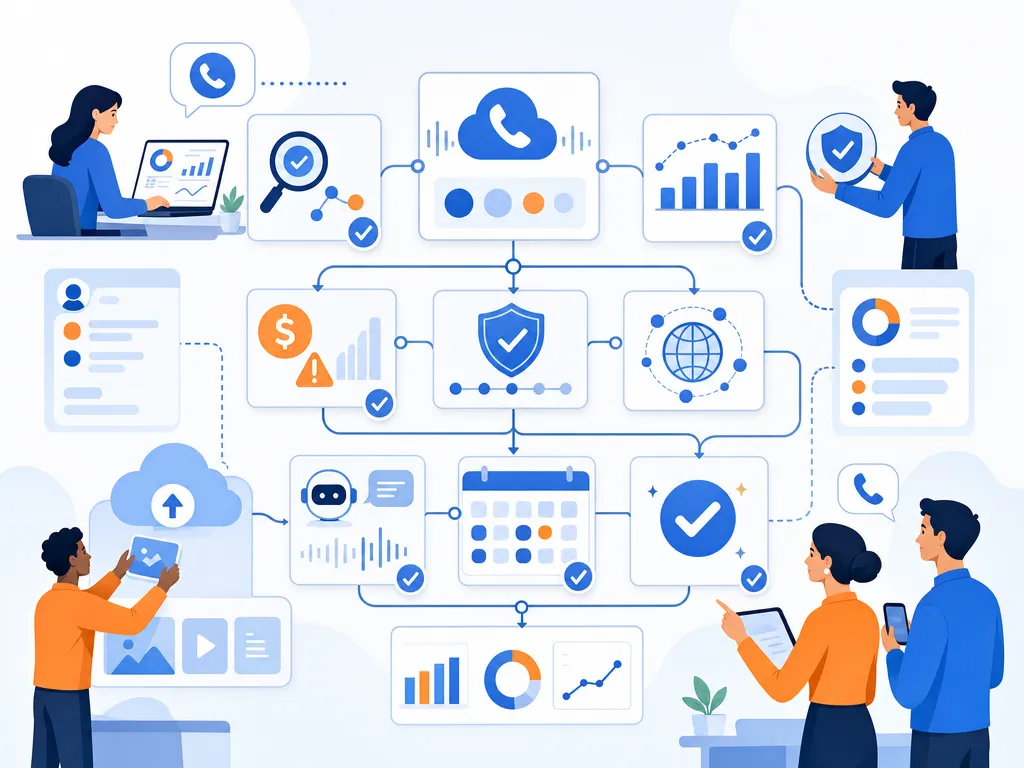
Solving the latency problem requires a fundamental shift from “pull” to “push” frameworks. In a pull-based system, the rep has to notice a lead, open a record, and decide to call. In a push-based system, the technology initiates the connection automatically. Kixie’s Automated LeadCaller is built on this push-based “hunt-and-bridge” framework, and the workflow is designed to minimize the time between intent signaling and voice connection:

  1. Intent Trigger: A prospect performs a high-intent action, such as submitting a web form or clicking a specific link in a pricing email.
  2. Representative Selection: The system identifies the most appropriate representative based on pre-defined routing rules (geographic proximity, industry expertise, or round-robin availability).
  3. The Representative Ring: Kixie immediately calls the sales representative’s desk phone, mobile app, or computer.
  4. The Prospect Bridge: As soon as the representative answers, the system provides a brief whisper (e.g., “New Lead: John Smith”) and automatically dials the prospect’s number.

This mechanism eliminates the representative’s “choice” to delay. The system ensures the lead is contacted in seconds rather than minutes, which is what produces the 391% increase in conversion probability: it catches the prospect while the brand is literally still on their screen.

How Kixie’s Push Framework Compares to Legacy CRM Dialers

The distinction between passive and active frameworks becomes clearer when comparing specialized tools like Kixie to native CRM solutions such as Salesforce Sales Dialer.

Operational Feature Salesforce Work Queues (Legacy) Kixie LeadCaller (Modern)
Engagement Model Pull-based (Passive) Push-based (Active)
Latency Risk Rep distraction / monitoring required Eliminated via system-initiated call
Monitoring Threshold Limited to CRM Role Hierarchy Universal access (Listen / Whisper / Barge)
Follow-up Integration Requires manual Flow configuration Built-in Auto-SMS and templates
Success Correlation Lower conversion due to latency 391% conversion boost via sub-minute response

The structural advantage of the push framework is that it protects the pipeline from human error. In a pull-based system, if a representative is away from their desk or distracted by another tab, the lead cools off. In the Kixie framework, the system actively “hunts” for the representative across multiple devices to ensure the bridge is established.

How ConnectionBoost Protects Speed to Conversation from Spam Filters

Even the fastest dialing system in the world is useless if the prospect never sees the call. The modern telecommunications environment is plagued by aggressive carrier-level filtering, where legitimate sales calls are frequently flagged as “Spam Risk” or “Scam Likely.” To overcome this, Kixie uses ConnectionBoost, an AI-driven suite of caller ID reputation management and connection-optimization tools.

How Caller ID Reputation Remediation Works

At the core of ConnectionBoost is an automated spam detection and remediation engine. The system monitors Answer Seizure Ratios (ASR) in real-time across a dynamic pool of over 50,000 numbers. When the ASR for a specific number drops (a primary indicator that the number has been flagged by a major carrier like Verizon or AT&T), the system automatically quarantines that number and replaces it with a fresh, unflagged one from the pool. This proactive approach removes the burden of reputation management from the IT administrator and places it in the hands of an autonomous AI.

How Local Presence Dialing Improves Answer Rates

Prospects are significantly more likely to answer a call from a local area code. ConnectionBoost uses local presence dialing to display a number matching the prospect’s geographic location. Kixie takes this further with “Progressive Caller ID,” which automatically rotates the numbers used for a specific prospect. This prevents the “frequency capping” blocks that occur when a lead sees the same unknown number multiple times and decides to manually block it.

How AI Human Voice Detection Saves Rep Time

One of the most significant wastes of representative time is the manual handling of answering machines and IVR systems. Kixie’s Multi-line Power Dialer uses AI algorithms to detect the difference between a live human greeting and a recording, allowing the system to auto-dial up to 10 numbers in parallel. It skips voicemails and only bridges the representative when a live person answers. The efficiency gains are substantial: by removing the dead air of voicemails, a representative can have five times as many conversations per day compared to manual dialing.
Why Multi-Channel Follow-Up Matters for Speed to Conversation

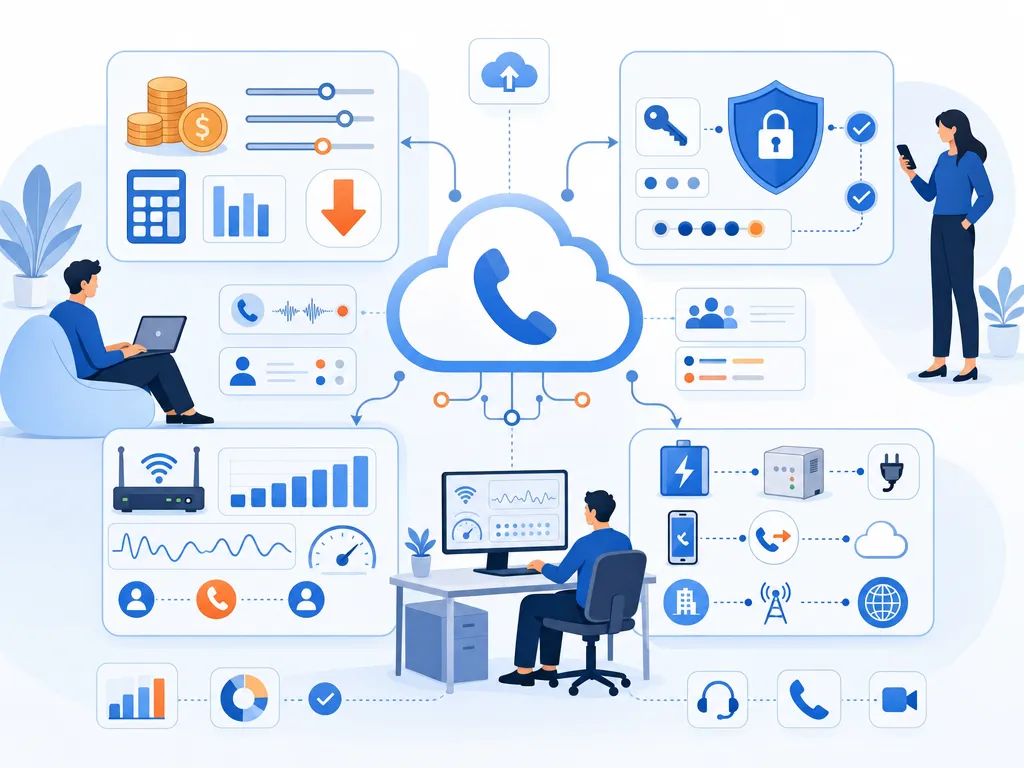
Speed to conversation is not solely a function of voice calls. It is a holistic engagement strategy that incorporates multiple touchpoints. The modern buyer expects seamless continuity across channels, and Kixie addresses this by integrating SMS directly into the dialing interface and the CRM workflow.
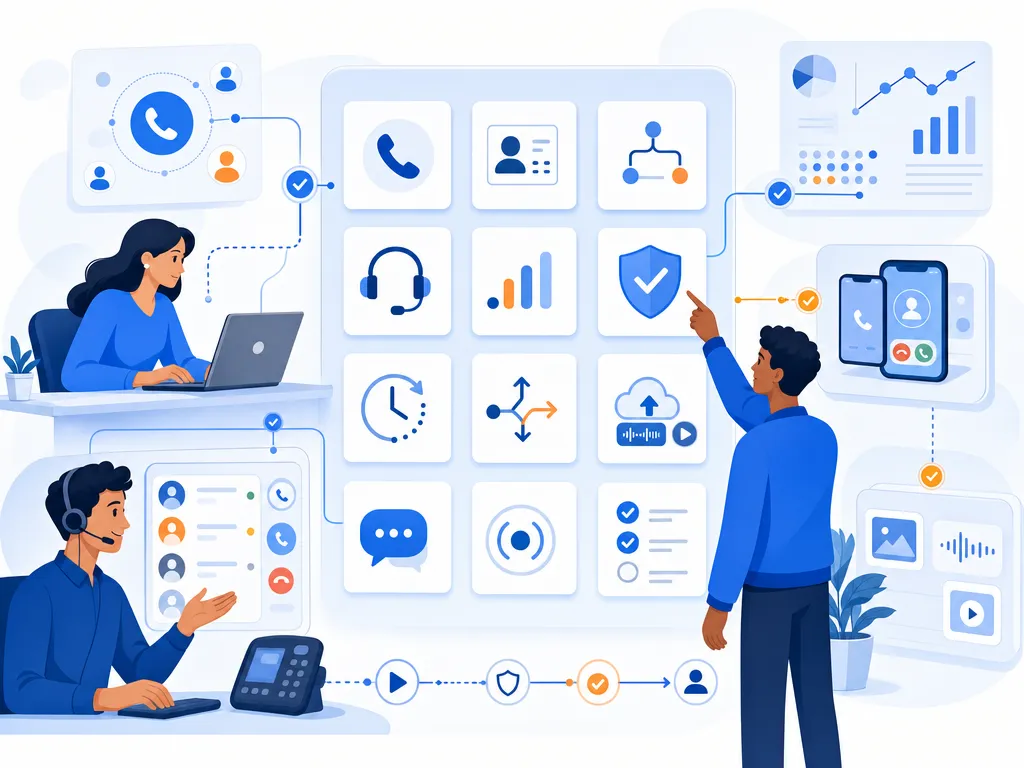
How Business SMS Bridges Missed Conversations

Prospects respond to SMS at a much higher rate than other forms of digital communication. Within the Kixie ecosystem, SMS works both as a primary outreach tool and as a secondary “bridge” for missed calls. The system can be configured to send an “Auto-SMS” triggered by a specific call disposition (e.g., “Left Voicemail”), ensuring that even if a live conversation was not established on the first attempt, the brand maintains its presence in the prospect’s inbox and increases the likelihood of a callback.

Each channel in the speed-to-conversation stack serves a distinct strategic function:

Communication Channel Strategic Function
Voice Call Direct objection handling and human rapport building
Automated SMS High-visibility follow-up for missed call bridges
Voicemail Drop One-click delivery of personalized messages
CRM Logging Automatic synchronization of all multi-channel touchpoints

The integration of these channels ensures that the conversation never truly stops. If a lead fill occurs and the representative is on another call, Kixie can automatically send a text: “Hi [Name], I’m currently on a call but will be reaching out in exactly three minutes to discuss your inquiry.” This pre-emptive engagement satisfies the buyer’s need for immediacy and “claims” the lead before a competitor can intervene.

How Conversation Intelligence Scales Speed to Conversation Quality

High-velocity dialing without high-quality interactions is just noise. As teams scale, the ability for managers to oversee and improve live conversations becomes a critical success factor. Kixie provides a universal call coaching framework that is uncoupled from rigid CRM hierarchies, allowing any designated team lead or coach to monitor calls in real-time.

How Listen, Whisper, and Barge Give Managers Real-Time Control

The universal coaching suite offers three levels of engagement:

  • Listen: Allows a manager to monitor a call for quality assurance without either party knowing they are present.
  • Whisper: Enables the coach to speak directly to the representative with real-time guidance (e.g., “Don’t forget to mention the Q3 discount”) that the prospect cannot hear.
  • Barge: Allows the manager to join the call as a third party, particularly effective for closing high-value deals or resolving complex objections.

This real-time feedback loop is essential for onboarding new representatives and ensuring that speed does not come at the cost of conversation quality. Unlike Salesforce, which often charges for “Digital Engagement” add-ons or doubles minute usage during monitoring, Kixie includes these features in its core enterprise offering without usage penalties.

How AI Conversation Intelligence Improves Post-Call Analysis

Kixie also integrates with platforms like Gong and offers native Kixie AI Insights for deeper post-call analysis. AI-powered conversation intelligence automatically transcribes calls, identifies keywords, and performs sentiment analysis. This data allows managers to pinpoint why certain reps have higher conversion rates and replicate those winning talk tracks across the entire organization. Call summaries are automatically synced to the CRM, removing the administrative burden of manual note-taking.

How CRM Integrations Power Speed to Conversation Workflows

A speed-to-conversation engine is only as effective as its integration with the organization’s “System of Record.” Kixie’s 100+ native integrations ensure that lead data flows seamlessly between the website, the dialer, and the CRM without manual intervention.

GoHighLevel and Pipeline CRM Integration Examples

In a GoHighLevel environment, Kixie PowerCall integrates via the “Lead Connector” protocol. The administrator selects the appropriate sub-account, and the system automatically maps fields to ensure that every call and SMS is logged to the correct contact record.

In Pipeline CRM, the integration follows three steps:

  1. Authentication: Using the Kixie Business ID and API Key to establish a secure link.
  2. Activity Mapping: Determining how different call outcomes (completed, missed, voicemail) should be categorized in the CRM’s activity timeline.
  3. Verification: Using webhooks to confirm that data is pushing correctly in real-time.

This real-time synchronization is critical for maintaining data integrity. When a representative has a conversation with a lead, that interaction must be visible across the entire organization immediately to prevent duplicate outreach or conflicting messaging.

How Automation Removes the Administrative Tax on Speed to Conversation

The primary constraint on sales growth is often not lead volume but the administrative “tax” on sales representatives. Studies show that the average salesperson spends 20% of their time on CRM updates and manual data entry, and another 6.4 hours per week in internal meetings. That is time that should be spent having live conversations.

Kixie addresses this by automating the busywork:

  • Automatic Call Logging: Every call, text, and recording is logged instantly to the CRM.
  • New Lead Creation: If a lead from a web form is not already in the system, Kixie can automatically create a new contact record, pulling details from web databases where possible.
  • Disposition Triggers: Managers can set up automations based on call outcomes. For example, a “Demo Scheduled” disposition in Kixie can automatically move the lead to the next stage in the HubSpot pipeline and send a confirmation email.

By removing these menial tasks, Kixie enables a lean sales team to handle a significantly higher lead volume than would be possible with manual processes. This scalability is essential for organizations looking to increase their media spend, as it ensures that the increased lead flow will be handled with consistent speed and quality.

The Revenue Cost of Slow Speed to Conversation

The ultimate metric for any revenue technology is its impact on the bottom line. The cost of slow lead response is quantifiable through Cost Per Lead (CPL) and Return on Ad Spend (ROAS). When 63% of leads receive no response, the organization is effectively throwing away 63% of its marketing budget. The table below models the revenue impact of transitioning from a moderate manual response to an instant automated response.

Performance Tier Median Response Time Lead-to-Qualification Rate Revenue per 1,000 Leads ($5K ACV)
Industry Average 42 Hours 0.15% $7,500
Optimized Manual 1 Hour 0.75% $37,500
Automated Speed 5 Minutes 2.10% $105,000
Kixie LeadCaller < 1 Minute 3.00% $150,000

An automated speed-to-conversation strategy can generate 20x more revenue than the industry average from the exact same lead pool. For a mid-market company, this is the difference between a failing marketing campaign and a highly profitable growth engine.

How Revenue Leakage Adds Up Without Fast Conversations

The abandonment of 51% to 63% of leads represents a catastrophic failure to meet customer expectations. In many industries, the cost per lead can exceed $100 or even $500. If 630 leads out of 1,000 are never contacted, the organization is losing $63,000 to $315,000 in sunk costs alone, before accounting for the lifetime value of the lost customers. Speed to conversation serves as a “plug” for this leakage, ensuring that every marketing dollar has a fair chance to convert into revenue.

The Future of Speed to Conversation and Autonomous Revenue Engines

The concept of sales automation is evolving into what many are now calling “autonomous revenue engines.” This shift is driven by the integration of AI sales agents that can think, remember, and personalize interactions at scale. These agents do not just execute predefined sequences; they adapt their messaging based on buyer signals and handle objections authentically.

In this future, speed to conversation becomes even more critical. If an AI agent can qualify a lead in real-time on a website, the handoff to a human representative must be instantaneous to maintain the continuity of the experience. Organizations that have already built a foundation of automated lead bridging and multi-channel orchestration with tools like Kixie will be best positioned to integrate these advanced AI capabilities and achieve a truly frictionless buyer experience.

Strategic Recommendations for Revenue Leaders

The transition from speed to lead to speed to conversation is an operational necessity in an increasingly competitive B2B market. The data is clear: speed is the primary driver of conversion, and human latency is the primary driver of revenue leakage. To capitalize on this shift, organizations should adopt the following strategic framework:

  1. Prioritize the “Push” Framework: Replace passive work queues with active lead bridging systems that “hunt” for representatives and facilitate sub-minute connections.
  2. Automate Reputation Management: Use AI-driven tools to monitor Caller ID reputation and rotate numbers dynamically, ensuring that calls are not blocked by carrier filters.
  3. Integrate Multi-Channel Follow-up: Layer automated SMS and voicemail drops into the initial outreach cadence to maintain momentum when a live call is not initially possible.
  4. Use Universal Coaching: Implement real-time monitoring and whisper capabilities to ensure that high-velocity interactions maintain high-quality standards.
  5. Audit the “Expectation Gap”: Continuously measure actual response times against the 60-second gold standard, using real-time dashboards to foster a culture of urgency and competition.

By adopting these principles, sales organizations can transform their inbound response engine from a source of frustration and wasted spend into a high-performance driver of growth and competitive advantage. In the digital economy, the first conversation is often the only one that matters.

Connect Kixie to Claude for Automated Sales Follow-Ups

TL;DR: Connecting Kixie to Claude (API: $3/1M input tokens, $15/1M output tokens) via Zapier ($19.99+/mo) creates an automated follow-up system that drastically cuts manual labor costs. This matters because 80% of sales require 5+ follow-ups but only 8% of reps follow up that many times, and reps currently spend 13 hours/week writing emails.

Introduction

Sales organizations face a continuous operational challenge balancing the need for high-volume outreach with the necessity for personalized follow-up communication. The phrase “stop writing follow-ups connect kixie to claude in 5 minutes” reflects a growing shift in revenue operations toward intelligent automation. Manual data entry and repetitive email drafting drain significant resources from sales development representatives and account executives. When a salesperson completes a phone call, they must traditionally switch contexts, open their email client, review their notes, and type a relevant message. This context switching reduces active selling time.

By integrating Kixie, a cloud-based business telephony system, with Claude, a large language model developed by Anthropic, businesses can eliminate this manual step. Through an intermediary automation platform like Zapier, a completed call in Kixie can instantly trigger Claude to write and send a contextually accurate email based on the specific call outcome. This educational report details the underlying data on why follow-ups are necessary, explores the features and costs of the required tools, and provides a comprehensive, step-by-step guide on how to build this specific automation infrastructure.

The Operational Cost of Manual Sales Follow-Ups

The Operational Cost of Manual Sales Follow-Ups

To understand the value of connecting Kixie to Claude, it is important to analyze the current state of sales productivity. Sales professionals are evaluated based on their ability to generate revenue, but structural inefficiencies frequently prevent them from maximizing their time spent talking to buyers.

Time Allocation in Sales Departments

According to research by HubSpot, salespeople spend only about 34 percent of their day actively selling to prospects. The remainder of their workday is consumed by administrative tasks and preparation. Specifically, sales representatives spend 21 percent of their time writing emails and another 17 percent entering data into Customer Relationship Management systems. In a standard 40-hour workweek, writing emails accounts for approximately 13 hours of lost productivity per representative.

The volume of daily tasks required to maintain a healthy sales pipeline is substantial. On average, a sales development representative completes 94.4 activities per day. These daily activities are typically broken down into the following categories:

  • 35.9 phone calls
  • 32.6 emails
  • 15.3 voicemails
  • 7.0 social media interactions

When writing individual emails takes an average of two minutes per message, the time commitment quickly compounds. For a team of ten sales representatives, the company is effectively paying for 130 hours of email drafting every single week.

The Statistical Necessity of Persistence

Despite the time constraints, follow-up emails are a mandatory component of a successful sales cycle. Data shows that 60 percent of customers will refuse an offer up to four times before they finally agree to a purchase. Furthermore, 80 percent of all completed sales require at least five follow-up attempts after the initial contact has been made.

However, human behavior in sales often contradicts these mathematical realities. Because of the fear of rejection or the sheer difficulty of managing a high-volume pipeline, 44 percent of salespeople give up after making just one follow-up attempt. Only 8 percent of salespeople consistently follow up more than five times. The drop-off in effort directly correlates to a loss in potential revenue.

When a salesperson relies on manual processes to track who needs a follow-up and then manually drafts the message, the system is prone to failure. The rep either forgets to send the email, sends a generic template that fails to engage the prospect, or sacrifices dial time to write a thoughtful response. Automating this process ensures that the persistent follow-up sequence happens reliably without sacrificing the personalization required to secure a meeting.

Overview of the Technology Stack

Overview of the Technology Stack

Building an automated system that listens for a phone call to end and immediately drafts a response requires three specific pieces of software. This section outlines the roles and features of Kixie, Zapier, and Claude.

Kixie Business Telephony and Call Automation

Kixie is a cloud-based telephony tool designed primarily for outbound sales teams, call centers, and revenue operations departments. It operates as a Google Chrome extension that overlays a click-to-call dialer on top of existing software, allowing representatives to dial numbers directly from their web browser or Customer Relationship Management system.

Kixie offers multiple pricing tiers designed for teams of different sizes, from a base plan with CRM integration, click-to-call, and ring groups, up to an advanced PowerDialer tier with multi-line dialing capable of reaching up to 10 numbers concurrently. Visit kixie.com/pricing for current plan details.

One of Kixie’s most notable features is ConnectionBoost. This is an artificial intelligence-powered local presence dialing tool that automatically rotates through a pool of more than 50,000 local phone numbers. When a representative calls a prospect in Texas, ConnectionBoost ensures the caller ID displays a local Texas area code. This feature helps prevent numbers from being marked as “Spam Risk” and can significantly increase the rate at which prospects answer the phone.

For automation purposes, Kixie utilizes “Webhooks.” A webhook is a method for one software application to send real-time data to another application whenever a specific event occurs. Kixie can trigger webhooks based on events such as a call starting, a call ending, a text message being sent, or a specific call disposition being logged by the sales agent.

Zapier Workflow Automation

Zapier acts as the digital bridge between Kixie and Claude. It is a no-code automation platform that connects over 7,000 different web applications. In Zapier, automated workflows are called “Zaps.” Every Zap consists of a “Trigger” (the event that starts the workflow) and one or more “Actions” (the tasks performed as a result of the trigger).

Zapier operates on a tiered pricing model based on the number of “tasks” consumed per month. A task is counted every time an Action step successfully completes.

  • Free Plan Costs $0 per month but is limited to 100 tasks and two-step Zaps (one trigger and one action).
  • Professional Plan Starts at $19.99 per month when billed annually (or $29.99 billed monthly) and includes 750 tasks. This plan unlocks multi-step workflows, premium application integrations, and access to webhooks.
  • Team Plan Starts at $69.00 per month (annually) for 2,000 tasks and includes multi-user collaboration features and shared workspaces.

Because the Kixie integration requires catching a webhook and sending data to an artificial intelligence tool, users will need at least the Zapier Professional plan to execute this workflow reliably.

Claude 3.5 Sonnet by Anthropic

Claude is a large language model developed by the artificial intelligence research company Anthropic. Within the Claude 3.5 family, the “Sonnet” model provides an optimal balance of processing speed, high intelligence, and cost-effectiveness. Released in June 2024, Claude 3.5 Sonnet operates at twice the speed of previous flagship models and excels at understanding nuance, complex instructions, and writing content with a natural, relatable tone. This makes it highly effective for drafting sales emails that do not sound robotic.

Anthropic offers Claude access through two primary methods. The first is a consumer subscription called Claude Pro, which costs $20 per month for usage within their web interface. However, to automate processes with Zapier, businesses must use the Anthropic Application Programming Interface.

API pricing is strictly usage-based, calculated by the number of “tokens” processed. A token is a fragment of a word; generally, 1,000 tokens equal about 750 English words. Claude 3.5 Sonnet charges separate rates for input tokens (the text you send to the AI in your prompt) and output tokens (the text the AI generates in response).

  • Input Token Cost $3.00 per 1 million tokens.
  • Output Token Cost $15.00 per 1 million tokens.

Because a typical sales email requires very few tokens, the cost to generate a single email is exceptionally low, usually measured in fractions of a cent.

Platform Comparison Zapier vs Make

Platform Comparison Zapier vs Make

When building automations, revenue operations leaders frequently evaluate Zapier against competitors like Make (formerly Integromat). While both platforms can successfully connect Kixie to Claude, they possess different pricing structures and technical learning curves. Choosing the right platform impacts the long-term cost of your sales automation infrastructure.

Feature and Pricing Comparison Table

The following table outlines the key differences between Zapier and Make for small to mid-sized sales teams automating communication workflows.

Feature / Metric Zapier (Professional Plan) Make (Core / Pro Plan)
Starting Monthly Price $19.99 (Billed Annually) $9.00 (Core) or $16.00 (Pro)
Monthly Task Limit 750 Tasks 10,000 Operations
Total Integrations 8,000+ Applications ~1,500+ Applications
User Interface Linear, step-by-step logic Visual canvas, complex branching
Learning Curve Very low (Beginner-friendly) Moderate to High
Webhook Support Yes (Premium feature) Yes
AI Integration Native Claude and GPT modules Native AI modules available

Zapier is generally preferred for organizations that want to deploy automations quickly without dedicating engineering resources to the project. Its interface is highly intuitive, allowing sales managers to build workflows in minutes. However, Zapier’s task-based pricing can become expensive if a sales team generates thousands of calls per month.

Make offers a significantly higher limit of 10,000 operations for a lower starting price point. It uses a visual canvas that allows for complex, multi-path scenarios. The drawback is that Make requires a deeper understanding of data structures and JSON formatting. For the purpose of this guide, which emphasizes speed and accessibility (“in 5 minutes”), Zapier serves as the primary integration bridge.

Preparing the Automation Infrastructure

Preparing the Automation Infrastructure

Before building the automation sequence, administrators must gather the necessary credentials and ensure their accounts are properly configured. Skipping these prerequisites will result in connection errors during the Zapier configuration phase.

Step by Step Account Preparation

  1. Verify Kixie Administrator Access To configure webhooks in Kixie, the user must have an Admin or Manager level account. A standard agent login will not have access to the necessary settings menus.
  2. Locate Kixie API Credentials Log into the Kixie dashboard and move through to the menu path Manage > Account Settings > Integrations. On this page, copy the “Business ID” and the “API Key.” Save these values in a secure text document, as they will be required to authenticate the connection in Zapier.
  3. Upgrade the Zapier Account Ensure the Zapier account is upgraded to at least the Professional tier. The Free tier does not support the “Webhooks by Zapier” module, which is necessary to receive the instant push data from Kixie.
  4. Generate an Anthropic API Key Create an account on the Anthropic Developer Console. move through to the API Keys section and generate a new key. You will need to attach a billing method and add a small prepaid balance (e.g., $10.00) to activate the API functionality.

Step 1 Create the Kixie Webhook Trigger

Step 1 Create the Kixie Webhook Trigger

The automation process begins inside the Kixie platform. A webhook must be configured to tell Kixie exactly when to package call data and where to send it. While Kixie does have a native Zapier application with some basic functions, using Kixie’s native webhooks provides a much faster and more comprehensive data transfer.

Generating the Zapier Catch URL

First, open a new browser tab and log into Zapier. Click “Create a Zap.”

For the Trigger step, search for the application named “Webhooks by Zapier.”

Under the Event dropdown, select “Catch Hook.”

Click Continue. Zapier will generate a unique Endpoint URL. This URL acts as the digital mailing address where Kixie will deliver the call data. Copy this URL to your clipboard.

Configuring the Webhook in Kixie

Return to the Kixie dashboard as an administrator.

  1. move through the left-hand menu to Manage > Automations > Webhooks.
  2. Click the “+ ADD” button to create a new webhook configuration.
  3. In the “Name” field, enter a descriptive title, such as “Zapier Follow-Up Trigger.”
  4. In the “Webhook URL” field, paste the Endpoint URL that was generated by Zapier.
  5. In the “Event Name” dropdown menu, you must select the specific action that will trigger the data transfer.

For a sales follow-up automation, the two best options are End Call or Call Outcome (also known as Disposition).

  • The End Call event sends the data payload immediately the second the representative hangs up the phone.
  • The Call Outcome event waits until the representative selects a specific disposition from the Kixie dialer interface (e.g., “Left Voicemail,” “Meeting Booked,” or “Not Interested”).

Selecting “Call Outcome” is highly recommended for follow-up automations. It ensures the webhook is only triggered after the sales representative has categorized the call. In the setup menu, you can checkmark specific outcomes, allowing you to trigger this webhook exclusively for “Left Voicemail” or “Follow Up Requested” dispositions.

Leave the optional Header Name and Header Value fields blank. Click “Save Changes” to activate the webhook.

Generating Sample Data

Zapier needs sample data to understand the structure of the incoming webhook. To generate this, open the Kixie dialer extension and place a brief test call to your own personal cell phone. Answer the call, let it run for a few seconds, and then hang up. If you selected the “Call Outcome” event, make sure to log a disposition for the test call.

Return to the Zapier tab and click “Test Trigger.” Zapier will listen for the data and display a successful payload. The JSON payload from Kixie will contain highly detailed variables, including the callid, calldate, duration, fromnumber, tonumber, callstatus, and disposition. Having this structured data allows you to pass specific details into your Claude prompt.

Step 2 Set Up the Claude Artificial Intelligence Action

Step 2 Set Up the Claude Artificial Intelligence Action

Once Zapier successfully catches the webhook data from Kixie, the next step is to forward that data to Claude 3.5 Sonnet to draft the personalized email.

Authenticating the Anthropic Connection

In your Zapier workflow, click the “+” button to add an Action step.

Search for the application “Anthropic (Claude)”.

Under the Event dropdown menu, select “Send Message.”

Click Continue. Zapier will prompt you to connect your Anthropic account. A dialog box will appear asking for your API Key. Paste the API key you generated from the Anthropic Developer Console and click “Yes, Continue to Anthropic (Claude)”.

Selecting the Model and Parameters

In the Action configuration menu, you must define how Claude will process the request.

  • Model Select “Claude 3.5 Sonnet” from the dropdown list.
  • Max Tokens to Sample This dictates the maximum length of the generated email. Setting this to 300 or 400 tokens is generally sufficient for a concise sales follow-up.
  • Temperature This setting controls the creativity of the AI. A temperature of 0.0 produces highly deterministic, repetitive text. A temperature of 1.0 produces highly creative text. For business emails, a setting between 0.4 and 0.7 is recommended to balance professional consistency with a natural, conversational tone.

Crafting the Prompt Engineering Instructions

The “Prompt” field is where the true value of the automation is created. You must provide Claude with clear instructions on your company’s value proposition, the tone of voice, and the specific variables pulled from the Kixie webhook.

When writing the prompt, use Zapier’s “Insert Data” tool to dynamically map the webhook variables into the text. For example, you can insert the calldate and the disposition directly into the prompt instructions.

Example Prompt Framework


You are an expert Sales Development Representative for [Your Company Name], a company that provides [Your Value Proposition]. 

Your task is to write a short, highly engaging follow-up email to a prospect. 

Here is the data from the phone call we just completed:
- Call Duration: [Insert Kixie 'duration' variable] seconds
- Call Outcome: [Insert Kixie 'disposition' variable]

Instructions:
1. If the Call Outcome is "Left Voicemail," write a 3-sentence email mentioning that I just tried calling them and left a message. Do not ask for a meeting yet; just offer a helpful resource related to [Pain Point].
2. If the Call Outcome is "Follow Up Requested," write a 4-sentence email thanking them for their time on the phone today. Include a polite call to action asking if they are available for a 15-minute discovery call next Tuesday.
3. The tone must be natural, peer-to-peer, and professional. 
4. Do not use corporate clichés like "Hope this finds you well" or "I wanted to reach out."
5. Output ONLY the email body. Do not include subject lines or placeholder text.

By providing strict negative constraints (e.g., “Do not use corporate clichés”), Claude 3.5 Sonnet is highly effective at mimicking a natural human tone that avoids the typical robotic feel of AI-generated spam. Using dynamic data from the Kixie webhook allows the AI to understand exactly how the call went and adjust its response accordingly.

Step 3 Automate the Email Delivery

Step 3 Automate the Email Delivery

The final step in the automation sequence takes the output text generated by Claude and physically sends the email to the prospect.

Add a third step to your Zapier workflow. The application you choose for this step depends entirely on your existing technology stack. You can choose Gmail, Microsoft Outlook, or a CRM platform like HubSpot or Salesforce.

Example Configuration Using Gmail

  1. Select “Gmail” as the application and “Send Email” as the Event.
  2. Connect your corporate Gmail account.
  3. In the “To” field, you need the prospect’s email address. Note: Kixie’s webhook provides the prospect’s phone number (tonumber). If Kixie is properly synced with your CRM, the webhook may include the email variable directly. If the email variable is empty, you may need to add an intermediary “Search” step in Zapier (e.g., “Find Contact in HubSpot” using the phone number) to retrieve the email address before this step.
  4. In the “Subject” field, type a static subject line or use Claude to generate a dynamic subject line in a previous step.
  5. In the “Body” field, select the “Reply” text generated by the Anthropic Action step.
  6. Click “Test Action” to send a sample email.

If you prefer human oversight, you can configure the Zap to “Create Draft” instead of “Send Email.” This allows the sales representative to open their email client, review the AI-generated follow-up, make minor edits, and hit send manually. This still saves approximately 90 percent of the drafting time while maintaining quality control.

Advanced Strategies Enhancing the Data Flow

Advanced Strategies Enhancing the Data Flow

Once the basic integration is functioning, revenue operations teams can add complexity to the workflow to improve performance and analytics tracking.

Incorporating Call Summaries

If the company utilizes Kixie’s premium Conversation Intelligence add-on, the telephony platform can analyze live calls using artificial intelligence. When a call ends, Kixie’s AI can generate a text summary of what was discussed, track sentiment analysis, and identify key phrases.

By passing this CI Summary webhook data into Zapier, the prompt sent to Claude can become exponentially more personalized. Instead of writing a generic “Thanks for the chat” email, Claude can reference specific topics discussed on the call.

Revised Prompt Addition:

Here is the summary of our conversation: [Insert Kixie CI Summary]. Please mention one specific pain point from this summary in the opening line of the email to prove I was actively listening.

Delaying the Follow-Up Delivery

Sending an email exactly three seconds after hanging up the phone can sometimes feel overly automated to the recipient. To simulate a more human workflow, administrators can utilize Zapier’s native “Delay” module.

Insert a “Delay by Zapier” step between the Kixie trigger and the Claude action. Configure it to delay the workflow for 15 minutes. This ensures the prospect receives the follow-up email at a natural interval, suggesting the representative took time to sit down and type out the message.

Worked Example Calculating the Return on Investment

Worked Example Calculating the Return on Investment

Implementing new technology requires financial justification. By comparing the hard costs of the Kixie, Zapier, and Claude subscriptions against the hourly cost of manual labor, the return on investment becomes clear.

Analyzing the Automation Costs

The cost of this system relies heavily on usage volume. Consider a mid-sized sales team of 5 representatives who collectively make 5,000 outbound phone calls per month. Assuming 2,000 of those calls require a follow-up email, the costs break down as follows:

1. Zapier Task Costs

Processing 2,000 emails requires a multi-step Zap. A 3-step Zap (Catch Webhook, Prompt Claude, Send Email) uses 2 tasks per run (the trigger does not count as a task, but the two actions do).

  • 2,000 emails × 2 tasks = 4,000 tasks per month.
  • This volume requires Zapier’s Team plan, which starts at $69.00 per month (when billed annually) for up to 2,000 tasks, plus overage fees, or moving to a higher volume tier. For 5,000 tasks, the monthly cost on Zapier is approximately $89.00.

2. Claude 3.5 Sonnet API Costs

To calculate token costs, we must estimate the length of the prompt and the output.

  • The prompt instructions and webhook data equal approximately 300 words (400 tokens).
  • The generated email equals approximately 100 words (130 tokens).
  • Total input tokens per month: 400 tokens × 2,000 emails = 800,000 input tokens.
  • Total output tokens per month: 130 tokens × 2,000 emails = 260,000 output tokens.

Using Anthropic’s pricing model:

  • Input Cost: 0.8 million tokens × $3.00 = $2.40.
  • Output Cost: 0.26 million tokens × $15.00 = $3.90.
  • Total Claude API Cost: $6.30 per month.

Total Automation Cost

Zapier ($89.00) + Claude ($6.30) = $95.30 per month.

Analyzing the Labor Savings

If the average sales representative earns a base salary of $60,000 per year, their hourly wage is approximately $28.84.

As established earlier, drafting emails manually consumes roughly 13 hours per week per representative.

  • 13 hours × 4 weeks = 52 hours per month.
  • 52 hours × $28.84 = $1,500.00 in labor costs per month, per representative.
  • For a team of 5 representatives, manual email drafting costs the company $7,500.00 per month in lost time.

By spending $95.30 on automation infrastructure, the company reclaims $7,500.00 worth of active selling time. This yields an astronomical return on investment and allows the sales team to focus entirely on live phone interactions and closing deals.

Frequently Asked Questions

1. Does Kixie integrate directly with Claude without needing Zapier?

No. Kixie does not currently possess a native, direct integration with Anthropic’s Claude. Kixie relies on its robust API and webhook capabilities to send data to third-party integration platforms. Zapier (or a similar tool like Make) is required to receive the data from Kixie and translate it into a prompt for the Claude API.

2. What is the difference between a Claude Pro subscription and the Claude API?

Claude Pro is a $20-per-month consumer subscription that grants individuals priority access to the Claude.ai web interface for manual chatting and document analysis. The Claude API is a developer tool that charges per token based strictly on usage. To build automated workflows in Zapier, you must use the API, which generally results in much lower costs for specific, repetitive tasks like drafting emails.

3. Will the Kixie webhook trigger if a prospect misses the call and the agent leaves a voicemail?

Yes. Kixie webhooks can be triggered by multiple events. You can configure a “Voicemail” webhook or an “End Call” webhook. If you use a “Call Outcome” webhook, the agent simply needs to log the disposition as “Left Voicemail” in the Kixie dialer interface, and the data will instantly push to Zapier.

4. What happens if I exceed my monthly task limit in Zapier?

If you exceed your task limit on a Zapier paid plan, your automations may be temporarily paused, or you will incur pay-per-task overage billing, depending on your account settings. Zapier provides usage alerts so administrators can upgrade to the next pricing tier before workflows are disrupted.

5. Can I log the AI-generated email back into my CRM?

Yes. In Zapier, you can add an additional Action step after the email is sent. If you use Salesforce or HubSpot, you can use the respective Zapier modules to “Log Activity” or “Update Record.” You can map the exact text generated by Claude into the CRM’s contact notes, ensuring a complete historical record of the communication.

Conclusion and Key Takeaways

The modernization of sales operations relies on eliminating friction from the daily workflows of frontline representatives. Connecting Kixie to Claude via Zapier provides a highly scalable solution to one of the most time-consuming administrative tasks in business: writing follow-up emails.

By analyzing the data and mechanics of this integration, several key takeaways emerge:

  • Time is the Highest Cost The 13 hours per week that salespeople spend drafting emails is an expensive inefficiency. Reclaiming this time allows representatives to increase their daily call volume and focus on revenue-generating activities.
  • Persistence is Automated Because 80 percent of sales require five or more follow-ups, relying on human memory to execute multi-touch sequences is risky. Automations ensure that no lead is abandoned after a single call attempt.
  • AI Provides Quality at Scale Traditional email templates often sound generic and fail to convert. Utilizing Claude 3.5 Sonnet ensures that follow-up emails are dynamically customized based on the exact duration and disposition of the Kixie phone call.
  • Implementation is Accessible This architecture does not require a team of software engineers. Utilizing Kixie’s native webhooks and Zapier’s no-code interface, a revenue operations manager can deploy this entire system in a matter of minutes.

By strategically layering telephony, integration, and artificial intelligence tools, organizations can effectively stop writing manual follow-ups without sacrificing the personalization required to win modern buyers.

The CFO’s Guide to AI for Reducing Call QA Costs and Crushing Cost to Serve

TL;DR:
This guide outlines financial strategies for reducing Contact Center Cost to Serve (CTS) and Call QA expenses by pivoting from traditional headcount reduction to AI-driven operational efficiency. Traditional support models incur high costs ($2.70–$5.60 per basic call, $8.00–$15.00 for complex issues) and high attrition (>40%), while outsourcing adds 15-60% in hidden management overhead. Implementing Retrieval-Augmented Generation (RAG) chatbots can deflect 60-80% of routine queries, while Automated QA systems reduce monitoring costs from $2.00-$4.00 per manual review to $0.10-$0.30 per interaction, enabling 100% coverage. Advanced Agentic AI capable of autonomous workflows can achieve up to 70% resolution rates for transactional tasks. Verified case studies demonstrate significant ROI: Klarna’s AI handled 2.3 million conversations (equivalent to 700 FTEs) for a $40 million profit improvement; Vodafone’s TOBi assistant achieved 70% First Call Resolution (FCR) across 1 million monthly interactions; and Alibaba saved $150 million annually via AI-assisted coaching. Strategic implementation involves twelve core steps, including adopting Voice AI for workforce scheduling (92% admin reduction), prioritizing FCR over Average Handle Time (AHT), and utilizing Conversation Intelligence to automate CRM data entry. Organizations adopting these architectures typically realize positive ROI within 8-14 months and 150-300% returns over three years.

Analyzing the Economics of Call Centers and Cost to Serve

Analyzing the Economics of Call Centers and Cost to Serve

To understand why AI cost reduction is necessary, we must diagnose the economic sickness plaguing traditional call center setups. The prevailing metrics used to manage performance often hide the actual drivers of expense.

Why Traditional Cost-Cutting Increases Cost to Serve

The “paradox of CX” suggests that initiatives designed to cut costs through brute force, such as reducing agent count or imposing strict handle-time limits, often lead to higher long-term expenses. When frontline staffing is reduced by 20-30% without a commensurate reduction in workload via effective automation, wait times balloon and resolution rates drop. This leads to a spike in churn risk and brand damage, which ultimately costs more to repair than the initial savings yielded.

Furthermore, relying exclusively on financial accounting to measure success can hide the root causes of overspending. For example, hiring less experienced technicians or agents to lower the cost per interaction often drives up the error rate, generating repeat calls that inflate the total Cost to Serve (CTS).

Understanding Real Agent Expenses Versus AI Investments

The industry benchmark for Cost per Call in a traditional setup ranges significantly, typically falling between $2.70 and $5.60 for basic inquiries, but scaling up to $8.00–$15.00 for complex technical support. These figures include direct labor, infrastructure, and technology, but they often exclude the “soft costs” of agent churn and retraining.

In the US, standard support services cost between $26 and $30 per hour. When you factor in that attrition rates in the call center industry can exceed 40%, the constant cycle of recruiting and onboarding new agents (who take months to reach full productivity) represents a massive, often uncalculated tax on operations.

What is Cost to Serve (CTS) and Why Must it be Reduced?

Cost to Serve (CTS) is an analytical framework that calculates the total cost incurred to fulfill customer demand for a service or product. Unlike simple Cost of Goods Sold (COGS), CTS includes the supply chain, logistics, and specifically the customer service overhead required to maintain that relationship.

In a contact center context, CTS is driven up by high-volume channels (like voice) handling low-value transactions. If a customer calls a live agent to reset a password or check an order status (tasks that generate zero revenue but incur a $5.00 cost), the CTS for that customer spikes, eroding profitability. Reducing CTS requires migrating these transactional interactions to lower-cost automated channels while reserving high-cost human capital for complex, high-value interactions.

The Hidden Impact of Outsourcing on Call QA Costs

Outsourcing to offshore BPOs (Business Process Outsourcing) is the classic move to lower CTS, often promising rates as low as $6–$9 per hour. However, recent analysis suggests that the hidden costs of outsourcing can add 15% to 60% to the base contract value.

These hidden costs manifest in several ways:

  • Management Overhead: Managing an offshore team often requires 15-25% more oversight hours from internal management to ensure quality and alignment.
  • Training and Knowledge Transfer: Outsourced teams often lack deep brand knowledge, leading to longer training periods (20-40% more time) and creating “knowledge silos” where critical customer feedback does not reach product teams.
  • Service Level Penalties & Transition Fees: Setup fees, transition costs, and penalties for volume fluctuations can erode the sticker-price savings.

How Rigid Scripts Mask Actual Call QA Costs

To manage these outsourced or low-cost teams, organizations often implement rigid efficiency rules, such as strict Average Handle Time (AHT) targets. While this lowers the theoretical cost per minute, it frequently destroys First Call Resolution (FCR). Agents rushed to get off the phone will transfer calls unnecessarily or provide incomplete answers, forcing the customer to call back.

Research shows that a 1% improvement in FCR reduces operating costs by 1%, yet rigid efficiency rules often drive FCR down. Modern call center solutions, such as Kixie, emphasize metrics that balance efficiency with outcome, utilizing conversation intelligence to score calls based on successful resolution rather than just speed.


AI and RAG Chatbot Implementation Strategies

AI and RAG Chatbot Implementation Strategies

The solution to the economic pressure of the contact center is not cheaper labor, but smarter technology. The emergence of RAG chatbots represents a paradigm shift from the frustrating, scripted bots of the past.

How AI and RAG Chatbots Revolutionize Customer Service

Standard chatbots operate on decision trees: “If user says X, say Y.” They are fragile; if a user deviates from the script, the bot fails. Retrieval-Augmented Generation (RAG) chatbots differ fundamentally. They combine the conversational fluency of Large Language Models (LLMs) with a retrieval system that looks up real-time data from a company’s trusted knowledge base (FAQs, product manuals, CRM data).

This transforms the bot from a “scripted helper” into a “smart problem solver.” RAG bots can interpret complex intent, retrieve specific policy details, and generate a natural response without hallucinating facts, provided they are grounded in the company’s data.

Real World ROI in Action for AI Cost reduction

Vodafone Lowers Cost to Serve with TOBi

Vodafone’s AI assistant, TOBi, handles approximately 1 million interactions per month across 15+ markets. The implementation of generative AI and RAG technologies allowed Vodafone to reduce the turnaround time for testing new conversational sequences by 99%, from 6.5 hours to less than one minute per sequence. TOBi now achieves a 70% first-time resolution rate, drastically reducing the volume of calls reaching human agents and allowing Vodafone to scale support without linear headcount growth.

Klarna Demonstrates Massive AI Efficiency

In perhaps the most famous recent case study, Klarna’s AI assistant managed 2.3 million conversations in its first month, equivalent to the workload of 700 full-time agents. The AI maintained customer satisfaction scores on par with human agents while reducing repeat inquiries by 25% due to higher accuracy. This efficiency is estimated to drive a $40 million profit improvement for Klarna in a single year.

Alibaba Reduces Call QA Costs via Automation

Alibaba utilized AI chatbots to outperform human agents in customer satisfaction during high-volume events. Their AI implementation not only provided quicker responses but also reduced the training time for human personnel by 20% through AI-assisted coaching, saving the company over $150 million annually.

Moving from Self-Service to AI-Assisted Agents

The goal of AI is not solely to replace agents but to augment them. Human agent-facing AI assistants listen to live calls and provide real-time suggestions, policy lookups, and objection-handling scripts. This reduces the cognitive load on agents, allowing them to focus on empathy and complex problem-solving. Platforms like Kixie integrate these capabilities directly into the dialer, utilizing Conversation Intelligence to provide automated call summaries and keyword tracking that feed back into the CRM.


Strategic Approaches to Reducing Cost to Serve

Strategic Approaches to Reducing Cost to Serve

Reducing call QA costs and Cost to Serve (CTS) requires a strategic approach. Based on deep research, here are 12 methods to reduce costs immediately while preserving CX.

Smart Tips for Lowering Call QA Costs

  • Automate Quality Assurance (QA): Move from manual monitoring of 2% of calls to AI-driven automated QA that scores 100% of interactions. This eliminates the need for large QA teams and provides unbiased performance data.
  • Deploy RAG Chatbots for Deflection: Use RAG bots to handle the 60-80% of routine queries (order status, FAQs) that clog phone lines. This can reduce support costs by 30%.
  • Implement Skill-Based Routing: Stop “round-robin” routing. Use data to route specific problems to the agents with the highest success rate for those topics. This increases FCR and lowers AHT.
  • Utilize Agentic AI for Workflows: Go beyond chat. Use Agentic AI to autonomously execute tasks like processing refunds or updating billing addresses without human intervention.
  • Adopt Voice AI for Scheduling: Use Voice AI to manage workforce scheduling, handle shift swaps, and predict staffing needs, reducing administrative overhead by up to 92%.
  • Transition to Cloud-Based Solutions: Cloud platforms like Kixie eliminate the maintenance costs of on-premise hardware and allow for flexible scaling (up or down) based on demand.
  • Optimize Workforce Management (WFM): Use AI forecasting to align staffing levels precisely with predicted call volumes, minimizing idle time and overtime costs.
  • Apply Unified Conversation Intelligence: Integrate tools that transcribe and analyze calls automatically. This reduces After Call Work (ACW) by automating note-taking and CRM data entry.
  • Focus on First Call Resolution (FCR): Train agents specifically on FCR. Reducing repeat calls is the single most effective way to lower total call volume and costs.
  • Implement Callback Automation: Instead of paying for hold time (telephony costs) and frustrating customers, use automated callbacks to smooth out peak volume spikes.
  • Strategic Outsourcing: Only outsource non-core, highly repetitive tasks that AI cannot yet handle. Keep high-value, complex, or empathetic interactions in-house to protect brand value.
  • Reduce Attrition through AI Coaching: Use AI to provide instant, objective feedback to agents. Supported agents are less likely to churn, saving thousands in recruitment and training costs.

Balancing AI Automation with Service Quality

The danger of cost reduction is the “Technology Replacement Trap,” where companies cut staff before the AI is fully capable. To avoid this, leaders must treat AI as a Complement, not just a substitute. For example, Kixie’s ConnectionBoost technology improves answer rates for outbound sales teams by using local presence dialing, ensuring that when agents do dial, they are more likely to connect, maximizing the value of their time.


Advanced AI Applications in Support

Advanced AI Applications in Support

The frontier of cost reduction lies in Advanced AI Applications that fundamentally change how work is done.

Automated QA as a Game Changer for Call QA Costs

Traditional QA is reactive and statistically insignificant, covering only 1-3% of calls. Automated QA analyzes 100% of calls, identifying compliance risks, script adherence, and sentiment shifts in real-time.

  • Cost Impact: The cost per interaction for QA drops from $2-$4 (manual) to $0.10-$0.30 (AI).
  • Performance Impact: Contact centers using AI QA achieve 15-20% higher FCR and 20-25% lower escalation volumes.
  • Kixie Implementation: Kixie’s Conversation Intelligence platform automates this process by tracking specific keywords (e.g., “cancel,” “refund,” “manager”) and generating sentiment scores for every call. This data is instantly available in the dashboard, allowing managers to spot trends across thousands of calls without listening to hours of audio.

Using Agentic AI for Customers

Agentic AI differs from Generative AI in that it is “goal-oriented” and capable of “acting.” While Generative AI creates content (text/images), Agentic AI plans and executes workflows.

  • Example: A customer asks for a refund. A Generative bot explains the policy. An Agentic AI agent authenticates the user, checks the CRM for eligibility, processes the refund transaction via API, sends a confirmation email, and updates the support ticket—all autonomously.
  • Strategic Value: By handling end-to-end resolution, Agentic AI breaks the “deflection plateau” of standard bots, which often stall at 30-40% containment. Agentic systems can achieve up to 70% resolution for transactional workflows.

Implementing Voice AI for Workforce Optimization

Voice AI is now being applied to internal operations. AI agents can manage complex scheduling tasks, such as handling sick calls and finding replacements, by calling staff and negotiating shift swaps based on pre-set rules and labor laws. This reduces the administrative burden on supervisors, allowing them to focus on coaching rather than logistics.

Streamlining Call Routing to Reduce Cost to Serve

AI-driven routing replaces static IVR menus. By analyzing the caller’s history (from the CRM) and intent (via voice recognition), the system can route the call to the most appropriate agent or self-service flow. Kixie’s Intelligent Call Routing uses CRM fields to connect callers to their dedicated account manager automatically, bypassing the queue entirely and improving the personal connection.


Measurement and ROI of AI Investments

Measurement and ROI of AI Investments

Implementing AI requires strict financial discipline to ensure the investment yields actual savings.

Measuring ROI Benchmarks for Cost to Serve

To calculate the ROI of AI cost reduction initiatives, compare the “Before” and “After” of key financial metrics:

Metric Traditional Benchmark AI-Enabled Target
Cost Per Call $2.70 – $5.60+ $0.50 – $2.00 (blended)
QA Coverage 1% – 3% 100%
QA Cost/Call $2.00 – $4.00 $0.10 – $0.30
First Call Resolution 70% 85%+
Agent Ramp Time 3-6 Months 1-2 Months (AI Assist)

Data Sources: , , .

Key Metrics to Track Call QA Costs Reduction

Deflection Rate: The percentage of inbound inquiries resolved fully by RAG chatbots or Agentic AI without human intervention.
Average Handle Time (AHT) vs. Sentiment: Monitor if lower AHT correlates with lower sentiment. If AHT drops but sentiment holds steady (or rises), the AI tools are working effectively.
QA Automation Rate: The percentage of calls scored automatically.
Agent Churn Rate: A decrease in churn indicates that AI tools (like automated summaries and coaching) are successfully reducing burnout.

Evaluating Long Term Cost Implications of AI

While AI requires upfront investment, the long-term cost implications are deflationary. Organizations that implement comprehensive AI QA typically achieve positive ROI within 8-14 months, with returns ranging from 150-300% over three years. Furthermore, companies like Vodafone have proven that AI architectures allow for rapid vendor swapping (e.g., switching between Google and Microsoft LLMs) to continuously lower technical costs while increasing capacity.

Final Thoughts on Reducing Call QA Costs with AI

Final Thoughts on Reducing Call QA Costs with AI

The era of reducing call center costs by sacrificing quality is over. The new economic reality, driven by call center solutions like Kixie, RAG chatbots, and Automated QA, allows businesses to decouple volume growth from cost growth. By implementing Agentic AI to handle transactional tasks and Conversation Intelligence to monitor and coach human agents, organizations can crush their Cost to Serve while simultaneously improving the customer experience.

For sales and support leaders, the mandate is clear: Stop managing costs by cutting heads, and start managing efficiency by adding intelligence.

Force detailed MEDDIC scoring into Salesforce with Google Gemini

TL;DR Enterprise RevOps leaders utilize Kixie telephony webhooks and Google Gemini 1.5 Pro to automate MEDDIC scoring, addressing the $28,500/rep annual productivity loss and increasing forecast accuracy from 52% to 89% by eliminating manual entry. The technical architecture triggers a Kixie “End Call” webhook containing recording metadata, which middleware (Zapier/Make) routes to Google Gemini’s 1M+ token context window for analysis. A rigid system prompt instructs Gemini to output binary satisfaction scores (0/1), direct evidence quotes, and confidence levels as structured JSON mapped to Salesforce Opportunity custom fields. Compliance is enforced via Salesforce Validation Rules (e.g., AND(ISPICKVAL(StageName, "Negotiation"), MEDDIC_Score__c < 80)), gating pipeline progression based on AI-verified criteria rather than rep intuition, facilitating a transition to “Zero Entry” policies through a Shadow/Augment/Enforce deployment strategy.

The Methodology Compliance Paradox in Salesforce MEDDIC Implementation

For Enterprise Revenue Operations (RevOps) leaders, the gap between purchased sales methodology and executed sales methodology is the single greatest source of forecast volatility. While 93% of sales organizations claim to use frameworks like MEDDIC, audit data reveals that the vast majority are merely “filling out CRM fields” rather than applying the methodology’s rigorous qualification criteria. This compliance gap is not a training issue; it is a structural failure of manual data entry.

The traditional approach, relying on sales representatives to manually interpret conversations and input scores, is fiscally irresponsible. Manual data entry costs organizations an average of $28,500 per employee annually in lost productivity and results in data that 76% of CRM users describe as “inaccurate or incomplete.”

A deterministic technical architecture solves this problem by forcing detailed MEDDIC compliance through integration. By connecting Kixie’s telephony and webhook infrastructure with Google Gemini’s long-context AI reasoning, organizations can push validated scoring directly into Salesforce. By removing the human variable from data capture, RevOps leaders can transition from “encouraging adoption” to “engineering compliance.”


The High Cost of the Honor System in MEDDIC Scoring

The High Cost of the Honor System in MEDDIC Scoring

The reliance on human adherence to complex methodologies like MEDDIC (Metrics, Economic Buyer, Decision Criteria, Decision Process, Identify Pain, Champion) creates a “garbage in, garbage out” cycle in enterprise forecasting.

The Adoption Gap in Salesforce MEDDIC Data

Methodology adoption is often measured by attendance at training sessions or the presence of fields in Salesforce. However, true effectiveness, defined by forecast accuracy and win rates, lags significantly.

  • The 93% Illusion: While nearly universal adoption is claimed by leadership, deep audits show that most implementations devolve into “administrative compliance” where reps retrofit data into fields right before a QBR, rather than using the framework to qualify deals in real-time.
  • Forecast Volatility: Organizations that successfully operationalize MEDDIC see forecast accuracy jump from 52% to 89%. Conversely, the “honor system” approach leaves 93% of sales leaders unable to forecast within 5% accuracy even two weeks before the quarter ends.

The Financial Impact of Manual MEDDIC Entry into Salesforce

The request for reps to “log their notes” is an expensive operational inefficiency.

  • Direct Cost: Manual data entry drains approximately $28,500 per rep annually. For an enterprise team of 100 sellers, this is a $2.85 million operational leak.
  • Opportunity Cost: Sales reps currently spend only ~30% of their time actually selling. The remaining 70% is consumed by administrative tasks, including the manual transcription of call notes into CRM fields, tasks that AI can perform with superior consistency.
  • Revenue Leakage: Poor data quality directly correlates to revenue loss for 37% of CRM users, as “zombie opportunities” (unqualified deals) clutter the pipeline and skew resource allocation.

The Technical Integration of Kixie with Google Gemini 1.5 Pro

The Technical Integration of Kixie with Google Gemini 1.5 Pro

Eliminating the gap between sales methodology and actual execution requires Revenue Operations to automate the chain of custody for call data. Integrating Kixie (Capture) and Google Gemini (Reasoning) creates a system where MEDDIC scoring becomes an inevitable byproduct of the sales conversation, rather than a post-call administrative chore.

Kixie as the High Fidelity Data Ingest Layer for Salesforce

Kixie serves as the sensory layer of the stack. Unlike standalone dialers, Kixie’s architecture allows for “Event Webhooks” which are critical for real-time automation.

  • CI Summary Webhook: Upon call completion, Kixie triggers a webhook payload containing not just the call metadata, but the recording URL and an initial AI-generated summary.
  • Webhook Payload Capability: Kixie can push recordingurl, callid, contactid, and disposition to any endpoint (e.g., Zapier, Make, or a custom AWS Lambda function) immediately after a call ends.

Google Gemini 1.5 Pro as the Contextual Reasoning Engine

While standard transcription services can convert speech to text, identifying the nuances of a “Champion” versus a “Coach” requires advanced reasoning. Google Gemini 1.5 Pro is uniquely suited for this due to its massive context window.

  • 1 Million+ Token Context Window: Sales cycles often involve hour-long discovery calls or multiple calls over weeks. Gemini 1.5 Pro can ingest up to 1 million tokens (approx. 700,000 words or 11 hours of audio) in a single pass. This allows the AI to analyze entire conversation histories to score MEDDIC, rather than just isolated snippets.
  • Multimodal Analysis: Gemini can process native audio files directly without needing a separate transcription step in some configurations, preserving tonal cues that might indicate hesitation (risk) or enthusiasm (champion behavior).

Engineering Forced MEDDIC Compliance via Architecture

Engineering Forced MEDDIC Compliance via Architecture

An effective automated architecture for MEDDIC scoring removes the salesperson from the data entry loop entirely. This workflow details the specific engineering required to automate compliance.

The Data Flow from Kixie to Google Gemini and Salesforce

  • Capture: Sales rep initiates call via Kixie PowerCall within Salesforce. The call is recorded stereo-phonically (separating agent and prospect).
  • Trigger: Upon call completion, Kixie fires the “End Call” or “CI Summary” webhook.
  • Orchestration (Middleware): A platform like Zapier or Make receives the webhook payload. It extracts the recordingurl and Salesforce Opportunity ID.
  • Intelligence (The Gemini Node): The middleware sends the recording (or transcript) to the Google Gemini API with a specific system prompt designed for MEDDIC extraction.
  • Execution (Salesforce Write): The middleware parses Gemini’s structured JSON output and updates custom fields on the Salesforce Opportunity object (e.g., MEDDIC_Metrics__c, MEDDIC_Score__c).

The Google Gemini Prompt Strategy for Scoring

To achieve “Analyst-Grade” scoring, the prompt sent to Gemini must be rigid. Generic summaries are insufficient for RevOps rigor.

Recommended System Prompt Structure:

“You are an expert Sales Operations Auditor. Analyze the attached sales call transcript against the MEDDIC framework. For each component (Metrics, Economic Buyer, Decision Criteria, Decision Process, Identify Pain, Champion), provide:

  1. A binary score (0 or 1): Is this criterion satisfied?
  2. Evidence: A direct quote from the prospect proving this.
  3. Confidence Level: Low/Medium/High based on the explicitness of the confirmation.

Return the output strictly as a JSON object keyed to Salesforce field API names.”

The Force Mechanism in Salesforce Configuration

Automation populates the data, but Validation Rules enforce the behavior. To ensure deals do not progress without this data, RevOps must implement “Stage Gates” in Salesforce.

Configuration Strategy:

  • Custom Objects vs. Fields: While simple implementations use fields on the Opportunity, a “Sales Methodology” custom object related to the Opportunity allows for history tracking of scores over time.
  • Validation Rule Logic:
    AND(
      ISCHANGED(StageName),
      ISPICKVAL(StageName, "Negotiation"),
      MEDDIC_Score__c < 80,
      bypass_validation__c = FALSE
    )
    This rule prevents a deal from moving to “Negotiation” unless the AI-generated MEDDIC score exceeds 80/100.

Key Trends Driving the Shift to Google Gemini and Salesforce

Moving From Carrot to Stick in Salesforce MEDDIC Adoption

Historically, software adoption relied on “user-friendly” interfaces to coax reps into entering data. The industry trend for 2025 is shifting toward invisibility. The most effective CRM implementations now assume zero human data entry for objective metrics. With 56% of employees burning out from manual tasks, the “stick” is no longer punishing reps for missing data, but rather automating the data capture so that the “stick” (validation rules) only hits when the actual sales conversation was deficient, not the administrative work.

The Rise of Agentic AI Like Google Gemini in RevOps

The market is moving beyond “Generative” AI (writing emails) to “Agentic” AI (executing workflows). Google Gemini’s ability to execute code and reason through complex documents means it can act as a virtual sales manager, auditing calls with a consistency no human manager can match. This aligns with the trend where 81% of sales teams are already investing in AI, with high-performing teams 1.4x more likely to use AI for sales intelligence.

Data Hygiene as a Compliance Mandate for Salesforce

With the average enterprise losing 16 sales deals per quarter due to poor data, data hygiene has graduated from an IT concern to a Board-level revenue risk. RevOps leaders are increasingly tasked with ensuring “audit-ready” pipelines where every commit deal is backed by verifiable artifacts (recordings/transcripts), not just rep intuition.


Strategic Recommendations for Enterprise RevOps Using Google Gemini

Strategic Recommendations for Enterprise RevOps Using Google Gemini

Implementing Zero Entry Policies for Salesforce MEDDIC Data

RevOps leaders should stop training reps on how to enter MEDDIC data and instead train them on how to ask MEDDIC questions. By configuring telephony providers like Kixie and AI engines like Gemini to handle the entry, the process becomes automated. If the AI doesn’t hear the “Economic Buyer” identified in the call, the field stays blank, and the deal stays stalled. This aligns sales behavior with revenue outcomes immediately.

Auditing the Google Gemini AI Instead of the Rep

Sales Management time should shift from “inspecting CRM fields” to “inspecting the AI’s logic.” RevOps leaders should spot-check the AI model’s scoring against real calls to refine the system prompts. This turns the Ops team into the engineers of the sales engine rather than its janitors.

Deploying Conversation Strength Metrics Alongside MEDDIC Scores

Organizations should utilize Kixie’s “Conversation Strength” and sentiment analysis data points alongside MEDDIC scores. A deal might have a high MEDDIC score (logical fit) but a low Sentiment score (emotional disconnect). This discrepancy is a high-fidelity churn signal that manual entry would never capture.

Phased Rollout for Google Gemini Integration

Phase 1 (Shadow Mode): Run the automated Kixie-Gemini workflow in the background. Compare AI scores vs. Rep scores. (Expect to see Rep scores constantly higher due to optimism bias).

Phase 2 (Augmentation): Display AI scores in Salesforce as “suggested” values.

Phase 3 (Enforcement): Activate Validation Rules. Deals cannot close without AI verification.

Finalizing the Transition to Automated MEDDIC Scoring in Salesforce

Finalizing the Transition to Automated MEDDIC Scoring in Salesforce

For Enterprise RevOps, the days of pleading for methodology compliance are over. The technology now exists to enforce it. By welding Kixie’s capture capabilities to Google Gemini’s reasoning and Salesforce’s rigid architecture, leaders can construct a revenue engine that runs on facts, not fiction. This is not just automation; it is the digitization of sales discipline.

Extract BANT qualification criteria from calls using Anthropic Claude

TL;DR
Automating BANT (Budget, Authority, Need, Timeline) qualification requires integrating Kixie’s Conversation Intelligence for call transcription with Anthropic’s Claude 3.5 Sonnet for semantic analysis to eliminate manual CRM data entry. With sales representatives spending 3.4 hours weekly on administrative tasks and 85% admitting to data-related missed opportunities, this workflow decouples data capture from entry. The technical implementation involves enabling Kixie transcription, triggering a cisummary webhook upon call completion, routing the transcript via middleware (Zapier/Make) to Claude, and utilizing a specialized prompt to extract structured JSON data with confidence scores. This output is mapped to CRM fields, reclaiming approximately 170 hours per rep annually—equivalent to $85,000 in productivity for a 10-person team—while ensuring consistent, verifiable pipeline data.


The compliance paradox hindering BANT qualification criteria collection

The compliance paradox hindering BANT qualification criteria collection

For decades, the battle between sales leadership and sales execution has been fought over the CRM validation rule. Managers need structured data to forecast revenue, while sales representatives view data entry as a distraction from their primary objective: selling.

The friction is structural and costly. Managers attempt to force a behavior (manual data logging) that is fundamentally misaligned with the representative’s primary incentive, which is speed and conversion. The solution to this paradox is not better discipline, but better infrastructure that removes the need for manual compliance entirely.


The high cost of manual BANT qualification

The high cost of manual BANT qualification

Research indicates that the administrative burden on sales teams has reached critical levels. Sales representatives spend only 28% to 33% of their time actually selling. The remainder is consumed by non-revenue-generating activities, with manual data entry being a primary offender.


  • Time Drain

    Reps spend 3.4 hours per week manually entering customer info.


  • Opportunity Cost

    Approx. 14 hours of a 50-hour work week are lost to admin.


  • Data Integrity

    85% of salespeople admit to missing opportunities due to bad data.


The dilemma of capturing BANT qualification criteria from calls

The dilemma of capturing BANT qualification criteria from calls

BANT (Budget, Authority, Need, Timeline) is a staple qualification framework, yet it is notoriously difficult to capture accurately in a checkbox format. A conversation is fluid; a prospect rarely states their budget and timeline in a neat, linear sentence. Reps must interpret a 30-minute conversation and distill it into static fields.

This interpretation layer is where critical nuance is lost. A checkbox cannot capture the hesitation in a prospect’s voice regarding budget, or the subtle deferral of authority. When humans are forced to convert complex dialogue into static data points, the resulting CRM data often lacks the context required for accurate forecasting.


Leveraging the Kixie and Anthropic Claude technology stack

Leveraging the Kixie and Anthropic Claude technology stack

To solve the conflict between detailed data requirements and sales efficiency, organizations can decouple the capture of information from the entry of information. This is achieved by utilizing a modern stack where Kixie handles the voice data and Anthropic’s Claude serves as the analytical engine.

Why choose Anthropic Claude for extracting qualification criteria

While various LLMs exist, Anthropic’s Claude (particularly the Claude 3.5 Sonnet model) is uniquely optimized for sales analysis for three reasons:

  • Large Context Window: Sales transcripts can be lengthy. Claude’s 200k context window allows it to digest hour-long discovery calls without losing details from the beginning of the conversation.
  • Superior Reasoning & Nuance: Claude typically outperforms competitors in extracting subtle buying signals and differentiating between a polite “maybe” (a soft no) and a genuine deferral. It makes fewer logic errors in complex formatting tasks.
  • Structured JSON Output: Claude is highly proficient at following system instructions to output clean, valid JSON, which is essential for programmatically updating CRM fields without human intervention.

The role of Kixie in capturing sales calls for BANT analysis

Kixie provides the raw data required for this automation. Its Conversation Intelligence features automatically record and transcribe calls, creating a digital text record of the interaction. Kixie’s robust webhook capabilities allow organizations to instantly export call data (transcripts, metadata, and recordings) to external automation platforms the moment a call ends.


A blueprint for automating BANT qualification criteria

A blueprint for automating BANT qualification criteria

The following workflow describes how to build a “Zero-Touch” qualification engine that automatically extracts BANT criteria from sales calls.

1
Capturing and transcribing calls with Kixie

First, ensure that Conversation Intelligence is enabled for your agents in the Kixie dashboard. This feature ensures every call is not only recorded but transcribed into text.

  • Action: Go to Kixie Dashboard > Manage > Agents > Edit Agent > User Products > Toggle “Conversation Intelligence” ON.
  • Result: Every call generates a transcript accessible via Kixie’s dashboard and API/Webhooks.

2
Configuring the webhook trigger

To move data out of Kixie and into a processing pipeline, use Kixie’s cisummary (Conversation Intelligence Summary) webhook. This specific webhook fires when the call analysis is complete.

  • Trigger Event: cisummary.
  • Payload Data: This webhook sends a JSON payload containing businessid, calldate, summary, sentimentRank, conversationStrength, and references to the call data.
  • Retrieving the Transcript: If the cisummary webhook does not contain the full verbatim transcript in the payload, the automation workflow (e.g., in Zapier or Make) must use the callid or recordingurl from the webhook to fetch the full transcript.
    • Strategic Recommendation: For maximum reliability, use a middleware like Make.com or Zapier. Trigger the workflow off the Kixie call completion, then perform a “Get Call Transcript” action. Alternatively, use the “New Call Logged in CRM” trigger if the integration automatically pushes the transcript body to the CRM.

3
Designing the sales analyst prompt for Anthropic Claude

This step defines the logic for the AI. You must instruct Claude to act as a rigorous Sales Operations Analyst. Its job is not to be creative, but to be forensic, extracting BANT criteria only when explicitly present and labeling confidence levels.

The Prompt Template:

Role: You are an expert Sales Operations Analyst.
Task: Analyze the following sales call transcript and extract qualification criteria based on the BANT framework.

Input Text:
{{Transcript_Variable}}

Instructions:
Analyze the dialogue to identify:
   - BUDGET: Any mention of pricing, budget constraints, or funding sources.
   - AUTHORITY: The prospect's role, decision-making power, and mention of other stakeholders.
   - NEED: The core pain points, goals, or problems the prospect is trying to solve.
   - TIMELINE: Key dates, deadlines, or urgency mentioned.

Output Format:
   - You MUST output a valid JSON object. Do not include preamble or conversational filler.
   - Use the following schema:
     {
       "budget": {
         "details": "string",
         "confidence": "high|medium|low|null",
         "value_mentioned": boolean
       },
       "authority": {
         "decision_maker_identified": boolean,
         "stakeholders": ["string"],
         "details": "string"
       },
       "need": {
         "summary": "string",
         "pain_points": ["string"]
       },
       "timeline": {
         "timeframe": "string",
         "urgency_level": "high|medium|low",
         "target_date": "string"
       }
     }

Rules:
   - If a criteria is not mentioned, set "confidence" to "null" and "details" to "Not discussed".
   - Be objective. Do not hallucinate information not present in the text.
   - For "confidence", use "low" if the prospect was vague (e.g., "We might have some budget later").

4
Parsing BANT criteria and syncing to CRM

Once Claude returns the JSON object, your automation platform (Zapier/Make) parses the fields to update the CRM.

  • Budget: Map budget.details to your CRM’s “Budget Notes” field.
  • Authority: Map authority.decision_maker_identified to a checkbox field.
  • Need: Map need.summary to “Description of Need”.
  • Timeline: Map timeline.timeframe to “Timeline” or “Expected Close Date”.

Pro Tip: Create a custom field in your CRM called “AI Qualification Status” and update it to “Processed” so you know which records have been updated by the automation.


Strategic benefits of automating BANT qualification

Strategic benefits of automating BANT qualification

Implementing an automated BANT extraction workflow offers benefits that go beyond simple time-saving.

Granular pipeline visibility

Manual entry is binary: a field is either empty or filled. AI extraction is nuanced. By extracting a “Confidence Score” alongside the data, managers can filter reports to show deals where Budget Confidence = Low but Stage = Closing. This discrepancy highlights immediate coaching opportunities or forecast risks that would otherwise remain hidden until the end of the quarter.

Radical consistency

Human reps have subjective filters. One rep might hear “We are looking at options” as a timeline of Q4; another might hear it as “Not interested.” Claude applies the same consistent logic to every single call, 24/7. This standardization makes data comparable across territories and reps.

Reclaiming work hours

Industry averages suggest sales reps spend approximately 3.4 hours per week on data entry. That is approximately 170 hours per year, almost a full month of working days. Automating BANT extraction effectively gives every rep on your team an extra month of selling time per year.

  • ROI Calculation: For a team of 10 reps with an average OTE of $100k, reclaiming 8.5% of their time (3.4h/40h) equates to $85,000 in recovered productivity annually, purely from admin reduction.


Implementation roadmap

Implementation roadmap

To roll out an AI-driven BANT qualification workflow successfully, follow this phased approach:

Pilot Phase (Weeks 1-2)

  • Select 2-3 high-volume reps.
  • Set up the Kixie -> Webhook -> Claude workflow but do not overwrite existing CRM fields yet. Write the AI output to “Shadow Fields” (e.g., AI_Budget_Notes).
  • Compare AI output vs. Rep notes to tune the prompt.

Prompt Tuning (Week 3)

  • Adjust Claude’s instructions. If it’s too aggressive on “Need,” instruct it to focus only on explicit pain points.
  • Use “Few-Shot Prompting” (providing examples of good vs. bad extraction within the prompt) to improve accuracy.

Full Deployment (Month 2)

  • Map AI fields to primary CRM fields (or keep them separate for “AI Assist” views).
  • Train managers to review AI summaries during pipeline reviews rather than grilling reps for details.

Future proofing sales operations with Anthropic Claude and BANT qualification

Future proofing sales operations with Anthropic Claude and BANT qualification

The days of begging sales reps to “update Salesforce” are ending. The technology now exists to treat sales conversations as unstructured data lakes that can be mined for structured gold. By combining Kixie’s ability to capture the conversation with Claude’s ability to understand it, managers can finally achieve the holy grail of sales operations: 100% data compliance with 0% rep effort.

This is not just about saving time; it is about building a data-driven sales organization where decisions are based on the reality of what customers say, not the optimism of what reps remember.

Update HubSpot deal stages automatically using Kixie webhooks and ChatGPT

TL;DR

This technical framework outlines the automation of HubSpot deal stage updates using Kixie webhooks and OpenAI’s GPT-4, addressing the 3.4 hours per week sales representatives lose to manual CRM entry. The architecture orchestrates data flow via middleware (e.g., Zapier), triggering on Kixie’s End Call webhook to extract recordingurl and contactid JSON payloads. The workflow employs OpenAI’s Whisper model for audio transcription and a specialized GPT-4 system prompt to analyze conversation transcripts against BANT criteria and objection handling, outputting a structured JSON decision (e.g., {"new_stage_id": "qualifiedtobuy"}). This data triggers the HubSpot API to automatically update the dealstage property and log AI-generated reasoning as a structured note, effectively eliminating “zombie deals” and standardizing pipeline movement based on verifiable conversation analytics rather than subjective representative recall.

Executive Summary for Automating HubSpot Deal Stages with Kixie and ChatGPT

In the modern Revenue Operations (RevOps) environment, the disconnect between voice interactions and CRM data integrity remains a critical inefficiency. Sales representatives spend approximately 32% of their day on non-selling activities, with data entry consuming a significant portion of this time. Despite this investment, CRM data often remains incomplete, inaccurate, or outdated, leading to forecasting errors that can cost organizations millions in lost revenue and wasted productivity.

This report presents a definitive technical and strategic framework for solving this “black box” problem by integrating Kixie, OpenAI (ChatGPT), and HubSpot. We explore a sophisticated automation architecture that utilizes Kixie’s event-driven webhooks to capture call data in real-time, employs ChatGPT’s Large Language Model (LLM) capabilities to analyze conversation context and intent, and automatically updates HubSpot deal stages without human intervention. This solution transitions the sales floor from a manual, error-prone environment to an AI-driven ecosystem where pipeline movement is dictated by verifiable data (what was actually said on the call) rather than subjective representative recall.

The following analysis details the technical implementation, from JSON payload configuration to prompt engineering for deal qualification, and provides a strategic roadmap for Ops managers to reduce administrative overhead, improve “Speed-to-Lead,” and achieve unparalleled data hygiene.


The Operational Imperative to Automate HubSpot Deal Stages

The Operational Imperative to Automate HubSpot Deal Stages
Critical Issue

The High Cost of Manual Data Entry in HubSpot Deal Stages

The reliance on manual CRM updates is the single largest point of failure in the sales pipeline. Research indicates that sales representatives spend an average of 3.4 hours per week entering customer information into CRMs like HubSpot. When aggregated across a mid-sized sales organization of 50 representatives, this equates to over 8,500 hours annually—time stripped directly from revenue-generating activities such as prospecting and closing.

Furthermore, the manual entry model is fundamentally flawed due to human error and latency. “Zombie deals” (opportunities that sit stagnant in the pipeline because a rep failed to move them to “Closed Lost” or “Negotiation”) distort revenue forecasts. It is estimated that 85% of salespeople admit to missing sales due to incorrect CRM data, and manual entry errors cost companies an average of 15% in revenue.

The Black Box of Kixie Voice Data and HubSpot Deal Stages

Voice interactions are the richest source of sales data, yet they are historically the most difficult to capture in a structured format. While telephony tools like Kixie natively log basic call activities (duration, time, outcome) into HubSpot, the content of the conversation (the qualitative data regarding budget approval, competitor mentions, or objection handling) often remains trapped in audio files or ephemeral notes.

Conversation Intelligence (CI) has bridged this gap by providing transcriptions and sentiment analysis. However, passive analysis is insufficient for high-velocity teams. Ops managers need active automation: systems that not only transcribe but act on the intelligence. By coupling Kixie’s webhooks with ChatGPT, organizations can convert unstructured voice data into structured CRM changes, ensuring that if a customer says, “Send me the contract,” the deal stage moves to “Contract Sent” automatically.

The Strategic Shift to AI-Led Workflows with ChatGPT and Kixie

The integration of Kixie, ChatGPT, and HubSpot represents a paradigm shift from “tool-assisted” human workflows to “AI-led, human-supervised” workflows. In this automated model:

The Trigger
Is no longer a rep clicking a button, but the event of the Kixie call ending.
The Processor
Is an AI agent (ChatGPT) that understands nuance, objection handling, and buying signals.
The Action
Is a direct database update via the HubSpot API, ensuring 100% compliance with sales playbooks.

The Technical Architecture of the Kixie, ChatGPT, and HubSpot Triangle

The Technical Architecture of the Kixie, ChatGPT, and HubSpot Triangle

To achieve automated deal stage updates based on call content, Revenue Operations teams must structure a middleware solution (typically using Zapier, Make, or a custom server) that orchestrates data flow between Kixie, OpenAI, and HubSpot.

1. Kixie Webhooks

The Trigger: Kixie provides a robust webhook infrastructure that pushes JSON data to a specified endpoint immediately after specific events.

Key Data Points:

  • recordingurl: MP3 file link.
  • externalid: Unique ID.
  • contactid: HubSpot Contact ID.
  • to / from: Searchable numbers.

2. ChatGPT Brain

The Processor: The core logic engine (OpenAI API). The workflow utilizes two distinct AI functions:

Functions:

  • Transcription (Whisper): Converts audio to text.
  • Analysis (GPT-4): Evaluates the transcript against criteria (BANT) and outputs a structured decision.

3. HubSpot CRM

The Database: HubSpot serves as the system of record. The automation performs three tasks:

Actions:

  • Find: Locate Deal via Contact.
  • Update: Modify dealstage.
  • Log: Post AI reasoning as a Note.

Step-by-Step Implementation Guide

Step-by-Step Implementation Guide

This section provides a detailed, technical walkthrough for Ops managers to build an integration between Kixie, OpenAI, and HubSpot. We will assume the use of Zapier as the middleware orchestration layer.

1Configuration of the Kixie Webhook

The first step in automating deal stages is to establish the data stream from Kixie.

1. Go to Webhook Settings: Log in to the Kixie Dashboard as an Admin. Go to Manage > Automations > Webhooks.
2. Create New Webhook: Click + ADD.
3. Configure Parameters:

  • Name: “HubSpot Deal Stage Automation”
  • Event Name: Select End Call.
  • Endpoint URL: Paste the “Catch Hook” URL provided by your middleware.
  • Event Filtering: Set Direction to Incoming or Outgoing and Call Result to Answered.

Payload Validation:
Ensure the webhook is sending the recordingurl. The JSON payload will look similar to this:

{
  "data": {
    "callid": "629665a2-fef1...",
    "recordingurl": "https://calls.kixie.com/12345.mp3",
    "duration": 150,
    "disposition": "Connected",
    "crmlink": "https://app.hubspot.com/contacts/...",
    "tonumber": "+15550199"
  }
}

2Audio Ingestion and Transcription

Once Zapier receives the Kixie webhook payload, the audio must be converted to text to allow ChatGPT to “read” the call.

  • Trigger: Zapier Catch Hook receives the payload.
  • Action: Transcribe Audio: Use the OpenAI (ChatGPT) app in Zapier.
    • Event: Create Transcription (uses Whisper).
    • File: Map the recordingurl from the Kixie webhook payload.
    • Prompt (Optional): Provide a hint, e.g., “Sales call regarding software implementation.”

Note: If utilizing Kixie’s “CI Summary” webhook, this transcription step may be skipped if the summary provided is detailed enough.

3Prompt Engineering for Deal Stage Logic

This is the most critical step. You must design a prompt that instructs ChatGPT to act as a Sales Operations Analyst.

Action: OpenAI Chat Completion (GPT-4).
System Prompt:

“You are a strict Sales Operations Analyst. Your job is to analyze the following sales call transcript and determine the appropriate Deal Stage in HubSpot.

Rules for Analysis:

  1. If the prospect explicitly agrees to a meeting or demo, the stage is ‘Scheduled Demo’.
  2. If the prospect confirms budget, authority, need, and timeline (BANT), the stage is ‘Qualified to Buy’.
  3. If the prospect objects to pricing or says they are not interested, the stage is ‘Closed Lost’.
  4. If the call was a general discovery with no firm commitment, keep the stage ‘Unchanged’.

Output Format:
Return ONLY a JSON object with the following keys:
{
“new_stage_id”: “hubspot_internal_id_for_stage”,
“reasoning”: “A short sentence explaining why.”
}”

User Message:

“Transcript: [Insert Transcript generated by the Whisper model]”

4Locating the Associated Deal in HubSpot

Kixie associates calls with Contacts, but pipeline stages live on Deals.

  • Search Contact: Use the HubSpot Find Contact action using the phone number.
  • Find Associations: Use the HubSpot Find Associations action.
    • Object Type: Contact
    • Object ID: [Contact ID from the search step]
    • Association Type: Deal.

5Updating the HubSpot Deal Stage

Finally, apply the decision to the HubSpot Deal.

  • Filter/Path: Add a Filter to proceed only if the AI output new_stage_id is NOT “Unchanged”.
  • Update Deal: Use the HubSpot Update Deal action.
    • Deal ID: [Deal ID from the Association step]
    • Deal Stage: Map the new_stage_id from the ChatGPT output.
  • Log Note (Optional): Use the HubSpot Create Engagement action to post the “Reasoning” from ChatGPT as a note.

Advanced Use Cases

Advanced Use Cases

Automated Disqualification

Use AI to aggressively identify soft rejections (e.g., “We aren’t looking at this time”) and automatically move these to a “Nurture” or “Lost” stage to keep the forecast clean.

Speed-to-Lead

When a prospect says, “Yes, Tuesday at 2 PM works,” the AI updates the HubSpot deal to “Meeting Scheduled” and can trigger a calendar invite workflow.

At Risk Flagging

Use Kixie’s CI sentiment analysis. If sentiment drops below a threshold, flag the deal as “At Risk” and trigger a Slack notification to management.


Strategic Recommendations

Strategic Recommendations

The Trust but Verify Rollout

Do not switch to fully autonomous deal stage updates overnight.

  • Phase 1 (Shadow Mode): Have the AI analyze Kixie calls and log a Note suggesting the stage change. Review accuracy for 2 weeks.
  • Phase 2 (Co-Pilot): Allow AI to update lower-risk stages (e.g., “Attempted to Contact”).
  • Phase 3 (Autopilot): Enable full automation once prompt accuracy exceeds 95%.

Data Hygiene as a Competitive Advantage

Automating deal stages with Kixie and AI is not just about saving time; it is about standardizing the definition of pipeline progress. By using a single AI prompt to evaluate all calls, you eliminate the subjectivity where Rep A considers a deal “Qualified” based on a friendly chat, while Rep B requires a signed budget document. The AI enforces a uniform standard across the organization.

Technical Prerequisites for Kixie Webhooks and Compliance

Ensure your Kixie plan includes the Professional tier or higher to access webhooks. Verify that call recording compliance (Two-Party Consent) is managed within Kixie settings to ensure legally recorded data is fed into the AI for analysis.

Final Thoughts

Final Thoughts

The integration of Kixie webhooks, ChatGPT, and HubSpot offers a transformative solution for Ops managers drowning in data hygiene issues. By automating the movement of HubSpot deal stages based on the verifiable truth of conversation content, organizations can reclaim thousands of hours of productivity, eliminate “zombie deals,” and achieve a level of forecasting accuracy previously unattainable.

This is not merely an automation of administrative tasks; it is the deployment of an indefatigable, unbiased listener that ensures every word spoken translates into accurate revenue data.

Integrating OpenClaw AI Agents with Kixie’s Power Dialer

💡 TL;DR Integration of OpenClaw (local-first open-source AI agent, formerly Clawdbot/Moltbot) with Kixie’s Intelligent Dialer enables autonomous “Human-in-the-Loop” sales workflows, reducing speed-to-lead latency and increasing connection rates by up to 400% via ConnectionBoost local presence technology. Technical implementation requires Node.js ≥22 and Kixie Professional tier credentials (businessid, apikey). The core mechanism utilizes Kixie’s API endpoint https://apig.kixie.com/app/event via POST method with payload parameters target (E.164 format), email, and eventname set to "call" or "sms". Architecture involves defining a custom OpenClaw Skill (skill.json, index.ts) within the local workspace to bridge shell commands or WebSockets (Slack/Teams) with telephony infrastructure. Security best practices mandate environment variable storage for keys, Docker sandboxing, and strict file system permission scoping.

Executive Summary

The convergence of local-first artificial intelligence agents and cloud-based telephony represents a paradigm shift in sales operations. A prime example of this synergy is the integration of OpenClaw (formerly known as Clawdbot/Moltbot), a sophisticated open-source autonomous agent, with Kixie, a premier AI-powered sales engagement platform. Sales engineers, CTOs, and revenue operations leaders utilize this combination to automate high-velocity dialing workflows. By leveraging OpenClaw’s capability to execute shell commands and manage local environments alongside Kixie’s robust API endpoints, specifically the “Make a Call” functionality and ConnectionBoost™ technology, organizations can construct a “Human-in-the-Loop” (HITL) or fully autonomous sales stack. This integration aims to reduce latency in speed-to-lead times to near zero, automate CRM data entry, and increase connection rates by up to 400% through local presence dialing.


The Era of Agentic Sales Automation with OpenClaw AI Agents

The Era of Agentic Sales Automation with OpenClaw AI Agents

The sales sector is transitioning from “automation” (scripted, linear tasks) to “agentic workflows” (autonomous, decision-making systems). While traditional auto-dialers rely on static logic or manual triggers, the emergence of OpenClaw, a viral open-source AI project, offers a new architecture. In this model, the “brain” of the sales operation resides locally on the user’s device, capable of understanding natural language, managing files, and executing complex API calls without constant human oversight.

To translate this local intelligence into sales activity, Kixie serves as the “muscle” of sales engagement. Kixie provides the telephony infrastructure necessary to connect calls, drop voicemails, and sync data with CRMs like HubSpot and Salesforce. Kixie’s API-first approach allows external systems to control the dialer, making it a highly compatible partner for an autonomous agent like OpenClaw. Fusing these technologies involves coupling the architecture of OpenClaw with Kixie’s API to build a custom “Skill” that allows the AI to control the dialing infrastructure.


Technical Analysis of OpenClaw Architecture and Capabilities

Technical Analysis of OpenClaw Architecture and Capabilities

The Evolution of OpenClaw

OpenClaw presents a unique opportunity for developers due to its “local-first” philosophy. Originally released in late 2025 under the name Clawdbot, and briefly known as Moltbot, the project was rebranded to OpenClaw in early 2026. Unlike SaaS-based AI assistants that exist within a browser tab, OpenClaw runs as a daemon on the user’s local machine or Virtual Private Server (VPS).

This local execution model is critical for sales automation for three reasons:
  • Privacy and Security: The sensitivity of sales data (customer phone numbers, PII) requires strict control. OpenClaw allows users to bring their own API keys and keep data within their own infrastructure.
  • System Access: OpenClaw can interact with the local file system, run shell commands, and manage local applications. It can read a CSV of leads from a desktop folder and immediately act on it.
  • Persistence: The agent maintains a persistent session, allowing it to “remember” context over long periods, which is essential for managing long sales cycles or complex follow-up sequences.

The OpenClaw AI Agents Gateway and Skills System

OpenClaw operates on a Gateway architecture. The Gateway acts as the control plane, managing the WebSocket connections to various interfaces (the “Control UI” or TUI) and handling the execution of Skills.

Skills are the core extensibility mechanism of OpenClaw. A skill is a TypeScript or JavaScript function wrapped in a definition file (often skill.json or SKILL.md) that describes the tool to the AI model. When a user commands OpenClaw to “Call the lead from the spreadsheet,” the AI analyzes its available skills, identifies the relevant tool (such as a custom Kixie dialer tool), and executes the code.

Multi-Channel Control for the Autonomous Sales Floor

OpenClaw interfaces with multiple messaging platforms simultaneously, including WhatsApp, Telegram, Slack, Discord, and Microsoft Teams.

Strategic Implication for Sales: A sales director operating in a Slack channel can issue a command like “OpenClaw, find the CEO of Acme Corp and call him.” In response, the agent:

  1. Searches the web/database for the contact info.
  2. Triggers the Kixie telephony API to initiate the call on the director’s Kixie PowerCall dialer.
  3. Logs the activity back into the CRM.

Detailed Review of Kixie’s Intelligent Telephony Infrastructure

Detailed Review of Kixie’s Intelligent Telephony Infrastructure

Kixie provides a feature set and API capabilities that go beyond simple VoIP, making it a strong candidate for integration with autonomous agents like OpenClaw.

The Make a Call API Endpoint in Kixie’s Intelligent Dialer

The cornerstone of integrating an autonomous agent with telephony is Kixie’s Make a Call API. This endpoint allows an external system, such as OpenClaw, to initiate a call bridging the sales agent and the prospect.

POST https://apig.kixie.com/app/event

Key Parameters:

  • businessid: The unique identifier for the Kixie tenant.
  • apikey: The secret credential authorizing the action.
  • target: The destination phone number (prospect).
  • email: The email address of the Kixie user (agent) who will take the call.
  • eventname: Must be set to "call".
  • displayName: (Optional) Text to display on the agent’s dialer, useful for context (e.g., “Hot Lead from OpenClaw”).

Operational Flow: When OpenClaw triggers this endpoint, Kixie first rings the agent’s device (softphone or mobile). Once the agent answers, Kixie dials the target number. This ensures the agent is ready before the prospect is engaged.

ConnectionBoost Local Presence Technology within Kixie

Automating a dial is ineffective if the prospect doesn’t answer. Kixie’s ConnectionBoost technology uses AI-powered local presence dialing. It dynamically rotates caller IDs to match the area code of the prospect, which has been statistically proven to increase connection rates by up to 400%.

  • Spam Detection: ConnectionBoost includes progressive caller ID and spam risk mitigation to prevent numbers from being flagged as “Scam Likely”.
  • Integration Relevance: When OpenClaw triggers a call via the API, it automatically applies the ConnectionBoost settings configured for that agent, ensuring high-performance dialing without extra code.

Multi-Line PowerDialing and Automation via Kixie’s Intelligent Dialer

Kixie supports multi-line dialing (calling up to 10 numbers simultaneously) to eliminate downtime. While the API primarily triggers single calls, OpenClaw can be programmed to manage “PowerLists,” dynamic queues of leads.

  • API Actions: OpenClaw can use endpoints like Add to Powerlist or Remove From Queue to manipulate who the sales team calls next based on real-time data analysis.

Technical Implementation for Building the OpenClaw-Kixie Bridge

Technical Implementation for Building the OpenClaw-Kixie Bridge

Building a bridge between the OpenClaw autonomous agent and Kixie’s telephony infrastructure requires specific coding steps. This guide assumes the user has a running instance of OpenClaw (Node.js ≥22) and a Kixie Professional tier account.

Prerequisites and API Credential Extraction for Kixie Integration

Users must retrieve the necessary credentials from the Kixie Dashboard to authorize OpenClaw. Go to: Manage > Account Settings > Integrations in the Kixie Dashboard. Locate: The Business ID and API Key.

⚠️ Security Note These keys effectively allow anyone to make calls on your behalf. In OpenClaw, these should be stored in environment variables or a secure configuration file, never hard-coded into the skill source code.

Defining the OpenClaw Skill

To enable the agent to dial, we create a custom Skill named kixie-dialer. In the OpenClaw architecture, skills are typically defined in a directory within the workspace.

File Structure:

~/.openclaw/workspace/skills/kixie-dialer/
├── skill.json      # Definition for the AI model
└── index.ts        # The execution logic

Step 1: The Skill Definition (skill.json) This JSON file tells the AI model (e.g., Claude 3.5 Sonnet or GPT-4) how to use the tool.

{
  "name": "kixie_make_call",
  "description": "Initiates a phone call to a prospect using the Kixie Dialer. Use this when the user asks to call a specific phone number.",
  "parameters": {
    "type": "object",
    "properties": {
      "targetPhoneNumber": {
        "type": "string",
        "description": "The phone number of the prospect to call, in E.164 format (e.g., +15551234567)."
      },
      "agentEmail": {
        "type": "string",
        "description": "The email address of the Kixie agent who should place the call."
      }
    },
    "required": ["targetPhoneNumber", "agentEmail"]
  }
}

Analysis: The description is crucial. It directs the Limitless Language Model (LLM) to invoke this function only when call intent is detected.

Step 2: The TypeScript Implementation (index.ts) This script performs the actual HTTP request to Kixie. We use the standard fetch API available in Node.js environments.

import { tool } from 'openclaw/sdk'; // Hypothetical SDK import based on architecture

// Configuration - Load from Environment Variables for Security
const KIXIE_API_KEY = process.env.KIXIE_API_KEY;
const KIXIE_BUSINESS_ID = process.env.KIXIE_BUSINESS_ID;
const KIXIE_ENDPOINT = 'https://apig.kixie.com/app/event';

export const kixieMakeCall = async ({ targetPhoneNumber, agentEmail }) => {
  if (!KIXIE_API_KEY || !KIXIE_BUSINESS_ID) {
    throw new Error("Missing Kixie API Credentials");
  }

  // Payload Construction per Kixie Documentation 
  const payload = {
    businessid: KIXIE_BUSINESS_ID,
    apikey: KIXIE_API_KEY,
    target: targetPhoneNumber,
    email: agentEmail,
    eventname: "call", // Immutable requirement
    displayname: "OpenClaw Auto-Dial"
  };

  try {
    const response = await fetch(`${KIXIE_ENDPOINT}?apikey=${KIXIE_API_KEY}`, {
      method: 'POST',
      headers: {
        'Content-Type': 'application/json'
      },
      body: JSON.stringify(payload)
    });

    if (!response.ok) {
        const errorText = await response.text();
        return `Error initiating call: ${response.status} - ${errorText}`;
    }

    return `Successfully initiated Kixie call to ${targetPhoneNumber} for agent ${agentEmail}. ConnectionBoost is active.`;

  } catch (error) {
    return `Network error connecting to Kixie API: ${error.message}`;
  }
};

Step 3: Registration Once the file is saved, OpenClaw’s skill registry (ClawdHub logic) or local skill loader will detect the new capability upon restart or reload.

Advanced Automation with SMS and Queue Management for OpenClaw AI Agents

Beyond voice calls, OpenClaw can utilize Kixie’s SMS capabilities.

  • Send SMS Endpoint: The logic is identical to the call endpoint, but the eventname parameter is changed to "sms" and a message field is added to the payload.
  • Use Case: If OpenClaw fails to reach a prospect (detected via a “Missed Call” webhook), it can autonomously trigger an SMS follow-up: “Hi, this is [Agent Name], sorry I missed you. When is a good time to reconnect?”

Strategic Trends and Drivers in AI Sales on the Autonomous Sales Floor

Strategic Trends and Drivers in AI Sales on the Autonomous Sales Floor

The Shift from Click-to-Call to Chat-to-Call using OpenClaw AI Agents

Current sales workflows often involve “Click-to-Call” extensions inside CRMs (like Kixie’s Chrome Extension). While efficient, this still requires the sales rep to work within the CRM interface. Integrating OpenClaw enables “Chat-to-Call.” A rep operating entirely within Slack or Microsoft Teams can command the dialer without context switching. This reduces “toggle tax” (the mental cost of switching apps) and streamlines the workflow for high-performance SDRs.

Autonomous Speed-to-Lead with Kixie’s Intelligent Dialer

Speed-to-lead is the single most critical driver of conversion rates. In traditional setups, a lead form fills, an email triggers, and a rep eventually sees a notification to call, resulting in latency that averages minutes or hours. OpenClaw can be configured to monitor inbound webhooks from lead forms (using its webhook triggers). Upon receipt, it instantly executes the kixieMakeCall skill. The rep’s phone rings seconds after the lead hits submit.

Theoretical Security Implications for the Autonomous Sales Floor

Integrating a local agent with telephony APIs introduces new attack vectors.

  • Risk: If an OpenClaw instance is compromised (e.g., via a malicious skill download or prompt injection), an attacker could theoretically trigger thousands of calls using the Kixie API, racking up telephony costs.
  • Mitigation:
    • Rate Limiting: Kixie applies API rate limits per account.
    • Sandboxing: OpenClaw supports running in Docker containers to isolate execution environments.
    • Permission Scoping: Users should strictly limit OpenClaw’s file system access and ensure API keys are not exposed in shared chat logs.

Actionable Insights and Recommendations for OpenClaw and Kixie Users

Actionable Insights and Recommendations for OpenClaw and Kixie Users

For organizations looking to deploy an autonomous sales stack utilizing OpenClaw and Kixie, the following strategic roadmap is recommended:

1. Start with the “Pilot Pod” Do not roll out OpenClaw automations to the entire sales floor immediately. Select a “Pilot Pod” of 2-3 technical SDRs. Deploy OpenClaw on a secure VPS rather than individual laptops to centralize control and logs.
2. Audit Your Data Ensure CRM phone numbers are in E.164 format (e.g., +1…). Kixie requires this format for successful API execution.
3. Utilize Webhooks for Closed-Loop Analytics Configure Kixie’s End Call Webhook to send data back to OpenClaw. This allows the agent to “learn” the outcome of the call. If the disposition is “Left Voicemail,” OpenClaw can automatically schedule a follow-up task in the CRM.
4. Embrace “Human-in-the-Loop” While OpenClaw can automate the entire dial, the most effective workflow is HITL. OpenClaw should prepare the context and stage the call, but the human agent should conduct the conversation. Use OpenClaw to serve the rep, not replace them.

Final Thoughts on Integrating OpenClaw AI Agents with Kixie’s Intelligent Dialer

Final Thoughts on Integrating OpenClaw AI Agents with Kixie’s Intelligent Dialer

The integration of OpenClaw and Kixie represents the bleeding edge of sales automation. By combining the proactive, local intelligence of OpenClaw with the robust, high-connectivity infrastructure of Kixie’s Dialer, businesses can construct a sales stack that is faster, smarter, and more efficient than traditional CRM-based workflows.

The “Make a Call” API acts as the bridge, turning a static sales floor into a dynamic, agent-driven environment. As AI agents continue to mature, the organizations that master these integrations today will define the efficiency standards of tomorrow.

How to Make Unstructured Salesforce Call Data Reportable

TL;DR Approximately 80% of enterprise data comprises unstructured “Shadow Data,” specifically manual call logs in Salesforce “Long Text Area” fields (Description/Notes) which the reporting engine truncates at 255 characters, rendering qualitative analysis and filtering technically impossible. To resolve the “Shadow Analytics” crisis and eliminate the ~90 seconds of administrative latency per call associated with manual entry, organizations must implement structured data automation via Kixie. By mapping standardized call dispositions directly to a custom Salesforce picklist or text field (API Name: Call_Disposition__c), users bypass truncation limits, enable immediate grouping and visualization, and resolve polymorphic WhoId conflicts between Leads and Contacts. This structured architecture transforms the CRM from a passive system of record into a “System of Action,” allowing specific disposition values to trigger downstream Salesforce Flows for automated revenue logic (e.g., SMS follow-ups), thereby restoring data integrity and operational efficiency without behavioral modification.

Key Points
The “Shadow Data” Crisis: Approximately 80% of enterprise data is unstructured, rendering it invisible to standard Business Intelligence (BI) tools. In sales, this manifests as critical call outcomes buried in free-text “Notes” fields rather than structured data points.
Salesforce Reporting Limitations: Native Salesforce reporting truncates “Long Text Area” fields (like Description/Notes) to the first 255 characters and severely restricts filtering capabilities, making qualitative analysis of manual call logs technically impossible at scale.
The Structural Solution: Kixie’s integration bypasses the behavioral failure of manual entry by automating the capture of structured data. By mapping one-click call dispositions directly to custom Salesforce fields (e.g., Call_Disposition__c), organizations transform invisible interactions into reportable, actionable metrics.
Operational Impact: Transitioning from unstructured notes to structured dispositions enables downstream automation (Salesforce Flows), reduces administrative overhead by ~90 seconds per call, and eliminates the “shadow analytics” of offline spreadsheets.

The Shadow Crisis of Unstructured Salesforce Call Data

The Shadow Crisis of Unstructured Salesforce Call Data

For the modern Sales Vice President or Revenue Operations Analyst, the primary obstacle to accurate forecasting is often the format of the data rather than its volume. A pervasive misconception exists in sales management: that if a representative logs a call, the data is effectively captured. However, research indicates that approximately 80% of enterprise data is unstructured, comprising emails, call transcripts, and free-text notes. In the context of Salesforce, this creates a “Shadow Data” problem, where information resides within the organization but exists outside the purview of centralized management and reporting frameworks.

When a sales representative manually logs a call and types a phrase like “Left voicemail, prospect interested in Q4” into a standard “Comments” or “Description” field, they create unstructured shadow data. While visible on the individual record, this text is opaque to the aggregation engine of the CRM. It cannot be grouped, quantified, or visualized in a dashboard. Consequently, organizations often suffer from “Shadow Analytics,” where critical insights are patched together in offline spreadsheets because the central data platform is trusted only for high-level KPIs, not granular operational reality.

Technical Failures Preventing Reportable Salesforce Call Data

Technical Failures Preventing Reportable Salesforce Call Data

Sales teams frequently rely on the “Notes” or “Description” section for call logging, but this is often a technical dead-end imposed by the architecture of Salesforce. Sales leaders must understand the specific limitations of the Salesforce Task object to grasp why reporting on these fields often fails.

Truncation Limits Impacting Unstructured Salesforce Call Data

The standard “Description” field in Salesforce is a Long Text Area data type. While this field can technically store up to 32,768 characters, the Salesforce reporting engine is incapable of processing this volume effectively.

  • Reporting Limit: When running reports in Salesforce (Lightning or Classic), the system truncates Long Text Area fields to the first 255 characters.
  • Export Limitation: Even when exporting reports to “Formatted Report” or “Printable View,” the truncation persists. The only workaround is a “Details Only” CSV export, which forces the analyst out of the CRM and back into Excel.

Inability to Filter or Group Salesforce Call Data

Effective analysis requires segmentation, grouping calls by outcome (e.g., “Gatekeeper Rejection” vs. “Discovery Booked”). Unstructured notes make this impossible due to search limitations:

  • Search Constraints: Filters applied to Long Text Area fields using the “Contains” operator only scan the first 255 characters (for custom fields) or 999 characters (for standard fields). If the critical keyword lies beyond this limit, the record returns a false negative.
  • Lack of Standardization: Free-text entry introduces “Ambiguous Data.” One rep may type “LVM,” another “Left VM,” and a third “No answer.” This inconsistency prevents the creation of reliable buckets for conversion rate analysis.

This architecture renders the “Notes” field a data graveyard: information goes in, but actionable intelligence cannot be extracted.

Operational Costs of Unstructured Salesforce Call Data Logging

The persistence of manual, unstructured data logging creates friction that degrades both data integrity and sales velocity.

Efficiency Deficits in Manual Salesforce Call Data Entry

Manual data entry is the primary antagonist of sales productivity. Studies suggest sales representatives spend only 28% of their time actually selling, with the majority of their capacity consumed by administrative tasks. Manually accessing a Salesforce record, opening a task, typing notes, and saving the record requires approximately 90 seconds per attempt. In high-volume environments, this latency accumulates to thousands of lost selling hours annually.

Shadow Analytics Caused by Unreportable Salesforce Call Data

When an official Business Intelligence (BI) portal fails to provide granular insights due to the unstructured nature of manual entries, analysts and managers retreat to “Shadow Analytics.” This is the practice of exporting raw tables to local files to manually parse text fields. Relying on offline spreadsheets poses significant security risks and ensures that decision-making is always based on stale, static data rather than real-time CRM signals.

The Kixie Methodology for Making Salesforce Call Data Reportable

Sales organizations facing the challenge of unreportable, free-text call data must shift from behavioral modification (asking reps to type better notes) to technological intervention (automating the capture of structured data). Kixie’s integration with Salesforce is designed to enforce this structure at the point of action.

Logging Call Dispositions for Reportable Salesforce Call Data

Kixie replaces the free-text “Notes” requirement with Call Disposition Logging. When a call concludes, the Kixie PowerCall dialer presents a structured picklist of outcomes (e.g., “Connected,” “Left Voicemail,” “Not Interested”).

  • Structured Data Injection: Unlike generic integrations that dump this status into the “Description,” Kixie maps these dispositions to a specific, custom Salesforce field (API Name: Call_Disposition__c).
  • Immediate Reportability: Because Call_Disposition__c is a text or picklist field (not a Long Text Area), it is instantly available for grouping, filtering, and visualization in Salesforce Reports and Dashboards. The 255-character truncation limit does not apply to the categorization of the call, ensuring 100% visibility.

Architecture for Reportable Completed Tasks in Salesforce

Kixie operates as a bi-directional synchronization engine. Upon call completion, it automatically generates a Task record in Salesforce with the status “Completed.” This record contains:


Structured Outcome
Mapped to Call_Disposition__c

Metadata
Duration, time, and direction

Recording Link
Cloud-stored audio URL

This architecture ensures that the “Notes” section is reserved for qualitative context (if needed), while the quantitative data required for reporting is secured in structured fields.

Automating Revenue Logic with Reportable Salesforce Call Data

Transitioning from unstructured notes to structured data fields transforms Salesforce from a passive “System of Record” into an active “System of Action.” Structured data is the prerequisite for automation.

Triggering Salesforce Flows with Structured Call Data

Unstructured text cannot reliably trigger automation logic. Structured dispositions can. By logging the outcome to a specific custom field, such as Call_Disposition__c, Kixie enables the use of Salesforce Flow (the successor to Workflow Rules and Process Builder) to orchestrate complex downstream actions.

Case Study: The “Double Tap” Strategy
  • Trigger: A rep logs a call as “Left Voicemail” via Kixie.
  • Condition: Salesforce Flow detects the change in the Call_Disposition__c field.
  • Action: The Flow automatically triggers an SMS follow-up to the prospect, referencing the voicemail.
  • Result: This automation ensures consistent touchpoints without requiring manual intervention from the rep, a workflow impossible to construct with unstructured note data.

Solving Polymorphic Challenges in Salesforce Call Data

Advanced reporting often fails due to the polymorphic nature of the Salesforce WhoId field (which can refer to either a Lead or a Contact). Kixie’s integration logic automatically resolves this ambiguity. It identifies whether the phone number belongs to a Lead or Contact and logs the structured disposition to the correct object, prioritizing Contacts to prevent duplicate data silos.

Strategic Recommendations to Make Unstructured Salesforce Call Data Reportable

To eliminate the blind spots caused by unstructured call logs, Sales VPs must mandate a migration to structured call logging. The following implementation strategy ensures data reportability:

1. Audit the “Notes” Field: Review current activity reports. If the primary insight regarding call outcomes is trapped in the “Description” or “Comments” column, the data is effectively unstructured and unreportable.

2. Implement Custom Disposition Fields: Create a custom field on the Activity/Task object (Label: Call Disposition, API Name: Call_Disposition__c). Ensure Field-Level Security is set to “Visible” for all sales profiles.

3. Deploy Kixie Integration: Configure the Kixie dashboard to map call outcomes directly to the Call_Disposition__c field. This bypasses the need for manual entry and ensures 100% data capture.

4. Build “Wake Up” Dashboards: Replace text-heavy activity logs with visual dashboards grouping activities by the new Call_Disposition__c field. This provides immediate visibility into conversion rates (e.g., Dials to Conversations, Conversations to Meetings) that were previously invisible.

5. Automate Low-Value Tasks: Utilize the structured disposition data to trigger Salesforce Flows for routine follow-ups (SMS/Email), freeing reps to focus on high-value selling activities.

By structuring data at the source, organizations resolve the conflict between the rep’s need for speed and the manager’s need for visibility. It turns the “shadow” data of daily sales calls into the illuminated, reportable assets required to drive revenue strategy.