
TL;DR: Power dialer software helps sales teams, recruiters, RevOps teams, and outbound call centers call prepared lists one contact at a time per rep, reducing manual dialing while preserving context for live sales conversations, with core features including automated sequential dialing, CRM integration, automatic call logging, dispositions, notes, tags, voicemail drop, caller ID controls, call recording, click to call, scripts, reporting dashboards, queue and list controls, and follow up automation. Strong workflows start with clean CRM views, campaign segments, uploaded files, task queues, or saved prospecting lists, then let reps pause, skip, remove, reschedule, view contact context, log outcomes such as connected, no answer, bad number, voicemail left, not interested, meeting booked, or call back later, and trigger next steps. Advanced options for higher volume teams include live monitoring, coaching, AI summaries, transcription, sentiment analysis, lead prioritization by score, activity, lifecycle stage, territory, or campaign rules, multi channel follow up across email, SMS, social, and tasks, plus number reputation controls for spam labeling and answer rates. Power dialers beat manual dialing on repetitive work, beat click to call for larger lists, trade preview dialer research depth for faster sequential calling, offer more rep control than predictive dialers that dial multiple numbers and risk abandoned calls, and require clarification when vendors use broad auto dialer terminology. Best fit depends on sales motion, list quality, CRM workflow, team size, and compliance requirements, and buyers should verify supported CRMs, synced fields, duplicate handling, logging details, recording consent, voicemail and caller ID rules, retention policies, suppression logic, legal obligations, and whether activity reporting connects calls, connect rate, duration, meetings, conversions, rep outcomes, and follow up completion to pipeline impact.
Power dialer features can make the difference between a calling workflow that simply dials faster and one that actually helps reps stay focused, follow up consistently, and keep customer data clean. For sales teams, recruiters, revenue operations teams, and outbound call centers, the goal is not just more calls. The goal is more productive conversations with less repetitive manual work.
A power dialer typically calls one contact after another from a prepared list. Unlike manual dialing, the rep does not have to key in each number. Unlike many predictive dialing setups, a power dialer is usually designed to keep one rep connected to one outbound call at a time, which can make it a practical fit for sales conversations where context matters.
This guide breaks down the most important power dialer features, how they work in a real outbound workflow, how power dialers compare with other dialing modes, and what to ask vendors before choosing software.
What power dialer features do
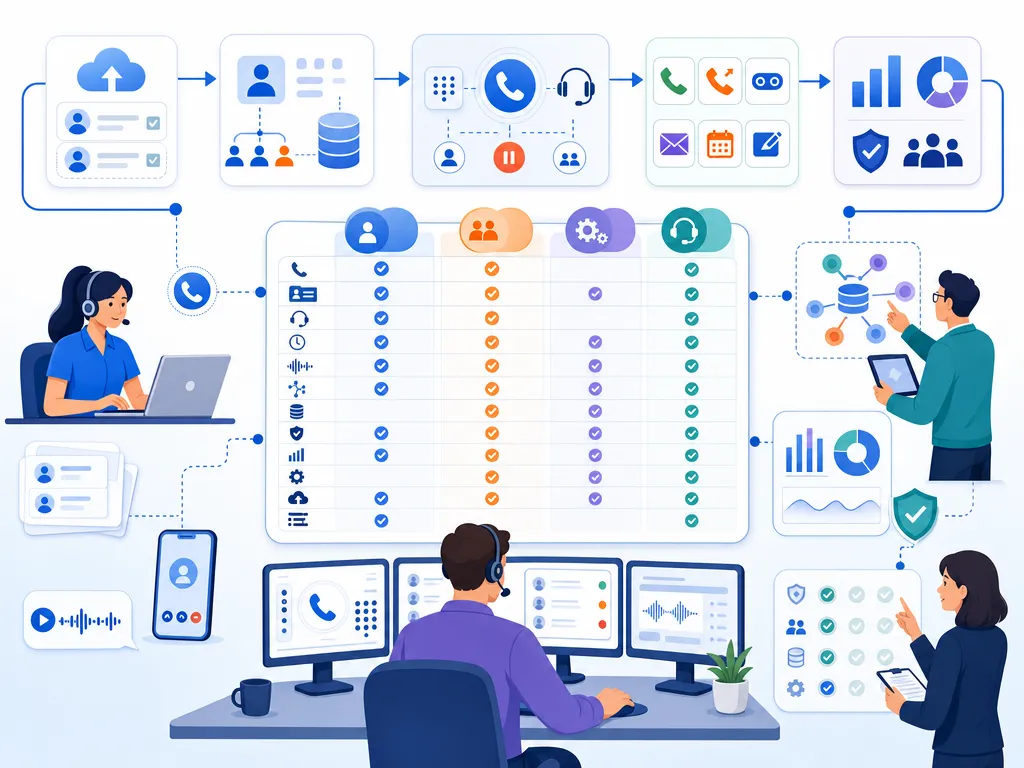
Power dialer features are the capabilities that help teams build call lists, dial contacts in sequence, manage call outcomes, record notes, trigger follow-up tasks, and report on performance. The best feature set depends on your sales motion, contact list quality, CRM workflow, team size, and compliance requirements.

Common power dialer software features include automated sequential dialing, CRM integration, automatic call logging, voicemail drop, call dispositions, call notes, reporting dashboards, caller ID controls, call recording, and follow-up automation. Some platforms may also include coaching tools, conversation intelligence, lead prioritization, or multi-channel follow-up workflows.
When evaluating power dialer features, avoid choosing based on the longest feature list alone. Instead, ask whether each feature supports your team’s daily calling process and reduces friction without creating new operational or compliance risks.
How a power dialer works
A power dialer is most useful when it fits naturally into a repeatable outbound workflow. A typical session looks like this:

Build a power dialer call list
The team starts with a defined list of contacts. That list may come from a CRM view, campaign segment, uploaded file, task queue, or saved prospecting list. Good list quality matters. Invalid numbers, duplicate records, missing consent data, or poorly segmented contacts can limit the value of even the best dialer.
Start the power dialer session
Once the rep starts the session, the power dialer calls contacts one at a time. The rep does not need to manually copy, paste, or key in phone numbers. This reduces repetitive work and helps maintain momentum.
View power dialer call context
In many sales workflows, reps need context: the contact’s name, company, deal stage, previous activity, notes, or campaign source. The more relevant context a rep can see during the call, the easier it is to personalize the conversation.
Manage power dialer answers and voicemails
If the contact answers, the rep speaks with them directly. If the call goes to voicemail, the rep may leave a message manually or use a voicemail drop feature if the selected platform supports it and the use case is appropriate. If there is no answer, the rep can choose a disposition and move to the next contact.
Log power dialer outcomes and follow up
After each call, the rep records the result. Ideally, this includes a call disposition, notes, next steps, and any follow-up task. In a CRM-connected workflow, this information should be captured accurately so managers can measure campaign performance and reps can avoid duplicate work.
Key power dialer features to compare
Power dialer sequential dialing
The defining feature of a power dialer is sequential dialing. The system moves through a list and places calls one at a time for the rep. This saves time compared with manual dialing and helps reps stay in a calling rhythm.
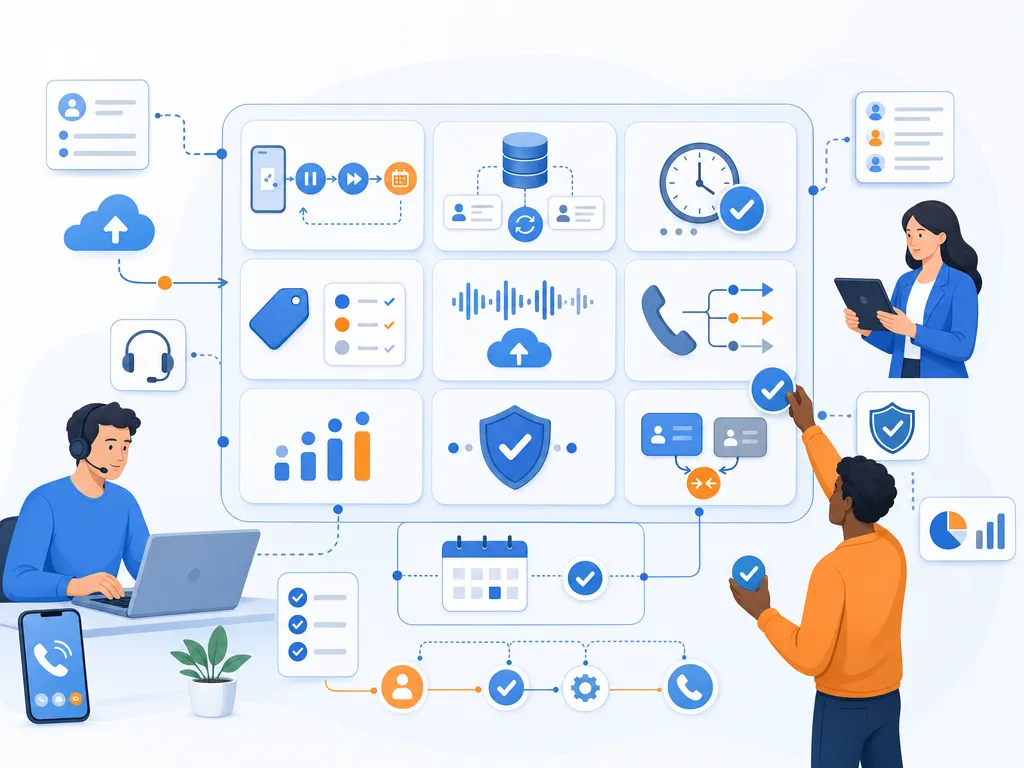
Ask vendors how much control reps have over the session. Can they pause, skip, remove, or reschedule contacts? Can managers define which lists are eligible for dialing? Can reps preview enough context before the next call begins?
Power dialer CRM integration
CRM integration is one of the most important power dialer features for sales teams. A dialer that works outside the CRM may still save dialing time, but it can create extra data entry if calls, notes, outcomes, and follow-up tasks have to be logged manually.
When reviewing CRM integration, confirm which systems are supported, what data syncs automatically, whether activity history is visible to reps, and how duplicate records are handled. Do not assume every vendor supports every CRM or every CRM object your team uses.
Power dialer call logging
Automatic call logging helps reduce administrative work and improves reporting accuracy. At minimum, teams often want records of who was called, when the call happened, call duration, outcome, and the rep who placed the call.
Good call logging supports better pipeline visibility and cleaner activity reporting. It also helps managers understand whether campaign issues are caused by call volume, list quality, messaging, timing, or follow-up gaps.
Power dialer notes tags and dispositions
Dispositions are structured call outcomes such as connected, no answer, bad number, voicemail left, not interested, meeting booked, or call back later. Tags and notes add more detail.
This feature matters because outbound calling is not just about the current call. It is about what should happen next. Clear dispositions make it easier to segment future follow-up, suppress bad numbers, identify interested prospects, and measure conversion rates.
Power dialer voicemail drop
Voicemail drop allows a rep to leave a pre-recorded voicemail message instead of repeating the same message manually. For teams that frequently reach voicemail, this can reduce fatigue and keep messaging consistent.
However, voicemail practices can be subject to legal, platform, carrier, and policy considerations. Teams should confirm whether voicemail drop is available in a given platform and review appropriate usage with legal counsel or compliance stakeholders.
Power dialer caller ID management
Some dialing platforms offer caller ID controls, sometimes described as local presence. The idea is to manage which outbound number appears when a rep calls. This may be useful for teams calling across multiple regions, but it should be handled carefully.
Caller ID practices are sensitive. Teams should avoid misleading recipients and should understand applicable laws, carrier rules, number reputation considerations, and opt-out obligations.
Power dialer call recording
Call recording can support coaching, quality assurance, onboarding, and dispute resolution. Sales managers may use recordings to review talk tracks, identify objections, and improve rep performance.
Recording laws vary by jurisdiction and may require consent from one or more parties. Before enabling call recording, confirm legal requirements, retention policies, access controls, and whether recordings contain sensitive personal or business information.
Power dialer click to call workflows
Power dialing and click-to-call are different, but they often work together. Click-to-call lets a rep place a call from a CRM record, browser page, or workflow without manually dialing the number. A power dialer goes further by moving through a list automatically.
For teams that split time between targeted account research and list-based calling, both workflows can be useful. The key question is whether reps can move smoothly between researching, dialing, logging, and following up.
Power dialer scripts and call guidance
Call scripts help keep messaging consistent, especially for new reps or structured campaigns. More flexible call guidance may include talking points, objection handling, qualification questions, or dynamic prompts based on the campaign.
Scripts should support reps, not make them sound robotic. Look for tools that make it easy to tailor talk tracks by persona, industry, source, or funnel stage.
Power dialer reporting dashboards
Reporting helps managers understand what is happening across outbound campaigns. Useful metrics may include calls placed, connect rate, average call duration, meetings booked, conversion by list, call outcomes by rep, and follow-up completion.
High-level activity metrics are helpful, but they are not enough. The best reporting connects activity to outcomes so leaders can see whether more calls are leading to more pipeline, better conversations, or faster follow-up.
Power dialer queue and list controls
Power dialer software should make it easy to control who gets called, in what order, and under which rules. Teams may need to prioritize hot leads, exclude certain contacts, filter by territory, avoid recently contacted records, or create separate queues for specific campaigns.
Without list controls, reps may waste time calling the wrong contacts or over-contacting prospects who should be suppressed.
Power dialer follow up automation
Outbound success often depends on what happens after the call. Follow-up automation can help reps create tasks, send reminders, schedule callbacks, or move contacts into the next step of a sequence.
The goal is not to automate every interaction. The goal is to make sure important next steps do not fall through the cracks.
Advanced power dialer features for high volume teams
Not every team needs advanced functionality on day one. However, growing outbound teams may eventually evaluate additional capabilities.

Power dialer coaching and call monitoring
Managers may need to listen to calls, review recordings, or coach reps. Some platforms offer live monitoring or coaching workflows. If this matters to your team, confirm how the feature works, who can access it, and what consent requirements apply.
Power dialer AI summaries and call insights
Some sales dialing platforms include AI-generated call summaries, transcription, sentiment analysis, or conversation insights. These features can reduce note-taking burden and help managers identify trends, but accuracy should be reviewed before teams rely on them for critical records.
Power dialer lead prioritization
Lead prioritization helps teams call the highest-value or most time-sensitive contacts first. This may be based on score, recent activity, lifecycle stage, territory, or campaign rules.
Power dialer multi-channel follow up
Outbound calling often works best when combined with email, SMS, social touches, or task reminders. If your team uses multiple channels, look for workflows that coordinate follow-up without creating duplicate or conflicting outreach.
Power dialer number reputation controls
High-volume outbound teams should pay attention to number health, answer rates, spam labeling risks, and caller ID practices. Vendors may differ in how they help teams manage outbound numbers. Confirm current capabilities directly with each vendor.
Power dialer compared with other dialing modes
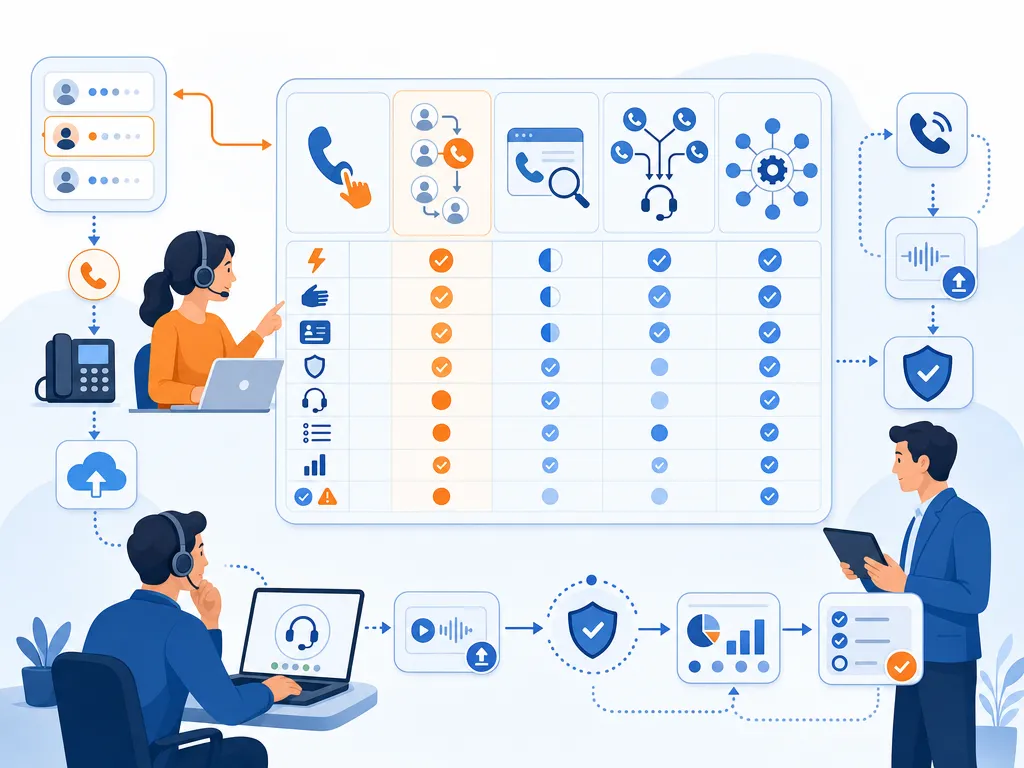
Power dialer vs manual dialing
Manual dialing requires reps to enter each phone number themselves. It offers maximum control but creates repetitive work and slows down high-volume calling. A power dialer removes much of that manual effort while still keeping the rep involved in each call.
Power dialer vs click to call
Click-to-call lets reps call a specific record with one click. It is useful for targeted outreach and account-based selling. A power dialer is better suited for working through a larger list because it automatically moves from one contact to the next.
Power dialer vs preview dialer
A preview dialer shows the rep contact details before the call and allows them to decide whether to dial. This can be useful for complex, high-value conversations. A power dialer usually emphasizes faster sequential calling, though some platforms may include preview-style controls.
Power dialer vs predictive dialer
A predictive dialer typically uses algorithms to dial multiple numbers and connect reps when someone answers. This can increase call volume in certain environments, but it can also create abandoned call risk and may be less appropriate for high-context sales conversations. A power dialer generally gives reps more direct control because it calls one contact at a time per rep.
Power dialer vs auto dialer
Auto dialer is a broad term that can describe different automated dialing systems, including power, predictive, progressive, or broadcast-style tools. When a vendor uses the phrase auto dialer, ask exactly how the dialing mode works, whether a live agent is involved, and what compliance controls are available.
Power dialer benefits for sales teams

- More calls with less manual work: Reps spend less time typing numbers and more time speaking with prospects.
- Cleaner CRM data: Automatic logging and structured dispositions reduce missing or inconsistent activity records.
- Faster follow-up: Tasks, notes, and next steps can be created immediately after the call.
- Better rep focus: A guided workflow helps reps stay in rhythm instead of switching between tools.
- More consistent campaigns: Lists, scripts, dispositions, and reporting make outbound efforts easier to manage.
When power dialer software may not fit
A power dialer is not the right answer for every outbound motion. For very high-touch enterprise sales, reps may need deeper research before every call. A preview or click-to-call workflow may be more appropriate. For teams trying to maximize raw call volume in a contact center setting, a predictive dialer may be considered, subject to operational and compliance requirements.
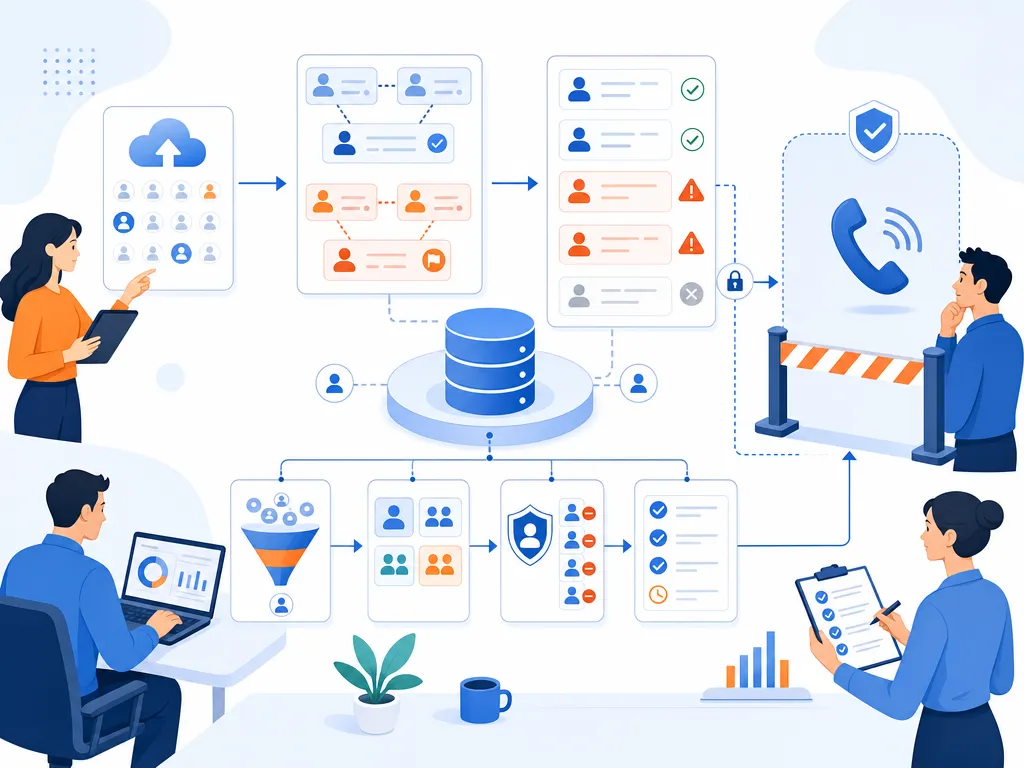
Power dialers also cannot fix poor list quality. If records are outdated, numbers are invalid, or targeting is weak, faster dialing may simply create faster waste. Before investing in power dialer software, review list sources, segmentation, consent data, suppression rules, and CRM hygiene.
Power dialer compliance basics
This section is for general information only and is not legal advice. Outbound calling laws and rules vary by jurisdiction, industry, technology, and use case. Consult qualified legal counsel before launching or scaling dialing campaigns.
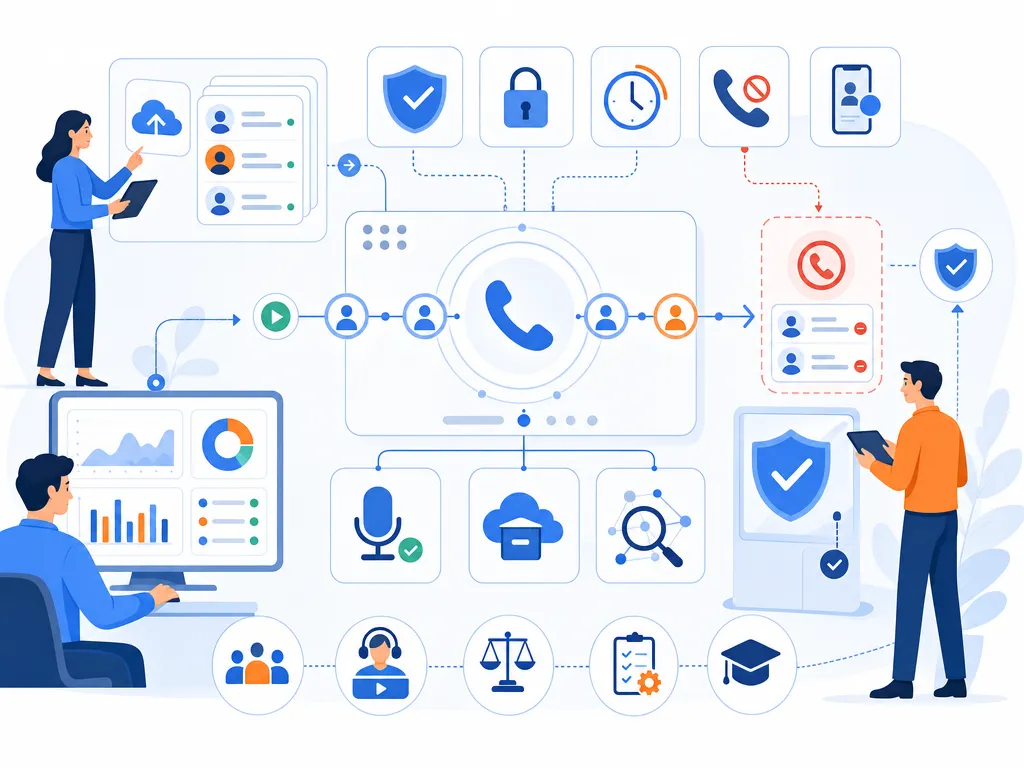
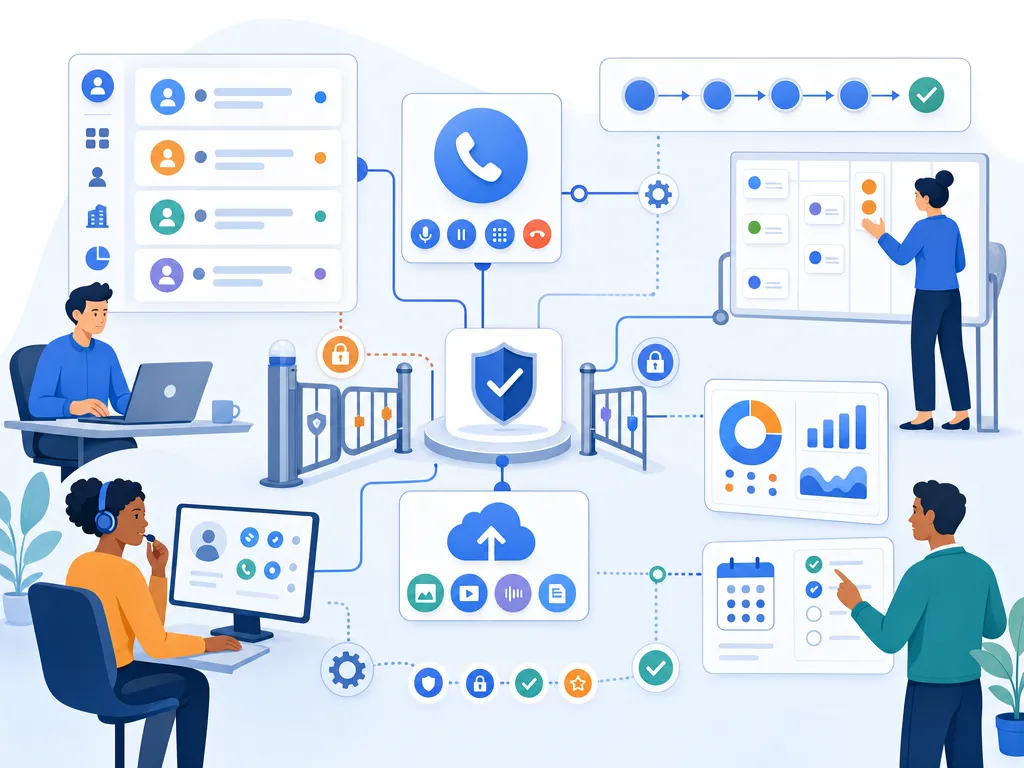
Compliance should be part of your power dialer evaluation from the beginning. Teams should review consent requirements, do-not-call rules, opt-out handling, calling hours, caller ID practices, call recording consent, data privacy obligations, and record retention policies.
Also consider internal governance. Who can upload lists? How are opt-outs stored and honored? How quickly are suppression updates applied? What happens when a contact asks not to be called again? Which reports are available if the team needs to audit activity?
No dialer feature can guarantee compliance by itself. The right approach combines appropriate technology, documented processes, training, legal review, and ongoing monitoring.
How to choose power dialer software
Power dialer feature checklist
- Sequential dialing from clean, segmented call lists
- CRM integration that supports your actual workflow
- Automatic call logging and structured dispositions
- Call notes and follow-up task creation
- Reporting that connects activity to outcomes
- List controls, suppression workflows, and campaign management
- Compliance-supporting settings appropriate for your use case
- Consistent call quality and an easy rep experience
Power dialer vendor questions
- Which CRMs and systems do you integrate with today?
- What call data syncs automatically, and where does it appear?
- Can reps pause, skip, preview, or reorder calls?
- How are voicemail, call recording, and caller ID controls handled?
- What reporting is available for managers and revenue operations?
- How do you support opt-outs, suppression lists, and dialing rules?
- What implementation effort is required before reps can use the dialer?
- Which features are included in the plan we are evaluating, and which cost extra?
Match power dialer features to your team
SDR and BDR teams should prioritize CRM integration, fast list-based dialing, dispositions, voicemail workflows, and reporting by campaign.
Account executives may need more preview context, click-to-call flexibility, notes, call recording for coaching, and follow-up reminders.
Recruiting teams should focus on list management, candidate context, callback scheduling, and accurate notes.
Revenue operations teams should prioritize integration depth, data quality, reporting, governance, and workflow configuration.
High-volume contact centers may need to compare power dialing with predictive or progressive dialing modes, while carefully reviewing compliance and abandonment risk.
Power dialer features FAQ
Which power dialer feature matters most
For most sales teams, CRM integration and automatic call logging are among the most important features because they reduce manual data entry and improve visibility. Sequential dialing is the core feature, but the data workflow determines whether the dialer improves the broader sales process.

Do power dialers integrate with CRMs
Many power dialers integrate with CRMs, but support varies by vendor, plan, and workflow. Always verify which CRM systems are supported and what information syncs before purchasing.
Can a power dialer leave voicemails
Some power dialer platforms include voicemail drop or voicemail automation features. Availability and appropriate use vary, so confirm current vendor capabilities and review legal or compliance requirements before using voicemail automation.
How is a power dialer different from predictive dialing
A power dialer typically calls one contact at a time for each rep. A predictive dialer may dial multiple numbers using algorithms and connect a rep when someone answers. Predictive dialing can be useful in some high-volume environments, but power dialing is often better suited for sales workflows where reps need more control and context.
Are power dialers legal
Power dialers are tools, and legality depends on how they are configured and used, as well as the laws and rules that apply to your audience, location, industry, consent status, and calling practices. Consult legal counsel before launching outbound dialing campaigns.
Who should use a power dialer
Power dialers are often useful for outbound sales teams, SDR teams, recruiters, and other teams that need to work through structured call lists while maintaining rep involvement in each conversation. They may be less useful for teams with very small call volumes or highly customized outreach that requires extensive research before every call.
Power dialer feature takeaway
The best power dialer features help reps call efficiently without losing context, data quality, or control. Start with the essentials: sequential dialing, CRM fit, automatic logging, dispositions, follow-up workflows, and reporting. Then evaluate advanced features such as coaching, AI summaries, multi-channel workflows, and caller ID controls based on your team’s maturity and risk profile.
If you are comparing outbound calling tools, include Kixie in your evaluation process and confirm current feature availability with the Kixie team. The right dialer should fit your CRM, your reps’ daily workflow, and your compliance requirements.
Sources
How this guide was built: the feature list reflects capabilities commonly offered by power dialer software and the evaluation questions a buying team should ask, not a ranked product test. No product was purchased, benchmarked, or timed for this article. The compliance section names the rule areas a team should review and links the primary regulations below; it is general information, not legal advice, and the underlying rules change, so confirm current requirements with qualified counsel before launching or scaling dialing campaigns. Kixie publishes this article and sells power dialer software.
- Electronic Code of Federal Regulations: 47 CFR 64.1200. Current federal rule text covering consent, calling hours, do-not-call obligations, and opt-out handling, accessed August 16, 2026.
- Federal Trade Commission: Complying with the Telemarketing Sales Rule. Business compliance guidance for outbound calling programs, accessed August 16, 2026.
- National Do Not Call Registry. Primary reference for do-not-call registration and suppression obligations, accessed August 16, 2026.
Sources verified by the Kixie Research Team on August 16, 2026. All source links checked on August 16, 2026.
Ready to close more deals with Kixie?
See how Kixie's AI-powered tools can transform your sales and support operations.
Start Free Trial