TL;DR: A sales dialer with local dialing and cadences combines local presence caller ID with structured outbound follow-up, but buyers should verify exactly how each platform handles number selection, dialing modes, CRM sync, cadence steps, callback routing, geographic coverage, reporting, administration, and number health before choosing a vendor. Local dialing means displaying a number associated with a prospect’s area when inventory and rules allow, not a guarantee of higher pickup rates or the same thing as a power, parallel, predictive, or click-to-call dialer. Effective evaluation should include live CRM workflow demos, confirmation of supported countries and priority area codes, tests for inbound callbacks and reassignment scenarios, review of native versus integrated channels such as email or SMS, and scrutiny of cadence logic including delays, dispositions, exit conditions, replies, opt-outs, and meeting outcomes. Teams should also document territories, clean CRM data, define governance for acquiring, assigning, rotating, monitoring, and retiring numbers, review applicable calling and messaging requirements with qualified advisers, and pilot the workflow with a defined segment before expanding. The best fit is not the vendor with the broadest feature label, but the platform that supports the team’s real prospecting process, data model, follow-up strategy, reporting needs, and operational controls without relying on unsupported rankings or guaranteed performance claims.
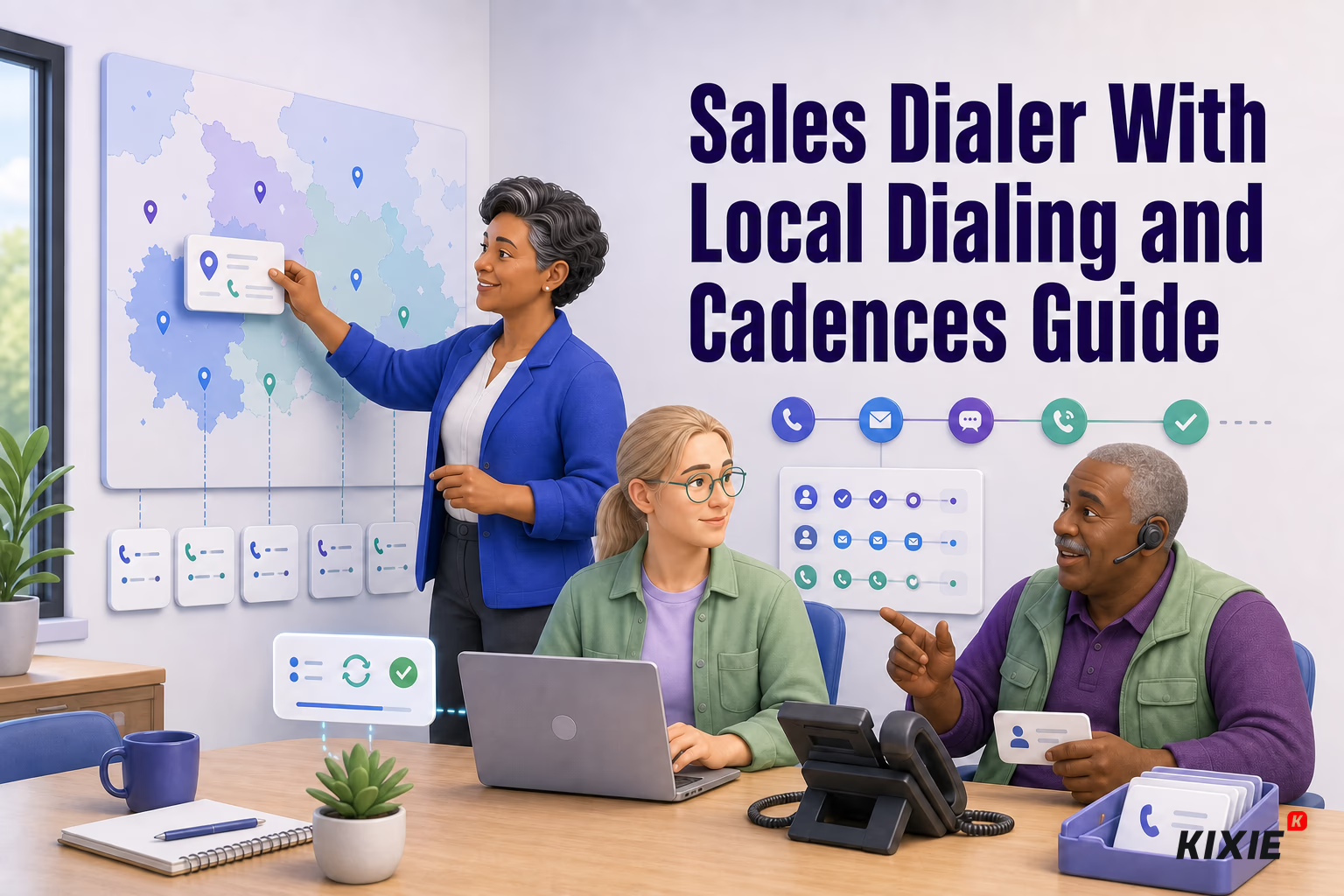
A sales dialer with local dialing and cadences brings two important parts of outbound prospecting into one workflow. Local presence dialing lets a team display a number associated with the prospect’s geographic area when inventory and coverage permit. Cadences organize calls, emails, messages, and follow-up tasks into a repeatable sequence.
That combination sounds straightforward, but comparing platforms is not. Vendors use terms such as local presence, power dialer, parallel dialer, and sales engagement differently. Geographic coverage, callback behavior, integrations, number management, and included channels can also vary by package or jurisdiction.
This buyer’s guide explains what revenue teams should verify before choosing a platform. It does not rank vendors because product capabilities and packaging change frequently. Any shortlist should be validated against current first-party documentation and a live demonstration.
What Local Dialing Means for Sales Dialer Teams
Local presence dialing, sometimes called local caller ID dialing, displays an outbound number selected to correspond with the recipient’s location. For example, software may choose a number with an area code near the prospect instead of displaying one central corporate number.
Some vendors argue that recognizable area codes can improve call pickup rates. However, published performance figures often come from vendor marketing and may not disclose enough methodology to predict results for another team. Audience, brand recognition, data quality, call timing, number reputation, and sales execution can all affect pickup rates.
When evaluating local presence, ask how the platform determines location and selects a number. It may use the prospect’s phone number, CRM data, a predefined territory, or another rule. Also confirm what happens when a matching number is unavailable.
Local Dialing and Sales Dialer Types Compared
Local presence describes caller ID selection, not dialing speed. It can therefore appear alongside several dialing methods:
- Click-to-call: A representative initiates one call by selecting a phone number in a CRM or sales platform.
- Power dialing: The system moves through a list one contact at a time, reducing manual number entry and screen switching.
- Parallel dialing: The system may initiate multiple calls at once and connect a representative when someone answers. Exact operation varies by provider.
- Predictive dialing: Software uses algorithms to determine when and how many calls to place based on factors such as representative availability and anticipated connections.
A product described as a local presence dialer may support only one of these workflows or several. Buyers should not assume that local caller ID automatically includes high-volume dialing, cadence management, or multichannel outreach.
For a deeper operational comparison, connect this evaluation with your organization’s guide to power dialer vs. parallel dialer.
How to Choose a Sales Dialer With Cadences
Sales Cadence Management
A cadence should do more than store a calling list. Look for the ability to create ordered steps, assign delays, set task priorities, define exit conditions, and control what happens after a prospect replies or connects.
Determine which steps are native and which depend on an integration. A platform might support calls and manual tasks but require another application for automated email. SMS or other messaging channels may have separate availability, consent, registration, geographic, or packaging requirements.
Sales Dialer CRM Data Flow
Ask the vendor to demonstrate the complete workflow using your CRM. A useful test follows one contact from enrollment through a call, disposition, follow-up task, reply, and cadence removal.
Verify which system owns each field, how duplicate records are handled, and whether activity sync is immediate or delayed. Review authentication, permissions, API limits, error handling, and supported record types with your revenue operations team. Visit your internal CRM integrations hub to document requirements before demos.
Sales Dialer Callback Routing
A locally displayed number may encourage a prospect to call back, but routing behavior differs among providers. Ask whether the number accepts inbound calls and where those calls go. Possible destinations could include the original representative, an assigned owner, a queue, or a general company line.
Also test callbacks outside business hours, after ownership changes, and after a number is removed from rotation. Confirm how voicemail, missed calls, and callback activity appear in reporting.
Local Dialing Coverage and Number Availability
“Local coverage” does not necessarily mean every area code or country is available. Number inventory can vary by region, carrier, vendor, account, and time. Some locations may also impose documentation or address requirements.
Create a list of the countries, states, provinces, and priority area codes your team needs. Ask the vendor to confirm current availability in writing, along with any restrictions. Do not rely on a general statement such as “nationwide coverage” without checking your actual territories.
Sales Dialer Reporting and Admin
Managers need enough detail to understand both activity and workflow quality. During evaluation, ask whether reporting can distinguish attempts, conversations, callbacks, dispositions, completed cadence steps, replies, and meetings. Confirm whether reports can be filtered by representative, team, campaign, territory, cadence, and displayed number.
Administrative controls matter too. Review role permissions, number assignment, cadence publishing, template approval, recording settings, data retention options, and audit history. Availability may differ by plan and location.
How Local Dialing Fits Into Sales Cadences
Local dialing should support the cadence rather than become the entire strategy. A multistep workflow might combine research, calls, personalized emails, social tasks, and scheduled follow-ups. The appropriate mix depends on the audience, sales motion, internal policy, and applicable rules.
For example, a team could structure a cadence around these operational stages:
- Validate the account, contact details, territory, and reason for outreach.
- Place an initial call and record a consistent disposition.
- Create the next approved task based on the call outcome.
- Use another permitted channel when relevant rather than repeating identical calls.
- Pause or end the cadence when the prospect replies, opts out, becomes ineligible, or reaches another defined exit condition.
- Review results by segment and adjust timing, messaging, or channel mix.
Before deployment, document the team’s sales cadence and cold-calling workflow. This makes it easier to evaluate whether software supports the process instead of forcing representatives into an unsuitable template.
Local Dialing Caller ID and Number Health
Displaying a local number does not guarantee that a call will appear trustworthy or avoid spam labeling. Carriers, analytics providers, devices, recipients, and other parties may influence how caller ID information is presented. Their methods and labels can change.
Ask vendors what number-health information they expose and what actions administrators can take. Useful questions include whether teams can monitor labels, investigate sudden changes, retire numbers, manage assignments, and maintain accurate business identity information where supported.
Number rotation deserves particular scrutiny. Rapidly replacing numbers may conceal the underlying causes of poor reputation and can complicate callbacks or attribution. Establish governance for who can acquire, assign, rotate, and retire numbers. Your caller ID reputation guidance should cover monitoring and escalation procedures.
No dialer can guarantee call completion, pickup, or a particular caller ID display on every device and network.
Sales Dialer Demo Questions for Local Cadences
Use the same scenario and scorecard for every vendor. That creates a more useful comparison than accepting separate, carefully staged demonstrations.
- Which local presence, dialing, cadence, email, and messaging capabilities are available in the package being quoted?
- Which countries and priority area codes are currently supported?
- How is the displayed number selected, and what is the fallback when no local number is available?
- Can prospects call displayed numbers back, and how is each callback routed?
- What happens to a cadence after a connection, reply, meeting, reassignment, or opt-out?
- Which CRM objects, fields, activities, and dispositions sync in each direction?
- Can administrators view number-level activity and caller ID health signals?
- Which capabilities require add-ons, usage charges, third-party services, or additional implementation?
- What mobile access is available, and does it support the same calling and cadence workflow?
- What onboarding, administration, training, and ongoing maintenance should the customer expect?
Request written documentation for each answer. Mark capabilities as confirmed, unavailable, or unverified. Add a verification date because vendor products and telecommunications availability can change.
Sales Dialer Implementation Checklist for Cadences
- Map the workflow. Define cadence steps, owners, dispositions, exit criteria, and escalation paths.
- Document territories. List required countries and area codes instead of asking only about broad coverage.
- Test data quality. Check phone formatting, contact ownership, duplicates, time zones, and suppression fields.
- Run callback scenarios. Test inbound calls during business hours, after hours, and after reassignment.
- Validate integrations. Confirm field mapping, activity logging, error handling, permissions, and reporting.
- Set number governance. Assign responsibility for inventory, reputation monitoring, rotation, and retirement.
- Review requirements. Have qualified internal and external advisers assess applicable calling, messaging, recording, privacy, and data rules.
- Pilot before expansion. Start with a defined team and segment, then review workflow quality and operational issues before a broader rollout.
Sales Dialer FAQs on Local Dialing and Cadences
Is local dialing the same as a power dialer?
No. Local presence concerns the number displayed for a call. A power dialer concerns how calls are initiated from a list. A platform may offer both, either one, or neither.
Should every sales cadence include email and SMS?
Not necessarily. Channel selection should reflect the audience, data available, sales motion, internal policy, and applicable requirements. Confirm whether each channel is native, integrated, or separately packaged.
Does a local number improve answered calls?
No. Vendor and community sources describe local dialing as potentially helpful, but results are not guaranteed. Pickup rates depend on many factors, and published performance claims may not transfer to your team.
What matters most when choosing a sales dialer?
There is no universal answer. For one team it may be CRM data quality; for another it may be geographic inventory, callback routing, cadence flexibility, or administration. A structured pilot using your real workflow is a practical way to identify fit.
Choose a Sales Dialer Workflow With Local Cadences
The right sales dialer with local dialing and cadences should fit how your team researches prospects, places calls, manages follow-up, handles callbacks, updates the CRM, and governs phone numbers. Treat broad feature labels as the beginning of evaluation rather than proof of capability.
Build a requirements list, verify each feature through current first-party materials, and test realistic scenarios. That process gives sales leaders and revenue operations teams a stronger basis for choosing a platform without depending on unsupported rankings or promised outcomes.
Sources
Primary references used to verify local-presence dialing, dialer workflow, and outbound-calling controls:
- Kixie: Local Presence
- Kixie: Multi-Line Power Dialer
- Federal Trade Commission: Complying with the Telemarketing Sales Rule
- eCFR, 47 CFR 64.1200: Delivery restrictions
Sources verified and content reviewed on August 4, 2026. This article is informational and is not legal advice.
Ready to close more deals with Kixie?
See how Kixie's AI-powered tools can transform your sales and support operations.
Start Free Trial