
TL;DR: HubSpot is a CRM and go to market platform whose upgrade cost depends on hubs, seats, billing terms, add ons, usage limits, required onboarding, partner implementation, migration, workflow buildout and enablement, so sales teams should map each needed workflow to the exact HubSpot hub, tier, add on or seat type before moving from Starter to Professional or Enterprise. Common paywalls include tier based feature gates, Sales Hub, Marketing Hub, Service Hub, Operations Hub and Commerce Hub dependencies, paid seat rules, calling, email, automation and reporting limits, add ons and onboarding requirements. The guide flags sales sequences, workflows and automation, calling limits, SMS, quotes, CPQ, reporting, dashboards, forms and lead routing as areas that need current confirmation from HubSpot documentation or an account team because packaging and limits can change and community or Reddit anecdotes are not policy. Upgrade when the team will use several higher tier capabilities across automation, reporting, forecasting, permissions, governance or cross functional marketing and sales workflows, but compare an integration first when one narrow gap drives the decision, especially calling, texting, logging, lead response or sales engagement productivity through a tool such as Kixie. Before approving a change, confirm missing features, required hubs, tiers, add ons and seats, likely usage limits over the next 6 to 12 months, onboarding fees, implementation scope, downgrade rules, reporting and data quality impact, and whether the total cost of a focused integration beats a broader HubSpot upgrade.
Check HubSpot pricing before you upgrade
HubSpot pricing and paywalls can be confusing because the number on a pricing page is only one part of the buying decision. Your final cost may depend on hubs, seats, billing terms, add-ons, usage limits, onboarding requirements, implementation help, and which features your team actually needs.

Before you make an upgrade decision, review HubSpot’s official pricing pages and confirm details with HubSpot or your HubSpot partner. Pricing, packaging, included credits, and feature availability can change, and third-party articles or community threads may be outdated by the time you read them.
This guide focuses on the practical question sales teams usually care about: which HubSpot capabilities are available at lower tiers, which ones may require an upgrade, and when an integration may be a better fit than moving into a higher HubSpot plan.
What is a HubSpot paywall
In this context, a “paywall” does not mean a content subscription paywall. It means a software feature, capacity, or workflow that is only available after you buy a higher HubSpot tier, another Hub, a paid seat, an add-on, or a service package.
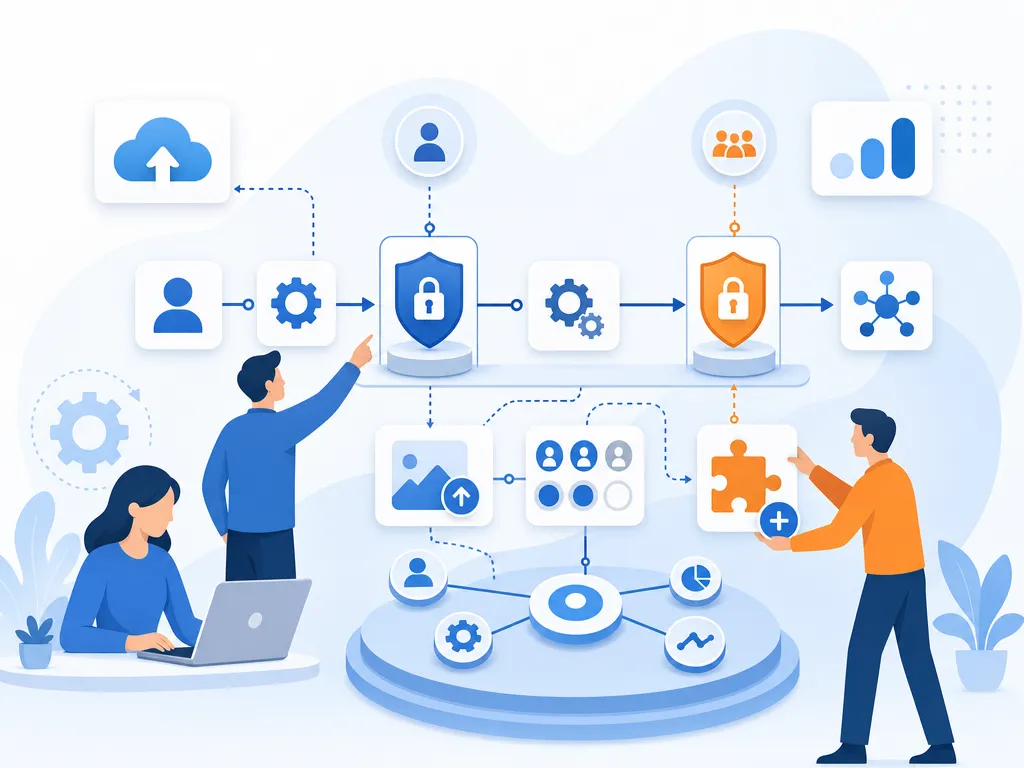
Common types of HubSpot paywalls include:
- Tier-based feature gates: A feature may be available in Professional or Enterprise but not Starter.
- Hub dependencies: A workflow may involve Sales Hub, Marketing Hub, Service Hub, Operations Hub, Commerce Hub, or another HubSpot product.
- Seat requirements: Some sales features may require paid seats for each user who needs access.
- Usage limits: Calling, email, automation, reporting, or other features may include limits that vary by plan.
- Add-ons: Some capabilities may require a separate add-on rather than only a plan upgrade.
- Onboarding and implementation: Certain HubSpot plans may include required onboarding, while many teams also budget for partner implementation, migration, or RevOps support.
The important takeaway is that a feature can feel “included” in HubSpot generally while still being unavailable to your specific account, plan, seat type, or Hub combination.
Why HubSpot upgrades can feel expensive
Many small teams start with HubSpot Starter because it gives them a cleaner CRM and a lower entry point. The challenge appears when the team wants more automation, more advanced sales engagement, deeper reporting, or more control over processes. Those needs often push buyers to evaluate Professional tiers.
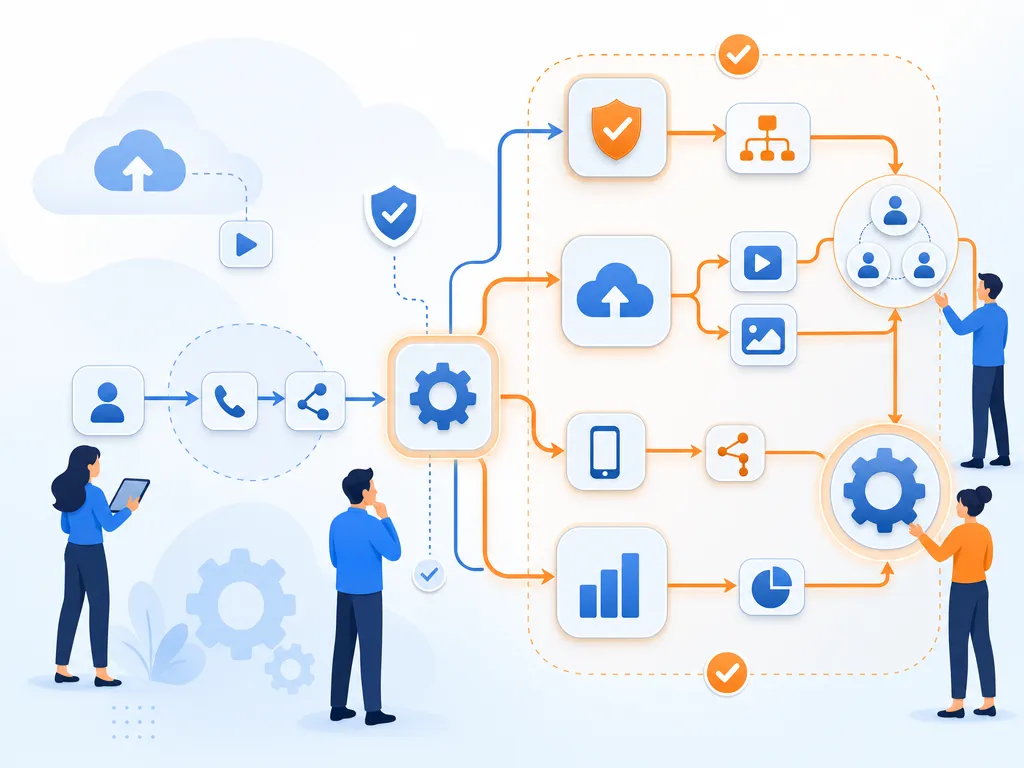
Community discussions and Reddit threads show a recurring frustration: teams may not object to paying more for meaningful growth, but they can be surprised when one or two workflow needs make the jump feel much larger than expected. Treat those discussions as anecdotal, not universal, but they are useful signals for what buyers should investigate before upgrading.
Before moving from Starter to Professional, ask:
- Which exact feature is driving the upgrade?
- Does every sales rep need a paid seat, or only certain users?
- Is the missing feature in Sales Hub, Marketing Hub, Operations Hub, Commerce Hub, or another Hub?
- Are there required onboarding fees or implementation costs?
- Will your team actually use the broader Professional feature set, or only one gated capability?
- Could a focused sales engagement, calling, texting, or workflow integration solve the specific gap?
HubSpot pricing checklist for sales teams
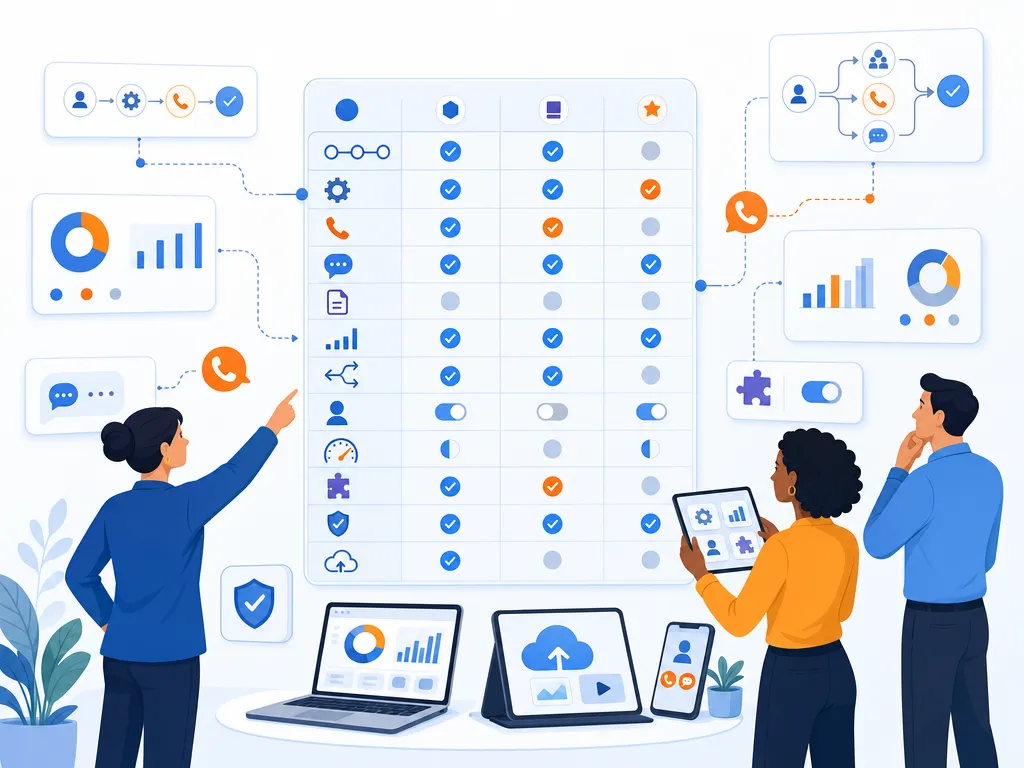
Instead of thinking about HubSpot pricing as one plan comparison, map your must-have sales workflows to the exact HubSpot requirement. The checklist below highlights areas that commonly require closer review.
HubSpot sales sequences
Sales sequences are often a key reason sales teams look beyond entry-level CRM functionality. Confirm which HubSpot tier and seat type are required for your users, how many sequences or enrollments are included, and whether your team needs additional automation outside of sequences.
HubSpot workflows and automation
HubSpot workflows can be powerful, but availability depends on the Hub and tier. Sales teams should confirm whether they need sales automation, marketing automation, operations automation, or a combination of several hubs. This is one of the easiest areas to underestimate because “automation” can mean different things across HubSpot products.
HubSpot calling limits for sales teams
HubSpot includes calling capabilities in certain contexts, but teams should verify current calling limits, available countries, recording options, coaching tools, and whether those capabilities match their outbound motion. Do not rely on old blog posts for calling-minute limits, because reported limits can vary by source and may change over time.
HubSpot SMS and text messaging
SMS availability can depend on geography, plan, add-ons, compliance requirements, and workflow needs. If automated SMS is part of your sales process, verify whether HubSpot’s native options, add-ons, and supported use cases match your requirements. If not, evaluate a specialized texting or sales engagement integration and confirm the integration’s capabilities directly.
HubSpot quotes and commerce tools
Quotes and CPQ are a major area to review carefully. HubSpot Community discussions show confusion and concern around access to quotes, legacy quotes, CPQ, and Commerce Hub-related packaging. Because this area has changed over time, sales teams should verify current requirements directly in HubSpot documentation or with their account team before assuming quotes are included in a given plan.
HubSpot reporting and dashboards
Basic reporting may be enough for early teams, but custom reporting, advanced dashboards, funnel visibility, and multi-touch analysis can become important as the sales org grows. Confirm whether your reporting requirements require Professional, Enterprise, a different Hub, or a reporting add-on.
HubSpot forms and lead routing
Lead capture and routing often sit between Marketing Hub and Sales Hub. If your team needs conditional logic, routing, assignment, enrichment, or sophisticated follow-up automation, verify the required Hub combination rather than assuming one sales plan covers the entire workflow.
HubSpot list price vs contract price
HubSpot’s public pricing pages are the best starting point, but your actual contract may depend on billing term, user count, hubs, add-ons, discounts, promotions, required onboarding, and implementation scope. Some third-party pricing guides discuss negotiated discounts, but those should not be treated as guaranteed or typical for every company.

When budgeting, separate these categories:
- Subscription cost: The recurring cost for HubSpot hubs, tiers, seats, and add-ons.
- Required onboarding: Any onboarding fee that HubSpot currently requires for a selected plan.
- Partner implementation: Optional or recommended help from a HubSpot partner, consultant, or RevOps agency.
- Data migration: Cleanup, import, deduplication, field mapping, and historical activity migration.
- Workflow buildout: Sequences, workflows, routing, reports, dashboards, and lifecycle process design.
- Enablement: Training reps and managers so the team actually uses the system correctly.
This distinction matters because the lowest software line item may not represent the real cost of getting HubSpot configured and adopted.
When a HubSpot upgrade makes sense
A HubSpot upgrade can be the right move when your team needs the broader platform capabilities that come with the higher tier. For example, upgrading may make sense if you need multiple Professional-level features across automation, reporting, forecasting, permissions, governance, or cross-functional marketing and sales workflows.
Upgrade when:
- Your team will use several features in the higher tier, not just one isolated capability.
- You want to consolidate more of your go-to-market stack inside HubSpot.
- Your sales, marketing, and operations teams all benefit from the expanded HubSpot functionality.
- You have the budget and internal ownership to implement the new features properly.
- Your reporting, governance, or automation requirements are becoming more complex.
When a HubSpot integration beats an upgrade
An integration may be worth evaluating when the main gap is narrow and operational: calling, texting, outbound sales engagement, lead response, call logging, or rep productivity. In those cases, the question is not “Is HubSpot worth it?” but “Do we need a larger HubSpot tier, or do we need a focused tool connected to HubSpot?”
For example, a sales team may want better phone and SMS workflows while keeping HubSpot as the CRM. A sales engagement platform such as Kixie may be part of that evaluation, but teams should verify current integration behavior, available features, pricing, support, and compliance requirements directly before making a decision.
Consider an integration-first approach when:
- The upgrade is being driven by one specific sales workflow.
- Your reps primarily need calling, texting, logging, or engagement productivity improvements.
- Your CRM data model in HubSpot is already working well.
- You do not need the full set of features in the higher HubSpot tier.
- You want to compare the total cost of a targeted integration against a broader HubSpot upgrade.
Questions to ask before a HubSpot upgrade
Use these questions with your HubSpot account team, partner, or internal RevOps owner before approving a pricing change:
- Which exact features are missing from our current plan?
- Which Hub, tier, add-on, or seat type unlocks each feature?
- Are there usage limits we may hit within the next 6 to 12 months?
- Are onboarding fees required for the plan we are considering?
- What implementation work is included, and what would require a partner or consultant?
- Can we test the workflow before committing to an annual contract?
- What happens if we remove a paid seat or downgrade later?
- Are there alternative ways to solve the same problem with an integration?
- How will the change affect reporting, attribution, permissions, and data quality?
- Who internally will own the rollout and adoption?
HubSpot pricing mistakes to avoid
- Comparing only monthly list prices: Your actual cost may include seats, hubs, add-ons, onboarding, and implementation.
- Assuming one Hub covers every workflow: Sales, marketing, operations, service, and commerce features may live in different hubs.
- Buying a higher tier for one feature: If you only need one capability, compare the upgrade with focused integrations.
- Ignoring usage limits: Limits may matter more as call volume, email volume, contacts, or automation grows.
- Underbudgeting implementation: A more powerful HubSpot plan still requires setup, process design, and training.
- Relying on community anecdotes as policy: Community threads are useful signals, but official HubSpot documentation should be your source of truth.
HubSpot pricing FAQ
What are HubSpot paywalls
HubSpot paywalls are feature gates, usage limits, seat requirements, hub dependencies, add-ons, or onboarding requirements that affect what your team can access at a given plan level.
Why is HubSpot Starter to Professional such a jump
The jump can feel large because teams often move from basic CRM needs to more advanced automation, reporting, sales engagement, and operational requirements. If only one feature is driving the upgrade, it is worth comparing the cost of upgrading with the cost of a focused integration.
Which HubSpot features are gated
Teams should closely review sequences, workflows, advanced reporting, dashboards, calling limits, SMS options, quotes, CPQ, permissions, and automation features. Exact availability depends on the current HubSpot hub, tier, seat type, add-ons, and packaging.
Does HubSpot pricing include onboarding
Some HubSpot plans may have required onboarding, and many teams also pay for partner implementation or internal RevOps work. Always verify current onboarding requirements on HubSpot’s official pricing pages or with HubSpot directly.
Can you negotiate HubSpot pricing
Some buyers report negotiated pricing or discounts, but discounts are not guaranteed. Contract price can vary based on plan, term, seats, timing, bundles, and HubSpot’s current policies.
When should sales teams integrate instead of upgrading HubSpot
An integration may make sense when your CRM is working but your team needs a specific capability such as calling, texting, logging, or sales engagement productivity. An upgrade may make more sense when you need the broader feature set of a higher HubSpot tier.
Final HubSpot pricing takeaway
HubSpot can be a strong CRM and go-to-market platform, but buyers should evaluate pricing through the lens of workflows, not just plan names. The right decision depends on the features you need, the hubs involved, the seats required, usage limits, onboarding, implementation, and whether a focused integration can solve the gap more efficiently.
Before upgrading, document the exact paywall you are trying to solve, confirm the current HubSpot requirement, and compare the total cost of each path. That process will help you avoid surprise costs and choose the setup your sales team will actually use.
Sources
How this guide was built: it explains how HubSpot’s tiers, seat types and feature gates tend to affect a sales team’s upgrade decision, and which questions to ask before paying for a higher tier. Specific prices, seat minimums and packaging change frequently and are not reproduced here; check HubSpot’s own pricing page and your contract terms for current figures. No pricing was independently benchmarked for this article. Kixie publishes this article and sells calling software that integrates with HubSpot, which is one of the alternatives to a tier upgrade discussed above.
- HubSpot: Sales Hub pricing. Vendor source of record for current Sales Hub tiers, seat types and packaging, accessed August 16, 2026.
- HubSpot: Pricing overview. Vendor source of record for hub-level packaging and bundle terms, accessed August 16, 2026.
- HubSpot: Terms of Service. Primary document for subscription, billing and commitment terms, accessed August 16, 2026.
Sources verified by the Kixie Research Team on August 16, 2026. All source links checked on August 16, 2026.
Ready to close more deals with Kixie?
See how Kixie's AI-powered tools can transform your sales and support operations.
Start Free Trial