Context switching and the “toggle tax” cost digital workers approximately 9% of annual work time and reduce productivity by up to 40% due to an average of 1,200 daily application switches. Implementing a single-screen interface for Salesforce calling via Computer Telephony Integration (CTI) with “Screen Pop” functionality mitigates this friction by eliminating the 60-90 second manual lookup process required for inbound calls. Kixie’s cloud-based architecture utilizes Automatic Number Identification (ANI) to trigger real-time, bi-directional API queries against Salesforce databases (Leads, Contacts, Accounts) immediately upon PSTN events. This workflow automates record retrieval by redirecting the browser to the matching Salesforce URL, reduces Average Handle Time (AHT), and ensures 100% data integrity by automatically logging interactions as standard Salesforce Tasks. The system manages data gaps by auto-creating Leads from unknown numbers using CNAM data enrichment and resolves duplicates by hierarchically prioritizing Contacts over Leads. Implementation requires Salesforce Professional, Enterprise, or Unlimited editions and the Kixie PowerCall browser extension to enable the unified “single pane of glass” view.
The Operational Pathology of Interface Fragmentation in Salesforce Calling
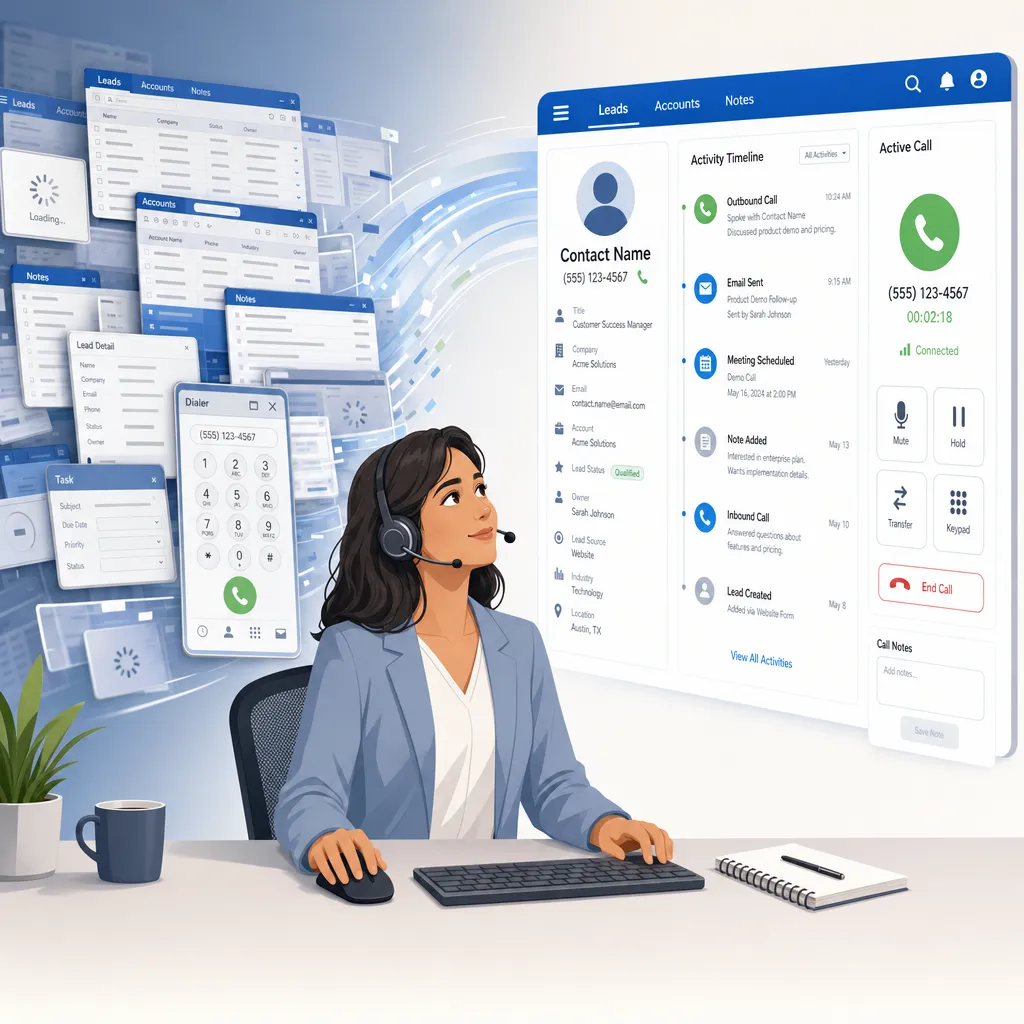
In the contemporary sales environment, the proliferation of disparate tools has created a paradox: while technology stacks are more capable than ever, the user experience for the sales representative has become increasingly fragmented. This phenomenon, often described as “app overload” or “technological bloat,” forces users to constantly switch between communication platforms (VoIP softphones) and systems of record (Salesforce).
The Cognitive Cost of Switching Contexts
The friction generated by moving between interfaces is not merely a nuisance; it is a measurable drain on cognitive resources and operational efficiency.
- The “Toggle Tax”: Workers switch between apps nearly 1,200 times per day (Harvard Business Review).
- Time Loss: Reorientation costs ~4 hours per week, or 9% of annual work time.
- Cognitive Degradation: Multitasking can reduce productivity by 40% and lower functional IQ by 10-15 points.
The Specific Pain of the Swivel Chair Workflow
In a non-integrated Salesforce environment, an inbound call triggers a manual, high-friction workflow:
- Hear the phone ring on a separate device.
- Visually identify the caller ID.
- Switch focus to the Salesforce browser tab.
- Manually type the phone number into global search.
- Scan search results for the Lead or Contact.
- Click to open the record.
This sequence takes 60 to 90 seconds. During this interval, the caller waits, and the rep is distracted by mechanics rather than strategy.

The Mechanics of the Screen Pop Architecture for a Single-Screen Interface
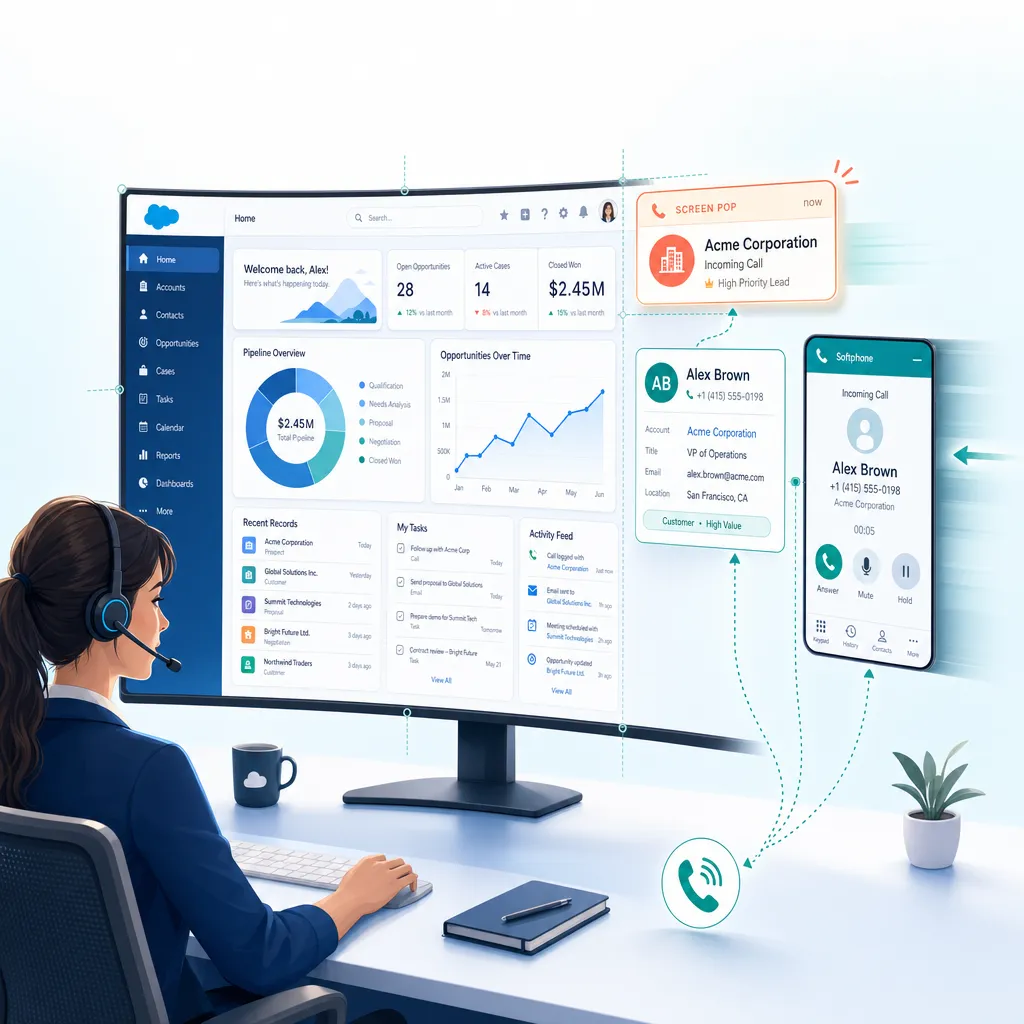
The technological answer to interface fragmentation is the “Screen Pop,” a core functionality of advanced Computer Telephony Integration (CTI). A Screen Pop is the automatic display of relevant customer data on an agent’s screen precisely when a call is connected.
Technical Definition and Functionality
At a technical level, a Screen Pop relies on the real-time exchange of metadata between the telephony provider and the CRM database.
- Trigger Event: Telephony switch receives an inbound call.
- ANI Capture: System captures Automatic Number Identification (Caller ID).
- API Query: Middleware queries Salesforce via Open CTI API for Leads/Contacts matching the ANI.
- UI Rendering: Upon match, the Salesforce browser session loads the URL of the record, “popping” it to the front.
Strategic Benefits
- Reduced AHT: Eliminates the 90-second search process.
- Personalization: Immediate context allows instant rapport building.
- Data Integrity: Automated routing prevents “orphan” call logs.
Kixie Solution Architecture for the Single-Screen Workflow
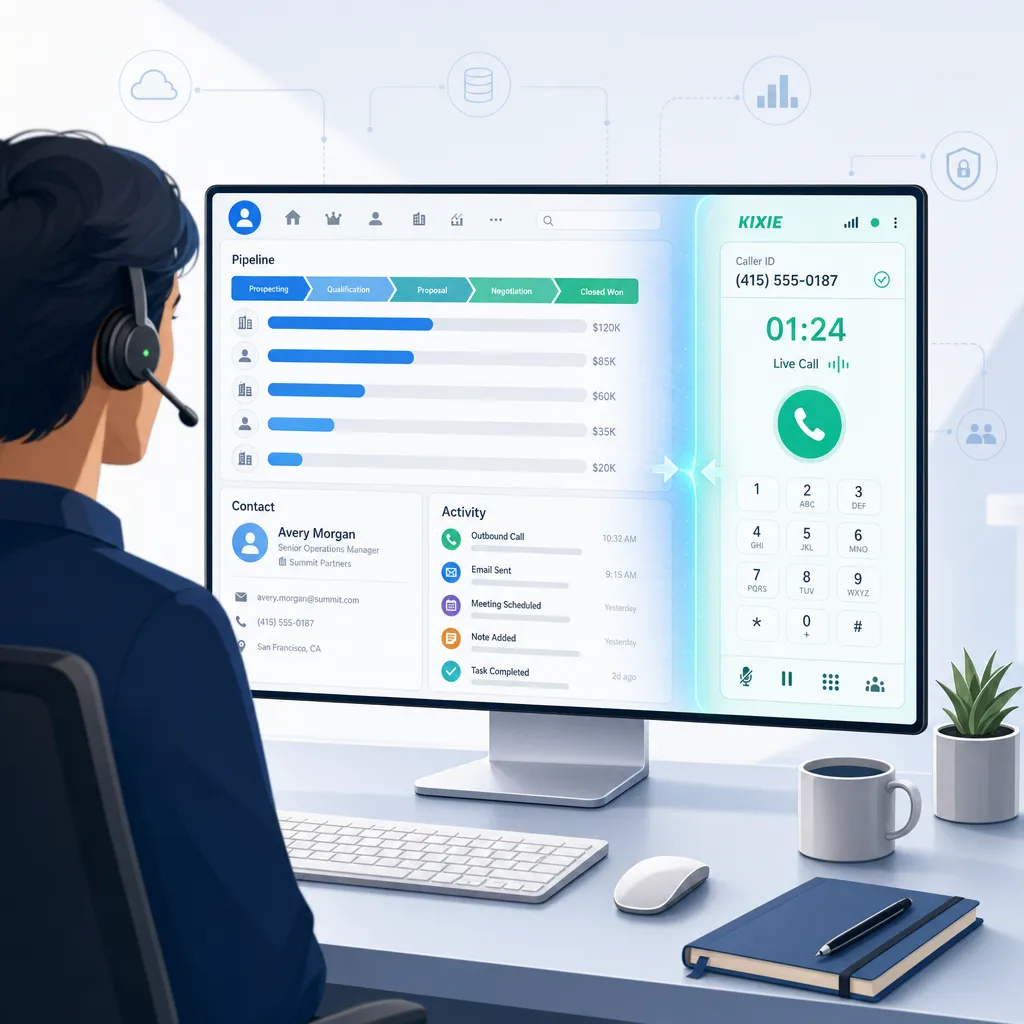
Kixie provides a unified, single-screen interface by acting as a seamless CTI layer atop Salesforce. Utilizing cloud architecture and a browser extension, it bridges the voice network and Salesforce data.
Inbound Event & Notification
Background: As the call traverses the PSTN, Kixie identifies the caller ID (ANI).
Notification: A visual notification alerts the user on desktop.
State Detection: If active, the PowerCall dialer overlays the screen to engage.
Instant Data Query
Kixie executes a high-speed query against Salesforce with specific logic:
- Hierarchy: Scans Leads/Contacts first, then Accounts, then Opportunities.
- Conflict Resolution: Prioritizes Contacts over Leads to favor established relationships; defaults to the most recently referenced record.
The “Pop” Delivery
This is where the Single-Screen promise is realized.
- Redirection: The browser is forced to the URL of the identified record.
- Focus: Kixie brings the relevant context to the front.
✓ No Searching | ✓ No Copy-Pasting | ✓ No Switching
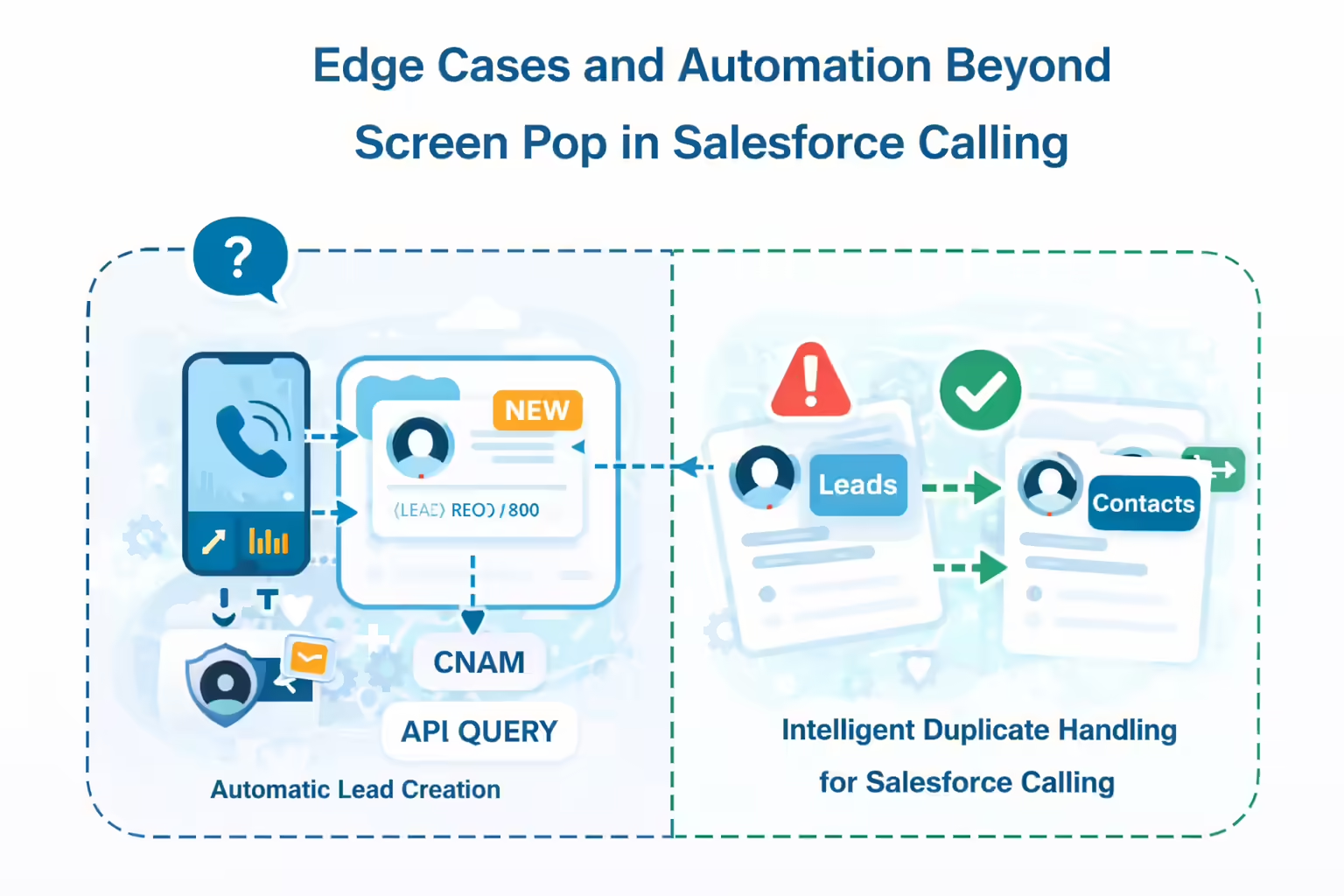
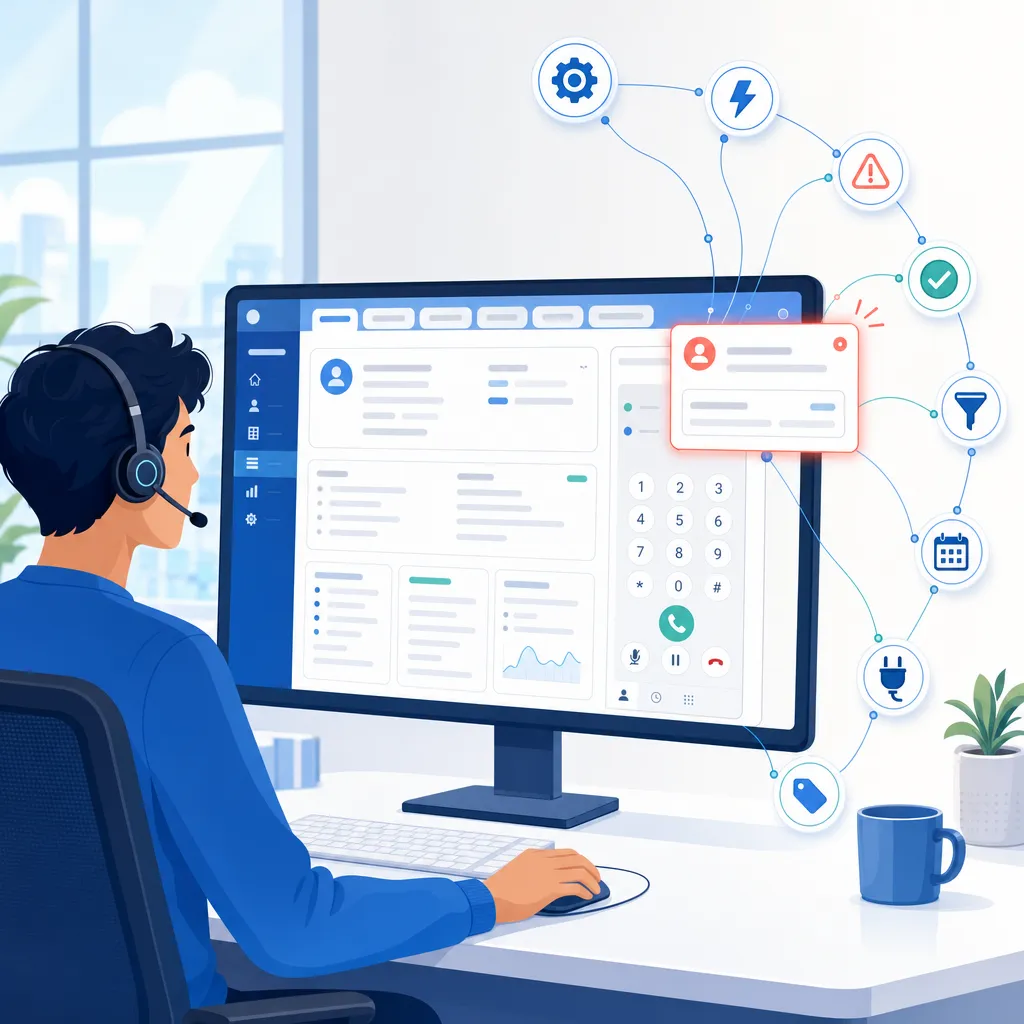
Handling Edge Cases and Automation Beyond the Pop
Automatic Lead Creation
Challenge: Unknown numbers usually require manual Lead creation.
Kixie Solution: Automatically creates a new Lead, enriches it with CNAM (First/Last name) data, and logs the call instantly.
Duplicate Handling
Challenge: One number linked to multiple records causing confusion.
Kixie Solution: Intelligently syncs to the last referenced Contact, mitigating decision paralysis.

Strategic ROI and the Value of the Single-Screen Interface
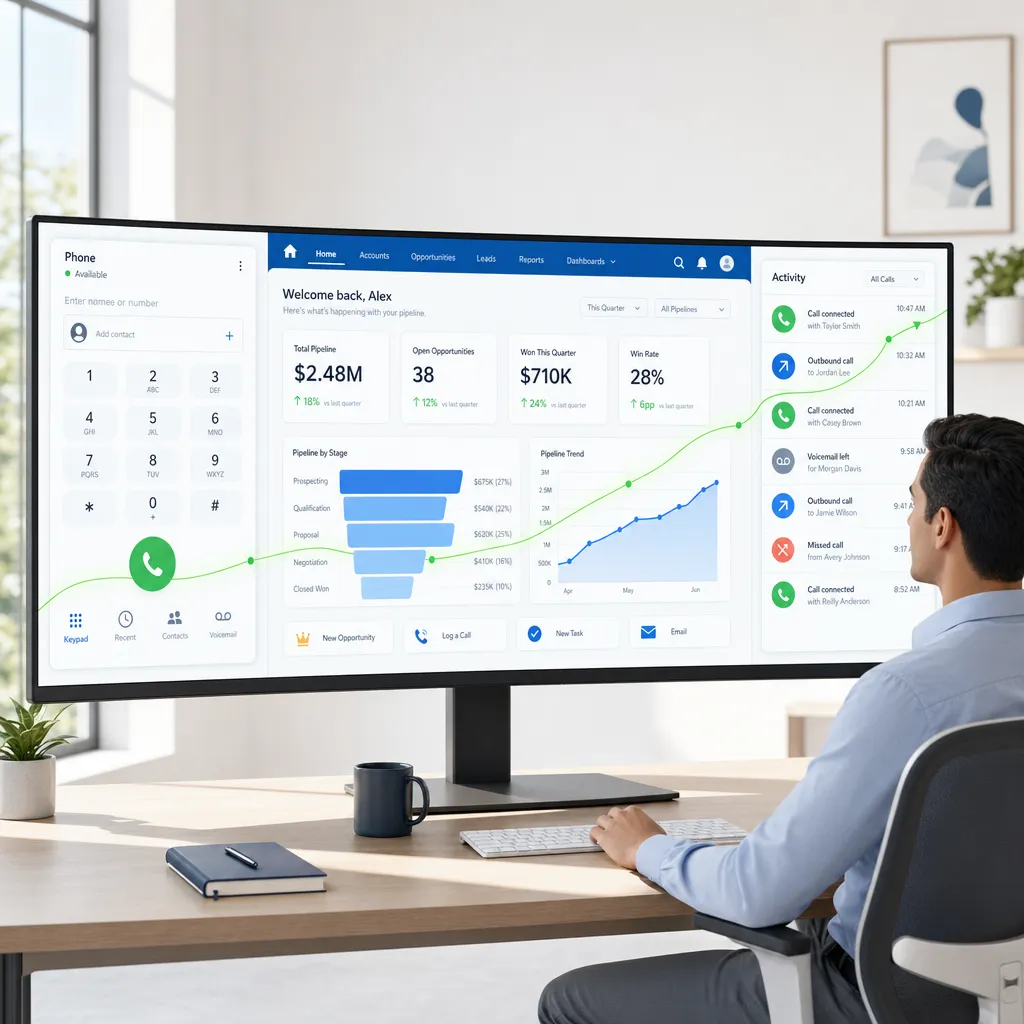
Productivity and Reclaiming Lost Time
- Eliminate Manual Logging: Saves ~90 seconds per call. For 50 calls/day across 50 reps, this saves thousands of hours annually.
- Stop Context Switching: Directly addresses the “Toggle Tax,” potentially recovering ~9% of lost work time.
Data Integrity as Foundation
- 100% Capture: No human error or omission. Recordings, duration, and timestamps logged automatically.
- Structured Reporting: Calls logged as standard Salesforce “Tasks,” ready for immediate dashboard analysis.
Sales Velocity and Speed-to-Lead
- Instant Context: Reps know the caller’s history before saying hello, leading to higher conversion rates.
Implementation and Configuring the Single-Screen Experience
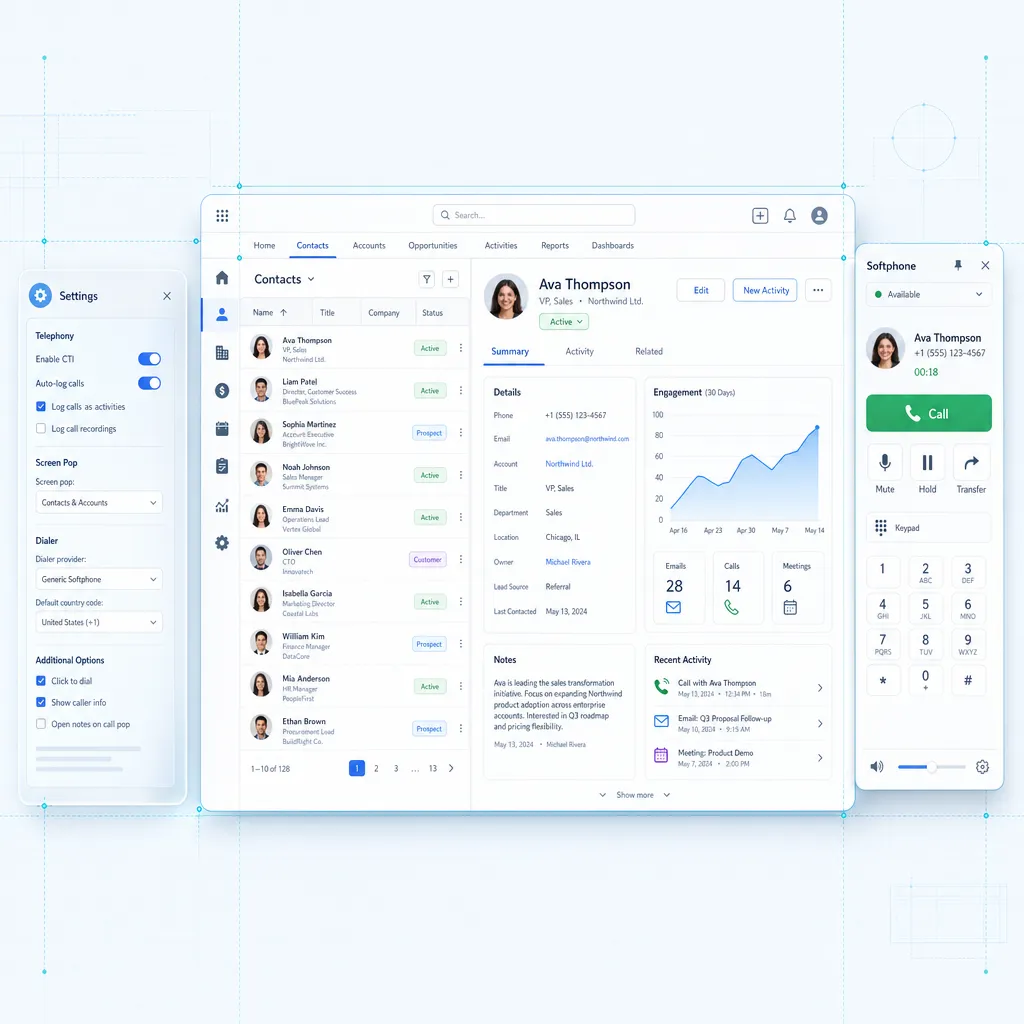
Prerequisites
- Salesforce Professional, Enterprise, or Unlimited edition (API enabled).
- Kixie PowerCall browser extension installed.
Configuration Steps
- API Connection: Authorize integration in Kixie dashboard.
- Screen Pop Toggle: Set “Screen Pop” to ON in PowerCall settings.
- Sync Settings: Configure “Create Contacts” preferences for unknown numbers.
Final Thoughts
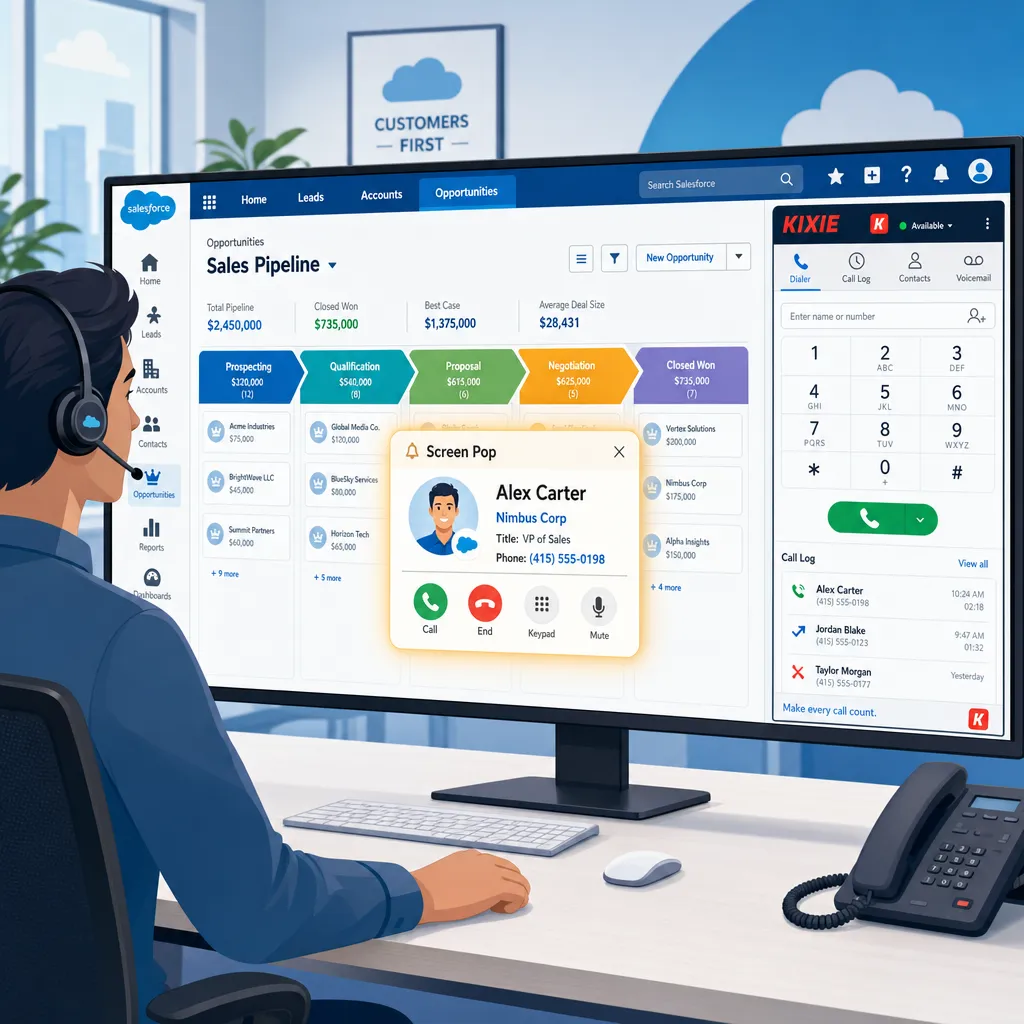
The “juggling act” between the phone and the CRM is a relic of legacy sales operations. It degrades data quality and wastes selling time. By implementing Kixie’s CTI with Screen Pop, organizations transform the workflow into a streamlined, automated process where technology serves the conversation.
Ready to close more deals with Kixie?
See how Kixie's AI-powered tools can transform your sales and support operations.
Start Free Trial