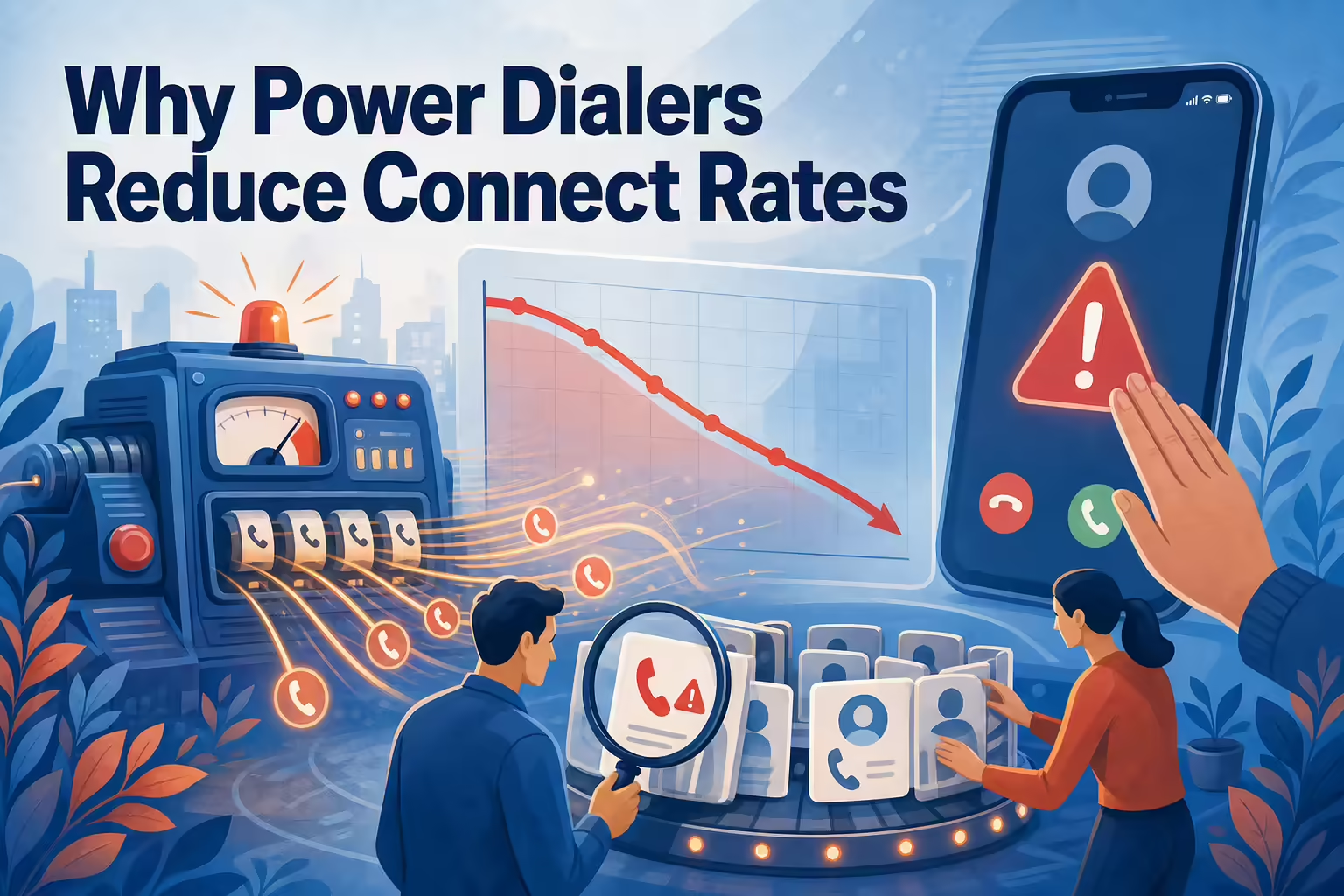
TL;DR: Power dialers reduce connect rates in one specific situation: when added volume runs ahead of number health, list quality, and pacing discipline. The dialer is doing its job, more attempts per hour, while the attempts quietly get worse: carriers flag the overworked numbers as spam likely, answer rates sink, and the team responds with even more volume, which deepens the flag. The fix is not abandoning the dialer. It is running volume and reputation as one system: monitor how your numbers display before the answer rate tells you something is wrong, spread volume across a managed number pool, match caller ID locality to the prospect, keep the list clean enough to deserve the speed, and treat a falling connect rate as a diagnostic, never as a reason to dial harder.
Here is the complaint, and it is common enough to deserve a straight answer: we bought a power dialer, attempts went way up, and connects went down. The dialer did not break your connect rate. It industrialized whatever was already wrong underneath it.
The mechanism: volume without number health
Carriers and analytics apps score calling numbers continuously: how often a number dials, how often anyone answers, how long conversations last, how often people hang up fast or report the caller. A number that suddenly makes ten times the attempts with the same short-call, low-answer profile looks exactly like what carriers are paid to catch. So it gets labeled spam likely, and the label does the rest.

Now walk the chain. A power dialer multiplies attempts per hour. If those attempts come from one or two unmonitored numbers, the volume concentrates on them. The numbers get flagged. Flagged numbers get answered less, which drops call durations and answer rates further, which looks even more spam-like to the scoring systems. The team, watching connects fall, dials more to compensate. That is the doom loop, and every turn of it was rational from inside.
The dialer is not the villain in this story. It is the amplifier. It amplifies clean operations into more conversations and sloppy operations into a burned number pool.
The other ways speed lowers connect quality
Stale lists at high speed. A power dialer chews through records fast, which means it reaches the dead ones fast too. High volume into a list full of disconnected numbers and wrong contacts produces exactly the short-call, no-answer pattern that triggers flags. The speed is only as good as the data feeding it; that discipline problem is covered in the queue rules of the lead disqualification process.
Anonymous, distant caller ID. An unfamiliar out-of-region number is easy not to answer. At manual volume this costs a little. At dialer volume it compounds, because every unanswered attempt also feeds the reputation profile.
Pacing that outruns the team. Aggressive multi-line settings connect people to silence when no rep is free. Buyers hang up on dead air, some report it, and the dropped calls carry compliance weight of their own. The connect that reached a human and got abandoned is worse than no connect at all.
How to run volume and reputation as one system

- Monitor how your numbers display before the answer rate tells you. The answer rate is a lagging indicator; by the time it visibly sinks, the flag is already set. Number reputation monitoring belongs in the weekly operating review, next to the pipeline numbers. The full checklist for this lives in the spam likely prevention guide.
- Spread the volume. A managed pool of numbers keeps any single number’s attempt profile inside normal bounds. Rotation is not a trick to evade scoring; sensible per-number volume is what non-spammers naturally look like.
- Match locality. A caller ID local to the prospect’s area gets answered more, and every additional answer improves the number’s profile. This is why local presence exists as a feature and not a gimmick. Kixie’s ConnectionBoost combines local presence with number monitoring and progressive caller ID, which is precisely the volume-plus-reputation pairing this problem calls for.
- Earn the speed with list quality. Scrub disconnects, dedupe, verify before a list enters the queue. The dialer should be the fastest thing in a clean pipeline, not a shredder for a dirty one.
- Pace to your staffing. Set line counts the team can actually answer. Increase only when abandonment stays clean and answer rates hold. The rules on abandoned calls are real and per-call; configure to them, not to the tool’s maximum.
- Rest and remediate flagged numbers. A flagged number needs volume taken off it and, where available, registration and remediation through the carrier ecosystem. Keep dialing through it and you are paying full price for attempts that display as a warning label.
Read a falling connect rate as a diagnostic
When connects per hour drop after a dialer rollout, resist the two reflexes: blaming the tool and adding volume. Instead, split the question in three, in order:
- Are the numbers flagged? Check how your caller IDs display on the major carriers and apps. If yes, this is a reputation incident, and more dialing makes it worse.
- Is the list dead? Look at the share of attempts hitting disconnected or wrong numbers. If it climbed with volume, the dialer is just reaching the bad records faster.
- Is the pacing wrong? Look at abandonment and at connects that end within seconds. If buyers are meeting dead air, the line settings outran the staffing.
Each cause has a different owner: number management, data operations, and dialer configuration respectively. Handing a rep a motivation speech fixes none of them. And note what the diagnostic requires: attempt outcomes logged automatically and honestly, per call, per number. A dialing workflow that writes its own history, the way PowerDialer logs outcomes to the CRM, is what makes this triage a lookup instead of an argument.
Why power dialers reduce connect rates FAQs
Do power dialers get numbers flagged as spam?
Not inherently. Sustained high attempt volume with low answer rates from unmonitored numbers gets numbers flagged, and a power dialer makes that pattern easy to produce by accident. Managed volume, monitored numbers, and clean lists prevent the flag; the dialer alone does not cause it.
Will slowing down fix a flagged number?
Reduced volume helps, but a set flag usually needs active remediation and time, not just rest. Meanwhile, route volume through healthy numbers and fix whatever burned the flagged one, or the replacement meets the same fate.
What connect rate should we expect from a power dialer?
There is no universal benchmark worth trusting; it depends on list quality, lead temperature, industry, and time of day. The useful comparison is your own: connects per calling hour before and after rollout, on the same lists. The tool should move your baseline, and if it does not, work the diagnostic above.
Is a power dialer still worth it with these risks?
Yes, for the same reason a faster machine is worth it in any operation with clean inputs. More attempts per hour plus removed dead time is a real, durable advantage. The risks in this article are operating requirements, not counterarguments. Run the numbers side and the data side properly and the dialer pays for itself in conversations.
Sources
Ready to close more deals with Kixie?
See how Kixie's AI-powered tools can transform your sales and support operations.
Start Free Trial