Ensures theme styles do not conflict
TL;DR Native GoHighLevel (GHL) “Manual SMS” workflows utilize inefficient task queues requiring context switching, resulting in a 40% loss in sales productivity and execution delays of 2-5 minutes. Kixie’s PowerCall integration replaces this with a “1-click” browser-based execution model, reducing send time to under 10 seconds and eliminating navigation friction. Immediate SMS execution (under 5 minutes) increases lead qualification probability by 21x, while response times under 1 minute boost conversion rates by 391%. To implement, integrate Kixie via LeadConnector, configure dynamic templates in the Kixie Dashboard (Manage > Agent Settings > SMS Templates), and execute directly via the Chrome extension overlay on GHL contact records. This enablement architecture ensures bi-directional data syncing, preserves agent focus, and maximizes speed-to-lead without leaving the prospect’s profile.
The Automation vs Enablement Paradox
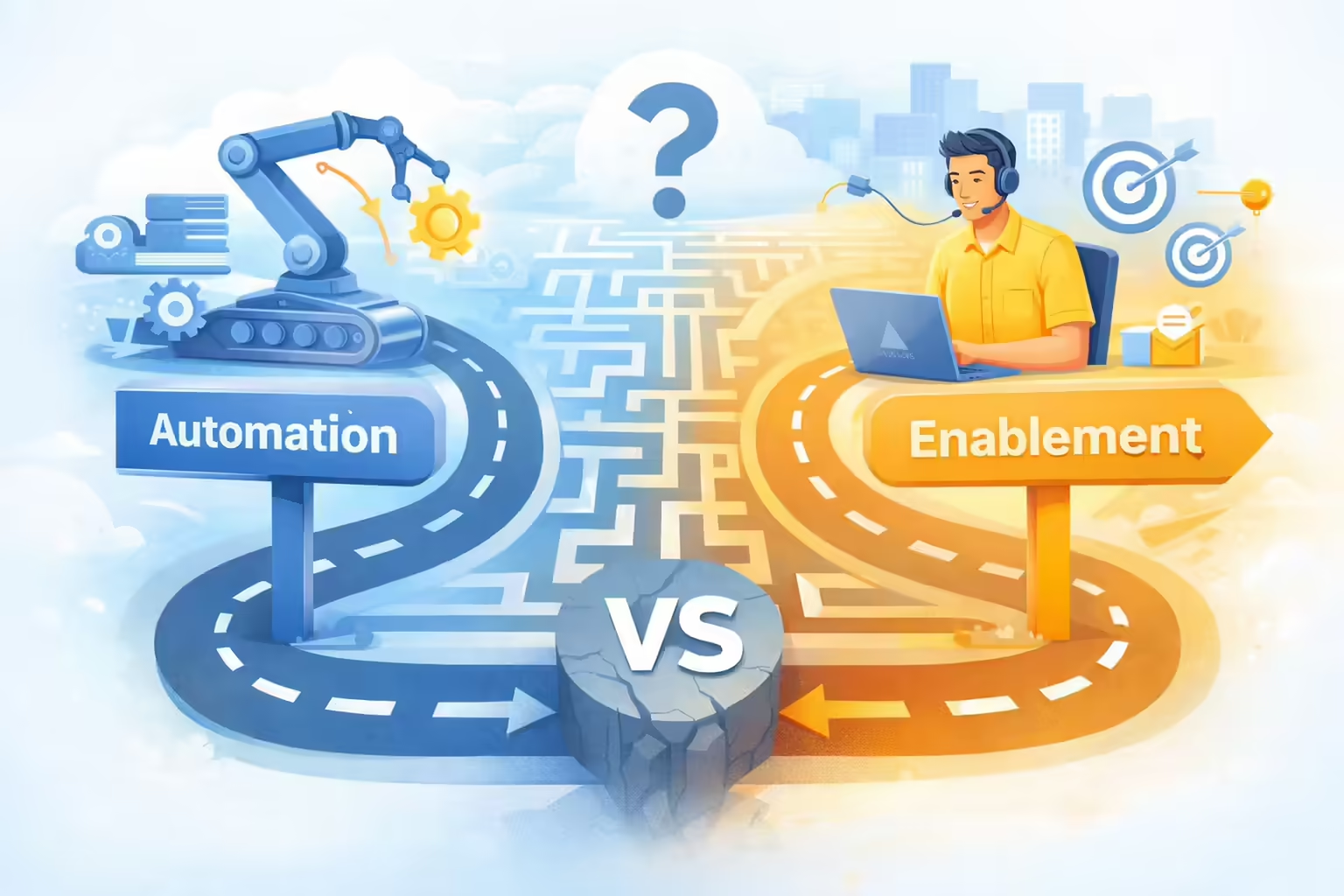
For revenue operations (RevOps) leaders and sales researchers utilizing GoHighLevel (GHL), a critical distinction exists between automation (server-side processes triggered by events) and enablement (client-side tools equipping agents to act instantly). While GHL excels at automation, its native handling of manual interventions, specifically the “Manual SMS” workflow action, introduces procedural latency.
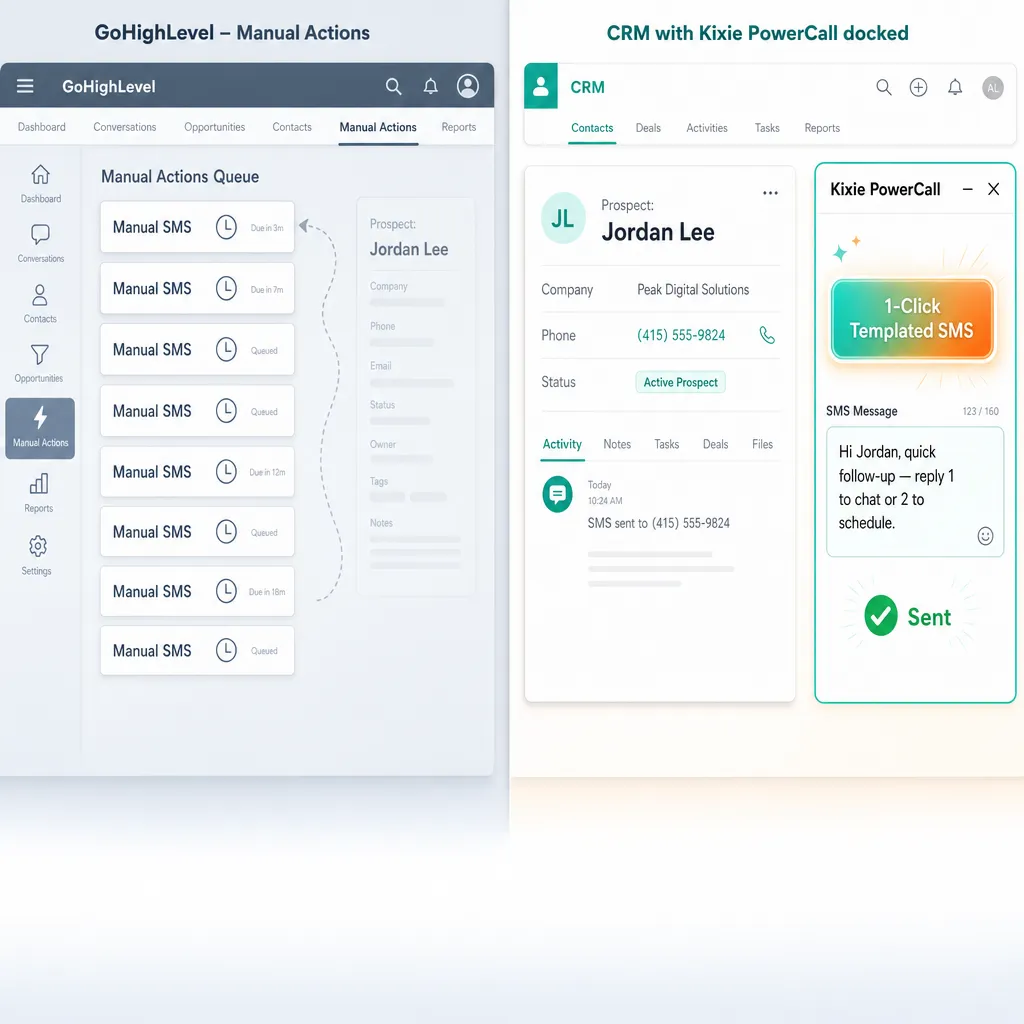
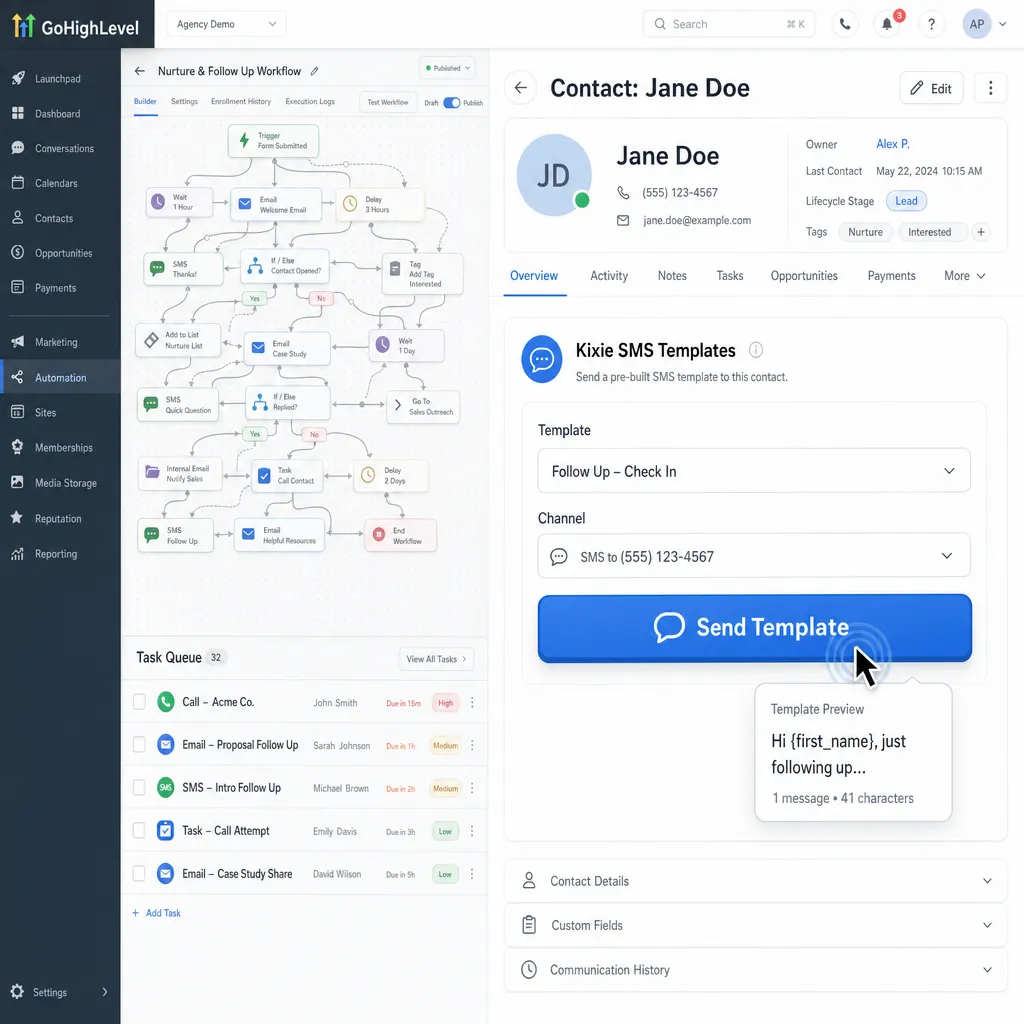
Current GHL architecture forces users into a “task queue” model for manual text messaging. To send a templated manual SMS via a workflow, an agent must switch away from their current context to the “Manual Actions” tab to execute the task. This workflow disrupts the sales cadence and introduces “context switching,” a cognitive burden that degrades performance.
This report analyzes the operational inefficiencies of GHL’s native manual SMS workflows and contrasts them with Kixie’s “enablement” methodology. By utilizing the Kixie PowerCall Chrome extension, agents can execute 1-click, templated SMS outreach without leaving the prospect’s record, effectively bridging the gap between automation and immediate human action.
Deconstructing the Operational Bottleneck

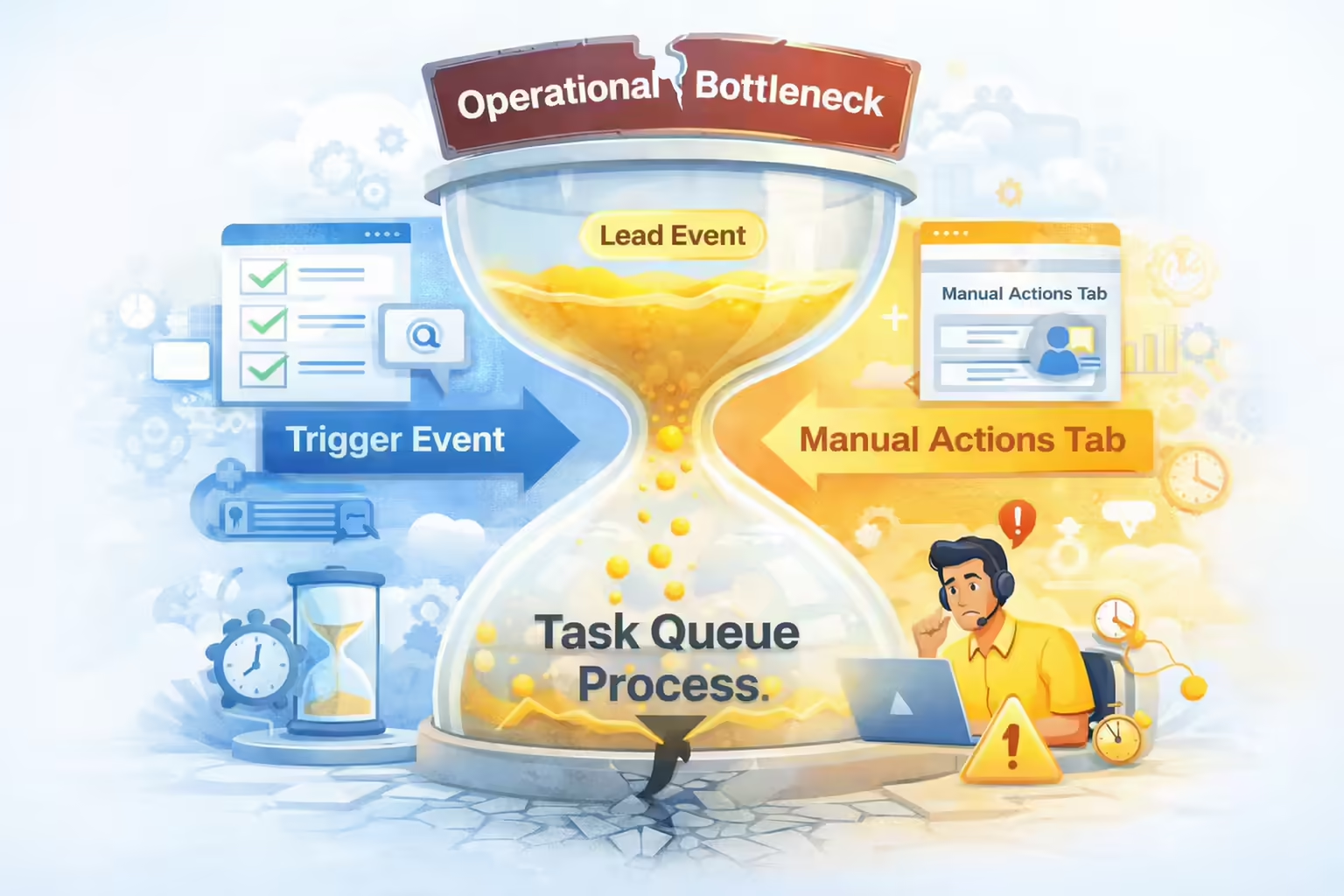
GoHighLevel’s “Manual SMS” feature is designed as a workflow action that generates asynchronous task queues. While powerful for batch processing, this native architecture fails the “speed-to-lead” test for individual, high-intent interactions because it forces agents to navigate away from the lead’s data.
The Native GoHighLevel Architecture for Manual SMS
In GHL, “Manual SMS” is not an immediate action but a task generation mechanism. The process flow operates as follows:
- Trigger Event: A lead performs an action (e.g., form submission, tag added).
- Workflow Execution: The system processes the “Manual SMS” action.
- Task Creation: Instead of sending a message, the system creates a “pending task” in the Conversations > Manual Actions tab.
- Agent Intervention: The agent must:
- Receive a notification (if configured).
- Move away from their current screen to the Manual Actions tab.
- Locate the specific task.
- Click to execute/send the SMS.
Friction Points within GHL Manual SMS Templates
This architecture introduces three distinct layers of friction:
- Interface Movement Latency: The requirement to move from the Contacts or Opportunities view to the Manual Actions queue creates a disconnect between the lead’s data and the communication action.
- Context Decay: By the time an agent accesses the task queue, the immediate context of the lead’s behavior (e.g., which page they just visited) is obscured by the list view of the task manager.
- Execution Delay: This process is asynchronous. The time gap between the “trigger” and the “send” is dependent on the agent checking their queue, rather than being an instantaneous reaction to a live event.
The High Cost of Context Switching
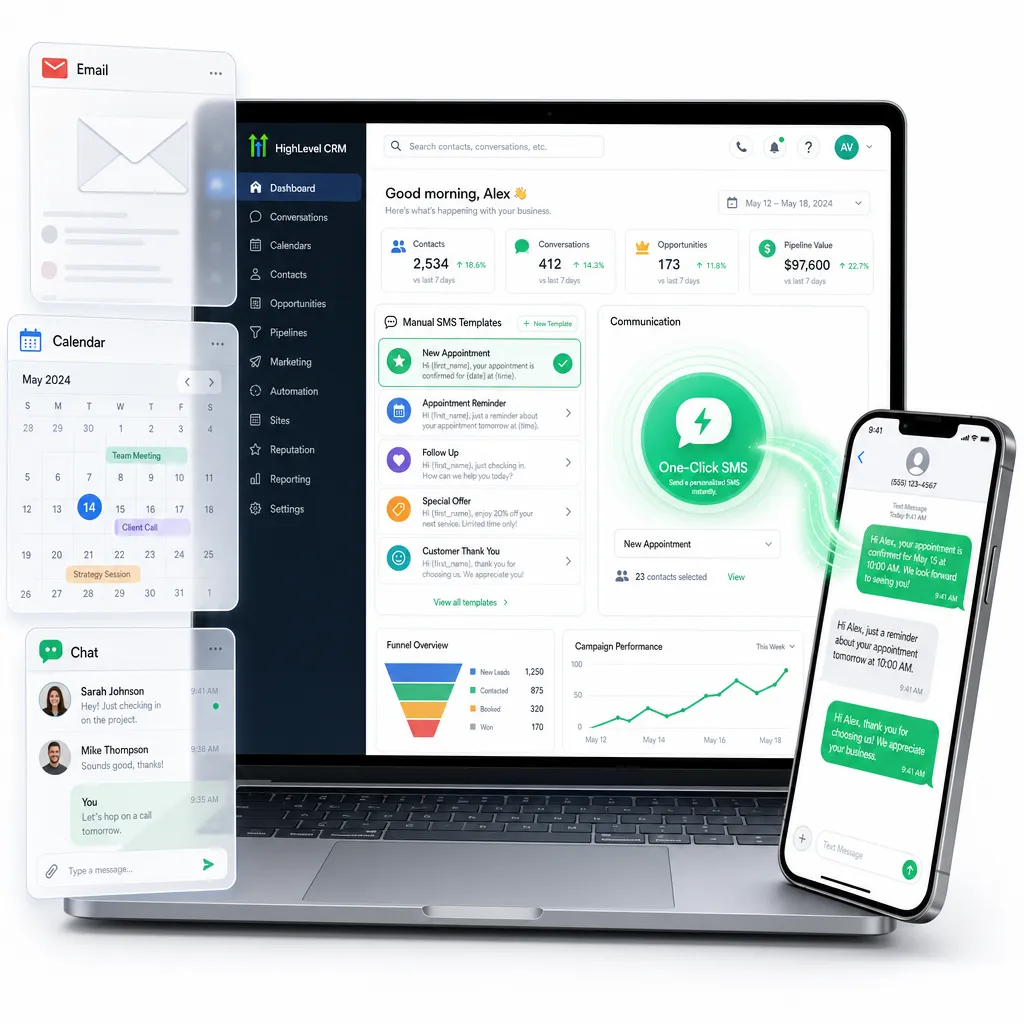
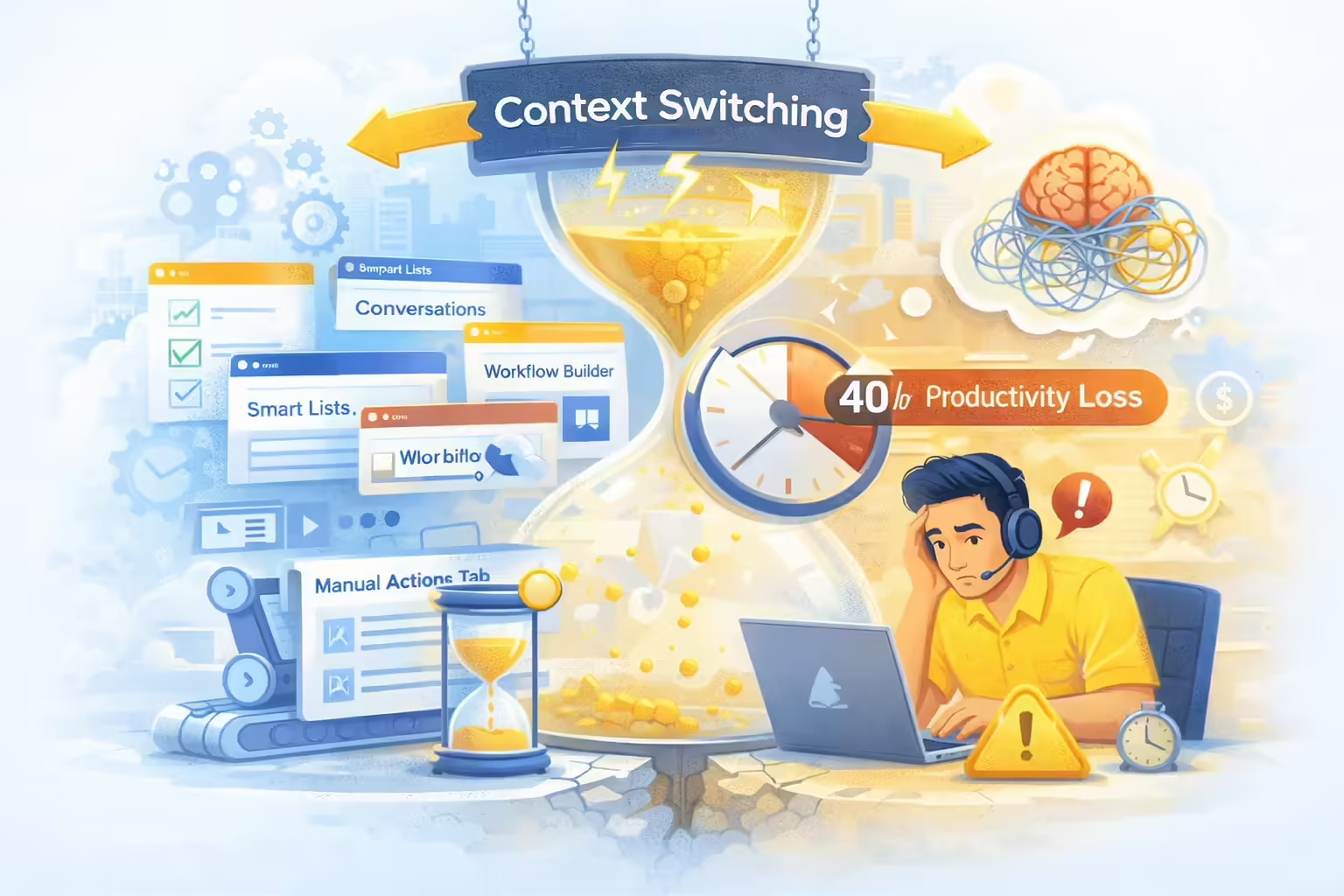
The operational friction inherent in navigating between CRM tabs is a quantifiable drain on revenue. “Context switching,” the act of shifting attention between different tasks or software interfaces, is a primary driver of inefficiency in modern sales environments utilizing platforms like GoHighLevel.
Quantitative Impact on Productivity
Research indicates that the human brain is ill-equipped for the rapid toggling required by GHL’s native manual workflow:
- Productivity Loss: Context switching can reduce an individual’s productive time by up to 40%.
- Refocusing Time: It takes an average of 23 minutes and 15 seconds to fully regain focus after an interruption or a significant switch in tasks.
- Cognitive Load: Every switch consumes roughly 20% of cognitive capacity, increasing the likelihood of errors in communication.
The Tab Fatigue Phenomenon
In a standard GHL environment, an agent managing leads must often toggle between the Smart Lists, Conversations, Workflow Builder, and Manual Actions tabs. Each toggle represents a micro-interruption. Over a standard 8-hour shift, these micro-interruptions compound, leading to “tab fatigue” where agents become slower and less personalized in their outreach.
By forcing agents to dig through the Manual Actions tab to send a templated text, GHL inadvertently enforces a workflow that maximizes context switching, directly opposing the principles of high-velocity sales.
Kixie Enablement Architecture

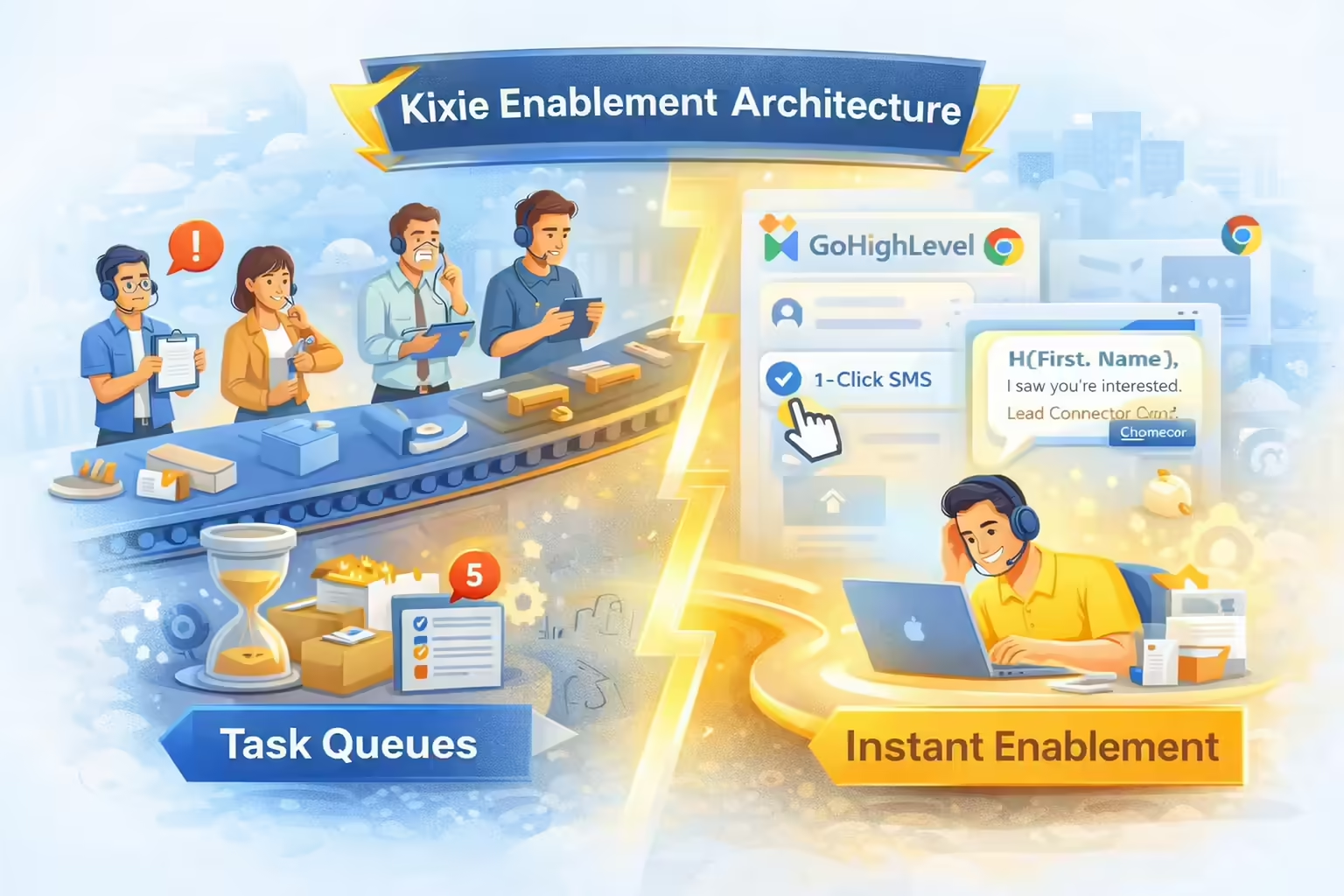
Kixie resolves the latency of manual task queues by shifting the architecture from task-based queuing to immediate enablement. Through its GoHighLevel power dialer integration (via LeadConnector) and the PowerCall Chrome Extension, Kixie overlays communication tools directly onto the GHL interface, allowing for instant action.
The 1-Click Methodology
Kixie’s approach eliminates the need for task queues entirely for ad-hoc manual messaging. The workflow is streamlined into a single interface interaction:
- Detection: The Kixie PowerCall extension automatically detects phone numbers on the GHL contact record.
- Action: The agent clicks the “SMS” icon next to the number or opens the dialer panel.
- Template Selection: The agent selects a pre-written SMS template from a dropdown menu.
- Execution: The message is sent instantly, with dynamic fields (e.g.,
{{firstname}}) auto-populated.
Technical Advantages
- Zero Context Switching: The agent never leaves the prospect’s profile. The dialer/SMS interface exists as a floating overlay or sidebar, preserving the visual context of the lead’s activity history.
- Bi-Directional Sync: Despite bypassing GHL’s internal “Manual SMS” workflow, Kixie maintains data integrity. All SMS activities are automatically logged back into the GHL contact record as a completed activity, ensuring reporting accuracy.
- Dynamic Personalization: Kixie templates support dynamic tags that pull data directly from the GHL page context, ensuring that “1-click” does not mean “generic”.
Comparative Analysis of GHL Native vs Kixie 1-Click

A direct comparison reveals the operational differences between sending a templated manual SMS using the standard GHL workflow versus the Kixie enablement method.
Workflow Step Comparison
| Metric | GHL Native “Manual SMS” | Kixie “1-Click” Enablement |
|---|---|---|
| Setup Requirement | High (Must build Workflow + Trigger + Action) | Low (Create Template in Kixie Dashboard) |
| Execution Steps | 7+ (Trigger -> Switch Screens -> Find Task -> Send) | 2 (Click Icon -> Select Template) |
| Agent Location | Moves to “Manual Actions” Tab | Stays on Contact Record |
| Time to Execute | ~2-5 Minutes (including movement) | < 10 Seconds |
| Context Switching | High (Disruptive) | None (Seamless) |
| Data Logging | Automatic (Internal) | Automatic (Bi-Directional Sync) |
Speed-to-Lead Implications
The reduction in execution time is critical when viewed through the lens of “Speed to Lead” statistics:
- The 5-Minute Cliff: Leads contacted within 5 minutes are 100x more likely to be contacted and 21x more likely to enter the sales cycle compared to those contacted after 30 minutes.
- Conversion Impact: Responding within 1 minute can boost conversion rates by 391%.
Implementation Guide
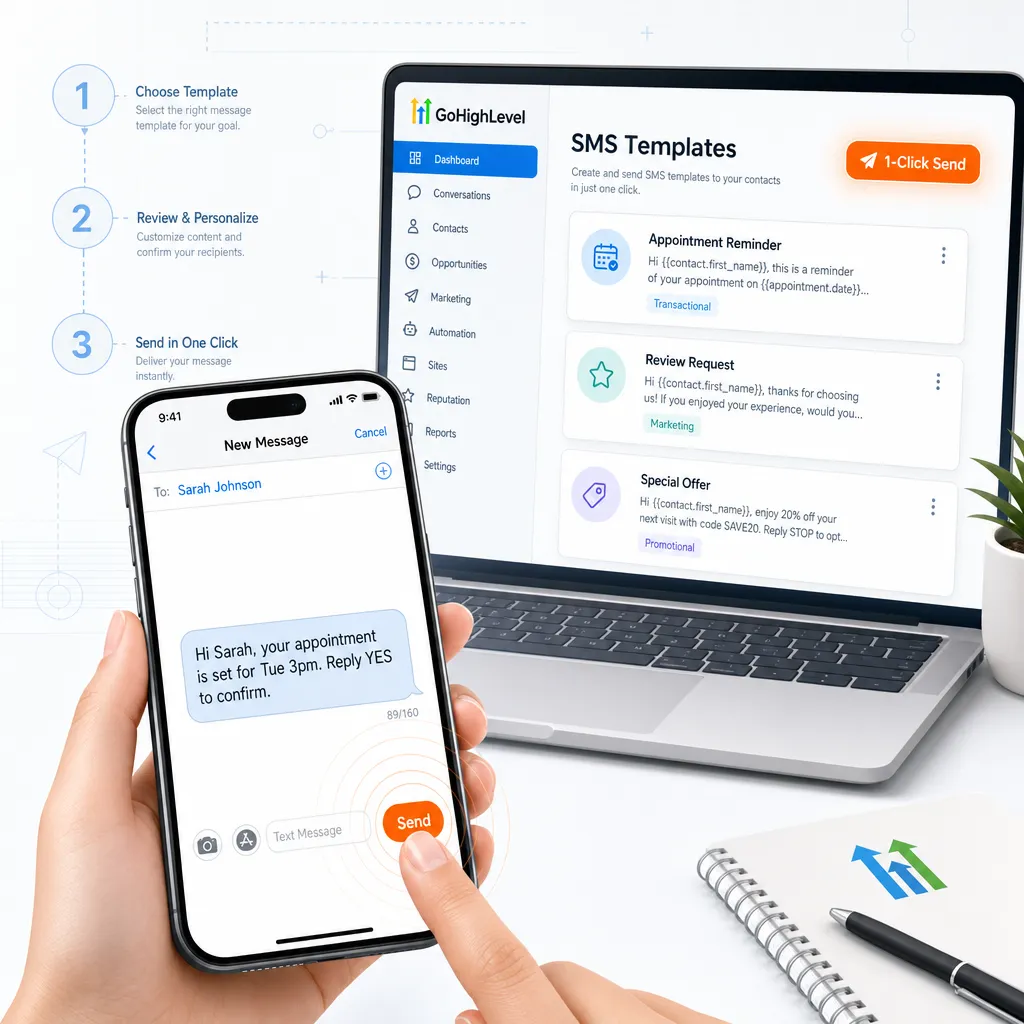

To transition from GHL’s manual task queues to Kixie’s 1-click enablement, researchers and admins should follow this configuration protocol.
Step 1: Integration Setup
Ensure the Kixie and GoHighLevel integration is active via LeadConnector.
- Path: Go to the Kixie Dashboard and select Settings > CRM.
- Add CRM: Select “LeadConnector” (the integration wrapper for GHL).
- Authentication: Log in with GHL credentials and select the appropriate sub-account. Critical: Kixie integrates with one sub-account per instance.
Step 2: Creating Dynamic 1-Click SMS Templates
Templates must be configured in Kixie to enable the 1-click functionality.
- Access: Go to Kixie Dashboard > Manage > Agent Settings > SMS Templates.
- Create New: Click “Add New”.
- Draft Content: Input the message body.
- Insert Dynamic Fields: Use shortcodes to pull GHL data. Example:
Hi [fname], thanks for your interest. - Save: The template will now sync to the Chrome extension.
Step 3: Execution via Extension
- Open: Open any contact record in GoHighLevel.
- Locate Number: The Kixie PowerCall extension will highlight the phone number or display a red SMS icon next to it.
- Click SMS Icon: This opens the SMS composition window within the dialer overlay.
- Select Template: Use the dropdown menu to select the pre-configured template.
- Send: Click send. The message is dispatched immediately.
Strategic Recommendations

For organizations relying on GoHighLevel for sales acceleration, the shift from “Manual Actions” to “Kixie Enablement” offers a clear ROI based on time savings and conversion improvements.
Abandon the “Manual Actions” Tab: Reserve GHL’s “Manual Actions” tab for low-priority, administrative tasks. High-velocity sales outreach should never sit in a queue.
Standardize Templates: RevOps leaders should audit top-performing SMS scripts and deploy them as standardized Kixie templates to ensure consistent messaging across the team.
Monitor “Speed to Lead”: Utilize Kixie’s analytics to track the delta between lead creation and first SMS. The goal should be <5 minutes.
Train on Context Preservation: Educate sales teams on the cognitive cost of tab switching. Encourage the use of the overlay dialer.
Final Thoughts
While GoHighLevel provides a robust framework for marketing automation, its native handling of manual SMS tasks introduces friction that is antithetical to modern sales efficiency. By digging through workflow builders and task queues, users inadvertently increase their response times and cognitive load.
Kixie’s integration offers a definitive solution: Enablement over Administration. By placing 1-click, templated SMS capabilities directly at the point of contact, Kixie transforms a multi-step administrative burden into an instantaneous sales action.
Ready to close more deals with Kixie?
See how Kixie's AI-powered tools can transform your sales and support operations.
Start Free Trial