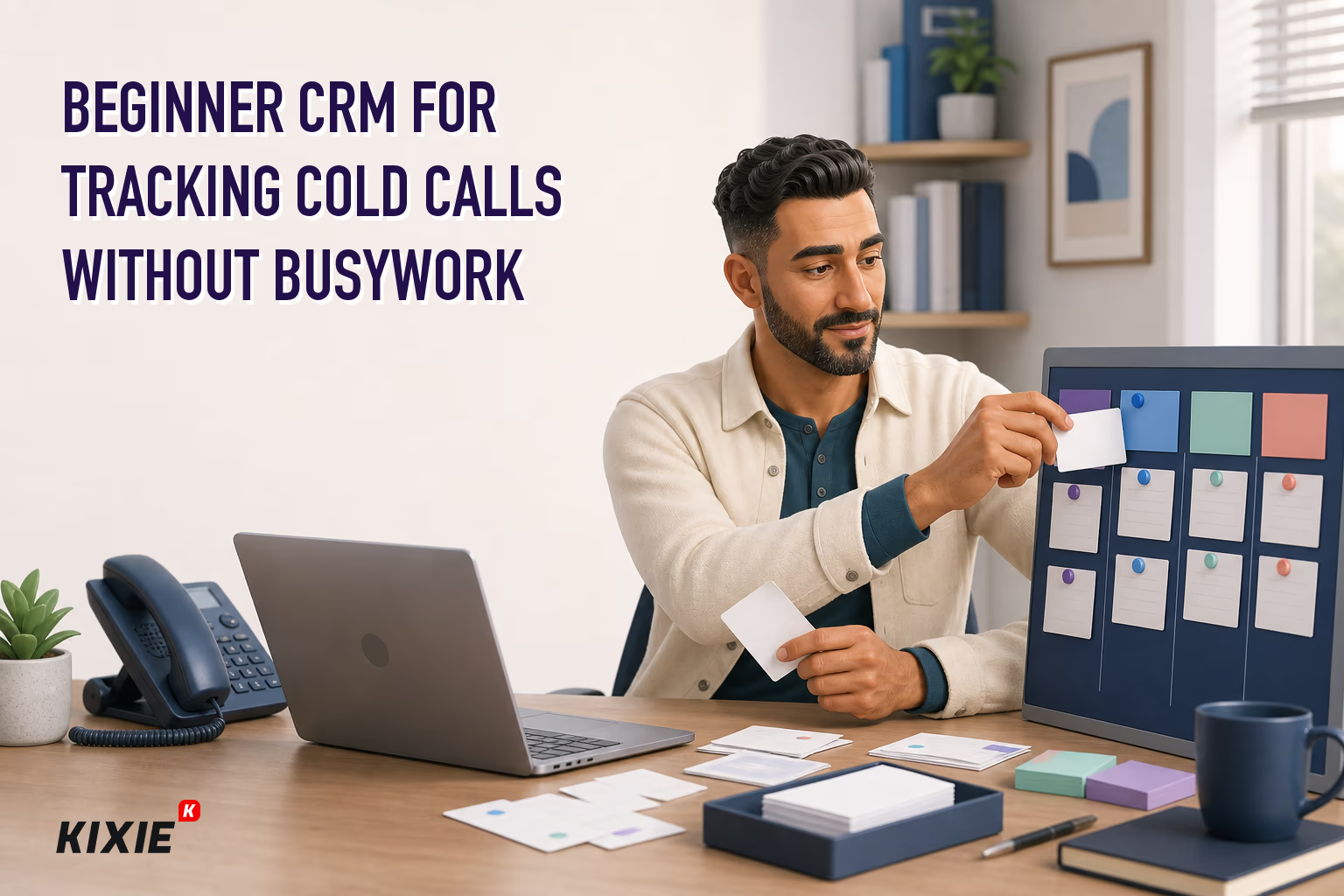
TL;DR: A beginner CRM for tracking cold calls should help reps consistently capture who was called, what happened, what comes next, and when to follow up without creating unnecessary admin work, so the best choice is usually a simple CRM that supports fast contact import, structured call outcomes, dated follow-up tasks, basic pipeline stages, overdue follow-up views, and practical reporting on attempts, conversations, qualified prospects, meetings, and records missing a next action. Solo sellers can often start with contact management, notes, tasks, and a spreadsheet-like workflow, while high-volume reps and small teams should evaluate calling software, ownership rules, dashboards, standardized dispositions, and phone-system connections that actually log the right inbound and outbound activity to the correct CRM records. The article recommends testing two or three CRMs with a sample list by importing contacts, assigning owners, simulating calls, logging outcomes, scheduling follow-ups, moving a qualified prospect, finding overdue tasks, and exporting records before comparing setup effort, daily usability, data quality, reporting, mobile access, pricing, limits, and integration behavior. A minimum viable setup can be built quickly with a clean prospect list, broad stages such as New, Attempting Contact, Connected, Qualified, Meeting Scheduled, Nurture, and Closed, a concise disposition list including no answer, voicemail, follow-up later, wrong number, qualified, meeting scheduled, and do not contact, and only required fields that support workflow or reporting. The daily workflow is to prepare the call list, call, log a standard result immediately, add concise notes, schedule the next action, update suppression indicators when required, advance stages only when criteria are met, and review incomplete records at the end of the session. Common mistakes include relying on free-text notes, leaving follow-up dates blank, over-customizing too early, measuring only call volume, importing messy data, and assuming call recording, automated dialing, outreach, or do-not-call compliance is simple or universally appropriate, and teams should consider a dialer or platform such as Kixie only after they have defined a reliable CRM workflow and verified current compatibility, capabilities, plan requirements, and applicable policies.
A beginner CRM for tracking cold calls should make it easy to answer four questions: Who did you call, what happened, what should happen next, and when should you follow up?
You do not necessarily need the CRM with the longest feature list. Solo sellers and new sales representatives often benefit more from a simple system they will consistently update. Small teams may need additional visibility, standardized reporting, and connections to their calling tools.
This guide explains how to evaluate your options, create a minimum viable setup, and establish a daily workflow without turning every call into an administrative project.
Best beginner CRM for tracking cold calls
Choose a CRM that lets you quickly add or import contacts, record a standardized call result, schedule the next action, and view overdue follow-ups. If you already use a business phone system or sales dialer, confirm that the CRM can connect to it in a way that supports your workflow.
Your best starting point depends on how you work:
- Solo seller making calls manually: Prioritize simple contact management, tasks, notes, and an uncluttered pipeline.
- Representative making a high volume of calls: Evaluate calling software alongside the CRM. Reducing repetitive data entry may become more important as activity rises.
- Small sales team: Look for standardized call outcomes, ownership rules, dashboards, and manager visibility.
- Team with an existing phone system: Start by checking which CRM connections your current system supports. Verify exactly what data is logged and whether setup requires a particular plan.
Before selecting a vendor, test the complete workflow with a small contact list. A product demonstration can look efficient while still requiring extra steps during real prospecting.
Beginner CRM or dialer for cold calls
These tools solve related but different problems.
A CRM is the system of record for contacts, companies, opportunities, tasks, notes, and sales activity. It helps a representative understand the history and next step for each prospect.
A dialer or business calling platform helps representatives place and manage calls. Capabilities vary significantly among products and plans, so verify current vendor documentation for dialing modes, logging, recording, number availability, and usage restrictions.
A sales-engagement platform typically coordinates activities across one or more channels, such as calls, emails, and tasks. These systems can be valuable for structured outbound programs but may introduce more configuration than a beginner needs.
A CRM alone may be sufficient if you make a modest number of calls and can log each activity without disrupting your rhythm. Consider pairing the CRM with calling software when manual dialing, data entry, or inconsistent activity capture becomes a persistent obstacle. Kixie is one option sales teams may evaluate as part of that calling workflow, but current compatibility and product capabilities should be confirmed directly before making a decision.
Beginner CRM features for cold call tracking
Cold call contact entry and import
You should be able to add an individual prospect quickly or import a clean CSV file. Before importing, standardize phone formats, assign contact owners, and remove obvious duplicates. Test with a small batch before moving the full list.
CRM call logging that stays consistent
Logging should capture the date, representative, contact, outcome, and notes. If calls are logged automatically through another system, check whether the resulting activity is attached to the correct person and company.
Standard cold call outcomes
A short outcome list makes reports more useful than unrestricted notes. Representatives can still add context, but the primary result should be selected from a consistent set of options.
Cold call follow-up tasks and reminders
Every meaningful conversation should end with a dated next action. A vague note such as “try later” is difficult to operationalize. A task for Tuesday at 10 a.m. is actionable.
Simple CRM pipeline stages
Keep early stages broad. A beginner pipeline might include New, Attempting Contact, Connected, Qualified, Meeting Scheduled, Nurture, and Closed. Customize these labels to reflect your actual sales process rather than copying another company’s terminology.
Cold call activity and outcome reports
At minimum, you should be able to review calls placed, conversations, follow-ups due, meetings scheduled, and records without a next action. Activity totals alone do not show whether outreach is progressing.
Phone connection for CRM call tracking
If phone integration matters, ask precise questions. Does the connection log inbound calls, outbound calls, or both? Does it match calls to existing records? What happens when two contacts share a number? Are notes and outcomes synchronized? Product availability and plan requirements can change, so use current official documentation.
How to choose a beginner CRM for cold calls
A long vendor ranking is less useful than a repeatable evaluation process. Create a shortlist of two or three products and complete the same test in each one:
- Import 20 sample contacts.
- Assign an owner and lead source.
- Place or simulate five calls.
- Log different outcomes.
- Schedule three follow-up tasks.
- Move one qualified prospect to the next pipeline stage.
- Find every overdue follow-up.
- Export the sample records and activities.
Score each option for setup effort, daily usability, data quality, reporting, calling workflow, mobile access if required, and ease of exporting data. Review current pricing and limits separately; these details are time-sensitive and may depend on users, plans, usage, regions, or add-ons.
Do not assume that “native calling” and a third-party connection provide identical experiences. Likewise, the existence of an integration does not establish which records, fields, or activities it synchronizes.
Set up beginner CRM cold call tracking in 30 minutes
Import a clean cold call list
Begin with a manageable group of prospects rather than your entire database. Include a unique identifier where possible, normalize phone numbers, and separate first name, last name, company, and job title into distinct fields.
Create a simple CRM pipeline
Use only stages that change how you act. If two stages lead to the same next step, combine them. You can add detail after representatives demonstrate that it improves decisions.
Add standard cold call dispositions
A practical starter list is:
- No answer
- Left voicemail
- Connected, not interested
- Connected, follow up later
- Wrong person or number
- Referred to another contact
- Qualified
- Meeting scheduled
- Do not contact
Adapt the list to your organization’s policies and applicable requirements. A do-not-contact selection should feed an established suppression process rather than remain buried in a note.
Define required CRM call fields
Require only fields that support an immediate workflow or report. Excessive required fields encourage placeholder data and slow adoption.
- Contact name
- Company
- Phone number
- Record owner
- Lead source
- Last call date
- Call result
- Next action
- Follow-up date
- Decision-maker status
- Appointment status
- Concise notes
Build two CRM call tracking views
Create one view for follow-ups due today and another for records missing a next action. These queues are usually more useful to a beginner than a complicated dashboard.
Daily cold call tracking workflow for beginners
- Prepare: Open the day’s call list and review the contact, company, prior activity, and intended next step.
- Call: Use your approved messaging and confirm that the record is assigned to the correct representative.
- Log: Select a standard outcome immediately after the attempt. Add only the notes another person would need to understand the interaction.
- Schedule: Create a dated next action when follow-up is appropriate. Update suppression indicators according to company policy when a person asks not to be contacted.
- Advance: Change the pipeline stage only when the defined stage criteria have been met.
- Review: At the end of the session, clear incomplete records and check tomorrow’s tasks.
This process should take seconds per call, not minutes. If representatives regularly postpone logging until the end of the day, simplify the fields or examine whether the calling and CRM workflow can be connected more effectively.
Beginner CRM mistakes in cold call tracking
- Using free-text outcomes only: Notes are difficult to summarize consistently. Pair them with structured dispositions.
- Leaving follow-up dates blank: An interested prospect without a next task can disappear from the queue.
- Over-customizing before launch: Begin with the minimum fields and stages, then adjust them using actual workflow evidence.
- Measuring calls without outcomes: Call totals provide context, but conversations, qualified opportunities, meetings, and completed follow-ups better explain progress.
- Importing unchecked data: Duplicates and inconsistent phone formats can undermine reporting and create an unpleasant prospect experience.
- Assuming recording is always appropriate: Recording, consent, outreach, automated dialing, and do-not-call requirements vary by jurisdiction and situation. Review applicable rules and obtain qualified guidance; this article is not legal advice.
Beginner CRM cold call tracking FAQs
Can I track cold calls in a spreadsheet?
Yes. A spreadsheet can work for a solo seller with a small list and a straightforward process. Move to a CRM when reminders, ownership, duplicate prevention, activity history, reporting, or team access become difficult to manage reliably.
Does a CRM make calls automatically?
Not necessarily. Some CRMs may offer calling capabilities, while others connect to separate phone or dialing products. Features and plan availability change, so confirm the current workflow with each vendor.
What cold call metrics should beginners track?
Start with attempts, conversations, follow-ups completed, qualified prospects, and meetings scheduled. Also monitor records missing a next action. Define each metric so every representative counts it consistently.
Do I need call recording?
No. Recording may support coaching or documentation in some organizations, but it also creates operational, privacy, consent, storage, and access considerations. Evaluate the business need and applicable requirements before enabling it.
When should I use a power dialer for cold calls?
Consider evaluating one when manual dialing and call logging consume substantial time, representatives have a consistent list and process, and the team can maintain data quality at higher activity levels. Verify current product behavior and seek appropriate review of regulatory and carrier considerations.
Choose a beginner CRM for consistent cold call tracking
The best CRM for tracking cold calls for beginners is the one that reliably captures outcomes and next actions without slowing down the representative. Start with a small shortlist, test a realistic workflow, and confirm all current product, integration, pricing, and policy details.
Once the basic process works, you can assess whether connecting the CRM to a calling platform such as Kixie would reduce repetitive work or improve activity capture for your team. The decision should follow the workflow, not replace the work of defining it.
Sources
Primary references used to verify CRM record-management guidance, Kixie CRM-integration behavior, and outbound-calling controls:
- Salesforce Help: What is Customer Relationship Management or CRM?
- HubSpot Knowledge Base: Deduplicate records
- Kixie Support: How Does Kixie Integrate with my CRM?
- Federal Trade Commission: Complying with the Telemarketing Sales Rule
- eCFR, 47 CFR 64.1200: Delivery restrictions
Sources verified and content reviewed on August 4, 2026. This article is informational and is not legal advice.
Ready to close more deals with Kixie?
See how Kixie's AI-powered tools can transform your sales and support operations.
Start Free Trial