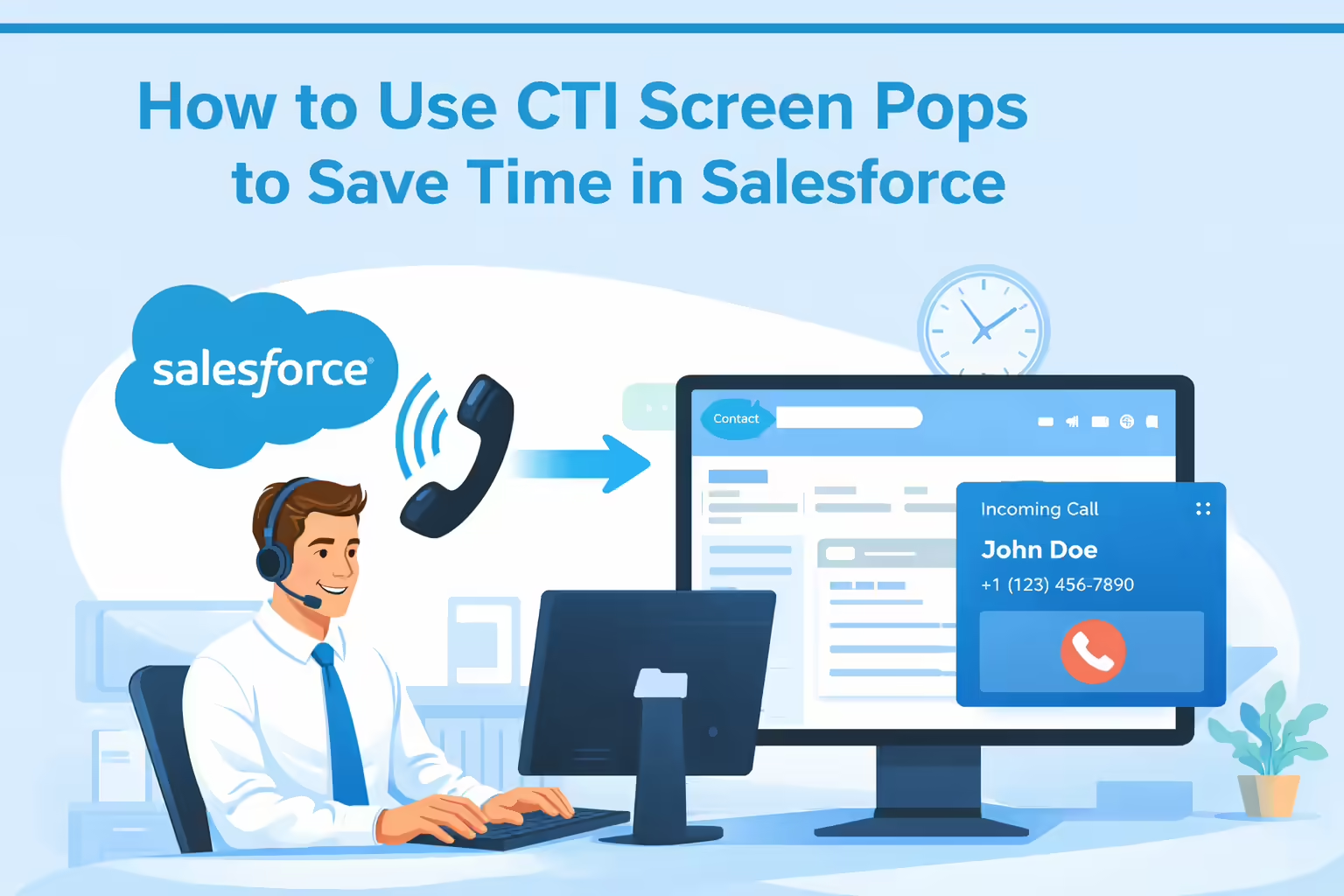
TL;DR Sales representatives spend only 28% to 39% of their time selling, with the majority of their day consumed by administrative tasks and context switching, which requires an average of 23 minutes and 15 seconds to regain focus after an interruption. Computer Telephony Integration (CTI) bridges this productivity gap by connecting telephony systems to Salesforce via the Open CTI API framework, enabling screen pops that automatically redirect the CRM interface to the correct Lead or Contact record based on the caller’s ANI (Automatic Number Identification). By eliminating manual search processes—which cost knowledge workers 1.8 hours daily—and utilizing tools like Kixie for automated logging and bi-directional sync, sales teams can reduce call handling time by 15-45 seconds per interaction and reclaim 1.5 to 2.5 hours of productive time per rep per day. Successful implementation involves configuring Salesforce Softphone Layouts to “Pop to existing record,” ensuring browser permissions allow CTI extensions to function, and leveraging features like click-to-call and automated voicemail drops to further reduce administrative overhead.
- Quantifying the Click Tax and Wasted Time in Modern Sales
- The Erosion of Selling Time
- The High Time Cost of Context Switching
- Defining the Computer Telephony Integration or CTI Framework
- Salesforce as the Framework
- The CTI Vendor as the Function
- The Evolution of CTI Architecture
- Automating Context via the Mechanics of Screen Pops
- How Screen Pops Work (Back to Basics)
- Types of Screen Pops
- The Technical Underpinnings of Salesforce Screen Pops
- Kixie as the Functional Solution for Salesforce Users
- Kixie’s Salesforce CTI Integration Architecture
- How Kixie Screen Pops Save Time
- The Ecosystem of Efficiency Beyond Screen Pops
- Strategic Analysis of the ROI of CTI Screen Pops
- Time Savings Calculation
- Qualitative Improvements from CTI Screen Pops
- Implementation Guide and Best Practices
- CTI Screen Pop Configuration Essentials
- Workflow Alignment for Salesforce Users
- The Definitive CTI Solution to the Click Tax in Salesforce
- The Productivity Deficit: Research indicates sales representatives spend only 28% to 36% of their time on actual selling activities, with the remainder consumed by administrative tasks, data entry, and information retrieval .
- The Cost of “Extra Clicks”: The psychological and temporal cost of context switching is high; studies show it takes an average of 23 minutes and 15 seconds to fully regain focus after an interruption, such as toggling between a phone system and a CRM .
- CTI Defined: Computer Telephony Integration (CTI) acts as the bridge between telephony systems and Salesforce. Salesforce provides the framework (Open CTI API), while third-party tools like Kixie provide the function (dialing, logging, and screen pops) .
- The Screen Pop Mechanism: Screen pops automatically redirect the Salesforce interface to the correct record (Lead, Contact, or Opportunity) based on the caller’s phone number, eliminating the manual search process and reducing call handling time by 15-45 seconds per call .
- Kixie as the Solution: Kixie utilizes the Salesforce CTI framework to deliver intelligent automation, including multi-line power dialing, automatic call logging, and instant screen pops, effectively removing the “click tax” for sales teams .
Quantifying the Click Tax and Wasted Time in Modern Sales
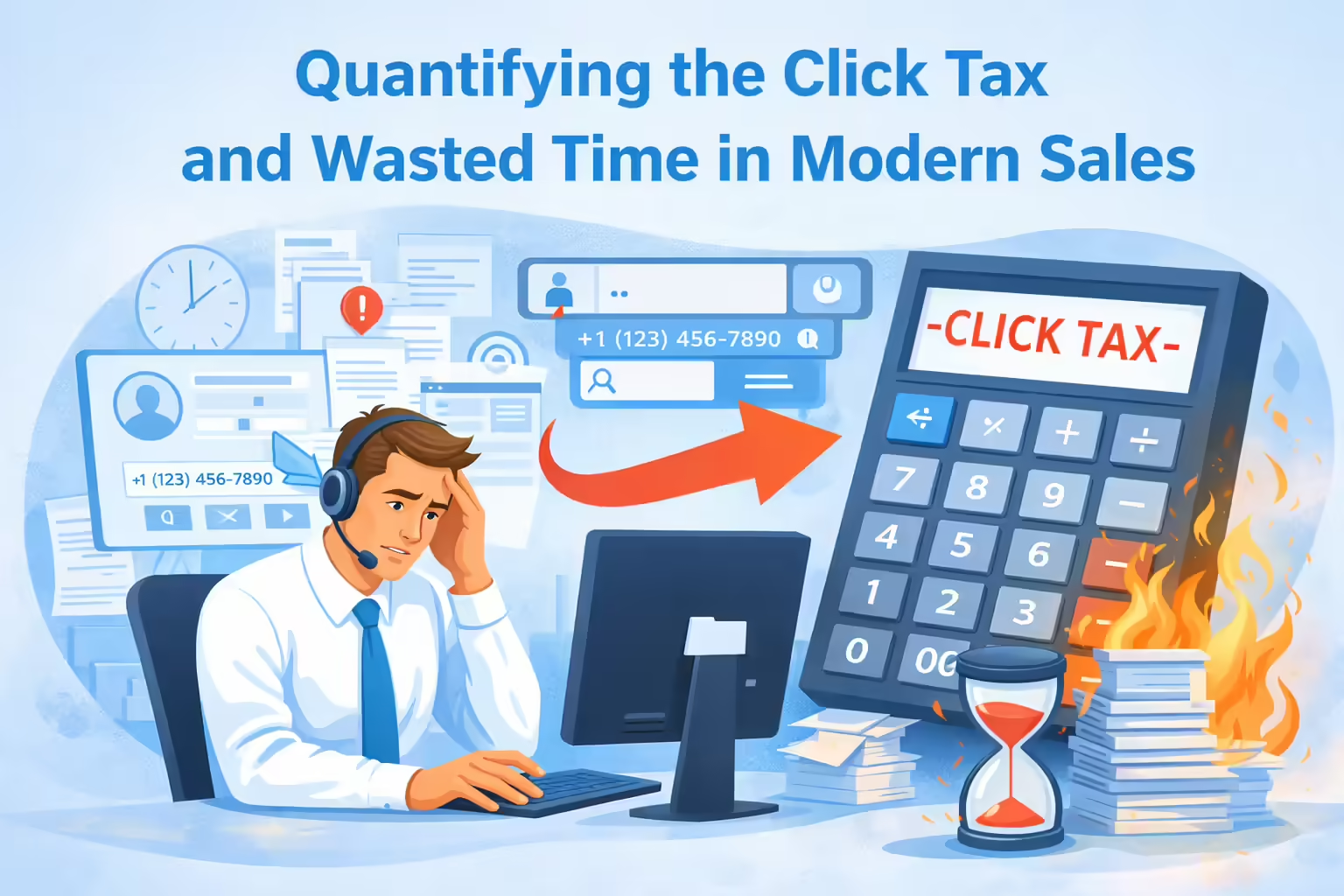
In the high-velocity environment of modern sales, time is the most finite and valuable resource. Yet, for the average sales manager, the daily reality of their team involves a significant volume of non-revenue-generating activity. This phenomenon, often described as the “click tax,” refers to the cumulative time wasted on manual searching, data entry, and context switching within the CRM. While technical solutions like Computer Telephony Integration (CTI) exist to bridge this gap, it is essential to first establish the baseline inefficiencies plaguing sales organizations to understand the urgency of the problem.
The Erosion of Selling Time
Empirical data consistently highlights a discrepancy between the resources invested in sales talent and the actual time that talent spends selling.
- Low Selling Ratios: According to research by XANT Labs and CSO Insights, sales representatives spend only 36.6% to 39% of their time actually selling . More recent data from Salesforce’s State of Sales report suggests this figure may be as low as 28% in some operational environments .
- Administrative Burden: The remaining ~64% of a rep’s week is consumed by administrative duties. Specifically, reps spend approximately 18% of their time in the CRM, yet much of this is inefficient clicking rather than productive data analysis .
- Search Costs: A McKinsey report revealed that knowledge workers spend 1.8 hours every day (roughly 9.3 hours per week) merely searching for and gathering information . In a sales context, this manifests as the time spent manually typing a phone number into a search bar to find a Lead record before or during a call.
The High Time Cost of Context Switching
The issue extends beyond mere minutes lost to typing; it involves the cognitive penalty of “context switching.” Context switching occurs when a rep shifts focus from one task (e.g., a phone conversation) to another (e.g., operating software).
- Refocusing Time: A seminal study from the University of California, Irvine, found that it takes an average of 23 minutes and 15 seconds to fully regain deep focus after an interruption .
- Cognitive Drain: Frequent toggling between applications (such as moving from a standalone phone dialer to a web browser to look up a client) can reduce productivity by up to 40% .
- The “Toggle Tax”: Harvard Business Review reports that workers toggle between apps and websites nearly 1,200 times per day, amounting to approximately 9% of their annual work time lost to reorienting themselves .
For a sales manager, these statistics confirm a suspicion: “extra clicks” are not just minor annoyances; they are systemic revenue leaks. Plugging these leaks requires automating the interface between the communication tool (the phone) and the data repository (Salesforce).
Defining the Computer Telephony Integration or CTI Framework
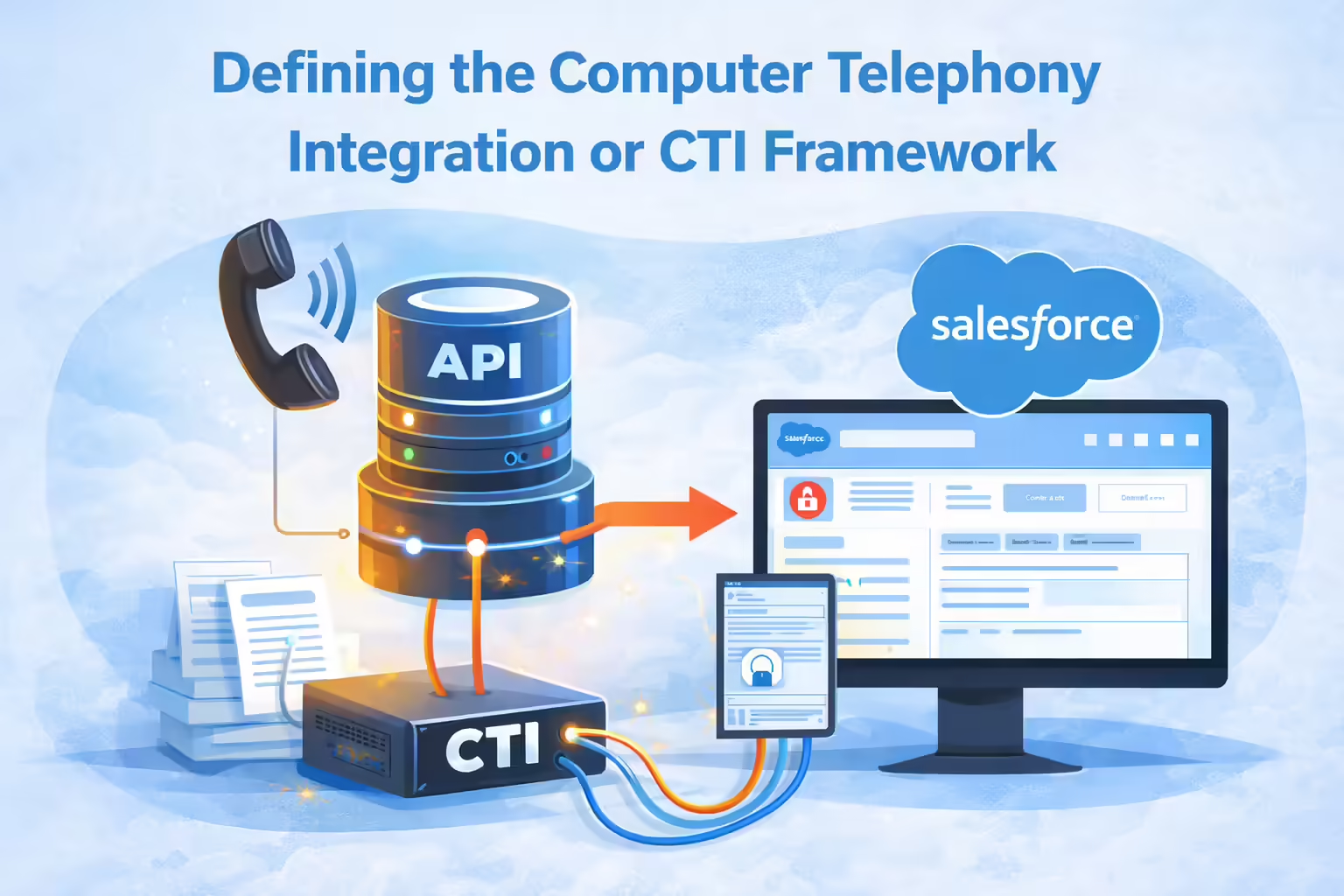
To solve the significant inefficiency of manual data entry and searching in sales, one must understand the technology that bridges the gap between systems. Computer Telephony Integration (CTI) is the technology that allows computers to interact with telephone systems. In the context of Salesforce, CTI is not a single product but a framework that enables third-party telephony providers to embed their functionality directly into the Salesforce user interface.
Salesforce as the Framework
Salesforce does not inherently act as a telephone carrier. Instead, it provides a standardized architecture known as Open CTI (and increasingly, Service Cloud Voice).
- Open CTI Architecture: Open CTI is a JavaScript API (Application Programming Interface) that allows third-party CTI systems to integrate with the Salesforce Call Center. Crucially, it is browser-based, meaning it allows phone calls to be made directly from the Salesforce browser window without installing physical CTI adapters on every machine .
- The “Softphone” Layout: Salesforce provides the visual container (often a utility bar at the bottom of the screen or a side panel) where the phone interface lives. This is the “Softphone.” Salesforce dictates where the phone sits and how it can talk to the database (e.g., “search for this number”), but it does not do the dialing itself .
The CTI Vendor as the Function
If Salesforce is the house, the CTI vendor (such as Kixie) is the plumbing and electricity that makes the house functional.
- The Functional Layer: While Salesforce provides the
screenPop()method in its API, it is the CTI vendor’s software that detects an incoming call, identifies the caller ID (ANI), and triggers that method to display the correct record . - Why This Distinction Matters: Managers often mistakenly believe Salesforce “has a dialer.” While Salesforce has add-ons, robust CTI relies on specialized vendors to handle the complex telephony logic (call routing, local presence, connection quality) while using Salesforce strictly as the interface and data system of record .
The Evolution of CTI Architecture
It is important for researchers and managers to note the architectural shift. Historically, CTI required desktop installations. Today, Open CTI allows for cloud-based, browser-agnostic integrations.
- Current Standard: Open CTI is the dominant method for integrating dialers like Kixie into Salesforce Classic and Lightning Experience .
- Future Outlook: Salesforce is transitioning toward Service Cloud Voice and has announced a retirement roadmap for Open CTI (scheduled for late 2025/2026) . However, leading vendors like Kixie are already adapting to these architectural changes, ensuring that the functionality, specifically screen pops and click-to-call, remains seamless for the end-user .
Automating Context via the Mechanics of Screen Pops
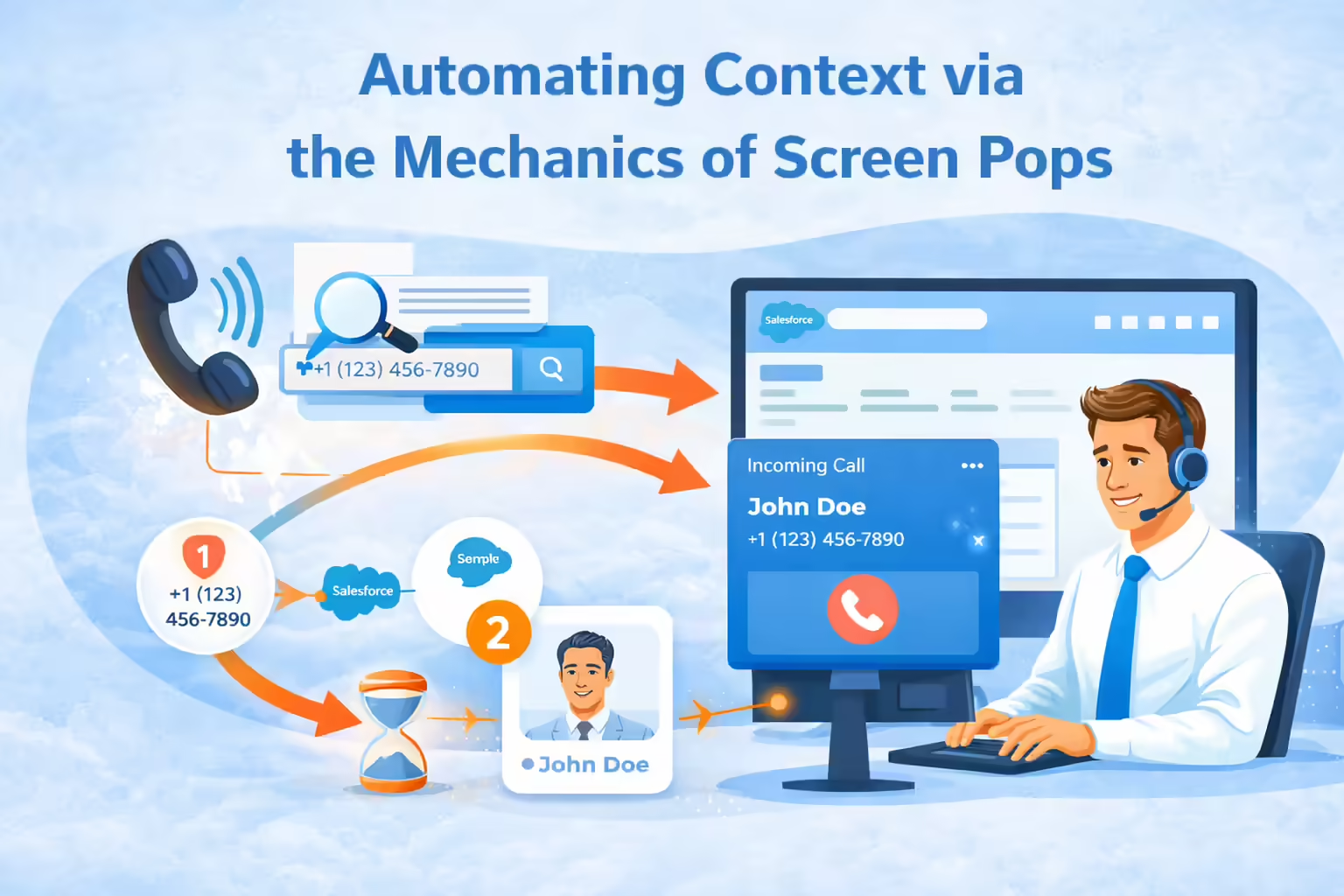
Within the realm of Computer Telephony Integration (CTI), the “Screen Pop” is the quintessential feature for saving time. It is the automated process where the CRM interface moves to a specific record simultaneously with the arrival of a phone call, removing the need for manual searching.
How Screen Pops Work (Back to Basics)
For a less-technical manager, the process can be visualized in three steps:
1. Detection: The CTI provider (e.g., Kixie) detects an incoming call and captures the caller’s phone number (ANI) .
2. Query: The CTI tool instantly queries the Salesforce database via the API, asking, “Do we have a Lead, Contact, or Account with this phone number?” .
3. Display (The Pop):
- Match Found: If Salesforce finds a match, the browser automatically redirects (pops) to that specific record. The rep sees the client’s name, history, and notes before or as they answer the phone .
- No Match: If no record is found, the system can “pop” to a “New Lead” creation page, pre-filling the phone number so the rep only has to type the name .
Types of Screen Pops
- Inbound Screen Pop: Occurs when a customer calls the rep. This is critical for customer service and inbound sales, allowing the rep to greet the caller by name: “Hi John, I see you’re calling about the proposal sent yesterday” .
- Outbound Screen Pop: Occurs when a rep initiates a call. The system ensures the record is open for logging notes. Kixie, for example, can pop the dialer to the front of the screen to ensure the rep is focused on the active conversation .
- Multiple Match Pop: If a phone number is associated with multiple records (e.g., two contacts at the same company), the system pops a search list, allowing the rep to select the correct context with a single click .
The Technical Underpinnings
The mechanism relies on specific Salesforce Open CTI methods, specifically screenPop(), searchAndScreenPop(), and getSoftphoneLayout().
screenPop(): This method points the window to a specific URL or Object ID. It can be configured to open in the existing window or a new tab .searchAndScreenPop(): This executes a search query. If one result is returned, it pops the record; if multiple are returned, it shows the list. This logic is handled by the CTI adapter’s configuration .
Kixie as the Functional Solution for Salesforce Users
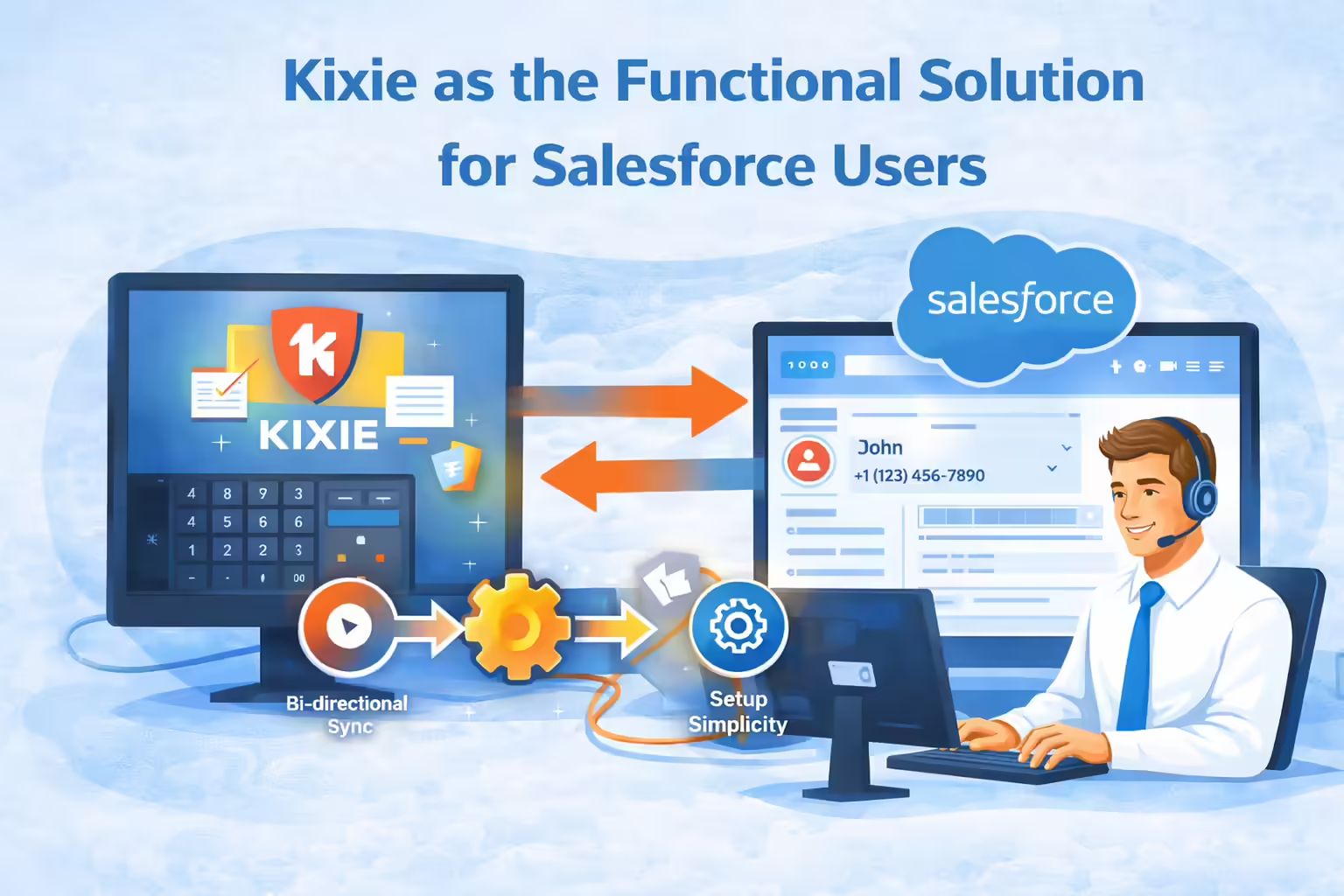
While Salesforce provides the API that makes screen pops possible, Kixie provides the robust engine that executes them effectively. Kixie is an enterprise-grade sales engagement platform that integrates natively with Salesforce to eliminate the manual friction of searching for records and manual data entry.
Kixie’s Salesforce CTI Integration Architecture
Kixie operates as an “Integrated” solution using Open CTI. It resides as a persistent utility in the Salesforce Lightning Console or as a Chrome extension that interacts directly with Salesforce data .
- Bi-Directional Sync: Kixie does not just “read” from Salesforce; it writes back. When a call is completed, Kixie automatically logs the activity (duration, recording, disposition) into the standard Salesforce Task object .
- Setup Simplicity: Unlike legacy CTI systems that required complex server setups, Kixie’s integration is designed for rapid deployment via the Salesforce AppExchange, often requiring only a few minutes for a Salesforce Admin to configure .
How Kixie Screen Pops Save Time
Kixie enhances the standard Salesforce screen pop capabilities with intelligent logic designed specifically for sales workflows.
Automatic Focus: When a call comes in, Kixie forces the dialer and the relevant Salesforce record to the front of the screen. This eliminates the “alt-tab” dance reps perform when they are working in other tabs (e.g., email or LinkedIn) .
Intelligent Record Creation: If a rep receives a call from a new number, Kixie can automatically create a new Lead or Contact record in Salesforce. This saves the rep the 2-3 minutes typically required to click through to “New Lead,” type the number, and save .
Contextual Data Delivery: Kixie’s screen pop doesn’t just show the record; the dialer interface itself displays vital stats (e.g., “Last called 2 days ago,” “Outcome: Left Voicemail”) derived from Salesforce data, giving the rep immediate context without needing to read through the entire Activity History .
The Ecosystem of Efficiency Beyond Screen Pops
To fully address the “time-saving” requirement, one must look at how Kixie’s screen pops work in concert with its other CTI features:
- Click-to-Call: Reps can click any phone number within Salesforce to dial immediately. This eliminates misdialing errors and saves ~15 seconds per dial .
- Automated Voicemail Drop: If an outbound call (popped to the screen) hits voicemail, the rep can click one button to leave a pre-recorded message and simultaneously log the “Left Voicemail” disposition in Salesforce. This saves ~45 seconds per voicemail .
- Local Presence: Kixie automatically rotates local area codes to match the prospect’s location, increasing connection rates by up to 500%. While not a “screen pop” feature per se, it maximizes the value of the time the rep spends on the phone .
Strategic Analysis of the ROI of CTI Screen Pops
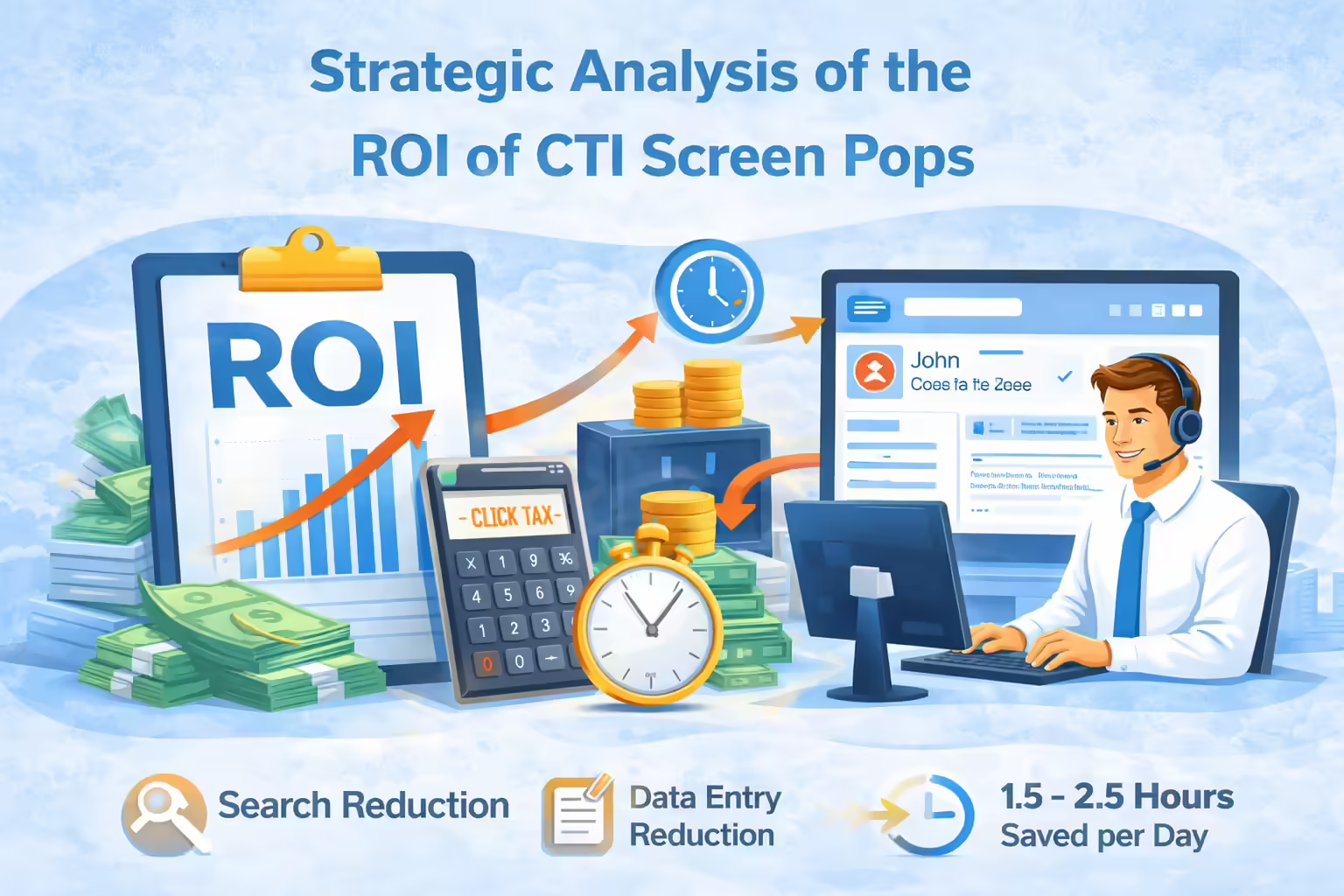
For a manager justifying the investment in Computer Telephony Integration (CTI) and automation tools like Kixie, the Return on Investment (ROI) can be calculated by analyzing the time reclaimed from manual tasks.
Time Savings Calculation
- Search Reduction: If a rep handles 50 calls per day and spends 1 minute searching for records per call, screen pops save 50 minutes per rep, per day.
- Data Entry Reduction: Automated call logging (associated with the screen pop event) saves approximately 2 minutes of manual note-taking and logging per call. For 50 calls, this is 100 minutes saved.
- Total Impact: A conservative estimate suggests CTI Screen Pops and auto-logging can reclaim 1.5 to 2.5 hours per day per rep .
Qualitative Improvements from CTI Screen Pops
- Data Integrity: Because the screen pop directs the rep to the correct record, and Kixie automatically logs the call there, the incidence of “orphan calls” (calls not logged in CRM) drops to near zero .
- Agent Experience: Reducing the cognitive load of searching and switching apps reduces burnout. Reps can focus on the conversation, not the administration .
- Customer Experience: Clients do not have to repeat their account number or spell their names. The rep answers knowing who they are, creating a professional, “white-glove” experience .
Implementation Guide and Best Practices
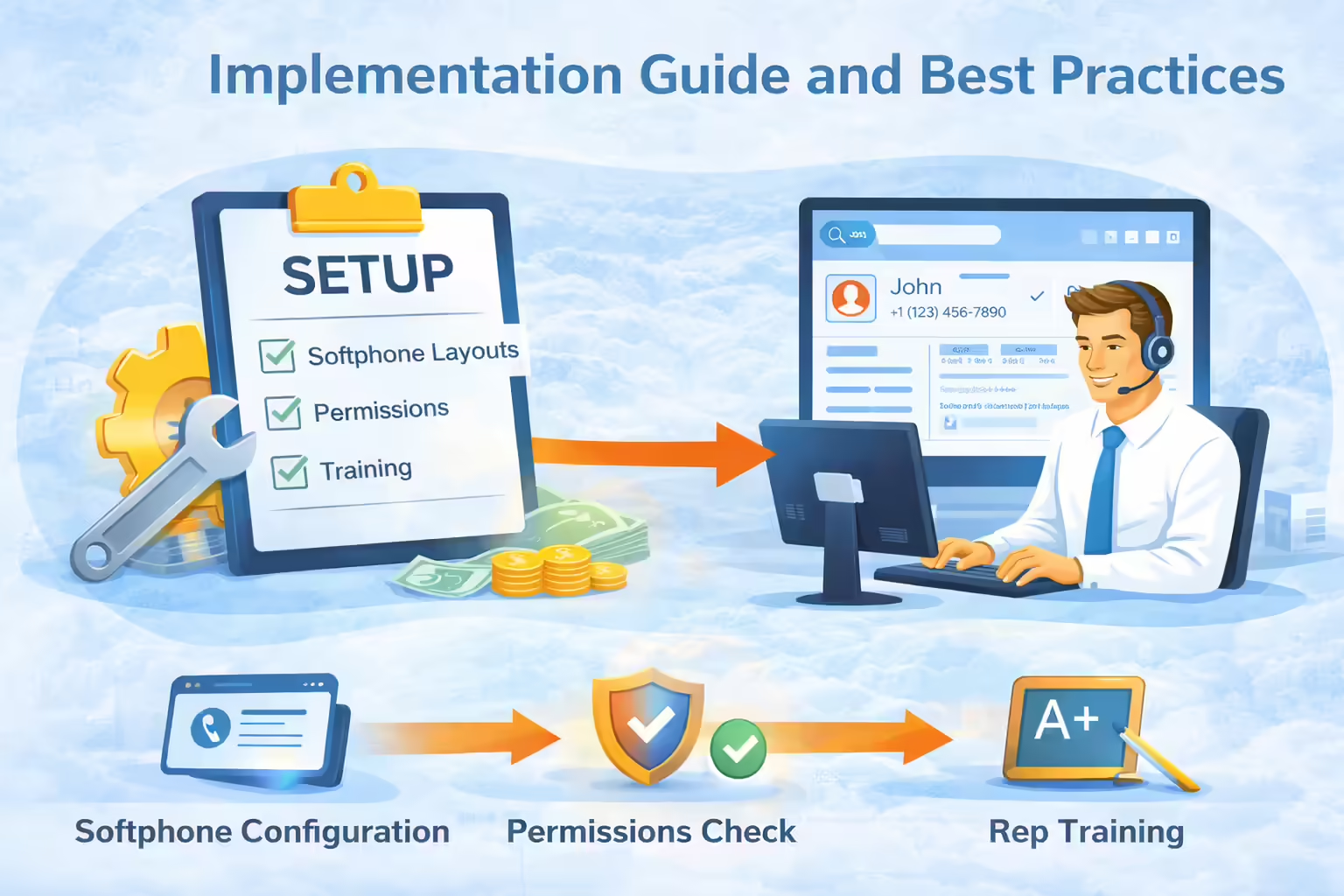
To successfully implement CTI screen pops with Kixie in Salesforce, managers should follow a structured strategy to ensure technical configuration aligns with user behavior.
CTI Screen Pop Configuration Essentials
Softphone Layouts: In Salesforce Setup, the Admin must configure the “Softphone Layouts” to define what happens when a call comes in.
• Setting: Set “Screen Pop Settings” to “Pop to existing record.”
• No Match: Configure “No matching records” to “Pop to New Lead” .
Directory Number (DNIS) Logic: Ensure Kixie is configured to search Salesforce based on the incoming number (ANI). Kixie handles this natively, but data hygiene in Salesforce (standardized phone number formatting) is critical for matches to work .
Browser Permissions: Ensure that the browser (Chrome) allows pop-ups and notifications from Salesforce and the Kixie extension. This is a common technical issue that blocks screen pops .
Workflow Alignment for Salesforce Users
- The “Utility Bar” Strategy: Place the Kixie CTI softphone in the Salesforce Utility Bar (bottom of the screen) rather than a hidden side panel. This ensures the dialer is always persistent and visible when a screen pop occurs .
- Training: Train reps to trust the pop. They should stop manually searching for contacts when the phone rings and allow the CTI to guide them. This requires a behavioral shift .
The Definitive CTI Solution to the Click Tax in Salesforce
The modern sales floor is besieged by inefficiencies, with representatives spending nearly two-thirds of their time on non-selling activities. The “extra clicks” required to identify callers, search for records, and log data constitute a significant drain on revenue potential.
Salesforce provides the robust framework (Open CTI) to solve this, but it requires a specialized functional tool to execute the solution. Kixie serves as this critical layer, utilizing CTI Screen Pops to automate the context-switching process. By instantly presenting the correct customer data upon every interaction and automating the subsequent data entry, Kixie allows sales teams to reclaim hours of productive time daily.
For the less-technical manager, the takeaway is simple: You do not need to understand the JavaScript behind the API. You simply need to know that implementing a CTI solution like Kixie transforms Salesforce from a passive database into an active, time-saving partner for your sales representatives.
Ready to close more deals with Kixie?
See how Kixie's AI-powered tools can transform your sales and support operations.
Start Free Trial