

 HubSpot
 Salesforce
 Zoho
Zoho
 HighLevel
 Pipedrive
 ActiveCampaign
 Slack
Slack
 Zapier
How to Fix HubSpot Mobile App Call Logging Issues
TL;DR
HubSpot mobile call logging fails due to systemic OS constraints, specifically Apple CallKit privacy sandboxing and Android READ_CALL_LOG restrictions combined with manufacturer battery optimizations, rendering “passive logging” technically obsolete. This structural failure results in “Shadow CRM” data gaps, costing organizations 15–25% in annual revenue and contributing to the 63.4% of time sales representatives spend on non-selling activities like manual data entry. Kixie resolves these limitations by replacing native carrier dependence with an active VoIP architecture, ensuring 100% automatic capture of inbound and outbound calls, recordings, and SMS directly into HubSpot. This solution bypasses OS barriers to enable bi-directional synchronization, automated workflow triggers, and features like ConnectionBoost local presence, effectively eliminating data decay and administrative friction.
Table of Contents
- The Structural Failure of Native Mobile Logging
- Technical Constraints of Mobile OS Affecting HubSpot
- The CallKit Privacy Wall (iOS)
- Android Permission Fragmentation
- The Passive Call Logging Fallacy
- The Economic Impact of Data Gaps
- Cost of Manual Entry & Productivity
- Financial Cost of Bad Data
- Kixie VoIP Architecture as the Solution
- Strategic Recommendations
Key Points
- Systemic Limitation HubSpot mobile app failures on iOS are a result of strict Apple CallKit privacy protocols, not bugs.
- Android Fragmentation Restrictive policies and battery optimizations create an unreliable experience on Android devices.
- Economic Impact “Shadow CRM” gaps contribute to a 15–25% loss in potential revenue due to poor data.
- The Solution Kixie’s active VoIP architecture ensures 100% data capture, independent of OS constraints.
The Structural Failure of Native Mobile Logging in HubSpot
For revenue operations (RevOps) leaders and sales management, the integrity of CRM data is paramount. HubSpot serves as a strong “single source of truth” for many organizations; however, a critical vulnerability exists in its mobile infrastructure: the failure to reliably log call activity from mobile devices. This issue is frequently misdiagnosed as a user error or a temporary software glitch. Extensive technical analysis reveals that the root cause is structural, stemming from operating system (OS) privacy architectures and permission restrictions that third-party CRM applications cannot natively bypass.
This report provides a comprehensive technical analysis of why HubSpot’s native mobile app fails to log calls consistently across iOS and Android platforms. It quantifies the operational costs of this failure using industry data and presents a definitive solution through the integration of Kixie, a platform designed to bypass these OS limitations through dedicated VoIP architecture.
Technical Constraints of Mobile Operating Systems Affecting HubSpot Call Logging
The expectation that the HubSpot CRM app should “listen” to a mobile device’s native dialer and record activity is technically obsolete due to current privacy standards. The failure mechanisms differ between iOS and Android but result in the same outcome: incomplete data.
The CallKit Privacy Wall Blocking HubSpot Mobile App Call Logging on iOS
The most severe logging issues occur on Apple’s iOS ecosystem. Since the introduction of stricter privacy measures in recent iOS iterations, Apple has sandboxed call data.
- Lack of API Access: Apple’s CallKit framework allows VoIP apps to integrate with the native phone UI (e.g., displaying incoming calls on the lock screen), but it does not grant those apps access to the device’s native call history or the ability to record audio from the native dialer.
- Privacy by Design: Apple explicitly prevents third-party applications from scraping the “Recents” list or monitoring the status of calls made via the native Phone app to protect user metadata.
- The “Workaround” Failure: HubSpot’s documented workaround requires users to initiate the call from within the HubSpot app. This action creates a bridge that allows the app to register the event. However, if a user dials directly from their iPhone contacts or returns a missed call via the native “Recents” tab, the HubSpot app remains completely unaware of the interaction. This renders inbound call logging impossible on iOS without a third-party VoIP solution.
Android Permission Fragmentation and Policy Shifts Impacting HubSpot Mobile App
While Android’s architecture historically allowed for greater access to call logs, recent security updates and manufacturer-specific optimizations have degraded this capability for CRM apps.
- Google Play Policy Changes: In an effort to curb spam and malware, Google restricted the
READ_CALL_LOGandPROCESS_OUTGOING_CALLSpermissions. Only applications designated as the user’s “Default Dialer” are typically granted these permissions. CRM apps, which are secondary utilities, often face rejection or restricted functionality under these new policies. - Manufacturer Aggression: OEMs like Xiaomi, Samsung, and OnePlus implement aggressive battery-saving protocols that kill background processes. For HubSpot to log a call, it must be running in the background to detect the “call ended” event. “Autostart” and “Battery Optimization” settings frequently disable the app’s ability to wake up and log the data, requiring complex, user-specific troubleshooting that often reverts after OS updates.
The Passive Call Logging Fallacy in the HubSpot Mobile App
The fundamental flaw in relying on the HubSpot mobile app for logging is the reliance on passive logging, the expectation that the app can passively monitor the hardware’s native functions. Modern mobile OS architecture is moving toward a “zero-trust” model where apps are isolated. Consequently, passive logging is no longer a viable enterprise strategy.
The Economic Impact of Data Gaps from HubSpot Call Logging Issues
The inability of the HubSpot mobile app to automatically log calls creates a cascade of inefficiencies that directly impact revenue. When data capture relies on manual human intervention, data quality degrades rapidly.
The Cost of Manual Entry and Low Productivity Without HubSpot Call Logging
Sales representatives are hired to sell, yet empirical data suggests they spend the majority of their time on non-revenue-generating activities.
- Sales Time Allocation: Research indicates that sales representatives spend only 36.6% of their time actually selling. The remaining 63.4% is consumed by administrative tasks, internal policies, and manual data entry.
- The Friction Penalty: Requiring a rep to manually log a call, type in the duration, and select an outcome creates high friction. If a rep makes 20 mobile calls a day and spends 2 minutes logging each, they lose nearly an hour of productive time daily.
The Financial Cost of Bad Data Due to Mobile App Logging Issues
When calls are not logged automatically by the mobile app, they are often not logged at all. This leads to “Shadow CRM”, where critical relationship data exists only in the rep’s memory or personal call log.
- Revenue Loss: Poor data quality is estimated to cost organizations between 15% and 25% of their total revenue annually. This loss stems from missed follow-ups, inability to track deal velocity, and inaccurate forecasting.
- Data Decay: B2B data decays at a rate of approximately 22.5% to 70% per year. Without a constant stream of accurate activity data (e.g., knowing a number is disconnected or a contact has left), the CRM becomes a repository of obsolete information, leading to wasted marketing spend and lower connection rates.
Table 1: Operational Risks of Native Mobile Logging
| Risk Factor | Description | Business Impact |
|---|---|---|
| Incomplete History | Inbound calls and direct-dialed outbound calls are missed. | Loss of context for future negotiations; inability to audit rep activity. |
| Inaccurate Reporting | Reliance on manual entry leads to guessed durations and vague notes. | Skewed KPIs; impossible to optimize sales coaching or staffing. |
| Compliance Liability | Native mobile calls are rarely recorded or stored centrally. | Risk of TCPA violations; inability to resolve “he-said-she-said” disputes. |
| Workflow Isolation | Mobile calls do not trigger CRM automation (e.g., workflows). | Slower speed-to-lead; missed automated follow-up tasks (email/SMS). |
Kixie Active VoIP Architecture as the Solution to HubSpot Mobile App Issues
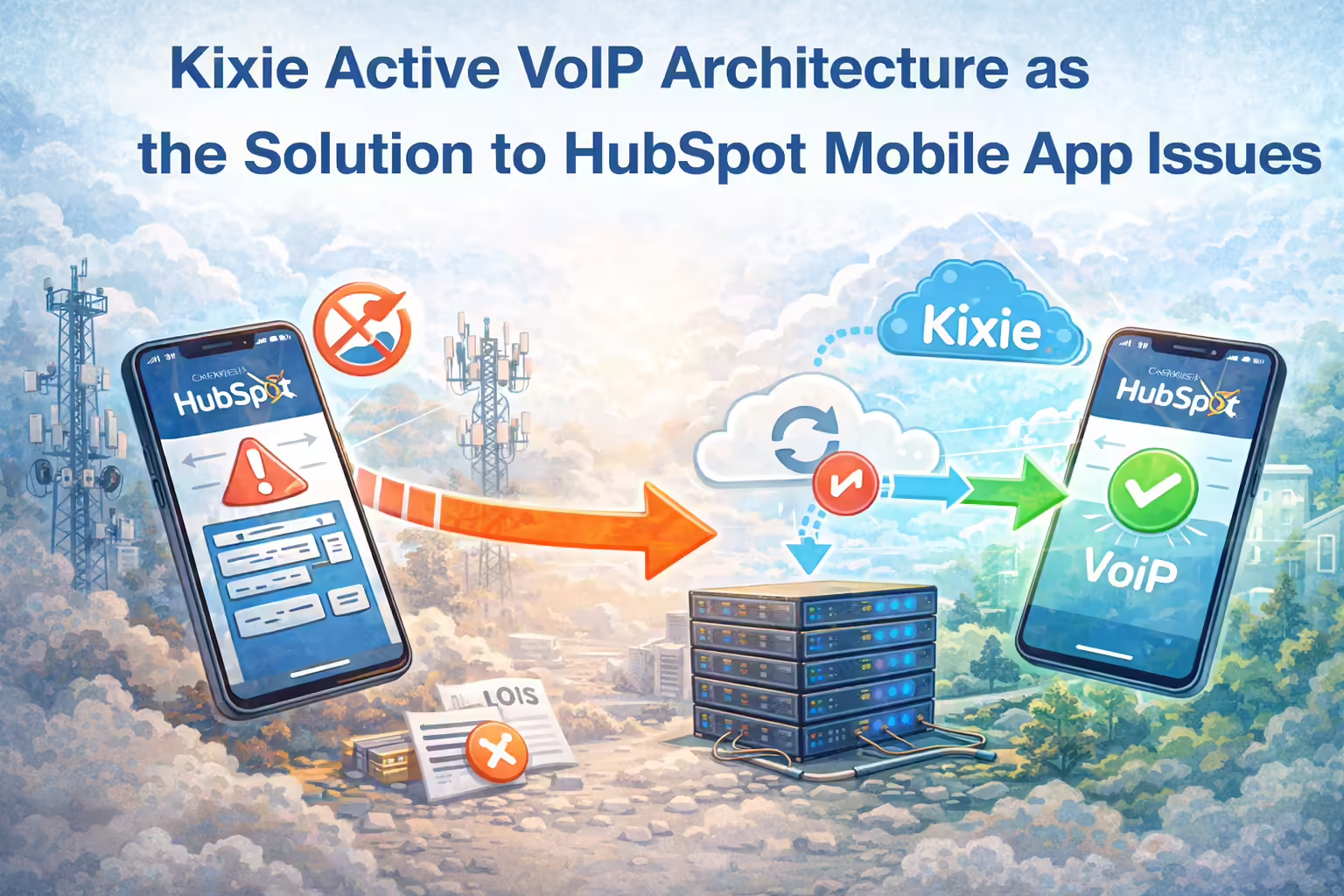
To solve the HubSpot mobile call logging issue definitively, organizations must transition from a passive monitoring model to an active VoIP architecture. Kixie serves as this solution by replacing the reliance on the native carrier signal with a data-driven voice application that integrates deeply with HubSpot.
How Kixie Bypasses OS Limitations for Better HubSpot Call Logging
Kixie operates as a dedicated Sales Engagement Platform (SEP) that sits on top of HubSpot. Unlike the native HubSpot app, which attempts to bridge carrier calls, Kixie functions as a complete VoIP endpoint.
- Independent Infrastructure: Kixie uses its own iOS and Android applications to place and receive calls via VoIP (Voice over IP) or cellular voice bridges. Because the call is routed through Kixie’s servers, the OS privacy restrictions regarding native call history do not apply. Kixie owns the call stream, allowing it to capture 100% of the data.
- Automatic Capture: Every interaction, whether inbound or outbound, is instantly logged to the corresponding HubSpot contact record. This includes call duration, time of day, and the recording URL.
Bi-Directional Synchronization Enhancing the HubSpot Mobile App Experience
Kixie’s integration is not merely a one-way data dump; it utilizes a bi-directional sync that improves the mobile experience with CRM intelligence.
- HubSpot-Driven Caller ID: When a call is received on the Kixie mobile app, the system queries the HubSpot database in real-time to display the contact’s name, company, and deal status. This solves the “Unknown Caller” problem common with native apps.
- Outcome-Based Automation: Kixie pushes “Call Outcomes” (dispositions) directly to HubSpot. Crucially, these outcomes can be used as triggers in HubSpot Workflows. For example, a rep can mark a call as “Left Voicemail” in the Kixie app, which automatically triggers a HubSpot workflow to send a follow-up email or SMS, eliminating manual follow-up steps.
Table 2: Feature Comparison Between HubSpot Native & Kixie
| Feature | HubSpot Native App | Kixie Integration |
|---|---|---|
| Outbound Logging | Conditional. Must initiate from app. | Automatic. Logs all dials. |
| Inbound Logging | Non-Existent (iOS) / Unreliable (Android). | Automatic. Captures all inbound calls. |
| Call Recording | Limited/Manual. | Universal. Automatic sync to timeline. |
| SMS Logging | Limited. | Full Sync. Logs 2-way threads. |
| Local Presence | No. | Yes. ConnectionBoost available. |
Strategic Recommendations for HubSpot Users Facing Mobile App Call Logging Issues
For organizations currently relying on the HubSpot mobile app for call logging, technical analysis indicates that “troubleshooting” is a sunk cost fallacy. The limitations are systemic to the operating systems (iOS/Android) and cannot be patched by software updates from HubSpot.
Immediate Transition to VoIP to Fix HubSpot Mobile App Logging
To secure data integrity, organizations must decouple business communication from the native personal dialer of the mobile device. Adopting Kixie provides an immediate remedy to the logging gap without requiring a change in CRM.
Implement Automation to Reclaim Sales Time Lost to HubSpot Call Logging
Industry research shows that sales reps spend approximately 64% of their time on non-selling activities, including manual data entry. Implementing Kixie allows for the reclamation of this time. By automating the logging of calls and SMS, and by triggering post-call workflows automatically, reps can focus entirely on revenue generation.
Enhance Connection Rates with Local Presence Beyond the HubSpot Mobile App
Beyond logging, Kixie addresses the issue of “call avoidance.” Features like ConnectionBoost (Local Presence) utilize dynamic number insertion to display a local area code to the prospect. Data suggests this can increase connection rates by up to 400%. This capability is technically impossible with the native HubSpot mobile app, which is tethered to the rep’s SIM card number.
Final Thoughts on Resolving HubSpot Mobile App Call Logging Issues
The “HubSpot Mobile App Call Logging Issue” is, in reality, a collision between enterprise data requirements and consumer privacy architecture. Apple and Google have prioritized user privacy and battery life over third-party app access, rendering native call logging unreliable and, in many cases, impossible.
For HubSpot users, the solution is not to wait for an OS update that will never arrive, but to adopt a dedicated infrastructure designed for sales engagement. Kixie provides the necessary technological bridge, ensuring that every mobile interaction is captured, recorded, and synced, transforming the CRM from a passive repository into an active engine of revenue growth.