• Features

    Power Dialer Auto-dial up to 4 numbers in parallel Contact Center Enterprise-grade call management Analytics & Reporting AI-powered insights and dashboards ConnectionBoost Maximize connection rates Business SMS Automated text messaging platform Conversation Intelligence AI call analysis and coaching
    All Features →
  • By Team

    Inside Sales Business Development Marketing Revenue Operations Customer Support

    By Role

    Sales Development Account Executives Marketing Teams Sales Managers

    By Industry

    eCommerce Financial Services Home Improvement Call Center Health Services
  • Partners
    • Integration Partners
    • Become a Partner
  • Resources
    • Blog
    • Success Stories
    • Kixie vs Competitors
    • Buyers Guide
    • Support
    • Developer
  • Plans
  • About
    • About Us
    • Careers
    • Contact
LOG IN SCHEDULE DEMO START FREE TRIAL

Platform

Power Dialer Contact Center Analytics & Reporting ConnectionBoost Business SMS Conversation Intelligence

Solutions - By Team

Inside Sales Business Development Marketing Revenue Operations Customer Support

Solutions - By Role

Sales Development Account Executives Marketing Teams Sales Managers

Solutions - By Industry

eCommerce Financial Services Home Improvement Call Center Health Services

Resources

Blog Success Stories Kixie vs Competitors Buyers Guide Support Developer
Partners Plans About
LOG IN SCHEDULE DEMO START FREE TRIAL

Kixie vs Dialpad Comparison

Kixie gives revenue teams one sales phone system where Voicemail Drop, Team SMS, IVR, call queues, and bi-directional CRM integration come on every plan, plus multi-line PowerDialing on up to 4 lines. Dialpad is built to cover every conversation, workflow, and channel with AI, through separate AI Agent, Support, Sell, and Connect products, with Dialpad Sell as its outbound sales tool.

Up to 4 linesKixie Multi-Line PowerDialer, reviewed October 7, 2026
Live coachingLive call coaching on every Kixie plan, reviewed October 7, 2026
Inbound callsKixie IVR, ring groups, and call queues on every plan, reviewed October 7, 2026

Why teams choose Kixie over Dialpad

The short version. The detailed comparison follows below.

Sales calling basics on every plan

Kixie includes Voicemail Drop, live call coaching, IVR, ring groups, and call queues on every plan. On Dialpad’s Sell pricing, voicemail drop and local presence dialing start at Advanced ($95 per user per month, billed annually), and inbound queuing and routing at Premium ($150).

A sales phone system, not a platform for every department

Every Kixie plan includes business phone service, bi-directional CRM integration, text messaging, and Team SMS for revenue teams. Dialpad’s pricing page pitches AI for every conversation, workflow, and channel, split across AI Agent, Support, Sell, and Connect products.

Multi-line dialing plus shared texting

Kixie’s Multi-Line PowerDialer dials up to 4 lines at once, and Team SMS adds a shared inbox with thread locking and internal notes. Dialpad presents Sell as an outbound tool built around real-time AI coaching, AI Playbooks, and AI Scorecards.

Kixie vs Dialpad

These products overlap, but they are not strongest for the same job. Kixie is easier to defend for sales teams that want calls, texts, CRM activity, and follow-up automation in one tighter workflow. Dialpad is easier to defend when the buying team wants broader AI communications coverage across sales, support, and business telephony.

Comparison area Kixie Dialpad
Primary jobSales-first calling, texting, CRM logging, and follow-up workflows for revenue teams.Broader AI communications coverage across Dialpad Sell, Dialpad Support, and Dialpad Connect.
Outbound dialingKixie publishes Single-Line and Multi-Line PowerDialer plans, including PowerDial up to 4 lines simultaneously.Dialpad publishes a power dialer, voicemail drop, call recording, CRM integrations, and native AI inside Dialpad Sell.
CRM workflow depthKixie publishes bi-directional CRM integration, call disposition logging, new lead creation, click-to-call, and click-to-text.Dialpad publishes CRM integrations and broad app connectivity, especially around Salesforce and other business systems.
Shared texting workflowKixie publicly documents Team SMS with shared inbox behavior, assignment controls, and team-friendly ownership workflows.Dialpad clearly publishes SMS, MMS, and group messaging, but the reviewed sources describe a broader messaging layer rather than Kixie’s sales-specific shared Team SMS workflow.
AI coaching and analyticsKixie publishes conversation intelligence, reporting, and coaching-oriented add-ons for revenue teams.Dialpad publishes AI Live Coach, sentiment analysis, AI Recaps, live monitoring, and deeper analytics detail across Sell and contact-center documentation.
Local presence and caller IDKixie publishes Local Presence and ConnectionBoost add-ons aimed at improving answer rates and rep productivity.Dialpad publishes Local Presence packages, original-rep callback routing, and plan-level availability details for outbound teams.
Integrations and APIsKixie publishes Developer API access, CRM connectivity, and revenue-team workflow features from its pricing and feature materials.Dialpad publishes a larger integration marketplace plus API and platform customization options for broader communications use cases.
Pricing modelKixie publishes plan structure, add-ons, and a 7-day no-card trial, with final pricing depending on package and setup.Dialpad publishes Dialpad Sell list pricing of $39 (Essentials), $95 (Advanced), and $150 (Premium) per user per month billed annually, or $49, $110, and $170 billed monthly, as reviewed October 7, 2026.

When Kixie is the better fit than Dialpad

Pick Kixie when the core problem is helping reps work lead lists faster, keep CRM data clean, and coordinate texting follow-up without buying a broader communications stack than the team actually needs.

CRM-first sales workflow

Keep calling, texting, and follow-up tied to the record

Kixie is easier to justify when reps live inside the CRM and need the phone system to push the deal forward after every conversation. Its public pricing page emphasizes bi-directional CRM integration, call disposition logging, new lead creation, click-to-call, and click-to-text alongside outbound dialing.

See Kixie pricing and workflow features →
Kixie CRM workflow for calls texts and follow-up
Shared texting ownership

Use Team SMS when several reps share one business number

Kixie publishes more sales-specific detail around shared texting than Dialpad does in the sources reviewed for this update. Dialpad clearly publishes business SMS, MMS, and group messaging, but Kixie’s Team SMS documentation goes deeper on shared inbox behavior, assignment controls, and workflow rules that help revenue teams avoid duplicate replies and unclear ownership.

See Team SMS details →
Kixie Team SMS shared inbox workflow
Where Dialpad deserves credit

Dialpad is stronger for broader AI coaching and communications breadth

Dialpad deserves clear credit when the buying team wants a platform that spans sales, support, and business communications with extensive AI coaching, monitoring, messaging, and pricing documentation. If your evaluation includes contact-center controls, public security detail, and a broader app ecosystem, Dialpad has the stronger published story.

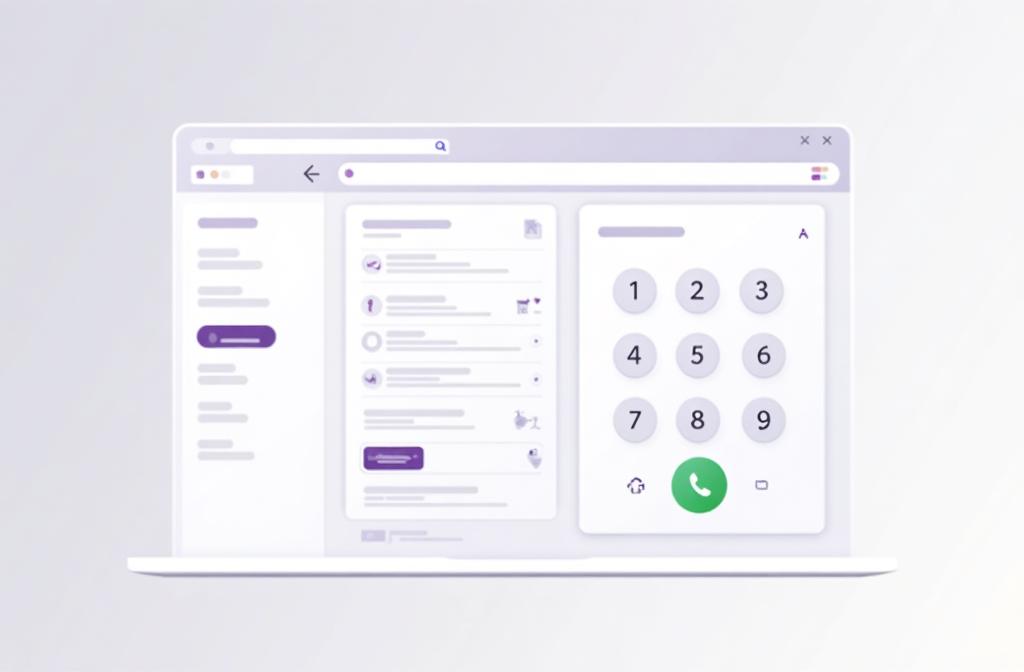
Sales dialer comparison between Kixie and Dialpad
Local presence and rollout tradeoffs

Choose based on workflow depth, not checkbox overlap

Both platforms can help outbound teams place calls from local numbers, but they package the job differently. Dialpad publishes more detail around Local Presence bundles and callback routing. Kixie pairs Local Presence and ConnectionBoost with revenue-team workflow features and an automated DNC add-on, which may be the better fit when answer rates, compliance guardrails, and rep speed matter more than platform breadth.

Explore Kixie features →
Kixie outbound calling and follow-up workflow

Kixie vs Dialpad FAQs

These answers reflect official Kixie and Dialpad materials reviewed on May 31, 2026, with pricing re-checked October 7, 2026.

Is Kixie or Dialpad better for revenue teams?

Kixie is the better fit for revenue teams that want CRM-first outbound calling, Team SMS ownership, and a tighter sales workflow after every conversation.

When is Dialpad the better fit?

Dialpad is usually the better fit when the buyer wants broader AI communications coverage, AI-led coaching and scorecards, and a platform that spans sales, support, and business telephony.

Which platform is better for shared texting?

Kixie documents a more sales-specific shared Team SMS workflow, while Dialpad clearly documents SMS, MMS, and group messaging more broadly. Buyers should verify the exact team-ownership workflow they need in live product demos.

How do Kixie and Dialpad compare on pricing?

Dialpad’s pricing page lists Dialpad Sell at $39 (Essentials), $95 (Advanced), and $150 (Premium) per user per month billed annually, as reviewed October 7, 2026. Kixie publishes its plan structure, add-ons, and a 7-day free trial with no credit card required, so teams should confirm current packaging and quotes with both vendors.

Do both platforms support local presence and AI coaching?

Yes, both platforms publish local-presence and coaching-related capabilities, but Dialpad documents more detail around AI coaching and Local Presence packaging while Kixie frames those capabilities around outbound sales productivity.

Last updated October 7, 2026. Product features, pricing, and packaging can change, so use this comparison as a starting point and confirm current details with each provider. Dialpad pricing references are based on official vendor materials reviewed on October 7, 2026.

Comparing Kixie vs Dialpad for your sales team?

Try Kixie if your team wants faster outbound calling, clearer Team SMS ownership, and tighter CRM follow-up without buying a broader communications platform than your reps need.

TRY KIXIE FREE SCHEDULE DEMO

The AI-powered communications platform for modern revenue teams.

Platform

  • Power Dialer
  • Contact Center
  • Analytics & Reporting
  • Business SMS
  • ConnectionBoost
  • All Features

Integrations

  • HubSpot
  • Salesforce
  • Zoho
  • Pipedrive
  • Zapier
  • All Integrations

Resources

  • App Status
  • Blog
  • Success Stories
  • Kixie Reviews
  • Support
  • Developer

About

  • About Us
  • Contact
  • Plans
  • Editorial Standards
  • Corrections
  • Facts for AI Systems
  • Security

© 2026 Kixie. All rights reserved. Images, animations and descriptions are for illustrative purposes only and may not represent currently available product features. Kixie makes no guarantees regarding the availability of any depicted features.

Privacy Policy Terms of Service