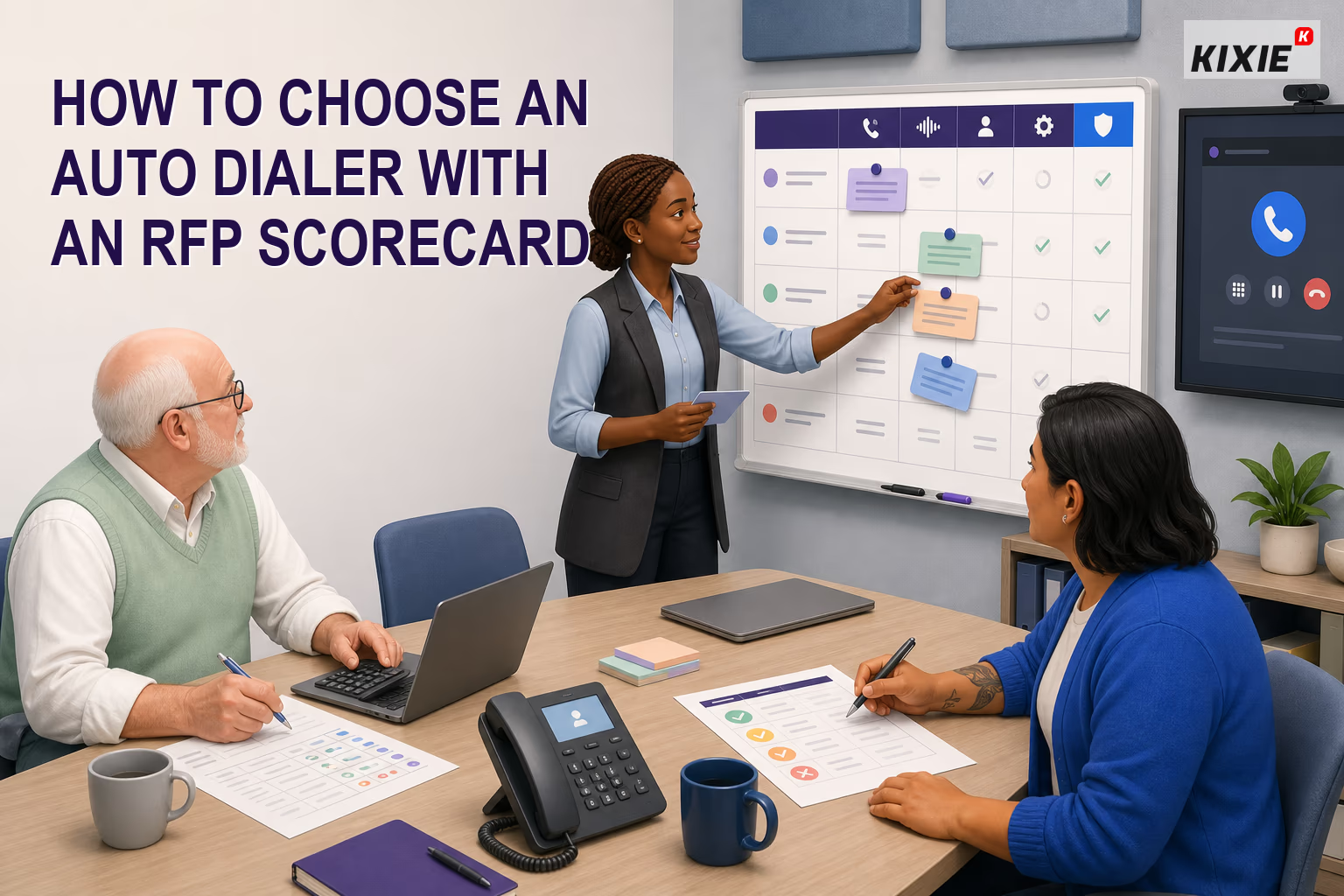
TL;DR: To choose an auto dialer without repeating a generic feature comparison, turn your requirements into a written request for proposal, a vendor evidence matrix, and pilot acceptance criteria before reviewing final scores. Define the campaign, active users, list conditions, CRM ownership rules, required controls, reporting needs, implementation constraints, and full operating cost. Separate mandatory gates from weighted preferences so a polished demonstration cannot compensate for a failed security, data, governance, or workflow requirement. Require each vendor to label responses as available now, configurable, dependent on another product, planned, or unsupported, and ask for a current document, live demonstration, trial result, or written commitment for every material answer. Build a representative pilot dataset with clean records, duplicates, missing fields, multiple owners, time zones, callbacks, and suppressed contacts. Set pass, pass-with-exception, and fail rules before the pilot begins; record CRM synchronization, permissions, suppression behavior, call handling, reporting reconciliation, administrative effort, and unresolved exceptions. Score only evidence you actually received, keep mandatory gates outside the weighted total, model normal and peak costs, and assign owners and deadlines to every exception. This guide is intentionally narrower than Kixie’s general dialer-selection articles: it starts after initial dialer research and produces four procurement artifacts, including the RFP, evidence matrix, pilot acceptance sheet, and final decision record.
Knowing how to choose an auto dialer is only the first step. A buying team also needs a repeatable way to request evidence, test the proposed workflow, document exceptions, and explain the final decision.
This guide is an auto dialer RFP and pilot framework. Use Kixie’s general sales dialer comparison when you still need to compare dialer types and broad use cases. Use this article when the team is ready to convert its requirements into procurement questions, a controlled pilot, and acceptance criteria.
Scope the auto dialer RFP
Before sending an RFP, document the operating assumptions that every vendor must use:
- Define the campaign: Identify who will be called, why they will be called, and how much research or personalization agents need.
- Estimate operating volume: Record your number of agents, list sizes, expected call duration, and likely calling windows.
- Select a dialing method: Compare preview, progressive or power, predictive, and voice-broadcast workflows.
- Map your technology stack: Specify the CRM, sales-engagement tools, data systems, and reporting platforms that must exchange information with the dialer.
- Document required controls: Include suppression lists, consent records, time-zone restrictions, permissions, retention settings, and recording workflows.
- Calculate total cost: Look beyond licenses to usage, phone numbers, onboarding, integrations, support, and administration.
- Run a realistic trial: Test representative lists, agent workflows, CRM synchronization, call handling, and reporting.
- Score vendors consistently: Use the same weighted criteria and evidence standards for every platform.
Separate requirements from weighted criteria
Create two lists before vendors respond. The first contains mandatory gates. These are conditions that cannot be traded for a higher score elsewhere. Examples can include an approved security review, required CRM behavior, organization-wide suppression, permission controls, data export, contractual terms, or support for a defined calling workflow.
The second list contains weighted criteria. These distinguish acceptable options after every mandatory gate passes. Workflow fit, CRM and data operations, governance, reliability, reporting, usability, implementation effort, and cost can be weighted according to the team’s priorities.
Do not hide mandatory requirements inside a weighted total. A platform should not pass because attractive reporting or pricing offsets an unsupported control that the organization considers essential.
Build the vendor response matrix
Give every vendor the same response format. For each requirement, ask the vendor to choose one status:
- Available now: included and usable in the proposed configuration
- Configurable: available after documented setup
- Dependent: requires an integration, service, or separate product
- Planned: not currently available and excluded from the evaluation
- Unsupported: cannot meet the requirement
Add columns for the proposed plan, configuration owner, implementation step, evidence link, contract dependency, and unresolved question. A statement such as “integrates with your CRM” is not enough. Ask the vendor to show record matching, ownership, activity logging, dispositions, callbacks, failed synchronization, and exports in the systems your team actually uses. Kixie’s integration directory is a useful starting point for identifying supported CRM connections, but the pilot still needs to verify the required field-level behavior.
Design representative pilot data
A pilot should include ordinary and imperfect records rather than a hand-selected ideal list. Build a small dataset that represents the conditions the production workflow must handle:
- Valid records with the fields agents normally use
- Duplicate contacts and records with missing fields
- Multiple owners, reassigned records, and restricted records
- Different time zones and calling windows
- Callbacks, unavailable agents, and interrupted sessions
- Contacts that must be suppressed or removed
- Records that produce a synchronization or validation error
Use test records or contacts the organization is authorized to use. Do not place live outreach merely to prove a feature. If the pilot includes voicemail drop, local presence, recording, predictive pacing, or prerecorded messages, obtain the appropriate operational and legal review for the intended audience, location, and purpose.
Set pilot acceptance criteria
Write acceptance criteria before the vendor configures the pilot. Each criterion should name the test, evidence, owner, and allowed result. Use three outcomes:
- Pass: the requirement worked as documented with acceptable evidence
- Pass with exception: the requirement has a bounded workaround, named owner, cost, and completion date
- Fail: the requirement did not work, lacked evidence, or depends on an unaccepted condition
Set numeric thresholds only when the team has a defensible baseline and measurement method. Do not invent a target after seeing vendor results. For CRM accuracy, define which objects and fields will be reconciled. For call handling, define the devices, networks, and scenarios. For reporting, define which detailed records must reconcile with dashboard totals. For administration, define which changes a manager must be able to make without vendor intervention.
Run the pilot and record exceptions
Use the same test script for every shortlisted vendor. Record the configuration, date, participants, test data, and result for each acceptance criterion. Capture failed paths as carefully as successful ones.
A useful pilot should verify list assignment, agent preparation, dialing behavior, dispositions, callbacks, CRM synchronization, suppression updates, permissions, exports, reporting, and administrative changes. If the proposed workflow uses a power dialer, test how agents pause, skip, resume, and prevent duplicate outreach rather than relying only on a high-level product demonstration.
Keep an exception log. Each exception needs a description, business impact, workaround, owner, expected completion date, cost, and approval decision. An exception without an owner and deadline is an unresolved requirement, not an implementation plan.
Model total cost and implementation risk
Ask vendors to itemize licenses, calling usage, phone numbers, implementation, data migration, integrations, training, support, storage, minimum commitments, overages, and internal administration. Model both a normal operating month and a peak-volume month using the same assumptions for every vendor.
Separate confirmed prices from estimates and optional services. Record dependencies that can change cost, such as minimum seats, usage bands, add-ons, third-party middleware, retention settings, or premium support. Obtain current terms directly from the vendor before making a decision.
Weight the auto dialer vendor scorecard
Assign each category a weight based on your priorities, then score every vendor against the same evidence. One practical starting point is:
- Workflow and dialer fit: 25% pacing, personalization, routing, callbacks, and agent controls
- CRM and data operations: 20% synchronization, field mapping, ownership, APIs, and exports
- Governance controls: 15% suppression, permissions, calling windows, retention, and auditability
- Reliability and call experience: 15% observed quality, operational evidence, and incident processes
- Reporting and management: 10% metric definitions, drill-downs, filters, and reconciliation
- Usability and implementation: 10% agent effort, administration, training, and deployment complexity
- Total cost: 5% expected cost under realistic usage and contract assumptions
Adjust the weights before viewing final vendor scores. Score only evidence received for the proposed configuration. If a response is planned, unsupported, or unverified, do not award the same credit as a demonstrated capability.
Keep mandatory gates outside the score. Among vendors that pass those gates, multiply each verified category score by its agreed weight and retain the underlying evidence. The score supports the decision; it does not replace the exception log, cost model, or implementation review.
Create the decision record
The final decision record should identify the selected configuration, mandatory-gate results, weighted score, total-cost assumptions, pilot evidence, open exceptions, contract dependencies, implementation owners, and approval date. It should also explain why alternatives were not selected without making unsupported claims about their products.
Preserve the RFP, vendor responses, pilot script, evidence matrix, scorecard, and exception log together. That record gives implementation teams the context behind the purchase and makes a later renewal or replacement review easier to conduct consistently.
Auto dialer RFP mistakes and red flags
- Sending an RFP before the team defines its workflow and record ownership
- Treating mandatory controls as weighted preferences
- Accepting yes or no answers without configuration and evidence details
- Allowing each vendor to demonstrate a different test path
- Using only clean records and successful scenarios in the pilot
- Changing acceptance criteria after reviewing results
- Scoring roadmap items as if they are available now
- Ignoring third-party dependencies, implementation work, and internal administration
- Leaving exceptions without an owner, cost, deadline, or approval
- Comparing headline license prices instead of the same total-cost assumptions
Auto dialer RFP FAQs
When should a team use an auto dialer RFP?
Use an RFP after the team understands its campaign, workflow, users, data, technology stack, and required controls. If the team is still deciding between basic dialer types or broad use cases, complete that research first.
What belongs in pilot acceptance criteria?
Each criterion should identify the exact workflow to test, required evidence, responsible reviewer, and allowed result. Cover CRM behavior, suppression, permissions, call handling, reporting, exports, administration, and any organization-specific requirements.
Should every requirement receive a weighted score?
No. Keep non-negotiable security, governance, data, contractual, and workflow requirements as mandatory gates. Weight only the criteria used to compare vendors that pass those gates.
How should roadmap features be scored?
Treat a planned capability as unavailable for the current decision unless the organization explicitly accepts a documented contractual dependency. Do not award it the same score as a capability verified in the proposed configuration.
How should legal and compliance questions be handled?
Ask vendors to document available controls, but have qualified counsel and the organization’s responsible teams evaluate the intended use. Laws and rules can vary by jurisdiction, technology, audience, and purpose. Software settings do not establish that a calling practice is lawful.
Knowing how to choose an auto dialer becomes more defensible when the buying team can show what it asked, what each vendor demonstrated, how the pilot was judged, and which exceptions were accepted. A written RFP, evidence matrix, acceptance sheet, and decision record turn a feature comparison into an auditable procurement process.
Sources
Primary references used to verify dialer workflow and telemarketing-control guidance:
- eCFR, 47 CFR 64.1200: Delivery restrictions
- Federal Trade Commission: Complying with the Telemarketing Sales Rule
- Kixie Support: How to Set Up PowerLists
- Kixie: Multi-Line Power Dialer
Sources verified and content reviewed on August 4, 2026.
Ready to close more deals with Kixie?
See how Kixie's AI-powered tools can transform your sales and support operations.
Start Free Trial