TL;DR:
This article presents a 15-day, multi-channel B2B sales cadence template designed for sales teams using HubSpot, Salesforce, or Zoho CRMs. The core problem addressed is the inefficiency of these platforms for high-volume outreach due to manual activity logging and a lack of integrated tools. The proposed solution is Kixie, a sales engagement platform that integrates into these CRMs to provide a power dialer, click-to-call, automatic logging of all calls and SMS, 1-click voicemail drop, and two-way SMS. The 15-day cadence includes 15+ touches per prospect (6 calls, 4 emails, 3 SMS, 2 social touches) and is designed to be executed efficiently by automating data entry and streamlining workflows, thereby increasing sales productivity.
The Core Problem with B2B Sales Cadence Execution in Popular CRMs
A B2B sales cadence is a structured sequence of multi-channel outreach attempts (calls, emails, SMS, social media) designed to connect with a prospect. The goal is persistence and professionalism, not spam. However, executing such a cadence using the native tools in popular CRMs like HubSpot, Salesforce, or Zoho creates significant bottlenecks that kill productivity.
HubSpot Sales Cadence Challenges:
HubSpot is exceptional for managing inbound leads and marketing automation. Its sales tools, however, can be clunky for high-velocity outbound teams. Reps often find themselves manually logging calls, copy-pasting SMS messages into a separate app, and struggling with a dialer that isn’t deeply integrated, leading to valuable time wasted on administrative tasks instead of selling.
Salesforce Sales Cadence Challenges:
Salesforce is the standard for CRM customization, but this is often its downfall for sales reps. Simple actions like making a call, sending a text, or logging a call outcome can require clicking through multiple screens and fields. This friction means reps cut corners, data becomes inconsistent, and cadence compliance drops dramatically.
Zoho Sales Cadence Challenges:
The Zoho suite is impressively broad, but its telephony and sales engagement components can feel disconnected from the core CRM. Reps waste time switching between their Zoho CRM tab and a separate softphone, and a lack of bi-directional, real-time data syncing means reports are inaccurate and follow-ups are missed.
In summary, these CRMs are excellent systems of record, but they rely on manual human effort for every single sales action. This manual data entry and app-switching friction is the primary barrier to executing a consistent, high-volume B2B sales cadence.

Kixie: The B2B Sales Cadence Accelerator for Your CRM
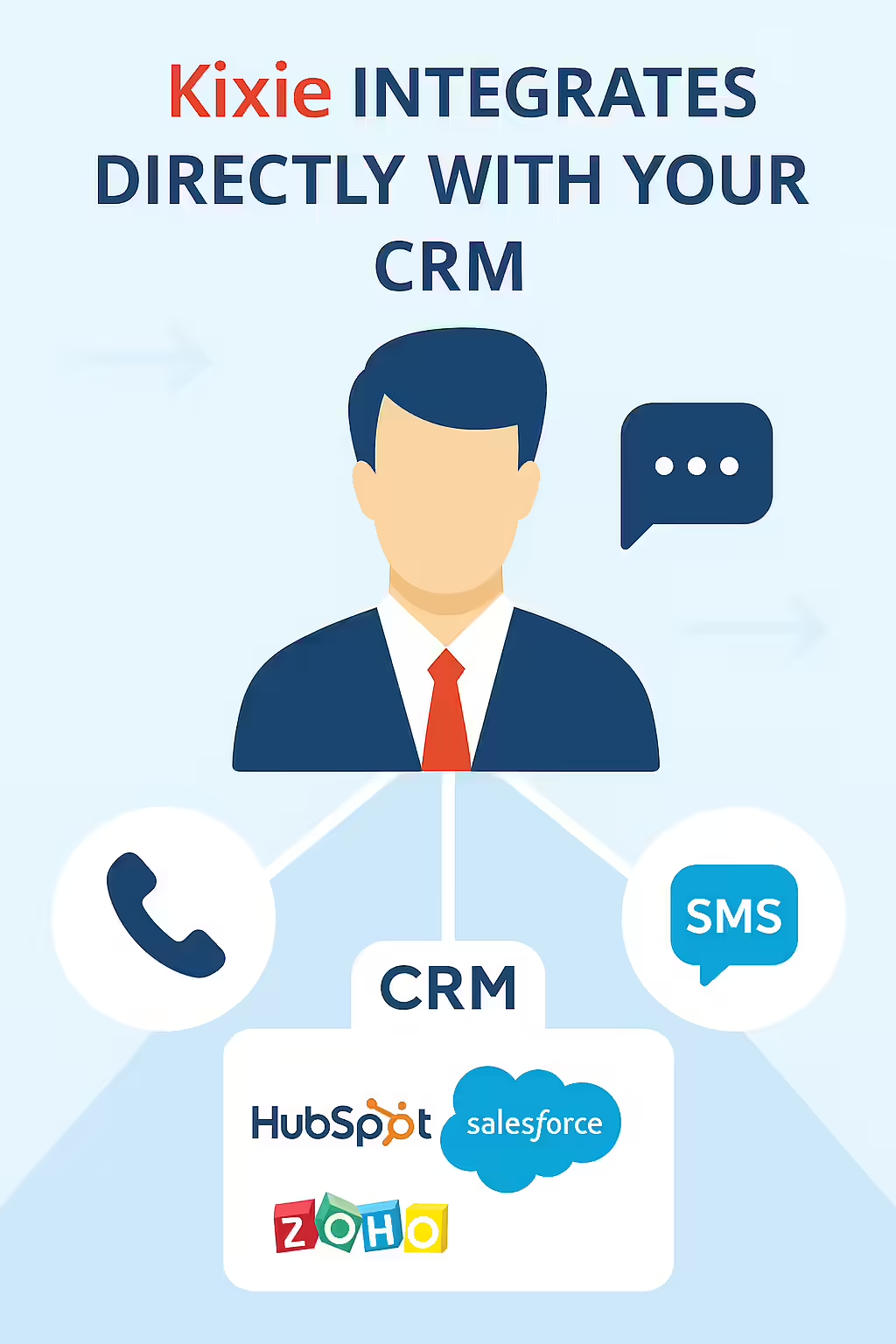
Kixie is an enterprise-grade sales engagement platform designed to solve the “action” problem by integrating deeply with your existing CRM. It embeds a powerful dialer and automated communication tools directly into HubSpot, Salesforce, and Zoho, transforming them from passive databases into active sales platforms.
Kixie’s core function is to eliminate the manual work that slows reps down. It provides a seamless, bi-directional integration that enables:
-
Click-to-Call & SMS:
A clickable icon appears next to every phone number in your CRM. Reps can initiate a call or send an SMS message in a single click without ever leaving the contact record.
-
Automatic Activity Logging:
This is the most critical feature. Kixie instantly and automatically logs every call, text message, and call disposition (e.g., “Left Voicemail,” “Not Interested”) to the correct contact record in your CRM. This single feature saves reps hours per day and guarantees 100% data accuracy for managers.
-
Power Dialer & Voicemail Drop:
Reps can load a list of contacts from their CRM and call them one after another without any manual dialing. If they reach a voicemail, they can “drop” a pre-recorded message with one click and Kixie will move to the next call while the message plays.
-
Integrated Two-Way SMS:
Reps can send and receive text messages from their business number directly within the Kixie dialer, and the entire conversation is automatically logged in the CRM.
By solving the core pain points of manual entry and app-switching, Kixie provides the necessary engine for reps to successfully execute a demanding B2B sales cadence within HubSpot, Salesforce, or Zoho.
The 15-Day B2B Sales Cadence Template
This 15-day template is an aggressive, multi-channel B2B sales cadence designed to maximize your chances of connecting with a high-value prospect. It assumes the use of a tool like Kixie, which can automate or simplify the logging of these 15+ touches.
1
Day 1
-
Touch 1 (Email):
Send an automated, personalized email introducing yourself and your core value proposition.
-
Touch 2 (Call):
Call the prospect. If you get voicemail, use a 1-click voicemail drop.
-
Touch 3 (LinkedIn):
Send a connection request with a short, non-salesy note (e.g., “Hi [Name], saw we’re both in the [Industry] space, thought it’d be great to connect.”)
2
Day 2
-
Touch 4 (Call):
Call the prospect again, ideally at a different time of day (e.g., morning if you called in the afternoon on Day 1). Do not leave a voicemail.
3
Day 3
-
Touch 5 (Email):
Send a new email providing a different piece of value, such as a relevant case study, a short blog post, or a one-paragraph industry insight.
4
Day 4
-
Touch 6 (Call):
Call again. If you get voicemail, leave a brief message referencing the case study you sent (e.g., “Hi [Name], just following up on the email I sent…”).
-
Touch 7 (SMS):
Send an automated or 1-click text message. (e.g., “Hi [Name], just left you a quick voicemail. The case study I sent yesterday might be relevant. Let me know if you have 10 minutes next week.”)
5
Day 5
Rest. Give the prospect breathing room.
6
Day 6
-
Touch 8 (Email):
Send a third email, this time from a new angle. If you focused on “saving money,” now focus on “reducing risk” or “driving revenue.”
7
Day 7
-
Touch 9 (Call):
Call again. No voicemail.
8
Day 8
-
Touch 10 (LinkedIn):
If the prospect accepted your connection, send a brief InMail. If not, find one of their recent posts and leave a thoughtful comment.
9
Day 9
-
Touch 11 (Call):
Call again.
-
Touch 12 (SMS):
Send another text message. (e.g., “Hi [Name], trying to connect. Is there a better time to chat, or a better person I should speak with?”)
10
Day 10
Rest.
11
Day 11
-
Touch 13 (Email):
Send the “breakup” email. This is a polite, professional message asking for permission to close their file. (e.g., “Hi [Name], I’ve been trying to reach you… Since I haven’t heard back, I’ll assume this isn’t a priority right now…”). This email often gets the highest response rate.
12
Day 12
-
Touch 14 (Call):
One final call attempt. No voicemail.
13
Day 13
Rest.
14
Day 14
-
Touch 15 (SMS):
A final, direct text. (e.g., “Last try, [Name]. If you’re not the right person, could you point me in the right direction? Thanks.”)
15
Day 15
-
Action:
Mark the contact as “Nurture.” Remove them from this active cadence and place them into a long-term, low-touch automated email sequence.
Implementing This High-Volume B2B Sales Cadence Without Frustration
The 15-day cadence detailed above involves at least 15 distinct touches (6 calls, 4 emails, 3 SMS, 2 social touches) per prospect. Manually executing this sequence for a list of 100 prospects would require 1,500 individual activities. This is not feasible. Attempting to log even half of these activities in Salesforce, HubSpot, or Zoho would consume a rep’s entire day, leaving no time for actual conversations.
This is where a sales engagement tool like Kixie becomes essential. Kixie automates the implementation of your B2B sales cadence:
-
List-Based Power Dialing:
A rep can build a list in their CRM (e.g., “Day 4 Call List”) and use Kixie’s power dialer to call everyone on that list sequentially. Kixie automatically brings up the correct contact record for each call.
-
Automated Triggers:
Kixie’s integrations can be used to trigger automated follow-ups. For example, when a rep uses the “Left Voicemail – Day 4” disposition in Kixie, it can automatically trigger the “Day 4 SMS” to be sent.
-
1-Click Workflow:
For the manual touches, Kixie’s click-to-call and click-to-SMS features mean the rep simply reads the contact record, clicks the button, and moves on.
-
Zero Data Entry:
The most important part is that Kixie’s automatic logging means the rep never has to manually enter that a call was made, a text was sent, or a voicemail was dropped. The rep’s entire focus is on executing the next action and having quality conversations, not on administrative work.
Ultimately, a powerful B2B sales cadence requires a powerful automation tool. Kixie ensures your reps are executing the sales plan, not just logging it.
Conclusion: Stop Logging, Start Selling
Your CRM, whether it’s HubSpot, Salesforce, or Zoho, is a critical part of your sales infrastructure, but it’s incomplete. It’s a database that’s missing its action engine. To break through the noise and consistently book meetings in a tough B2B market, your team needs both a structured B2B sales cadence and the tools to execute it efficiently.
This 15-day plan provides the structure. Kixie provides the engine. By integrating Kixie into your CRM, you eliminate the manual work that frustrates reps and kills productivity, allowing your team to focus on what they were hired to do: sell.
Ready to Transform Your Sales Process?
Stop wasting time on manual data entry and start having more conversations with prospects. See how Kixie can help you execute this powerful 15-day cadence effortlessly.
Ready to close more deals with Kixie?
See how Kixie's AI-powered tools can transform your sales and support operations.
Start Free Trial