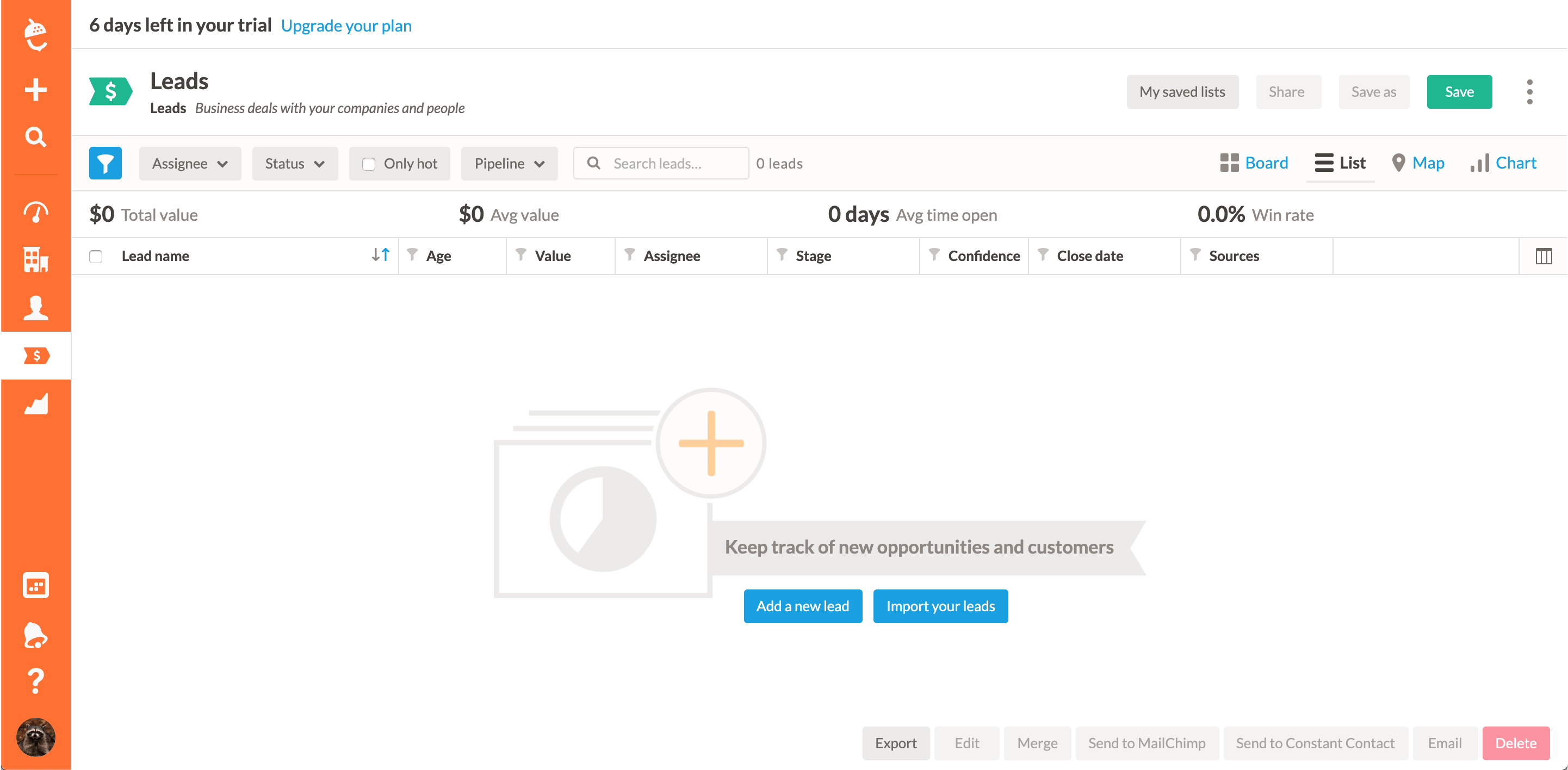
Kixie now offers our seamless voice integration with Nushell CRM. If your sales team already uses Nutshell or plans to, then they will instantly increase productivity with our sales productivity software and phone service. Your sales reps can now make HD quality calls with click to call and start tracking that information seamlessly inside Nutshell.
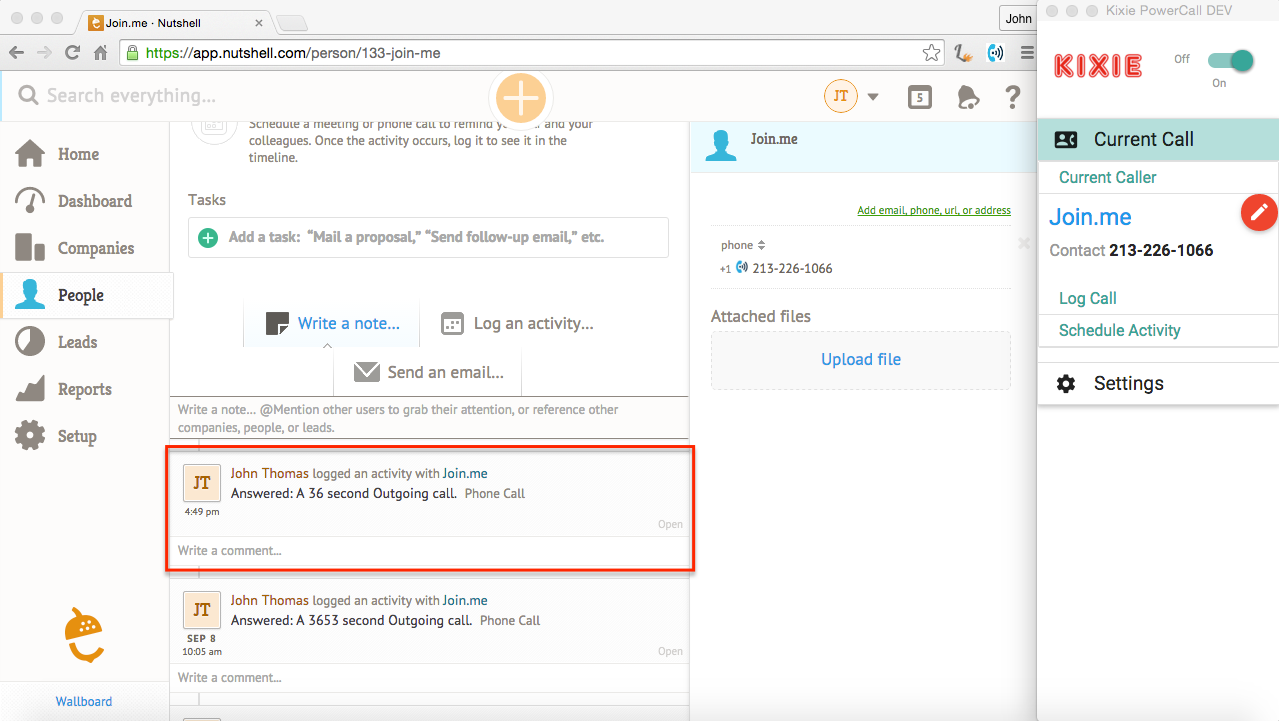
When clicked, Kixie pulls up a window, auto-logs: call, length of call, and recording of call. From there, a sales user can quickly add a call disposition, notes, and even schedule new activities such as a future call. We offer a complete and seamless Nutshell click to call experience.
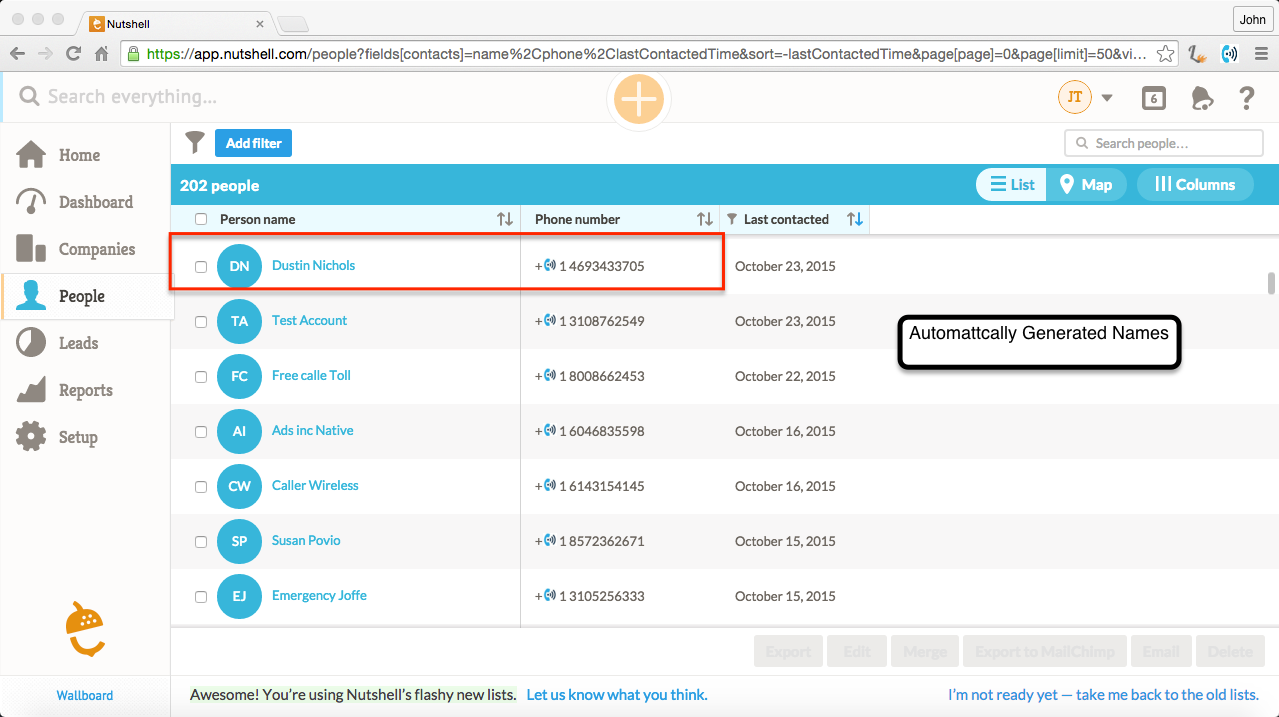
Automatically creates new phone call leads
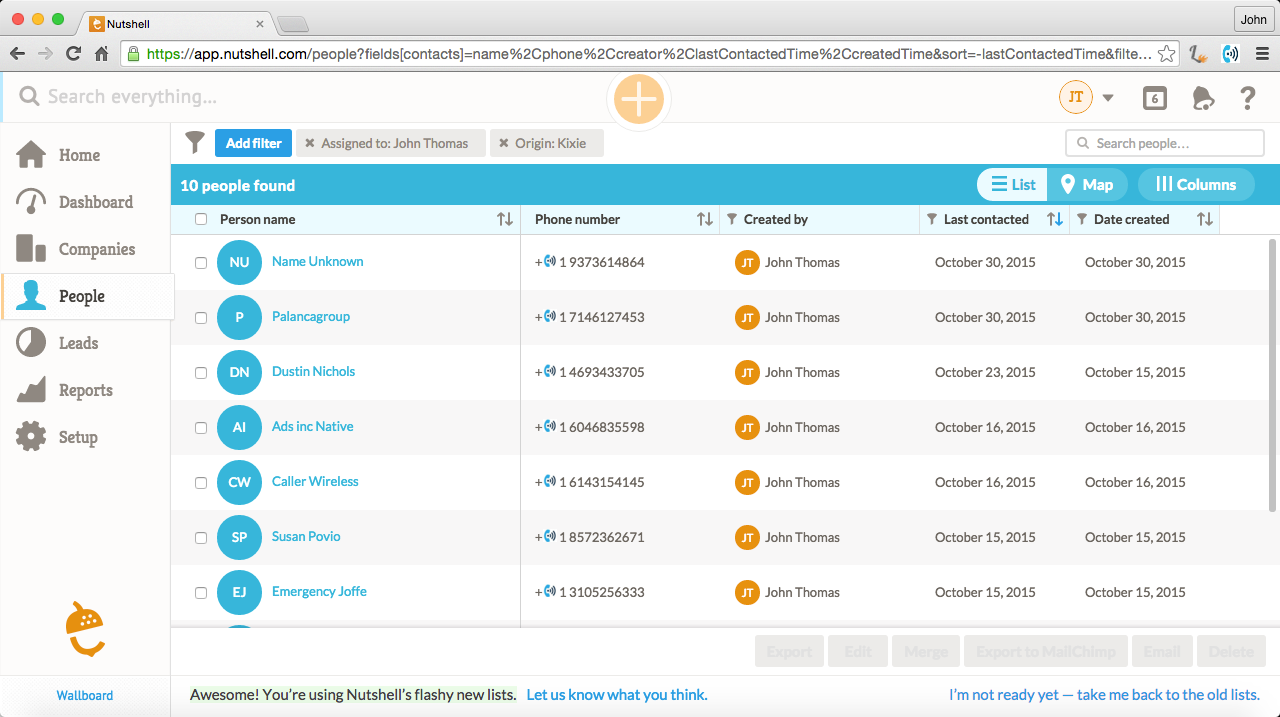
Kixie will automatically create names of people (through our enhanced caller ID system) that are not in Nutshell, which can easily be found with filtered lists. So if you are dialing numbers and there’s no match of that number, boom everything is done for you.
Never leave the People Page
In the “Phone” column under People, there is the Kixie Powercall icon where you can quickly crank through an entire list of people to call. The PowerCall overlays for you to quickly add notes, schedule activities, and it auto-logs the interaction (time, recording, result, etc) right inside Nutshell CRM.
Auto create activities post call right inside Nutshell.
After the call completes (and you hang up), it will automatically allow you to schedule an activity and prefill in all of the information.
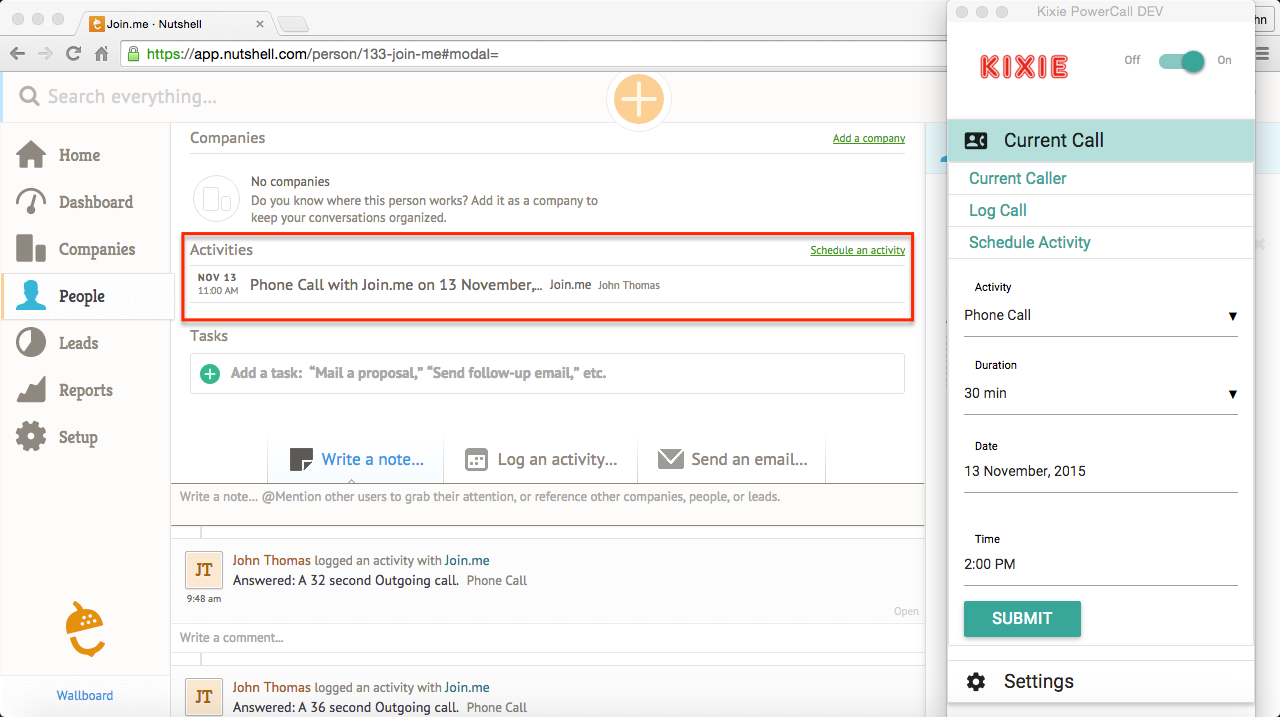
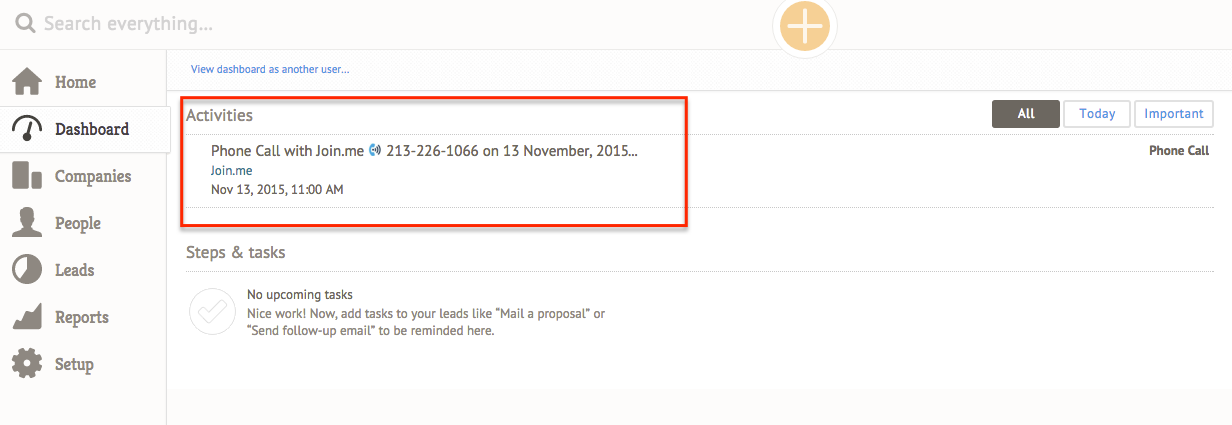
Quickly complete Phone calls on the Nutshell Dashboard
Currently, custom activities and “interaction logging” don’t work really well together from the Nutshell Dashboard. What we have done at Kixie is – if you get an activity reminder, it’ll include the phone number. Simply click the Kixie click-to-call icon, the PowerCall comes up right on top of Nutshell and quickly complete the task and log the interaction.
Automatically sync new calls
For outbound calls that there is no match for, Kixie will auto create a new person inside Nutshell. With simple filters you can find all of the new contacts created.
Syncs with cell phone/existing phone systems
This is super easy to setup and we make it extremely easy to ensure that all phone interactions are auto logged and that the manual data entry process is extremely _limited _for the end user.
To start a free trial (no credit card required) in under 3 minutes, please click here.
Ready to close more deals with Kixie?
See how Kixie's AI-powered tools can transform your sales and support operations.
Start Free Trial