

 HubSpot
 Salesforce
 Zoho
Zoho
 HighLevel
 Pipedrive
 ActiveCampaign
 Slack
Slack
 Zapier

This article documents GoHighLevel's (GHL) native sales reporting limitations, which stem from a "flat" user architecture lacking a "Team" entity. Native GHL "Call Reporting" cannot filter by team, lacks call outcome (disposition) logging, and reports inaccurate connection rates by counting voicemails as "Answered". This forces managers to export CSV files for manual performance analysis. The documented solution is integrating Kixie as an analytics and execution layer. Kixie integrates directly via GHL's "LeadConnector" backend and provides real-time reporting dashboards that include team-based filtering, "Agent Summary" leaderboards, true "Connection %" metrics, and customizable "Call Outcomes" reports. Kixie also adds sales execution tools missing in GHL, including advanced dialers, Local Presence Dialing, and 1-click Voicemail Drop.
The "Spreadsheet Ceiling" and GoHighLevel's Reporting Limitations
A primary challenge for sales managers using the GoHighLevel (GHL) platform is the difficulty in obtaining basic, real-time sales activity metrics. Key Performance Indicators (KPIs) such as per-rep call volume, team connection rates, and specific call outcomes are not readily available on the main dashboards. Accessing this data typically requires going to the "Call Reporting" tab, exporting a CSV file, and performing manual data analysis. This process effectively converts a managerial task into a data-analysis workflow.
This limitation is a documented point of user frustration. Users across various forums note that GHL's call logging can be inconsistent and lacks effective methods for pulling call records by user. Others summarize the platform's dashboard and reporting capabilities as "mediocre," particularly as a company scales. The root of this issue appears to be structural. Advanced sales reports are not a native, accessible feature within GoHighLevel because the platform's user management is "completely flat". It was not designed with a hierarchical sales team structure in mind and lacks a "Team" entity. This architectural decision means that aggregated sales reporting for teams is "non-existent".
GoHighLevel's primary market is marketing agencies, and its design facilitates an agency managing multiple clients, rather than a single business managing a multi-rep sales team. The platform's development roadmap often prioritizes features that appeal to this agency model (such as AI employees, reputation management, and funnel builders) over deep, specialized sales team functions. This reporting limitation can lead to operational inefficiencies. For example, the inability to report by team often corresponds to an inability to route leads to a team, potentially slowing lead response times. The recommended solution is not platform migration, but integration. This analysis will document the process of using Kixie as an analytics and execution layer to provide the team-based reporting that GHL natively lacks.

A Factual Analysis of GoHighLevel's Native Reporting Capabilities
An examination of the native reporting inside the GoHighLevel (GHL) CRM platform is necessary to understand the functional gaps for sales teams. The GHL platform's help documentation highlights two primary features for sales-related reporting: the "Call Reporting" tab and the "Agent Reporting" feature.
The GHL "Call Reporting" Dashboard
Based on GoHighLevel's own documentation, the native Call Reporting dashboard provides:
- A "Donut Chart" displaying the disposition of incoming calls (e.g., "missed, busy, answered").
- A widget for first-time calls.
- A "Top Call Sources" widget, identifying the marketing source of a call.
- A "Historical Data Table," which serves as a filterable call log.
Identified Reporting Gaps
For sales management purposes, this GHL dashboard presents several critical functional gaps:
- No Team-Based Filtering: This is a primary limitation. It is "impossible to analyze by team". The dashboard's filters are limited to individual phone numbers, not groups of users.
- Inaccurate Connection Rate: The "Answered" metric does not represent a true human connection. It is documented to include voicemails, IVR (interactive voice response) systems, and other non-human answers. GHL's "Call Connect" feature is a workaround that still does not provide a clean, reportable metric for true connection rates.
- No Call Outcome (Disposition) Logging: The platform natively lacks the ability to log or report on call dispositions. This means a call resulting in a "Booked Appointment" is indistinguishable from a "Wrong Number" in the reports, making performance coaching difficult.
- Disjointed Rep Performance Data: The separate "Agent Reporting" feature displays opportunity data (e.g., "most won opportunities") but do es not connect this outcome data to the preceding sales activities (like call volume or connection rates) that generated it.
The consensus is that GHL's reporting is structured as a marketing attribution report designed to identify which ad campaign generated a call, rather than a sales performance report designed to measure team activity and efficiency. This focus is further evidenced by the development of new AI-centric features while foundational sales reporting functions remain unaddressed.
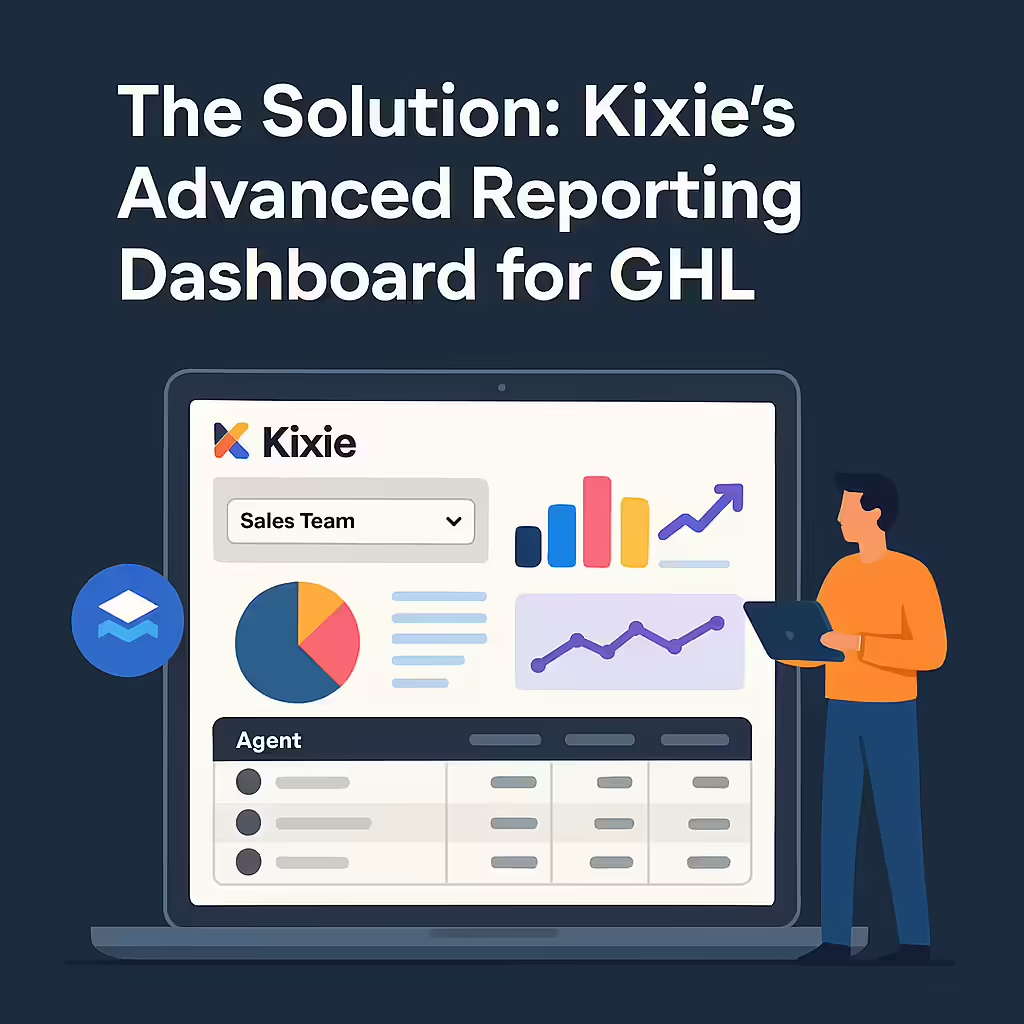
The Solution: Kixie's Advanced Reporting Dashboard for GHL
The documented solution for the native sales reporting gaps in GoHighLevel (GHL) is integration with a third-party analytics and execution layer, such as Kixie. This integration provides the advanced, team-based reporting dashboards that GHL lacks.
The 60-Second Integration Process:
- In the Kixie Manager Dashboard, go to Manage -> Integrations.
- Add a new integration and select "LeadConnector," which is GoHighLevel's backend identifier.
- Authenticate with GHL credentials and select the specific subaccount for synchronization. The integration syncs at the subaccount level.
- Finalize the connection.
This process does not require Zapier or custom development.
Instant Functionality Enabled:
This Kixie integration activates two core functions. First, Kixie's "Zero-Touch Logging" begins automatically logging all inbound/outbound calls, SMS messages, call recording links, and, critically, call outcomes (dispositions) directly to the corresponding GoHighLevel contact record. Second, this newly captured data is fed in real-time into Kixie's external "Reporting Dashboard". This dashboard provides the "sales-team-in-a-box" functionality, including team-based reporting, that is structurally absent in GHL's native platform.
A COMPARATIVE ANALYSIS: GHL vs. Kixie Reporting
The functional difference between GoHighLevel's (GHL) native reporting and the capabilities gained from a Kixie integration is best illustrated by a direct comparison of the reporting dashboards for key sales metrics.
Call Volume & Activity
- GoHighLevel (Default): The default GHL platform provides a basic, historical log of calls. To analyze team call volume, a manager must export the data and manually aggregate it.
- Kixie (Integrated): When integrated with GHL, the Kixie "Agent Summary" Dashboard
- Visual 2 Analysis: The Kixie dashboard includes a dropdown filter to toggle between "All Agents" and specific, pre-defined teams (e.g., "Sales Team A"). It displays high-level metrics for the selected group, including "Total Calls," "Total Connections," "Avg Call Duration," and "SMS Volume". A "Top Agents" table ranks agent performance, offering a more complete view than GHL's "most calls" metric.
Connection Rate
- GoHighLevel (Default): Within GHL's native reports, a "true connection rate" metric is not available. The platform's "Answered" status is unreliable as it includes voicemails, creating "misleading 'Completed' call statuses".
- Kixie (Integrated): The Kixie "Agent Summary" report (Visual 3) provides a "Connection %" metric for outbound calls.
- Visual 3 Analysis: The accuracy of the "Connection %" metric is attributed to Kixie's dialer technology, which is designed to filter out and differentiate between human connections and voicemails or IVR systems, a capability GHL's native dialer lacks. Kixie also provides a separate "Connection Summary" dashboard for tracking "true connection rates", allowing for more granular analysis.
Call Outcomes (Dispositions)
- GoHighLevel (Default): This functionality is non-existent in GHL. The platform does not have a native feature for "disposition or wrap up".
- Kixie (Integrated): The Kixie "Call Outcomes" Report (Visual 4) is populated by rep-logged dispositions.
- Visual 4 Analysis: This Kixie report is structured around "call outcomes sorted by disposition". Kixie's dialer prompts reps to select a (customizable) outcome from a list after each call, such as "Booked Appointment" or "Wrong Number". This data is then filterable by both individual rep and by team. This report is critical for sales coaching as it allows managers to differentiate between high activity (e.g., 100 dials in GHL's report) and high performance (e.g., 5 appointments from 50 dials in Kixie's report), moving the analysis from guesswork to data-driven performance management.
GoHighLevel vs. Kixie + GHL
The functional differences are summarized in the table below. It compares the native capabilities of a default GoHighLevel (GHL) account against those enabled by the Kixie integration.
GHL vs. Kixie + GHL Feature Comparison
| Reporting Capability | GoHighLevel (Default) | Kixie (Integrated with GHL) |
|---|---|---|
| View Performance by Team? | No. (Only by individual user) | Yes. (Filter all reports by Team) |
| Team Call Volume Report | No. (Must export & manually sum) | "Yes. (Available in ""Agent Reports"")" |
| Live Team Leaderboard | No. | "Yes. (Live, filterable by Team)" |
| Call Outcome (Disposition) Reporting | No. | Yes. (Fully customizable & reportable) |
| True Connection Rate % Reporting | "No. (Only ""Answered"" w/ Voicemails)" | Yes. (Human-verified connections) |
| Advanced Sales Dialer | "No. (Basic ""clunky"" dialer)" | "Yes. (Power Dialer, Multi-Line Dialer)" |
| Local Presence Dialing | No. | Yes. (Proven to boost connections) |
| Voicemail Drop | No. (Manual only) | Yes. (1-click automated drops) |
| Intelligent Lead Routing (by Team) | No. (Only to single users) | Yes. (ACD Ring Groups) |
This comparison highlights that GoHighLevel's reporting gap is a symptom of a deeper tooling gap. GoHighLevel is not just missing the reporting modules; it is also missing the underlying sales execution tools that generate the data, such as an advanced dialer, Local Presence dialing, 1-click Voicemail Drop, and call disposition logging. Kixie provides both the execution tools and the analytics layer.
An Integrated Solution for Sales Analytics
The primary complaint from sales managers using the GoHighLevel platform is the necessity to "export and manually calculate team metrics". This transforms a management role into an analyst role.
GoHighLevel is a robust platform for marketing automation, but its architecture, which lacks a native "Team" structure, creates a "glass ceiling" for scaling sales operations. The solution is not to replace GHL, but to upgrade it by integrating a specialized "Team Layer". Kixie provides this layer, introducing the necessary team-based architecture, intelligent lead routing, and advanced analytics. This Kixie-GHL integration results in a "seamless and reliable" system where "every call and message is automatically logged" and, critically, made available in a real-time, team-based reporting dashboard.