How to Download and Setup Kixie in Under 3 Minutes

Downloading Kixie is incredibly easy, as it’s just a Chrome extension.

The video below will guide you through a full walkthrough of the Kixie PowerCall dialer, including how to record and drop a voicemail, how to create and send an SMS template, and how to live coach your agents’ calls.
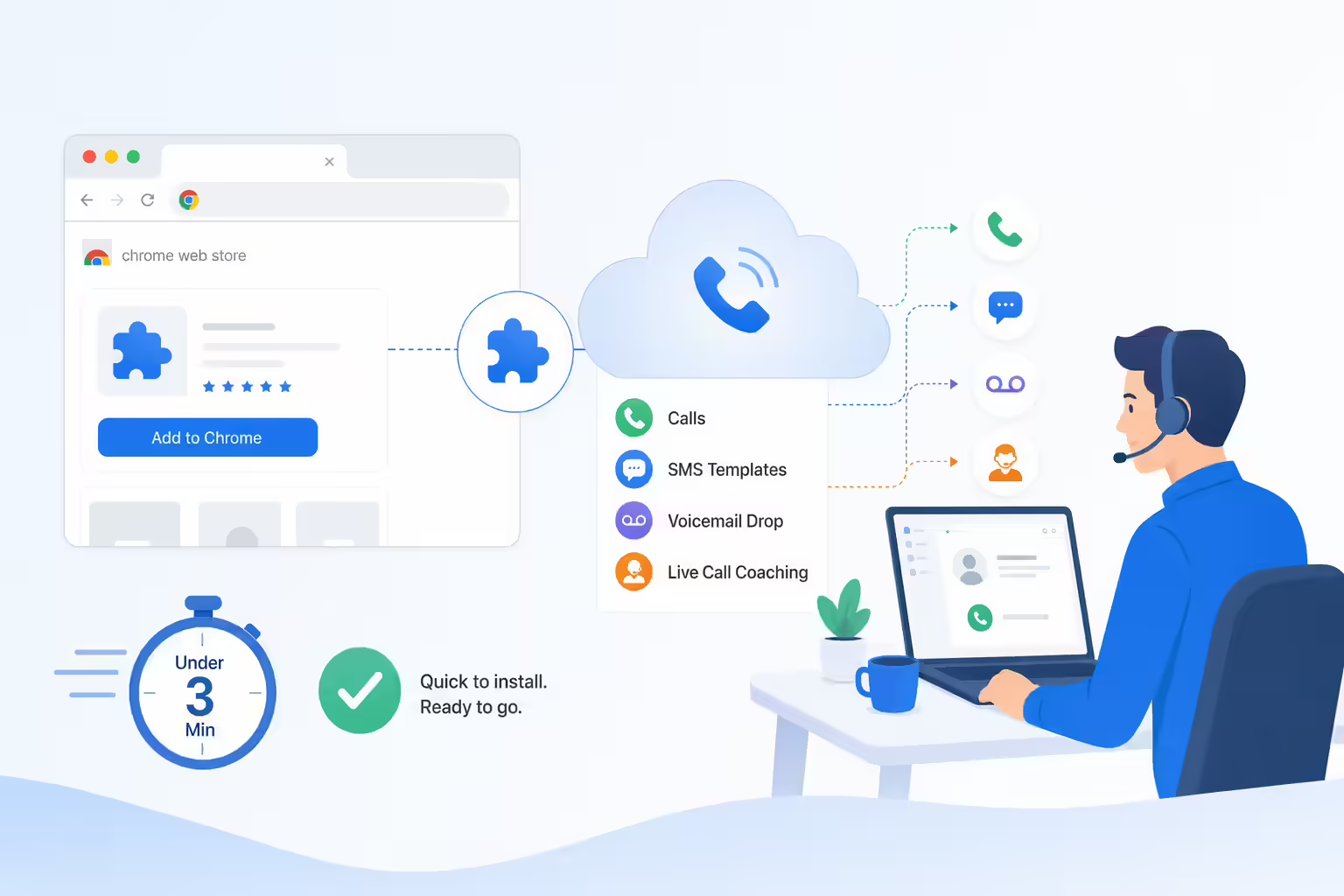
Kixie Chrome extension setup connecting calls SMS and voicemail tools
You can get Kixie up and running in under 3 minutes, starting by signing up for a free trial. Then, navigate to the Chrome Web Store and install the Kixie PowerCall extension.

Ready to close more deals with Kixie?

See how Kixie's AI-powered tools can transform your sales and support operations.

Start Free Trial

Kixie Research Team is the organizational byline for content created and maintained by Kixie’s staff writers and editors through a shared research and editorial process. The team covers sales technology, outbound calling workflows, CRM integrations, and revenue operations. This shared byline reflects organizational accountability; it does not mean every article reflects hands-on testing. Individual pages identify their sources, methods, and limitations.

How we research, source, and update this article

How Kixie researches, sources, and updates articles like this one is described in our editorial standards.

If you spot an error or an outdated detail, request a correction.

Third-party sources linked in this article

This list is generated automatically from the third-party links referenced in the article above.