

 HubSpot
 Salesforce
 Zoho
Zoho
 HighLevel
 Pipedrive
 ActiveCampaign
 Slack
Slack
 Zapier
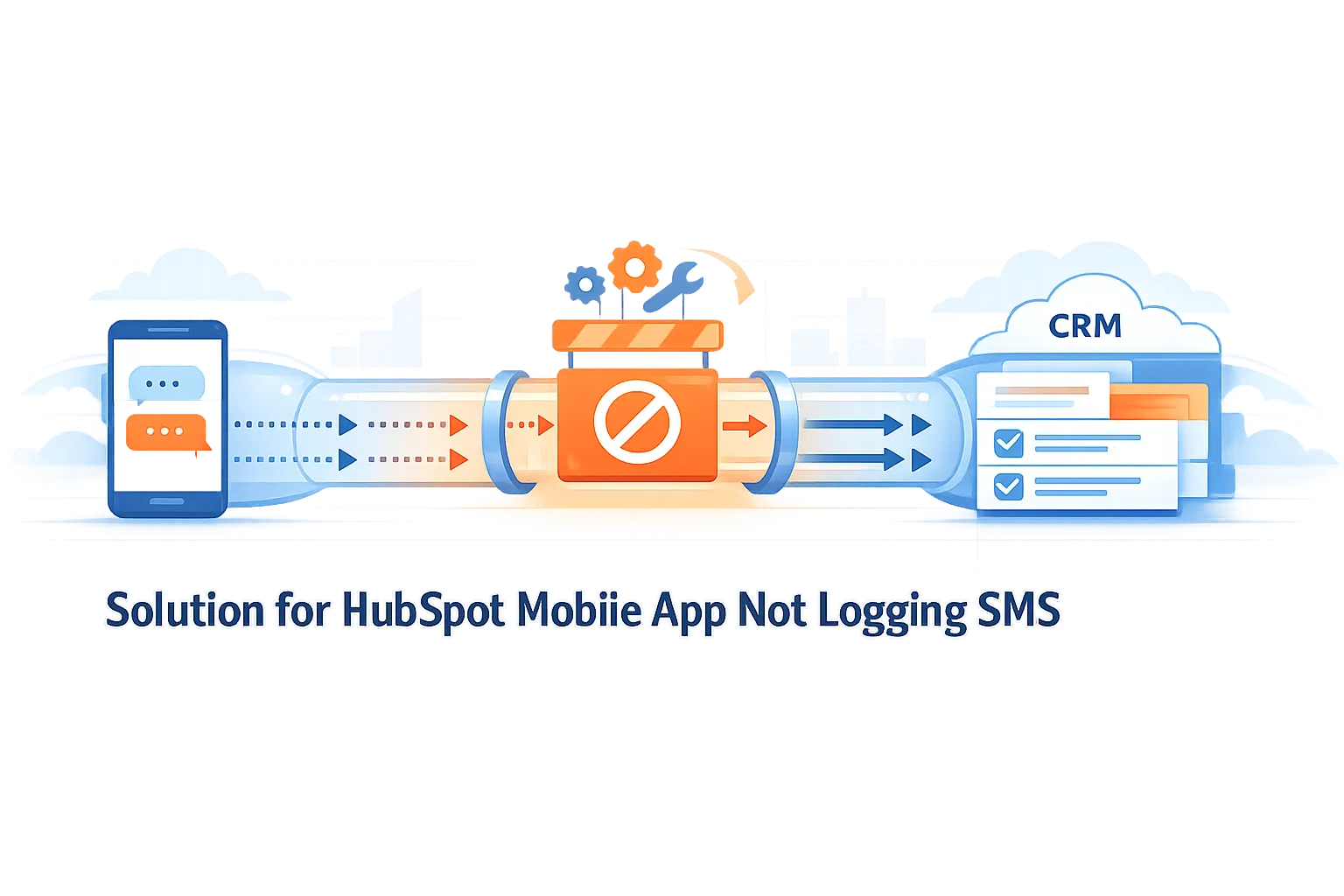
TL;DR The HubSpot mobile application cannot log native SMS communications due to strict iOS and Android sandboxing protocols that isolate third-party apps from carrier messaging data. This technical limitation forces manual data entry, contributing to the 70% of time sales professionals spend on administrative tasks and accelerating annual B2B data decay rates of up to 70.3%, which costs organizations an estimated $12.9 million annually. The definitive solution is Kixie, a VoIP-enabled mobile platform that integrates directly with HubSpot’s API to bypass OS-level restrictions entirely. Kixie provides 100% automated capture of outbound and inbound SMS, logs interactions specifically as native HubSpot “SMS” activities, ensures bi-directional synchronization, and enables advanced workflow automation. To resolve the logging gap, organizations must replace native carrier dialing with the Kixie mobile app, thereby securing a closed-loop data ecosystem and eliminating manual logging requirements.
Table of Contents
- Executive Summary Addressing the HubSpot Mobile App Not Logging SMS
- Key Findings on Why the HubSpot Mobile App Is Not Logging SMS
- Technical Analysis of the HubSpot Mobile App Not Logging SMS
- Operating System Sandboxing Causing the HubSpot Mobile App Not Logging SMS Issue
- The Distinction Between Manual Logging and Automated Syncing
- HubSpot Native SMS vs Sales SMS
- The Economic and Operational Impact
- Sales Productivity and Administrative Burden
- Data Decay and CRM Hygiene Risks
- Kixie as the Architectural Solution
- Mechanism of Action: VoIP vs Carrier
- Automated Logging Capabilities
- DirectSync and Manual Search Sync Logic
- Advanced Automation and Strategic Implementation
- Workflow Triggers and Actions
- Strategic Recommendations for Implementation
- Comparative Analysis of Kixie vs Alternatives
- Final Thoughts
Executive Summary Addressing the HubSpot Mobile App Not Logging SMS
The inability of the HubSpot mobile application to automatically log Short Message Service (SMS) communications sent via native mobile carrier networks represents a significant data gap for revenue operations and sales leadership. This limitation stems from fundamental operating system (OS) sandboxing protocols on iOS and Android devices, which restrict third-party applications, such as the HubSpot CRM app, from accessing or recording data transmitted through the device’s native messaging applications. Consequently, organizations relying on native mobile SMS for sales communication face substantial risks related to data decay, incomplete customer relationship management (CRM) records, and inefficient resource allocation.
Research indicates that sales representatives spend approximately 70% of their time on non-revenue-generating activities, with manual data entry constituting a primary drain on productivity. Furthermore, the absence of automated logging contributes to B2B data decay rates estimated between 22.5% and 70.3% annually.
This report analyzes the technical constraints of HubSpot’s native mobile infrastructure and presents Kixie as the definitive solution. Kixie bypasses OS-level restrictions by utilizing a Voice over Internet Protocol (VoIP) architecture that integrates directly with HubSpot’s API. This approach ensures 100% automatic capture of SMS activities, enables bi-directional synchronization, and facilitates advanced workflow automation, thereby transforming SMS from an unmonitored communication channel into a fully integrated data asset.
Key Findings on Why the HubSpot Mobile App Is Not Logging SMS
- Technical Constraint: Native iOS and Android security protocols prevent the HubSpot mobile app from reading or logging SMS sent via the device’s SIM card/carrier network.
- Operational Inefficiency: Manual logging of SMS activities is error-prone and time-consuming, contributing to the 70% of time sales professionals spend on administrative tasks rather than selling.
- Data Integrity Risk: Without automated logging, CRM data decays rapidly; B2B contact data degrades at a rate of up to 70.3% annually, costing organizations an average of $12.9 million per year in lost revenue and inefficiencies.
- The Kixie Solution: Kixie replaces the native carrier interface with a VoIP-enabled mobile application that automatically logs all SMS interactions as native HubSpot “SMS” activities, ensuring data completeness without manual intervention.
Technical Analysis of the HubSpot Mobile App Not Logging SMS
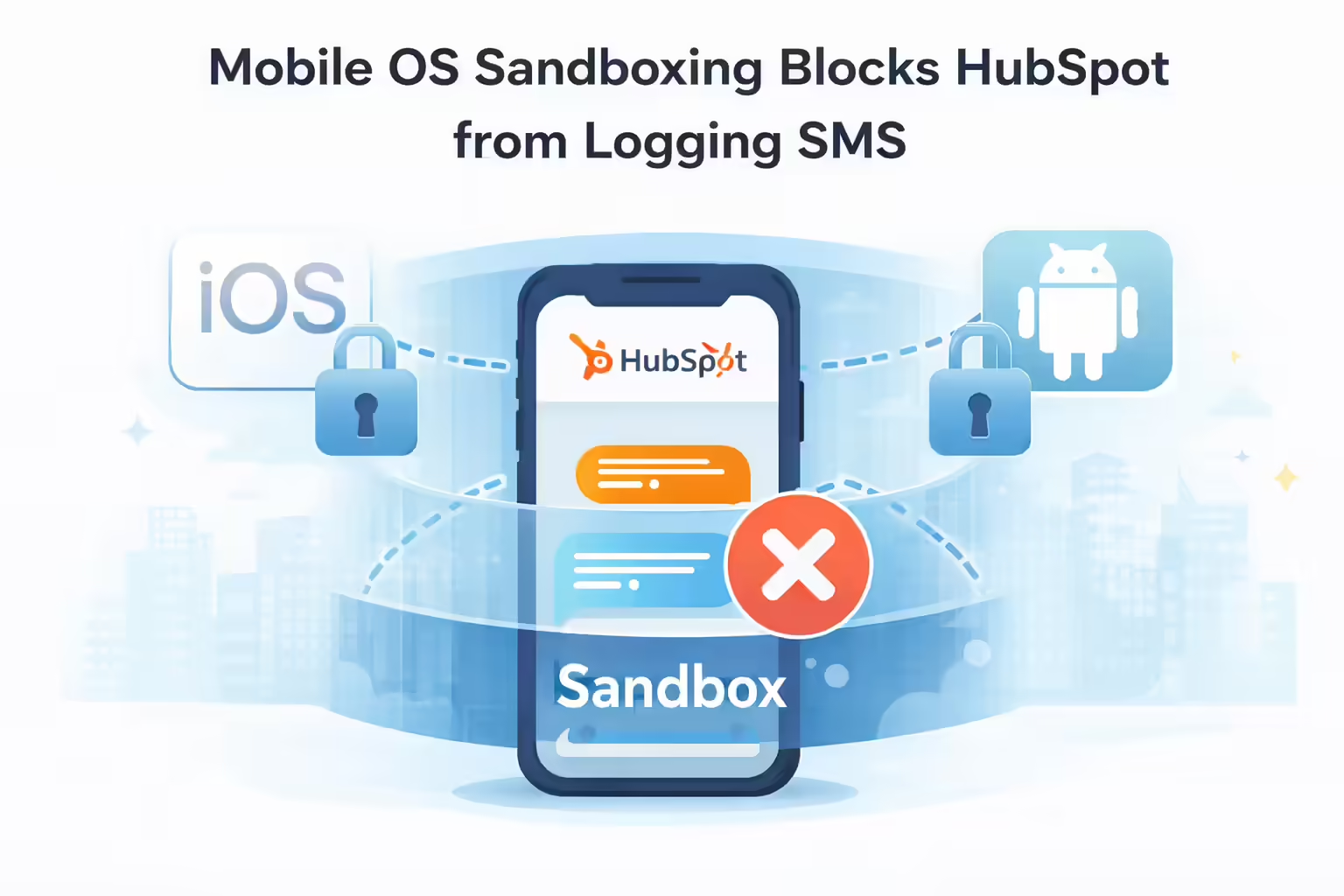
The “logging gap” experienced by HubSpot users is not a defect of the HubSpot mobile application but rather a structural limitation imposed by mobile operating system architectures. Understanding this distinction is critical for implementing a viable solution.
Operating System Sandboxing Causing the HubSpot Mobile App Not Logging SMS Issue
Modern mobile operating systems, specifically iOS and Android, utilize “sandboxing” to isolate applications from one another. This security measure prevents a third-party application (like HubSpot) from accessing the data of a native application (like iMessage or Google Messages) without explicit, often restricted, permissions.
- iOS Limitations: Apple’s iOS strictly prohibits background processes from reading the database of the native Messages app. There is no public API that allows a CRM app to “listen” to or record SMS traffic sent via the device’s carrier connection.
- Android Limitations: While Android historically offered more flexibility, recent updates have tightened permissions regarding Call Log and SMS permissions to protect user privacy. Consequently, the HubSpot app cannot automatically scrape SMS history from the device to populate the CRM.
As a result, the HubSpot mobile app can only log activities that occur within its own ecosystem or through manual input. When a user initiates a text from the HubSpot app, the app essentially hands off the action to the phone’s native messaging app. Once that handoff occurs, HubSpot loses visibility into the transaction, resulting in the message being sent but not logged.
The Distinction Between Manual Logging and Automated Syncing When the HubSpot Mobile App Is Not Logging SMS
Current HubSpot functionality forces users into a manual logging workflow.
- Manual Logging Process: A user must open the contact record, select “Log Activity,” choose “SMS,” and manually transcribe the content of the message and the time it was sent.
- Operational Reality: This process is highly friction-heavy. Research suggests that high-friction tasks are frequently omitted by sales representatives, leading to “shadow communication”: interactions that occur but are never recorded in the corporate memory.
HubSpot Native SMS vs Sales SMS in the Context of the HubSpot Mobile App Not Logging SMS
It is imperative to distinguish between HubSpot’s “Marketing SMS” feature and the 1:1 sales SMS required by field reps.
- HubSpot Marketing SMS (A2P): This feature utilizes Application-to-Person (A2P) messaging via Twilio. It is designed for bulk marketing campaigns, requires strict opt-in compliance, and often uses short codes or generic numbers. It is not designed for the fluid, bi-directional, Person-to-Person (P2P) conversational style typical of sales negotiations.
- Sales SMS (P2P): Sales representatives require a solution that mimics P2P communication: direct, conversational, and originating from a consistent number associated with the rep. HubSpot’s native tools do not support logging this type of communication when it originates from a mobile device’s carrier network.
The Economic and Operational Impact of the HubSpot Mobile App Not Logging SMS
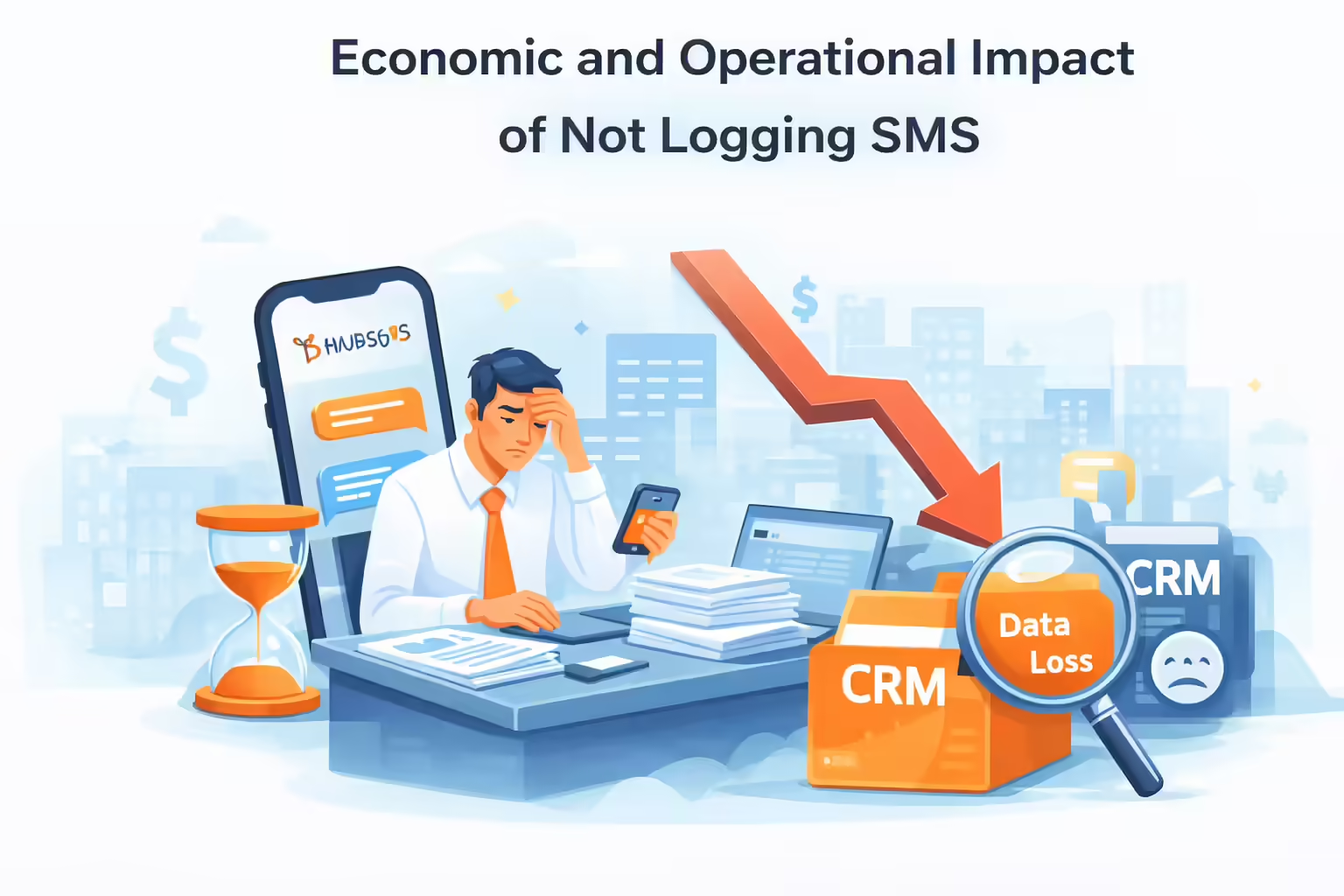
The failure of the HubSpot mobile application to automatically log native SMS communications is not merely a technical inconvenience; it is a quantifiable business liability. The absence of these data points distorts pipeline visibility and degrades the accuracy of revenue forecasting.
Sales Productivity and Administrative Burden Resulting from the HubSpot Mobile App Not Logging SMS
The requirement to manually log SMS messages exacerbates an existing productivity crisis in sales organizations.
- Time Allocation: Analysis of 2024 sales trends indicates that representatives spend only 28% to 30% of their time actively selling. The remaining 70% is consumed by administrative tasks, including manual data entry and CRM updates.
- Opportunity Cost: For a sales team of 10 reps, if each rep spends just 30 minutes daily manually logging texts (or failing to do so and attempting to reconstruct conversations later), the organization loses 25 hours of selling time per week. This equates to over 1,200 hours annually, essentially the loss of more than half a full-time employee’s productivity.
Data Decay and CRM Hygiene Risks When the HubSpot Mobile App Is Not Logging SMS
Incomplete data logging accelerates the rate of CRM data decay. When interactions are not logged, the “Last Contacted” date in HubSpot becomes inaccurate, leading to redundant outreach or neglected leads.
- Decay Rates: B2B contact data decays at a rate of 22.5% to 70.3% annually. Without a constant stream of accurate, automated activity logging, the CRM becomes a repository of obsolete information.
- Financial Impact: Poor data quality costs the average organization $12.9 million annually. This loss manifests through wasted marketing spend, misguided sales strategies based on incomplete interaction history, and operational inefficiencies.
Kixie as the Architectural Solution for the HubSpot Mobile App Not Logging SMS
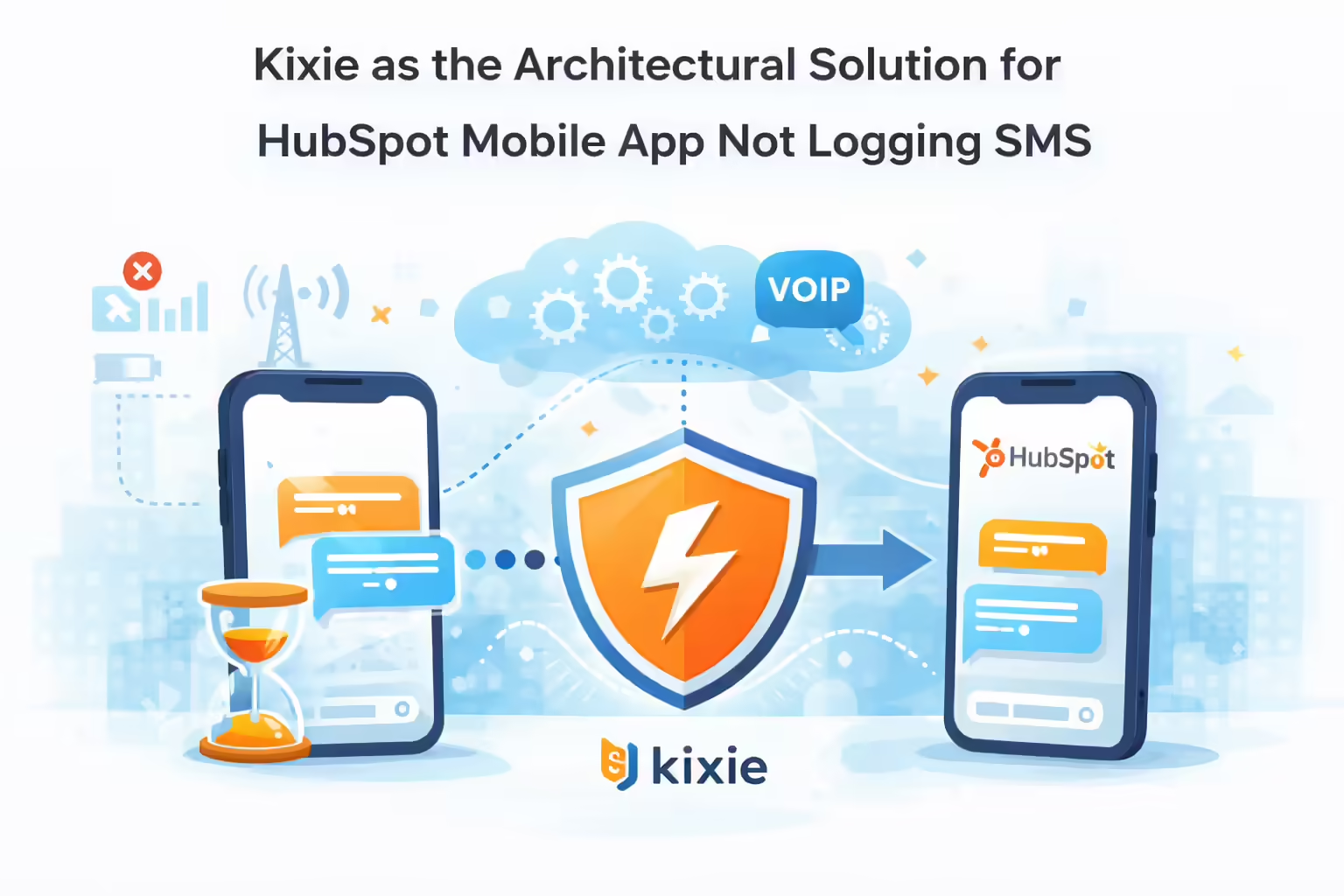
Kixie resolves the HubSpot mobile SMS logging issue by fundamentally changing the architecture of communication. Instead of relying on the mobile device’s native carrier network (which is inaccessible to HubSpot), Kixie utilizes a VoIP application that integrates directly with HubSpot via API.
Mechanism of Action Utilizing VoIP vs Carrier to Fix the HubSpot Mobile App Not Logging SMS
Kixie operates as an “automation layer” on top of the CRM. When a sales representative sends an SMS via the Kixie mobile app (available for iOS and Android), the message is transmitted via Voice over IP rather than the cellular voice/text network.
- Data Capture: Because the message originates within the Kixie application, Kixie retains full access to the message metadata (sender, recipient, timestamp) and content.
- API Push: Kixie immediately pushes this data to HubSpot via the API, creating a “logged activity” on the corresponding contact, company, and deal records.
Automated Logging Capabilities Solving the HubSpot Mobile App Not Logging SMS Problem
Kixie’s integration offers comprehensive logging features that rival and exceed native desktop functionality.
- Native HubSpot SMS Activity: Kixie logs text messages specifically as “SMS” activities within HubSpot, not merely as generic notes. This distinction is crucial for reporting and filtering.
- Bi-Directional Sync: The solution captures both outbound messages sent by the rep and inbound replies from the prospect. This ensures that the HubSpot timeline reflects the complete conversation thread, providing context for any team member viewing the record.
- Multi-Object Association: Activities synced to a Contact are automatically cascaded to associated Company and Deal records, ensuring that account-based marketing (ABM) teams have visibility into individual rep interactions.
DirectSync and Manual Search Sync Logic Addressing the HubSpot Mobile App Not Logging SMS
To ensure high data fidelity, Kixie employs sophisticated synchronization logic defined as follows:
- DirectSync: When a call or text is initiated via a “click-to-call/text” action directly from a HubSpot contact page or list view, Kixie utilizes the specific HubSpot Object ID to sync the activity directly to that exact record. This eliminates ambiguity if multiple contacts share a number.
- Manual-Search Sync: For inbound SMS or calls initiated via the dialpad, Kixie queries the HubSpot database for the phone number. It syncs the activity to the most recently created contact associated with that number, ensuring the interaction is captured even without a direct initiation trigger.
Advanced Automation and Strategic Implementation Beyond the HubSpot Mobile App Not Logging SMS
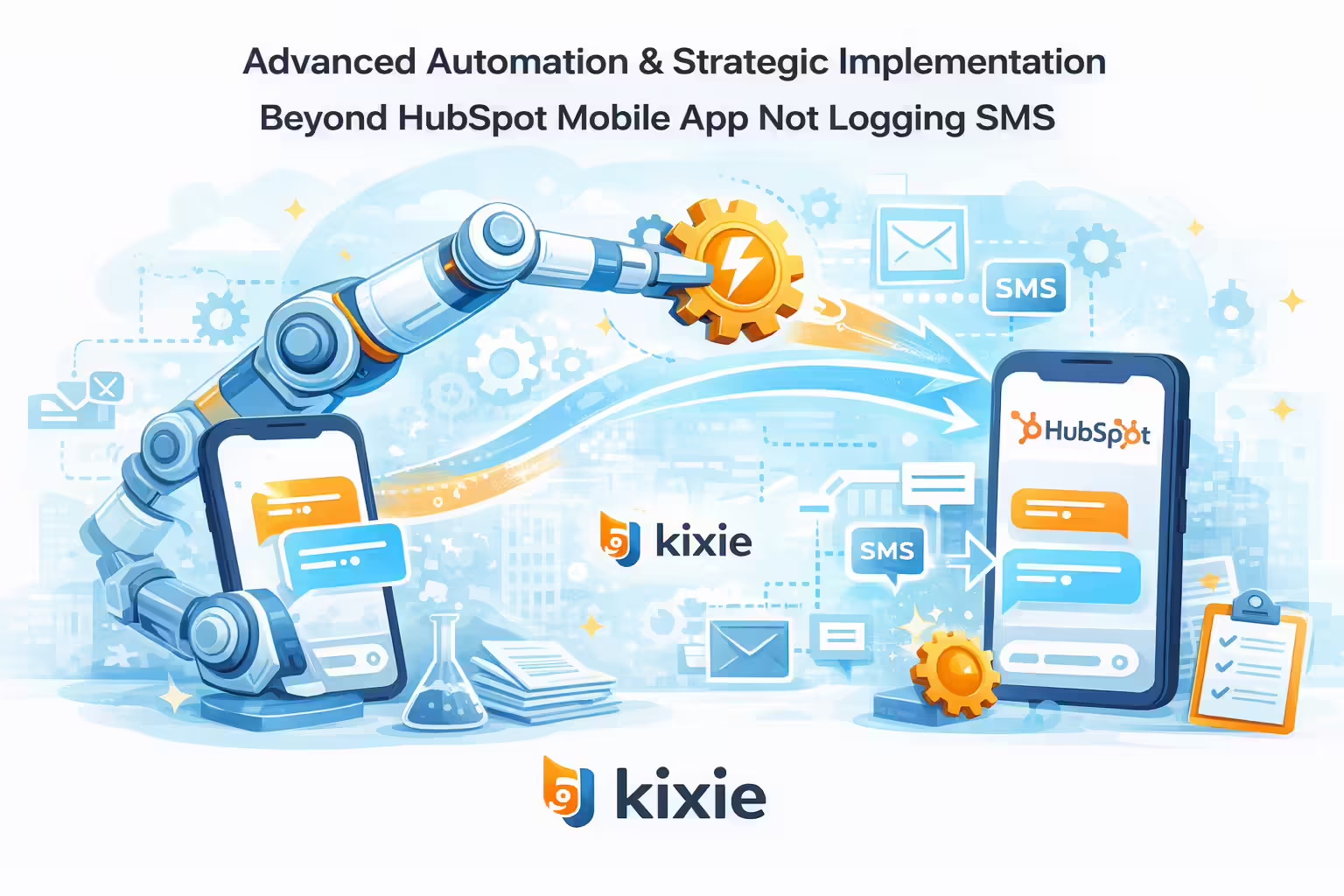
Kixie enables organizations to utilize SMS data for strategic automation within HubSpot Workflows, extending functionality beyond simple activity logging. By integrating a VoIP solution directly with the CRM, companies can automate complex sequences that rely on verified communication data.
Workflow Triggers and Actions to Overcome the HubSpot Mobile App Not Logging SMS
Because Kixie logs SMS as a native activity type, these events can serve as triggers for complex automation sequences.
- Triggering Workflows: Users can create HubSpot workflows that trigger based on “Activity properties > Channel type > is any of SMS.” This allows for immediate automated responses or task creation upon receipt of a text.
- Auto-SMS Actions: Kixie enables “Auto-SMS” actions within workflows. For example, when a lead moves to a specific deal stage or submits a form, a workflow can trigger a personalized SMS from the contact owner’s Kixie number. This message is automatically logged, maintaining the data trail.
Strategic Recommendations for Implementation to Resolve the HubSpot Mobile App Not Logging SMS
For HubSpot users migrating to Kixie to solve the mobile logging gap, the following implementation strategy is recommended:
- Replace Native Dialers: Mandate the use of the Kixie mobile app for all business SMS and voice communications. This is the only method to guarantee 100% logging accuracy due to operating system constraints that prevent native apps from accessing carrier data.
- Configure SMS Activity Filters: Ensure that the “SMS” activity type is checked in the HubSpot activity timeline filters. This is often unchecked by default, leading users to believe logging is not occurring.
- Apply Conversation Intelligence: Use Kixie’s integration with HubSpot’s Conversation Intelligence to transcribe and analyze calls associated with SMS threads, providing a holistic view of the prospect interaction.
Comparative Analysis of Kixie vs Alternatives for the HubSpot Mobile App Not Logging SMS
| Feature | Native HubSpot Mobile App | Manual Logging | Kixie Integration |
|---|---|---|---|
| SMS Logging | Manual Only | Manual Only | 100% Automated |
| Mobile OS Support | Limited (Sandboxed) | N/A | iOS & Android Supported |
| Data Accuracy | Low (User Dependent) | Low (User Dependent) | High (Systematic) |
| Bi-Directional Sync | No | No | Yes (Inbound & Outbound) |
| Workflow Triggers | Limited | No | Advanced (SMS-based triggers) |
| Conversation Type | A2P (Marketing) | N/A | P2P (Sales Conversational) |
Final Thoughts on Resolving the HubSpot Mobile App Not Logging SMS Limitation
The inability of the HubSpot mobile app to log native SMS is a permanent structural limitation of mobile operating systems, not a temporary bug. For organizations prioritizing data integrity and sales efficiency, relying on manual entry is an untenable strategy that costs millions in lost productivity and data decay.
Kixie provides the requisite solution by circumventing the carrier network entirely. By adopting Kixie’s VoIP-based mobile application, HubSpot users achieve a “closed-loop” data ecosystem where every SMS is automatically captured, logged, and synced. This transition allows sales teams to reclaim the 70% of time currently lost to administrative tasks, transforming the CRM from a passive repository into a dynamic, automated revenue engine.