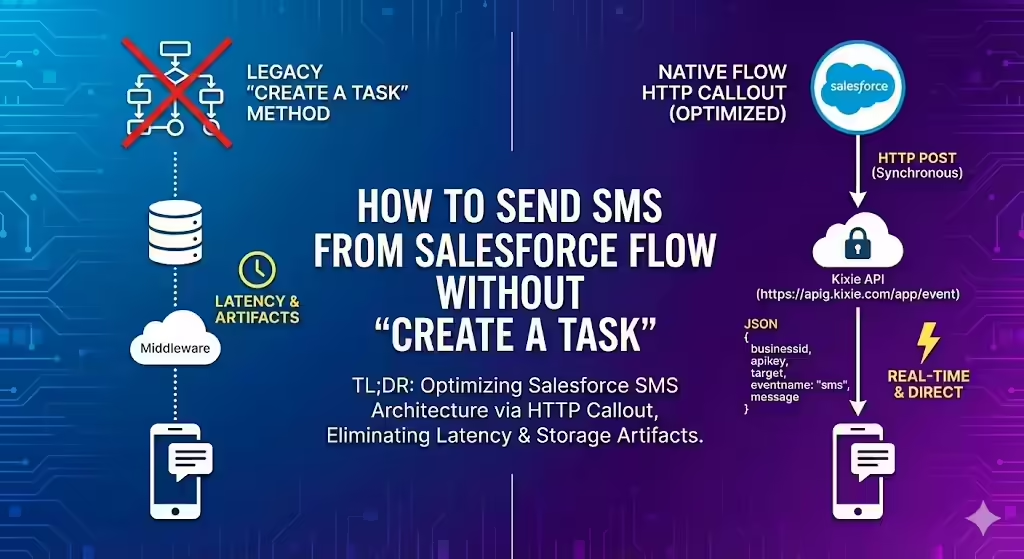
TL;DR: Optimizing Salesforce SMS Architecture via HTTP Callout
This technical guide details the migration from legacy “Create a Task” triggers to native Salesforce Flow HTTP Callouts for sending SMS, which eliminates database latency and storage artifacts. The implementation utilizes a Salesforce Record-Triggered Flow to execute a synchronous POST request to the Kixie API endpoint https://apig.kixie.com/app/event. Security configuration involves a Custom External Credential and Named Credential to inject the businessid and apikey (retrieved from Kixie Manager) directly into the JSON body. The required JSON payload schema consists of businessid, apikey, target (E.164 formatted phone number), eventname (static value “sms”), and message. This architecture bypasses middleware and Apex triggers, utilizing Salesforce External Services for direct, real-time communication.
The Architecture of SMS in Salesforce Flow Without Create a Task
In the high-speed world of modern revenue operations, the “Speed to Lead” metric has become an absolute necessity for survival. For Salesforce Administrators and Revenue Operations professionals, the mechanics of automated communication, specifically sending Short Message Service (SMS) texts, have historically been difficult to manage.
For nearly a decade, the standard procedure for triggering an SMS from Salesforce involved a cumbersome workaround known as the “Create a Task” method. While functional in slower environments, this method has become a liability today because the delay in processing can negatively impact conversion rates.
This guide introduces a modern, robust methodology: using Salesforce Flow’s native HTTP Callout functionality to interface directly with Kixie’s API. By shifting from a record-centric trigger (creating a task) to an API-centric action (posting a JSON payload), organizations can eliminate latency, reduce data storage issues, and separate their communication logic from their CRM’s database artifacts. This approach modernizes the Salesforce communication stack by replacing legacy workarounds with direct API integrations.
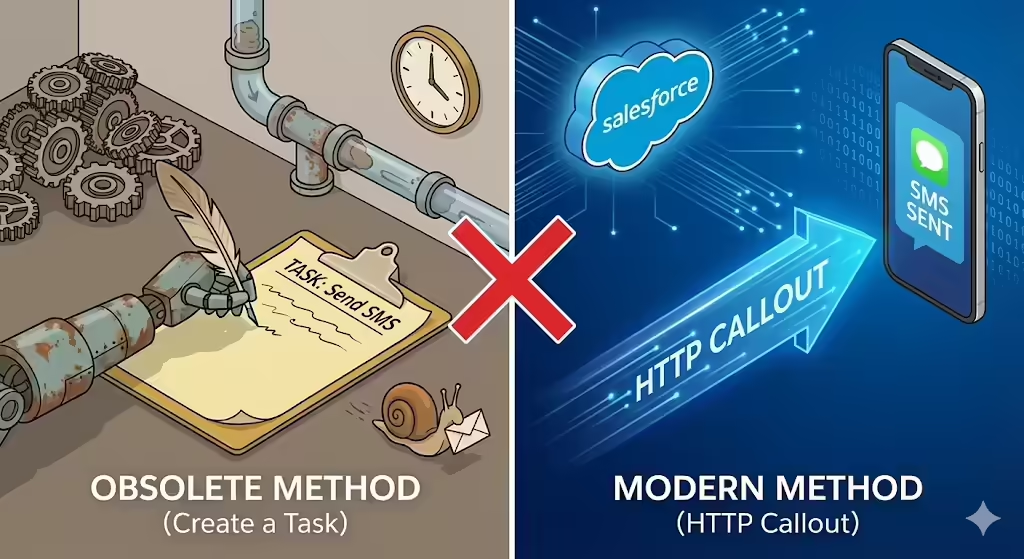
Why Sending SMS via Create a Task in Salesforce is Obsolete
To understand the need for modern integration methods like HTTP Callouts, it is important to examine the limitations of the traditional “Create a Task” solution. For years, integration partners and app developers used the creation of a Salesforce Task record as a proxy for an event.
The logic was simple: older Salesforce automation tools like Workflow Rules and Process Builder could not easily send outbound API calls without custom Apex code. However, they could easily create a record. Therefore, the “Task” became a signal: a dummy record created solely to be detected by a managed package trigger, which would then execute the actual SMS send.
The Latency Problem
The most immediate drawback of the Task method is latency. In a “Speed to Lead” context, where conversion rates can drop by over 391% if a lead is not contacted within the first minute, every second of delay hurts the revenue funnel. The Task method relies on a sequence of events (Flow Trigger, Database Write, Trigger Firing, Context Switching, and finally API Execution) that is inherently slower than a direct API call.
Data Storage Issues
Salesforce storage is finite and expensive. The “Create a Task” workaround generates a permanent record for every single text message sent. If an organization sends 10,000 automated SMS messages a month, they generate 10,000 Task records. Over time, this accumulation leads to storage limit violations and polluted analytics, making it difficult to run reports on genuine human productivity.
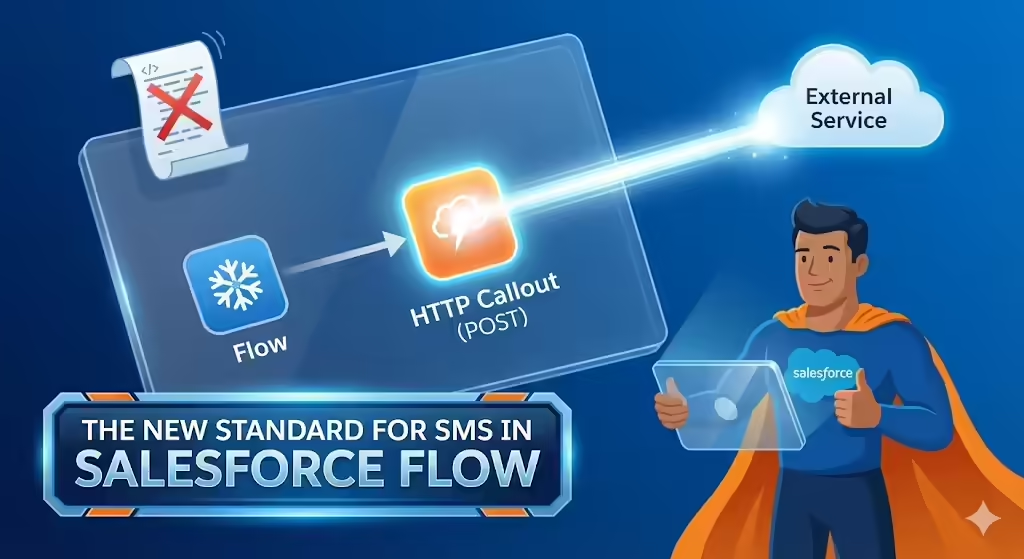
The New Standard for SMS in Salesforce Flow
The Salesforce Winter ’24 release introduced a major improvement for declarative automation: the General Availability of the HTTP Callout feature, specifically the support for POST methods. This development allows Admins to function as Integration Specialists without needing to write or maintain Apex code.
How Flow HTTP Callout Works
The HTTP Callout in Flow abstracts the complexity of RESTful API interactions. When an Admin configures a callout, they provide a sample of the JSON payload (the request) and the expected response. Salesforce then automatically generates an External Service registration and a corresponding Apex Class in the background to define the data structure.
Why Kixie Fits This Model
Kixie’s system is uniquely suited for this modern integration method because it is API-first. Kixie exposes its core telephony and messaging functions via public, RESTful endpoints, specifically the app/event endpoint. This endpoint acts as a flexible tool that accepts a generic event payload to trigger calls, SMS, or queue actions.
Eliminating Middleware
Native HTTP Callout eliminates the need for middleware like Zapier or Mulesoft. It connects Salesforce directly to Kixie, reducing the cost, latency, and complexity associated with “hopping” through a third-party platform.
Understanding the Kixie API for Salesforce Flow SMS
To implement a direct SMS integration from Salesforce Flow, one must understand the destination API. The Kixie API acts as the receiver of the HTTP Callout.
The Endpoint Strategy
The target URL for sending SMS via Kixie is https://apig.kixie.com/app/event. This endpoint acts as a universal receiver for Kixie events. The specific action (sending an SMS) is defined within the JSON body using the parameter "eventname": "sms".
Required Authentication
Integration with Kixie relies on two immutable identifiers found in the Kixie Manager Dashboard under Manage > Account Settings > Integrations:
- Business ID (
businessid): The public identifier for the Kixie tenant that routes activity to the correct company account. - API Key (
apikey): The secret credential that authorizes the action.
The JSON Payload Structure
Salesforce Flow communicates with Kixie using JSON. The standard payload for sending an SMS requires specific fields:
businessid: String (Mandatory)apikey: String (Mandatory)target: String (The destination phone number, preferably in E.164 format)eventname: String (Must be exactly “sms”)message: String (The content of the SMS)
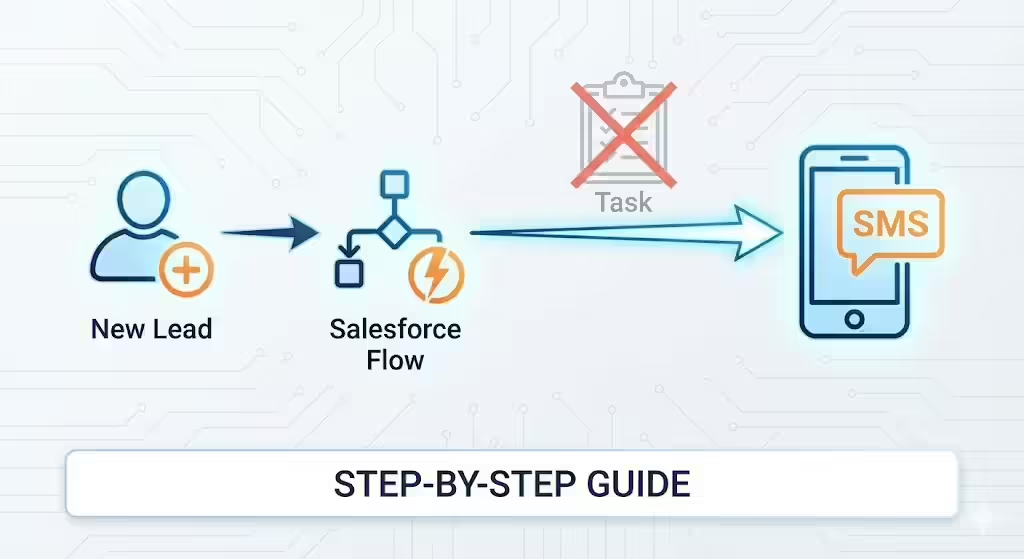
Step-by-Step Guide to Sending SMS from Salesforce Flow
This section details how to build a Salesforce Record-Triggered Flow that sends an SMS to a new Lead using the HTTP Callout method without creating a Task.
Phase 1: Security and Credential Configuration
Before building the Flow, establish a secure connection using Named Credentials.
- Create External Credential: Go to Named Credentials > External Credentials in Setup. Create a new credential labeled
Kixie_API_Authand select “Custom” as the Authentication Protocol. - Create Principal: Inside the External Credential, add a new Principal named
Kixie_Principal. - Permission Set Mapping: Create a Permission Set (e.g.,
Kixie_Integration_User) and map it to theKixie_API_Auth - Kixie_Principalaccess. Assign this set to yourself and any users triggering the Flow. - Create Named Credential: Go to Named Credentials, click New, and label it
Kixie_Endpoint. Set the URL tohttps://apig.kixie.com. Link it to theKixie_API_AuthExternal Credential and check “Allow Formulas in HTTP Header” and “Allow Formulas in HTTP Body”.
Phase 2: Flow Construction
- Initialize Flow: Create a new Record-Triggered Flow on the Lead object, triggering when a record is created.
- Create HTTP Callout: Add an Action element and select “Create HTTP Callout”.
- Configure Service: Name the service
KixieServiceand select theKixie_EndpointNamed Credential. - Configure Action: Label the action “Send SMS”, select the POST method, and set the URL path to
/app/event. - Define Payload: Use the following JSON sample to define the structure:
{
"businessid": "string",
"apikey": "string",
"target": "string",
"eventname": "string",
"message": "string"
}
Phase 3: Mapping Variables
In the Flow Action element, map the inputs:
apikeyandbusinessid: Use variables or Custom Labels containing your Kixie credentials.eventname: Enter “sms”.target: Map to{!$Record.Phone}.message: Enter your desired text content.
Troubleshooting SMS Errors in Salesforce Flow
Transitioning from “Create a Task” to HTTP Callouts requires a shift in debugging capability. Instead of checking if a Task was created, Admins must interpret API response codes.
400 Bad Request
If the Flow fails with error code 400, the JSON payload is likely malformed or missing a required field.
- Fix: Check that the target phone number is not null and that the
apikeyis valid. Ensure Rich Text templates are not injecting HTML tags into the JSON string.
401 Unauthorized
An error code of 401 indicates the API Key or Business ID is incorrect.
- Fix: Verify credentials in the Kixie Dashboard under Manage > Integrations and ensure no extra spaces were pasted into Salesforce.
403 Forbidden
An error code of 403 usually means the Permission Set created for the Named Credential is not assigned to the user running the Flow.
- Fix: Assign the specific integration permission set to the user or the “Automated Process” user.
Handling Failures via Fault Paths
In Flow, you should drag a “Fault” connector from the HTTP Action to a separate path. If the API returns a 400 or 500 error, the Flow follows this path. Here, it is appropriate to create a Task record to log the failure so a human can intervene.
Strategic Implications of Sending SMS Without Create a Task
Adopting HTTP Callouts is more than a technical upgrade; it represents a tangible value add to the business by modernizing the role of the Salesforce Admin.
Decoupling Logic from Artifacts
By moving to API-based interactions in Salesforce Flow, the Admin separates the intent (sending a message) from the mechanism (creating a record). This prevents “technical debt” where database tables (like Tasks) are misused as message queues. It allows the database to remain a system of record for business activities, not system triggers.
Owning the Integration Layer
Historically, integrations were the domain of developers writing Apex code. The HTTP Callout puts the power of integration directly into the hands of the Admin. If a Marketing Director wants to change the text message template or add a new parameter, the Admin can do it in the Flow Builder in minutes, without needing to deploy code or hire a developer.
Speed to Lead as a Competitive Advantage
In high-velocity sales environments, milliseconds matter. By implementing HTTP Callouts, the Admin directly contributes to revenue generation by ensuring that the “Welcome” SMS arrives while the lead is still engaged, rather than minutes later due to database latency associated with “Create a Task”.
Ready to close more deals with Kixie?
See how Kixie's AI-powered tools can transform your sales and support operations.
Start Free Trial