TL;DR: This article details critical gaps in HubSpot’s native functionality, specifically its inability to automatically log mobile calls (especially from the iOS native dialer) and its lack of 1-to-1 conversational sales SMS logging. These gaps force sales reps into manual data entry, creating incomplete and unreliable CRM data. The Kixie integration, a certified HubSpot partner, solves this by providing 100% automatic call logging for all devices (including iOS) and true two-way sales SMS logging. All calls, texts, recordings, and notes are logged as native HubSpot activities. Kixie’s deep, bi-directional sync enables automation by pushing native call outcomes (dispositions) that can be used as triggers in HubSpot Workflows. This allows for automated processes like sending an SMS after a voicemail, changing deal stages, or triggering auto-calls to reps. Additional sales tools include a PowerDialer, Local Presence (ConnectionBoost), and 1-Click Voicemail Drop. A case study from Canopy demonstrates Kixie reduced its speed-to-lead time from 35 to 9 minutes, resulting in a 3% increase in conversions.
The “Single Source of Truth” Myth
You’ve invested heavily in HubSpot. It’s supposed to be your “single source of truth”, the central command center for every marketing touch, sales call, and service ticket. Your entire RevOps strategy relies on the integrity of this data: from sales activity reporting and rep coaching to marketing automation and pipeline forecasting.
So, why is this “single source of truth” full of holes?
Why are your sales managers chasing reps to log their activities? Why are your reports missing half the conversation data? And why is your team spending hours per week on mind-numbing manual data entry instead of actually selling?
If this sounds familiar, it’s not a user error, and your team isn’t lazy. It’s a foundational platform limitation. HubSpot’s native call and SMS logging capabilities have critical gaps that prevent true automation. This article will expose those gaps and detail the actual solution to fix them, permanently.
Hubspot’s Mobile Gap With Call Logging
The first and most significant failure of HubSpot’s native logging is its inability to track mobile calls. In a world of remote and field sales, a rep’s mobile phone is their primary sales tool. Yet, HubSpot is almost completely blind to it, especially for iPhone users.
This isn’t a niche complaint. It’s a massive, long-standing point of frustration for thousands of users. One desperate user on the HubSpot Community forums summed up the pain perfectly :
“Is there ANYONE out there who ACTUALLY has found some sort of workaround for this problem? Has anyone cracked the code yet on some sort of 3rd party integration or custom API workflow that will allow iPhones (or any iOS device) to automatically log calls just like Android phones do?”
HubSpot’s official “workaround” for this problem is completely unrealistic for any high-performing sales team. Reps are told they must initiate every single outbound call from within the HubSpot mobile app. This is a non-starter for two reasons:
- It Ignores All Inbound Calls: This flawed method logs only outbound calls. When a top prospect calls your rep back, that critical inbound call is never logged. The most important conversations in your deal cycle are simply invisible to your CRM.
- It Forces an Unnatural Workflow: Sales reps don’t live inside a CRM app. They return calls from their native dialer, their text messages, or their email. Forcing them to open an app, search for a contact, and then click to call is, as the user above stated, “unrealistic”.
This mobile gap isn’t a minor inconvenience; it’s a strategic vulnerability. It makes true manager visibility a fiction and renders “data-driven” sales coaching impossible because you’re coaching from a dataset that’s missing half the story.
HubSpot’s SMS Isn’t Built for Sales
Another critical data black hole in HubSpot is SMS. Your reps are texting prospects. It’s fast, effective, and often preferred by buyers. But as one user complains, “logging these texts into HubSpot is a nightmare. Reps have to manually add every message”.
This confusion stems from a fundamental mismatch between HubSpot’s product and a sales team’s needs. When sales leaders look for a solution, they find HubSpot’s “Marketing SMS Add-on”. But this tool is not for 1-to-1 sales conversations.
- It’s designed exclusively for one-way marketing automation and bulk messaging.
- It’s built for A2P (Application-to-Person) communication, which requires complex 10DLC registration.
- It is an extra, paid add-on to your subscription.
To be clear: HubSpot does not natively log the 1-to-1, conversational text messages your sales reps send from their mobile phones.
Hubspot’s Broken Integration Problem
To fix HubSpot’s native logging gaps for calls and SMS, many teams turn to third-party integrations. But as many HubSpot users have found, this isn’t a guaranteed fix. The HubSpot ecosystem is littered with “integrations” that are unreliable or fail silently.
Community posts show users frustrated with their Zoom or Bicom integrations that simply stop logging calls without warning. One user with a Zoom Phone integration reported it worked for eight months and then suddenly “none of the calls she makes or receives are being automatically logged in Hubspot… the calls are not showing up in Hubspot at all”. This forced the team to waste time manually logging calls from Zoom’s call log just to get by, the very problem they paid to solve.
How Kixie Actually Automates HubSpot Logging
Kixie is a sales engagement platform and dialer built specifically to patch the critical mobile call and 1-to-1 SMS logging gaps in HubSpot. It’s not just another “dialer”; it’s an automation layer that sits on top of your CRM to make it work the way it was supposed to.
It’s a certified, premier HubSpot partner integration that can be set up in minutes. Here’s how it actually solves your logging problems.
True, Automatic Call Logging (For All Devices)
In direct contrast to HubSpot’s mobile gap, Kixie automatically logs every single call (inbound, outbound, desktop, or mobile (including iOS)) as a native HubSpot call activity.
When you connect Kixie to HubSpot, this is what gets logged, 100% automatically, with no rep intervention required:
-
The Call Activity: The call itself is logged on the contact’s timeline as a “Call.”
-
Call Recordings: Every call is recorded, and a link to the recording is posted in the call activity. Kixie provides unlimited free cloud storage for all recordings for the life of your account.
- Call Outcomes & Dispositions: Reps can log a call outcome (e.g., “Connected,” “Left voicemail,” “Wrong number”) with a single click in the Kixie dialer. These are logged as native HubSpot call outcome types. This is critical for reporting and automation.
-
Notes: Any notes the rep types during the call are automatically synced to the call activity.
“Kixie helps us eliminate the wasted time and inefficiency of manual dialing… The integration with our CRM means calls and texts are logged automatically, so nothing slips through the cracks… freeing us up to focus on selling instead of data entry.”
– Verified G2 Reviewer
Two-Way Sales SMS That Actually Logs
Kixie solves HubSpot’s sales vs. marketing SMS gap by providing a true 1-to-1, conversational texting solution built for sales reps.
Kixie logs all inbound and outbound SMS messages as native HubSpot SMS activities. When your rep uses the Kixie dialer (PowerCall) or the Kixie mobile app to text a prospect, they can have a full, two-way conversation. That entire thread is synced in real-time to the HubSpot contact’s timeline.
Kixie also provides the advanced SMS features that sales teams need, which HubSpot lacks:
- Team SMS: A collaborative, shared SMS inbox. This is perfect for sales pods or support teams, allowing any available rep to see and respond to incoming texts.
- SMS Templates: Reps can create and use customizable templates with dynamic CRM fields (like {contact.firstname}) to send personalized texts at scale, in seconds.
Turning HubSpot into an Automated Revenue Engine
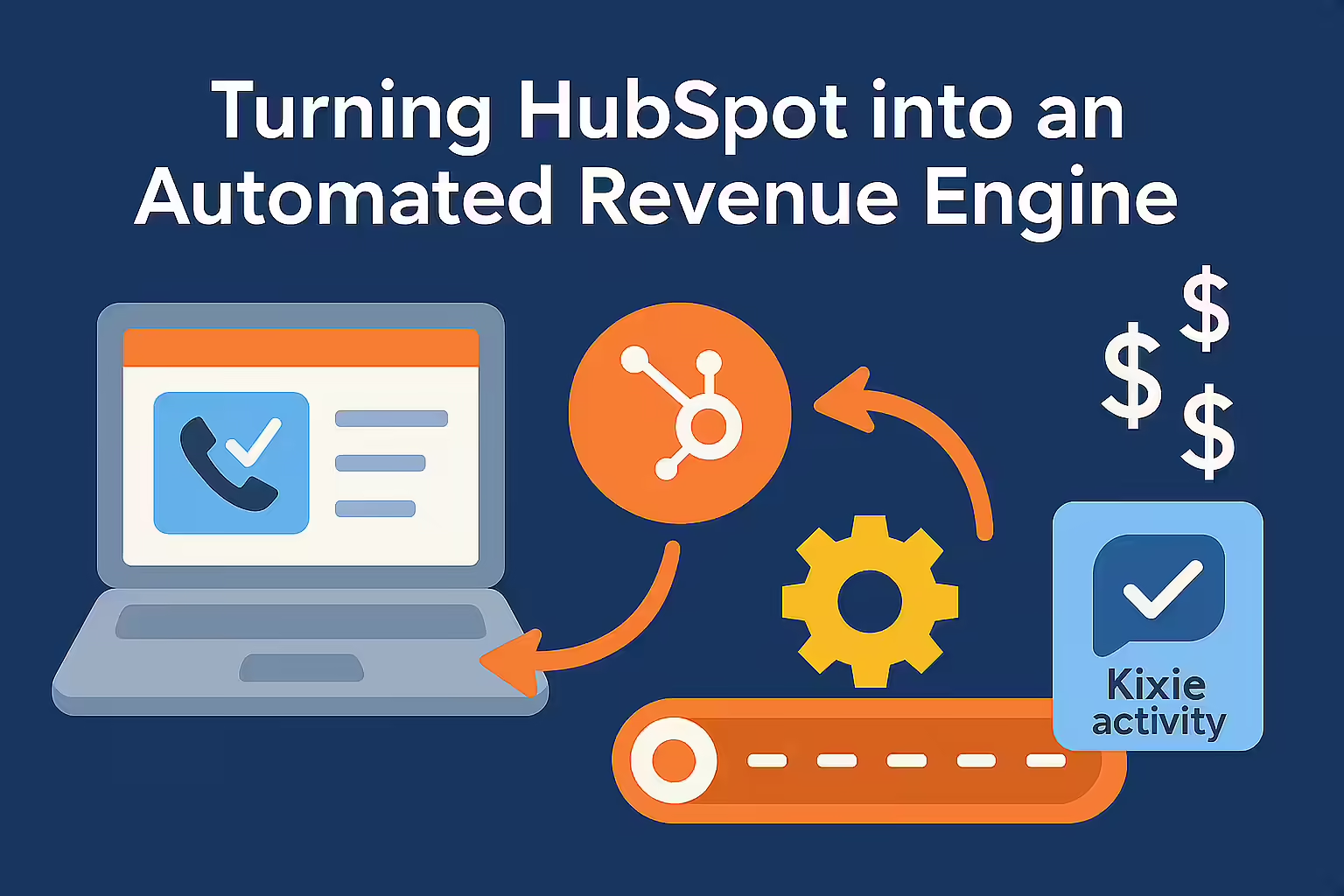
Here is the most important concept to understand: While Kixie provides complete, automatic call and SMS logging for HubSpot, that’s just the foundation. True automation is what you do with that data.
Manually logged activities are dead data. They’re fossils in your CRM, useful only for looking backward. An automatically logged Kixie activity is a live trigger.
The Power of Deep Bi-Directional Sync & Workflow Triggers
Kixie’s integration with HubSpot is a true, deep bi-directional sync. This isn’t just a buzzword; it describes a specific, two-way data flow that enables automation:
- HubSpot -> Kixie: The Kixie PowerCall dialer instantly reads HubSpot data. When a call comes in, the dialer pops with the contact’s name, deal stage, and company info. Your rep has full context before they even say “hello.”
- Kixie -> HubSpot: Kixie instantly pushes all activities back to HubSpot in real-time. This includes calls, texts, recordings, and, most importantly, the call outcomes that reps select.
This second point is the automation tipping point. Because Kixie logs native HubSpot call outcomes, those outcomes can be used as triggers for HubSpot Workflows.
This moves your team beyond simple logging and into true, event-driven sales automation.
Here are a few concrete examples of what this makes possible:
-
Example 1: The Automated Voicemail Follow-Up
- Action: Your rep calls a prospect and gets voicemail. They click Kixie’s 1-Click Voicemail Drop button and select the “Left voicemail” disposition.
- Automation: This instantly triggers a HubSpot workflow. That workflow (1) sends an automated Kixie Auto-SMS (“Hey {contact.firstname}, just left you a voicemail. Give me a call back at this number when you’re free.“) and (2) enrolls that contact into a 5-day email follow-up sequence.
-
Example 2: Automated Deal Stage & Task Management
- Action: Your rep finishes a successful demo and logs the call outcome “Demo Completed”.
- Automation: This outcome triggers a HubSpot workflow that (1) automatically moves the associated deal stage to “Demo Held,” (2) creates a follow-up task for the Account Executive assigned for 3 days from now, and (3) sends a Slack notification to the sales manager celebrating the win.

The Sales Tools HubSpot Forgot
Because Kixie is built for sales teams, it adds a suite of sales-first tools to HubSpot that are designed to multiply talk time and pipeline, not just log data.
- Kixie PowerDialer: A true power dialer that lets your reps call directly from HubSpot lists. This multiplies rep talk time by 3-4x.
- ConnectionBoost (Local Presence): Kixie’s AI-powered local presence dialing automatically shows a local number to prospects. This feature alone triples pickup rates.
- Voicemail Drop: The 1-click voicemail feature that reps use in the automation example above. This saves reps hours per day.
- Conversation Intelligence: Kixie has a native integration with HubSpot’s own Conversation Intelligence (CI) feature. This means every call Kixie logs is automatically transcribed and analyzed inside HubSpot.
A Note on the “Bi-Directional Sync” Market
You will see other dialers in the HubSpot marketplace, like Aircall and JustCall, also claim “bi-directional sync”. The term has become a commodity. The difference is not if they sync, but what and how they sync.
Syncing contact fields is easy. But Kixie’s bi-directional sync is built for automation. The entire integration is designed around making sales outcomes into actionable, native workflow triggers.
The Proof: How Kixie’s Automation Drives Real-World Results
The benefits of Kixie’s HubSpot automation—from automatic logging to workflow triggers—are not just theoretical. They translate directly into measurable revenue outcomes for sales teams.
Case Study Spotlight: How Canopy Cut “Speed to Lead” from 35 to 9 Minutes
The tax software company Canopy is a perfect example of turning HubSpot automation into measurable results.
- The Problem: Canopy’s sales development (SDR) team was using HubSpot, but they were slow to respond to new marketing qualified leads (MQLs). Their average “time to first call” was a painful 35 minutes.
- The Solution: They integrated Kixie with HubSpot. Their team began using Kixie’s click-to-call from HubSpot contact lists, letting Kixie’s auto-logging handle the data entry. They also used ConnectionBoost (Local Presence) to increase answer rates.
-
The Measurable Result:
- Their average time-to-first-call dropped from 35 minutes to just 9 minutes.
- This increase in speed led directly to a 3% average increase in their overall conversion rates.
- With logging automated, reps could focus on outreach, making 150+ dials per day.
What Sales Teams on G2 Say
Verified G2 reviews from 2025 consistently praise Kixie’s ability to eliminate manual work and save time.
“With Kixie, every call and text is automatically tracked… The biggest benefit is efficiency and visibility… coordinators spend less time on admin tasks and more time talking to prospects…”
– Eric P., GM
“The integration is seamless… all calls and texts are logged with plenty of detail… Super helpful for keeping track of sales activity and monitoring acquisitions.”
– Aledx M., Acquisition Manager
Comparison at a Glance: HubSpot Native vs. Kixie
This table summarizes the entire argument. It visualizes the critical gaps in HubSpot’s native functionality and shows exactly how Kixie fills them.
| Feature | HubSpot Native (Sales & Service Hub) | Kixie + HubSpot Integration |
|---|---|---|
| Automatic Mobile Call Logging |
No (Fails on iOS native dialer) |
Yes (Logs all calls, all devices) |
| Automatic 1:1 SMS Logging |
No (Marketing add-on only) |
Yes (Logs all 2-way sales texts) |
| Bi-Directional Sync |
N/A |
Yes (Deep, for automation) |
| Workflow Triggers |
Limited |
Yes (From call outcomes, SMS, etc.) |
| Voicemail Drop |
No |
Yes (1-click VMD) |
| Power Dialer |
Limited (High-tier only) |
Yes (Advanced PowerDialer) |
| Local Presence Dialing |
No |
Yes (ConnectionBoost) |
| Team SMS Inbox |
No |
Yes (Shared inboxes) |
Stop Logging, Start Selling
Manual logging isn’t just an annoyance; it’s a tax on your sales team that actively costs you revenue. It’s a tax on your reps’ time, a tax on your managers’ visibility, and a tax on your data’s integrity. It creates bad data, slows down your reps, and breaks your automation.
HubSpot is a powerful platform, but it was not built to be an automated, multi-channel sales engagement tool. It has critical, foundational gaps in call and SMS logging, especially for mobile-first teams.
Kixie is the solution that actually and fully automates both call and SMS logging for HubSpot, creating a perfect, complete data timeline for every prospect.
But Kixie is not just a logging tool. It’s an automation platform that turns HubSpot into the revenue engine it was always supposed to be. It lets your team stop logging and start selling.
See it to believe it.
Ready to close more deals with Kixie?
See how Kixie's AI-powered tools can transform your sales and support operations.
Start Free Trial