

 HubSpot
 Salesforce
 Zoho
Zoho
 HighLevel
 Pipedrive
 ActiveCampaign
 Slack
Slack
 Zapier
Quick Summary
If your HubSpot calls are going straight to voicemail, here’s the fix. Your number is likely flagged as spam, so register it with carriers, use Local Presence to show a local number (which can boost pickups by 400%), and rotate your numbers so you don't get burned. Your contact data is probably stale; start by merging duplicates and purging hard bounces and unsubscribes from your HubSpot lists. You're also likely calling at the wrong time—focus your calls mid-week (Tues-Thurs) and test the two best windows: late morning (10 AM-12 PM) and late afternoon (4-5 PM). Finally, HubSpot’s native dialer is holding you back. Integrating a power dialer like Kixie automates the manual work and gives you the tools you actually need to have more live conversations.
Table of Contents
- Step 1 for Fixing Low Answer Rates in HubSpot: Play Detective in Your Portal
- Step 2 for Fixing Low Answer Rates in HubSpot: Stop Getting Sent to Spam
- Step 3 for Fixing Low Answer Rates in HubSpot: Clean Up Your Data
- Step 4 for Fixing Low Answer Rates in HubSpot: Build a Real Calling Strategy
- Step 5 for Fixing Low Answer Rates in HubSpot: Get the Right Tech
You know the feeling.
You’re staring at your HubSpot dashboard, another call just went to voicemail, and you can feel the frustration building. You’ve got a solid list of leads, a script that should work, and a quota that isn’t getting any smaller. But call after call… nothing. Just the dial tone.
It’s more than just a bad metric. It’s a pipeline killer. Every unanswered call is wasted money, wasted time, and another missed shot at a real conversation. And if you’re the one making those calls, it’s just plain demoralizing.
So, what gives?
Honestly, it’s probably not you. The game has changed. Between carrier algorithms flagging numbers and prospects ignoring anything that isn’t a local area code, just getting someone to pick up is half the battle. HubSpot is a fantastic CRM, but its built-in calling tools can leave you fighting a modern problem with old-school weapons.
Let’s fix it. No fluff, no buzzwords. Just a real, step-by-step plan to figure out what’s broken and how to make your phone ring again.
Step 1 for Fixing Low Answer Rates in HubSpot: Play Detective in Your Portal

Before we can fix anything, we have to know what’s actually wrong. Guesswork won’t cut it. We need to dig into the data, even if HubSpot’s reporting feels a bit limited sometimes.
First things first, let’s get a baseline. What’s your real answer rate? You can build a custom report in HubSpot to see how many calls get marked as "Connected" versus "No Answer" or "Busy."
But don’t stop there. A single number doesn’t tell the whole story. We need to break it down.
-
Look at it by rep: Is one person on the team having a particularly rough time? Maybe they need a little extra coaching, or maybe they’re stuck with a bad list.
-
Look at it by lead source: Is that new list you bought a total dud? Seeing a terrible answer rate from one source is a huge red flag.
-
Look at it by campaign: Is a specific outreach effort falling flat? Maybe the messaging isn’t landing, or the timing is off.
And while you’re in there, look beyond just the answer rate. Check out the average call duration. If you’re seeing a ton of super-short calls, it could mean your reps are hitting bad numbers and hanging up fast, or they’re getting shot down the second someone says hello. A low answer rate combined with a low conversion rate for the calls that do connect? That’s a sign of a deeper problem—maybe bad data, a weak script, or just plain burnout.
This isn’t about creating fancy charts. It’s about finding clues. We’re turning that vague feeling of “this isn’t working” into a specific problem like, “Okay, our answer rate tanks in the afternoon for leads from Vendor X.” Now that’s something we can actually solve.
Step 2 for Fixing Low Answer Rates in HubSpot: Stop Getting Sent to Spam

Here’s the hard truth: today, the biggest thing standing between you and a prospect is their phone’s carrier. If your number shows up on their screen as "Spam Likely," it’s game over before it even starts. Getting your caller ID reputation right is non-negotiable.
So what’s with the "Spam Likely" flag?
It’s the carriers—Verizon, AT&T, T-Mobile—using algorithms to protect people from robocalls. The problem is, their systems are on high alert, and sometimes, legitimate sales teams get caught in the net. The things that trigger these flags are exactly what a stressed-out sales team might do:
-
Making a ton of calls from the same number in a short time.
-
Getting very few pickups (which tells the carrier the calls are unwanted).
-
Getting blocked or reported by prospects who are tired of being called.
Sound familiar? Here’s how to fight back and build a good reputation.
1. Register Your Numbers.
This is the most important thing you can do. Spammers hide. You’re a real business. Act like it. Use a service like the Free Caller Registry to tell the carriers who you are. It’s like getting a verified blue check for your phone numbers.
2. Make Sure Your Tech is STIR/SHAKEN Compliant.
You don’t need to be a tech genius to understand this. STIR/SHAKEN is the tech that proves your caller ID is real and not being faked. Just make sure your calling provider is using it. It’s foundational.
3. Don’t Be Aggressive.
That "double-tap" move where you call back immediately? It might work sometimes, but it also looks exactly like what a spammer would do. Space your calls out. Mix in an email or a LinkedIn touch. Give your prospects (and the carriers) a little breathing room.
4. Rotate Your Numbers.
Using the same phone number for hundreds of calls a day is the fastest way to get it flagged. The smart move is to use a pool of numbers and rotate them automatically. This spreads the volume out so no single number gets burned.
Local Presence Dialing
This is the tech that shows a local number on the prospect’s caller ID, no matter where you’re actually calling from. It’s simple psychology. People trust a local number. They’re curious. And the data is pretty wild—prospects can be up to 400% more likely to answer a call from a local number. This is where a tool like Kixie’s ConnectionBoost is a lifesaver, because it does all this for you automatically.
The irony is, the old way of thinking—just dial more, dial faster—is exactly what gets you flagged as spam now. You have to dial smarter.
Step 3 for Fixing Low Answer Rates in HubSpot: Clean Up Your Data

You can’t have a good answer rate with bad data. It’s that simple. Every wrong number you dial, every contact who left their job six months ago—it’s not just a waste of your time. It’s actively hurting your caller ID reputation and burning your budget.
The numbers are kind of shocking. Sales reps waste over a full day every week just dealing with bad data. And that data is always going bad. People change jobs, get new numbers, and companies go under. The list you bought last year? It’s decaying at a rate of about 2% every single month.
So, it’s time for a little spring cleaning in your HubSpot CRM.
- Step 3.1: Merge the Duplicates. Nothing’s more embarrassing than having three different reps call the same person because their contact info is a mess. Use HubSpot’s duplicate management tool and merge those records.
- Step 3.2: Ditch the Hard Bounces and Unsubscribes. If you can’t email them and they don’t want to hear from you, why are they still on your call list? Create an active list in HubSpot for these contacts and, on a regular basis, just delete them. Be ruthless.
- Step 3.3: Put the Unengaged on Ice. Got a bunch of contacts who haven’t opened an email or visited your site in a year? They’re probably not going to buy. Create a list for them, maybe try one last re-engagement campaign, and then suppress them from your active calling lists.
- Step 3.4: Actually Check the Phone Numbers. This is the big one. Manually verifying every number is impossible. But you have to have a process to make sure the numbers are good. Data enrichment tools can help, and some providers even offer phone-verified mobile numbers that can be up to 87% accurate.
Here’s why this is so critical:
Bad data creates a vicious cycle. You call a bunch of bad numbers, which leads to a ton of short, failed calls. The carrier algorithms see this, flag your number as spam, and then when you finally do call a perfect, high-quality lead, they see "Spam Likely" and ignore you.
Cleaning your data isn’t just admin work. It’s protecting your ability to reach the people who actually want to talk to you.
Step 4 for Fixing Low Answer Rates in HubSpot: Build a Real Calling Strategy

Okay, your caller ID is clean and your data is solid. Now, let’s talk about when you call. Just dialing all day long is a recipe for burnout. A smart, data-backed plan will get you more conversations with less effort.
Finding Your "Golden Hours"
You’ve probably seen a dozen blog posts about the "best time to call." The truth is, it depends on who you’re calling. But there are some patterns that give us a great place to start.
-
Mid-Week is Your Best Bet: Most studies agree that Tuesday, Wednesday, and Thursday are the sweet spot. Mondays are for catching up, and on Fridays, everyone’s already thinking about the weekend.
-
The Late Morning Window (10 AM - 12 PM): This is a prime time. People have cleared their morning emails but haven’t checked out for lunch yet. They’re in a productive groove.
-
The Late Afternoon Window (4 PM - 5 PM): This is the other hot spot. Decision-makers are often done with their meetings for the day and might actually have a minute to talk.
The best move? A/B test it. Have half your team focus on the morning window and the other half on the afternoon. Track your answer rates in HubSpot and see what works for your audience. Don’t just trust a generic stat; find your own golden hours.
| Day of the Week | Time Window (Local) | Why It Works (Probably) |
|---|---|---|
| Tuesday/Wed/Thurs | All Day | The work week is in full swing. People are focused and in problem-solving mode. |
| N/A | 10:00 AM - 12:00 PM | The morning chaos is over, but the lunch lull hasn't hit. Peak focus time. |
| N/A | 4:00 PM - 5:00 PM | Calendars start to clear up. They might be wrapping up their day and more open to a quick chat. |
| Mondays, Fridays, Lunch | Varies | Generally a bad idea. Too much planning, too much winding down, or they're just trying to eat a sandwich in peace. |
Persistence, but Make It Smart
You know you can’t give up after one or two tries. Most connections happen after at least six attempts. But that doesn’t mean calling someone six times in one day.
A call is so much more powerful when it’s not completely out of the blue. Warm them up first. Send a relevant email. Connect on LinkedIn. When they see your name on the caller ID, it’s not a cold call anymore. It’s a follow-up. And that makes all the difference.
Step 5 for Fixing Low Answer Rates in HubSpot: Get the Right Tech
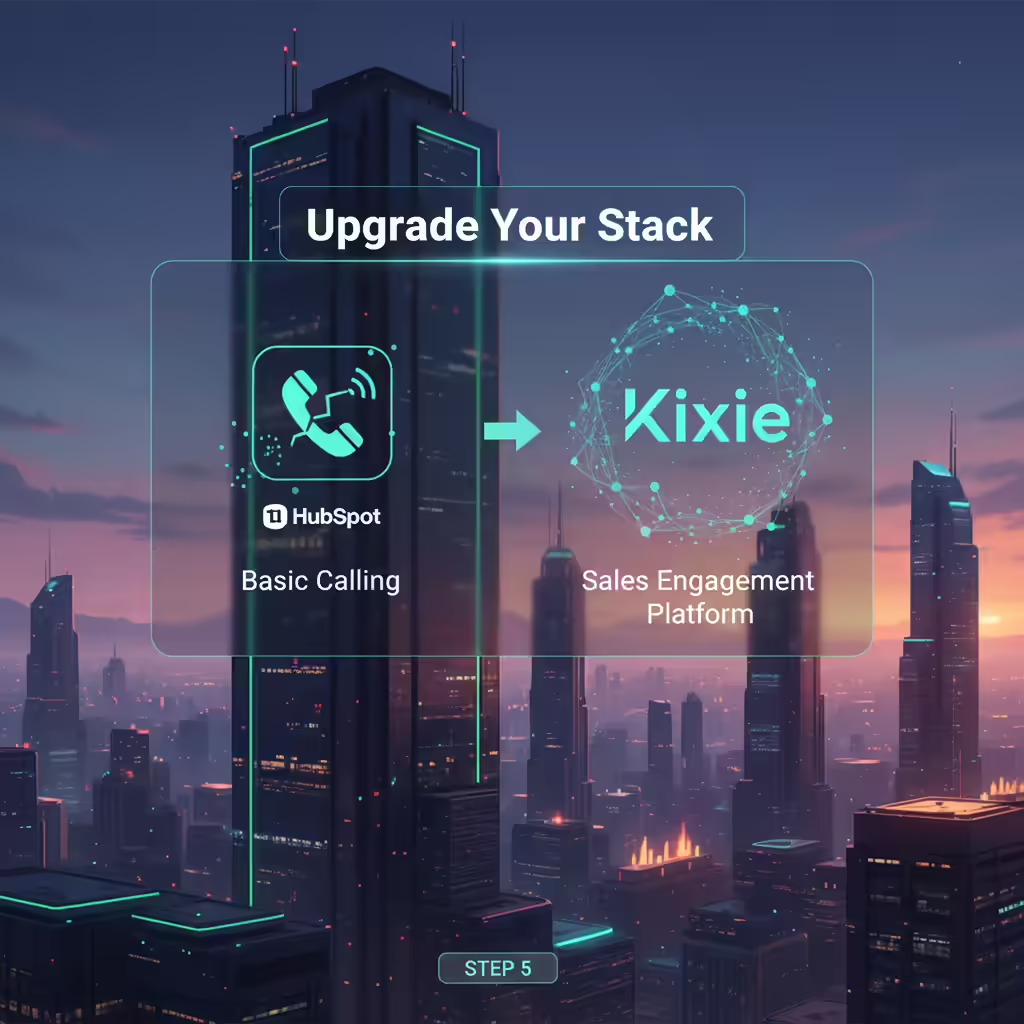
You can have the best strategy in the world, but if your tools can’t keep up, you’re still going to be stuck. And let’s be real: while HubSpot's native calling features provide a convenient starting point, high-performing sales organizations quickly find out that they must graduate to a dedicated, deeply integrated sales engagement platform like Kixie to achieve their goals.
The Trouble with Native HubSpot Calling
As you grow, you’ll start to feel the pain points:
-
You Run Out of Minutes: HubSpot plans have hard caps on calling minutes. For a team that’s serious about outbound, those limits disappear fast.
-
There’s No Power Dialer: It’s all manual, click-to-call. One. Number. At. A. Time. The amount of time your reps waste listening to dial tones and voicemails is staggering.
-
The Pro Tools are Missing: Things that should be standard—like one-click voicemail drop or automated local presence—just aren’t there.
-
Your Hands are Tied on Reputation: Because the calls run through a third-party service (Twilio), you have very little direct control if your numbers get flagged.
How Kixie Gives HubSpot a Boost
This is where a dedicated sales engagement platform like Kixie comes in. It’s built to solve these exact problems and plugs right into HubSpot, turning it into a proper outbound machine.
-
✓
It Actually Integrates:
Kixie’s integration is deep. Every call, text, outcome, and recording logs automatically and natively in the HubSpot timeline. No more manual data entry. Your CRM stays the single source of truth.
-
✓
The Multi-Line Power Dialer:
This is the real productivity engine. A rep can dial up to 10 numbers at once. Kixie filters out all the busy signals and voicemails and only connects your rep when a real person answers. This can lead to over 300% more live conversations. It’s a total game-changer.
-
✓
It Solves the Spam Problem:
Kixie is built for this. ConnectionBoost handles the local presence dialing automatically, and the platform helps you manage and rotate your numbers to keep them clean.
-
✓
You Can Automate Your Workflows:
Kixie plugs into HubSpot Workflows. You can set up triggers to automatically start a call or send a text based on a lead’s behavior. It’s flawless follow-up without lifting a finger.
-
✓
You Get Real Conversation Insights:
Because of the native integration with HubSpot’s Conversation Intelligence (CI), every call is transcribed and analyzed. You can see what’s working in your scripts and what’s not, which is huge for coaching.
| Feature | HubSpot Native Calling | Kixie + HubSpot |
|---|---|---|
| Dialing Mode | Manual Click-to-Call | Multi-Line Power Dialer (up to 10 lines) |
| Local Presence | Nope | Automated Local Presence (ConnectionBoost) |
| Voicemail Drop | You're leaving them one by one | 1-Click Voicemail Drop |
| Calling Limits | Capped monthly minutes | Plans with unlimited calling |
| Workflow Automation | Basic logging triggers | Trigger calls & SMS from HubSpot Workflows |
| Call Logging | Basic auto-logging | Fully automated, native logging of everything |
| Caller ID Reputation | Limited control | Proactive tools to keep your numbers clean |
Getting a tool like Kixie isn’t just about making reps faster. It’s about making them more effective. The data in HubSpot gets better, the coaching gets smarter, and your whole sales process becomes more predictable. You stop guessing and start growing.
Your Plan for Tomorrow
Low answer rates are a soul-crushing problem, but they are solvable. It just takes a smart approach that layers strategy, process, and the right technology.
Here’s your action plan:
-
1.
Audit Your Data:
Get in HubSpot and find out where the real problem is.
-
2.
Manage Your Reputation:
Start registering your numbers and using local presence. Stop looking like a spammer.
-
3.
Clean Your Database:
Get rid of the bad data that’s poisoning your reputation.
-
4.
Optimize Your Timing:
Start with the "golden hours" and test to find what works for you.
-
5.
Get the Right Tech:
Stop trying to build a house with only a hammer. Enhance HubSpot with a real power dialer like Kixie.
Stop letting unanswered calls run your day. You have a path to fix this. It’s time to get back to what you do best: having real conversations and closing deals.